vn-harness



Plugin pack for DeepSeek Harness.
Everything ships as standard dsh bundles. The plugins are
plain JavaScript, and the launchers run on Windows, macOS and Linux — the
Windows half is PowerShell, the macOS/Linux half is plain POSIX shell.
Plugins (all alpha)
Each package's own README is the reference for what it does, why it is built that
way and what it touches; the table below is the map.
The pack used to ship its own Files panel (dsh-files, earlier dsh-focus)
with a private dock and header capsules; that was retired when the harness
grew a real right Sidebar. Now the pack goes one step further and owns the
bar itself by forking it — see packages/dsh-rightbar/README.md and the
scripts/sync-vendored.ps1 re-sync path. The same fork-and-disable scheme
owns the file-manager half of Open In… (dsh-open-in-app).
The pack's master is a bundle of its own, dsh-vn-master, and it is
deliberately blank: the bundle layer plus one no-op row, with no browser half,
no service and no inject edge. So the right bar keeps only bar
responsibilities, and the master — installed last — is where pack-wide patches
go.
Quick start
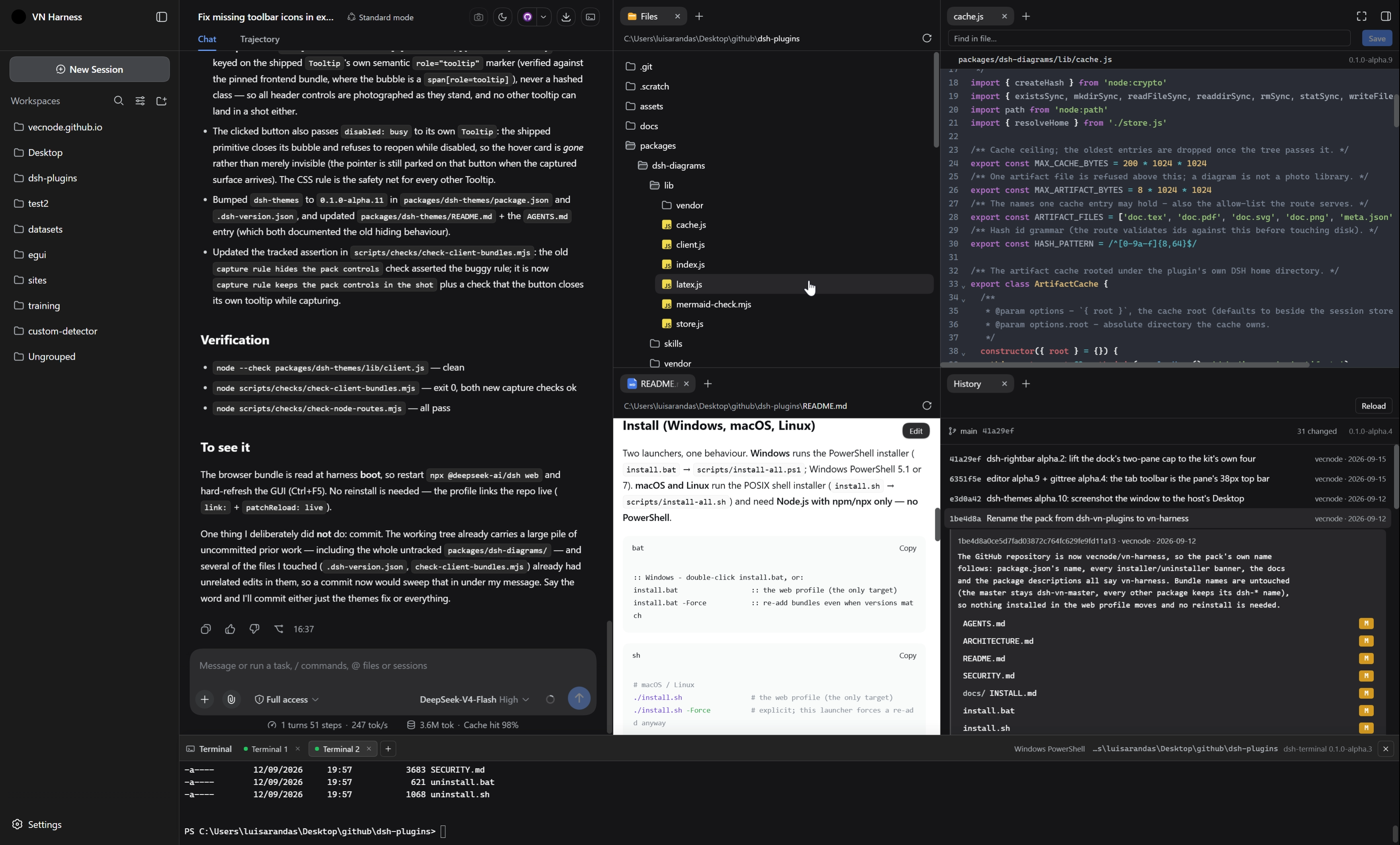
Three commands take you from a fresh clone to a running app. Everything else in
this repository is documentation.
What you need: Node.js 22 or newer, with npm/npx. That is the whole
requirement. Chrome is optional — the launcher falls back to your default
browser. Two features have optional extras: the History tab needs git on
PATH, and TikZ diagrams need a TeX engine (pdflatex, xelatex or
lualatex). Without them, the rest of the pack works unchanged.
Windows uses the .bat files, macOS/Linux the .sh ones — and the Unix
side never needs PowerShell.
| Step |
Windows |
macOS / Linux |
What it does |
| 1. Install |
install.bat |
./install.sh |
adds every bundle under packages/ to the web profile (~/.dsh/profiles/web) and copies the bundled skills into ~/.dsh/skills |
| 2. Run |
run.ps1 |
./run.sh |
starts npx @deepseek-ai/dsh@<pin> web and opens the URL it prints — token included — in Chrome, falling back to the default browser |
| 3. Remove |
uninstall.bat |
./uninstall.sh |
removes the bundles, their patch layers and the skills the installer copied |
:: Windows - install/uninstall are double-click friendly; run is one PowerShell file
install.bat                  :: installs into the web profile (the only target)
powershell -NoProfile -ExecutionPolicy Bypass -File run.ps1
                             :: starts the harness and opens it in Chrome
uninstall.bat                :: removes the pack
# macOS / Linux - from the repo root
./install.sh                 # the web profile (the only target)
./run.sh                     # start the harness and open it in Chrome
./uninstall.sh               # remove the pack
The run launcher keeps the harness in the foreground of that terminal, so the
app's own output — including the dsh web: http://127.0.0.1:3080/?token=…
line — stays visible and Ctrl+C stops it. Flags pass straight through:
-Port 3099 when port 3080 is already taken,-DefaultBrowser to skip Chrome,-NoBrowser to start the server without opening a browser at all.
The URL is opened only when it names a loopback address, and the launch token is
never written to a file — both rules are explained in SECURITY.md.
Install flags: -Force re-adds bundles even when the versions match.
-Plugin / -DshHome / -ProfileName / -DshVersion / -Target web|cli
behave as documented in docs/INSTALL.md, which also has the
no-script path:
:: Windows (direct)
powershell -NoProfile -ExecutionPolicy Bypass -File scripts/install-all.ps1 -Force
# macOS / Linux (direct)
sh scripts/install-all.sh -Force
Both installer halves do the same work, and re-running them is safe:
- pin the dsh version from
.dsh-version.json and run everything through
npx @deepseek-ai/dsh@<pinned>,
- reuse a system pnpm when it is new enough for the profile, else bootstrap a
private copy under
./tools (no admin rights, nothing global),
- resolve the web profile (
$DSH_HOME/profiles/web, $DSH_HOME = env var or
~/.dsh),
- prune retired bundle names (
dsh-focus, dsh-files — the pack's own
Files panel, now shipped by the harness itself) so an upgrade cannot
double-mount,
- run
dsh plugin --profile web add <bundle> for every package under
packages/ (bundles already at the repo version are skipped unless -Force),
- copy the skills a bundle ships (
packages/<bundle>/skills/<name>/SKILL.md)
into $DSH_HOME/skills, where the harness' own filesystem skill provider
reads them. Every folder the installer creates carries a marker file, so a
person's own skill of the same name is never overwritten and uninstall only
removes what it wrote,
- print next steps. Neither half touches API keys — add yours in
Settings → Models.
To remove the pack, run uninstall.bat (Windows) or ./uninstall.sh
(macOS/Linux); both take the same -Plugin / -DshHome / -ProfileName
switches. Removing a bundle also removes its patch layer.
Notes
- Alpha software, on purpose. Every package ships as
-alpha.N, and the
pack is built and tested against the one harness line pinned in
.dsh-version.json (0.1.5-rc.1) — never against latest. dsh-rightbar,
dsh-rightbar-files and dsh-open-in-app are forks of that line's client
bundles, so a pin bump is a deliberate step: bump the pin, run
scripts/sync-vendored.ps1 to move the forks forward, then re-verify (see
packages/dsh-rightbar/README.md). dsh-open-in-app is the one fork that is
not byte-for-byte — its documented patches live in sync-vendored.ps1.
sync-vendored.ps1 is maintainer tooling, and the one script in this repo
that wants PowerShell 7 (pwsh) on macOS/Linux; the installers never do.
- Plain JavaScript, no build step. The UI halves are hand-written
module-table bundles, so the edit → restart loop stays instant. A few files
are generated and never hand-edited: the three forked bundles
(
dsh-rightbar/lib/client.js, dsh-rightbar-files/lib/client.js,
dsh-open-in-app/lib/client.js) and the engines the pack vendors and serves
itself — dsh-editor's CodeMirror 6, dsh-diagrams' Mermaid (rebuilt
by packages/dsh-diagrams/vendor/build.mjs) and dsh-terminal's xterm.js
with its stylesheet.
- Making a change visible. After editing a
client.js, restart
npx @deepseek-ai/dsh web and hard-refresh the browser (Ctrl+F5). The web
profile installs every bundle as a live link into this repo, so the edit is
already "installed" — but the bundle is read once, at app boot. A plain
install.bat / ./install.sh re-syncs every bundle whose version in this repo
changed (bump package.json + .dsh-version.json first); -Force re-adds
regardless, which is what a changed package set needs. There is no hot
reload unless a pnpm run dev:web watcher from the harness repo is running.
- Running it.
run.ps1 / ./run.sh start the pinned dsh web with
--no-open, read the dsh web: http://127.0.0.1:<port>/?token=<token> line
the app prints once it is listening, and open that URL in Chrome (the
default browser is the fallback). A URL that does not name a loopback address
is refused instead of opened, and the launch token — a live credential for the
running process — is only ever held in memory: never written to a file, never
passed through a shell. SECURITY.md describes the whole access
model and how to lock the app down.
- Where to read more.
docs/INSTALL.md has the manual
install path and troubleshooting, docs/COMPATIBILITY.md
the supported harness line, and each package's own README the details of that
plugin.
Security & license
- MIT — see LICENSE. Plugins are authored by vecnode.
- Security policy (supported line, private reporting, hardening expectations):
SECURITY.md. This pack never touches API keys and never patches
DeepSeek core files: it adds its own rows and (for the right bar) disables the
shipped rows, then supplies its own copied bundles.
Repository layout
AGENTS.md              quick-start brief for coding agents working in this repo
ARCHITECTURE.md        deep dive: plugin model, the right bar fork, the editor tab, installer
LICENSE                MIT license (vecnode)
SECURITY.md            security policy: supported line, private reporting, hardening
.gitattributes         keeps the .sh launchers LF (a CRLF shebang breaks them)
packages/dsh-vn-master/  the one bundle with NO client half - the blank master layer
packages/<bundle>/     one standalone dsh bundle (package.json + cordis.patch.yml + lib/)
  lib/index.js         Node half (may be a no-op row so the client bundle ships)
  lib/client.js        Browser half (module-table bundle; hand-written or GENERATED fork)
scripts/               install-all.ps1 / uninstall-all.ps1 (Windows PowerShell)
                       and install-all.sh / uninstall-all.sh (POSIX sh for
                       macOS/Linux), plus sync-vendored.ps1 (maintainer fork
                       re-sync) and the .bat / .sh console twins
  checks/              standalone verification for the JS halves (see its README)
.dsh-version.json      the pinned harness line + per-package versions
install.bat / .sh      installer       |  uninstall.bat / .sh  remover
run.ps1 / run.sh       starts the app and opens it in a browser


