Rubato
English | 简体中文
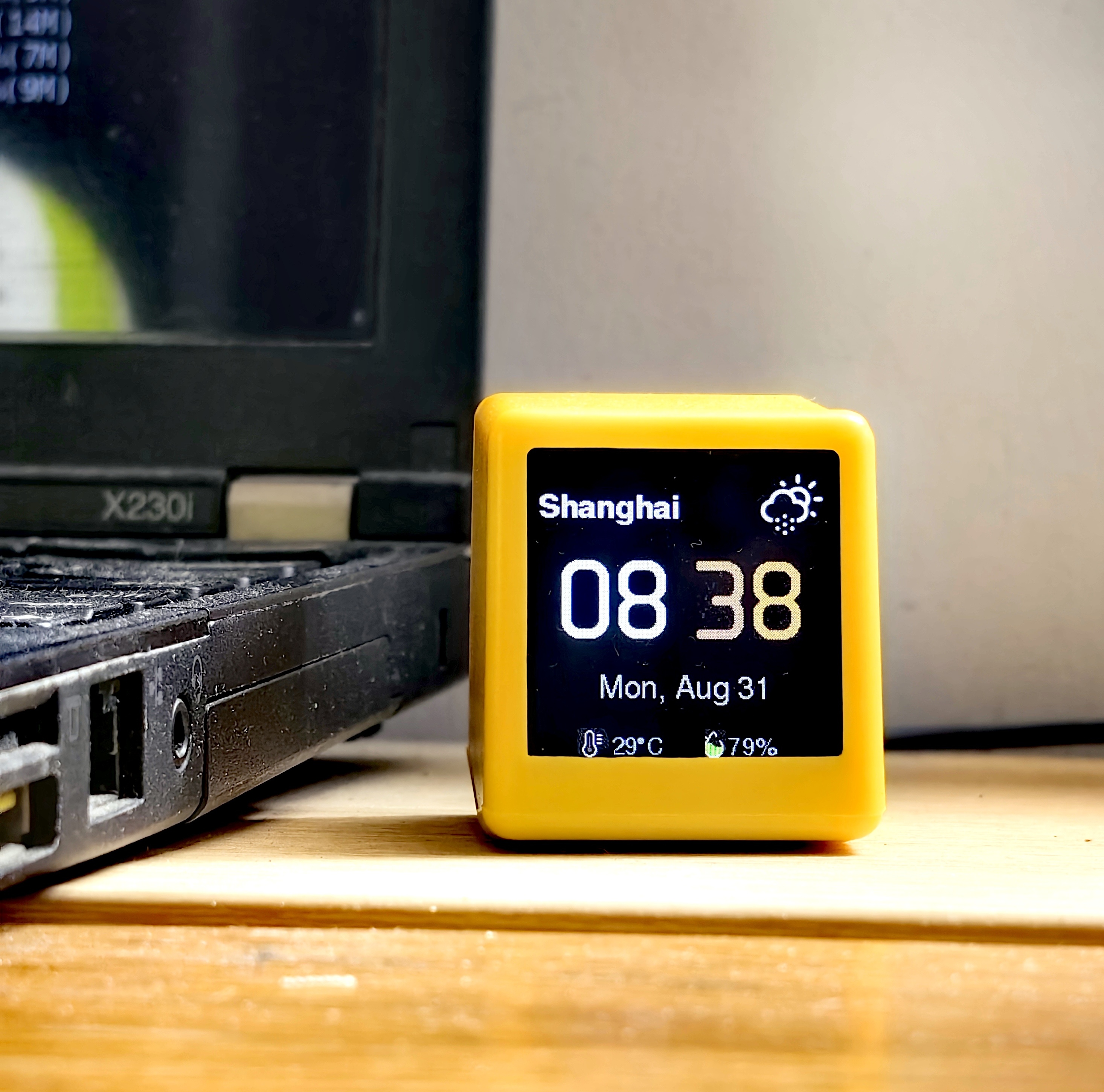
Rubato makes your AI's working state visible — on a physical desk device.
This repository hosts a Rubato plugin for every supported coding agent,
one directory each. The device firmware lives at
Rubato_Device.
The desk device itself is available now on
Tindie — the official store.
model call ──> Rubato plugin ──> EMQX broker ──> Rubato device (TFT display)
MQTT contract
All plugins publish the same messages on rubato/<deviceId>/state —
one topic per device. Auth mirrors the device firmware: username = deviceId
(RUBATO-xxxxxx), password = its token. MQTT 3.1.1 over TLS (8883), one
persistent connection.
| Message |
Payload |
Notes |
Estimate |
{ model, state, ts, estSec? } |
predicted duration in seconds — carried by the DSH plugin only (user-side plugins omit it) |
Thinking |
{ model, state, ts } |
first reasoning chunk |
Generating |
{ model, state, ts } |
first answer/tool chunk |
Done |
{ model, state, ts } |
intermediate tool-call steps do not emit Done |
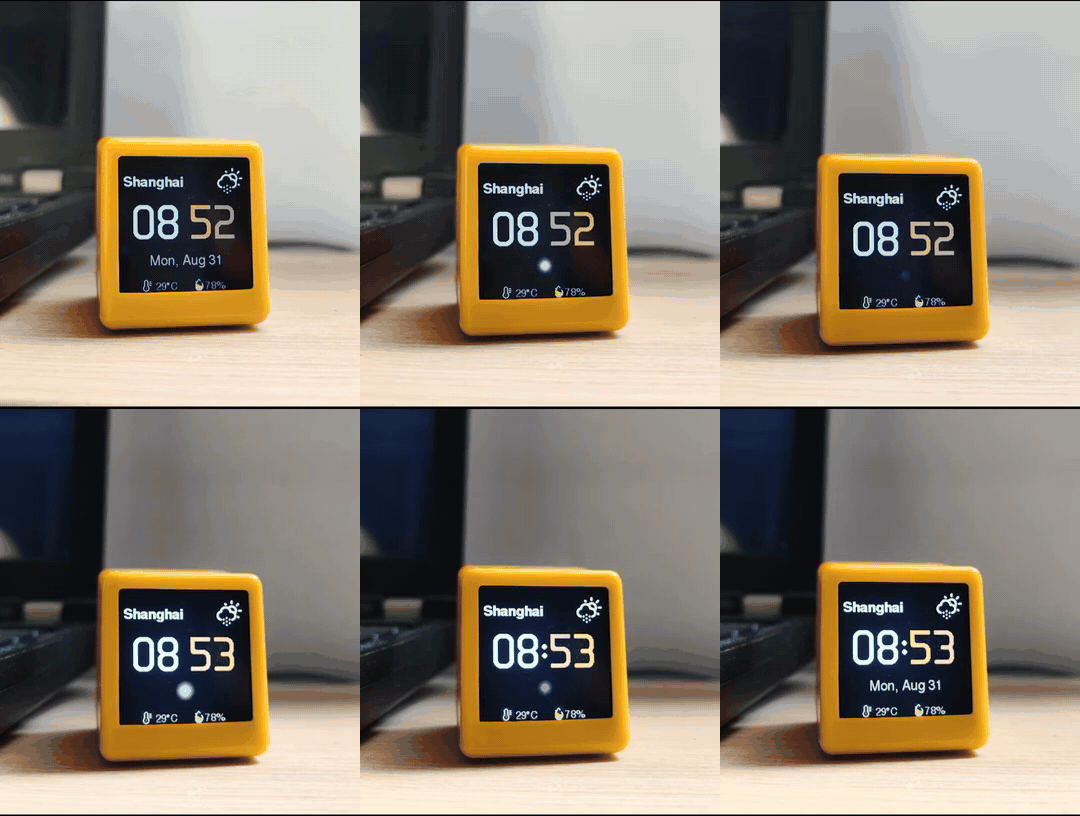
The device shows the model name and a breathing orb that changes color per
phase — slow cream while thinking, faster ice-blue while generating, a green
flash when done. When the estimate predicts a long run (estSec ≥ 30), the
device shows a full-screen health reminder mid-task — at most one every
30 minutes (time to drink water / rest).
Install
DeepSeek Harness
Paste this into a DSH chat:
Install the Rubato plugin for DSH from https://github.com/lovaxi/Rubato_Plugins/dsh
That is the whole install. The assistant copies the plugin package into
place, registers it, and reminds you to restart. After the restart:
- The console prints a
SETUP REQUIRED guide and a config template is
created automatically.
- Fill the two values from the device sticker — username = deviceId
(
RUBATO-xxxxxx), password = its token — by editing the file, or just tell
them to the assistant.
Save — the plugin auto-enables on the next message; no restart needed.
OpenCode
Paste this into an opencode chat:
Install the Rubato plugin for OpenCode from https://github.com/lovaxi/Rubato_Plugins/opencode
That is the whole install. The assistant copies the plugin package into
place (project .opencode/plugins/ or global ~/.config/opencode/plugins/)
and reminds you to restart. After the restart:
- The console prints a
SETUP REQUIRED guide and a config template is
created automatically.
- Fill the two values from the device sticker — username = deviceId
(
RUBATO-xxxxxx), password = its token — by editing the file, or just tell
them to the assistant.
Save — the plugin auto-enables on the next message; no restart needed.
Cursor
Cursor is a VS Code fork, so the plugin installs as a VSIX — no build tools
needed.
⚠️ Untested in the wild: the author has no Cursor paid plan, so real AI
edit bursts could never be triggered — the burst detection and the whole
device mapping are design-stage only (offline smoke-tested, never run
against a live Cursor session). If you try it, please report how it behaves
— false positives from human typing, missed bursts, a device stuck in one
state — in
Issues. Threshold-tuning
PRs are especially welcome.
Simplest install — two steps:
- Download the extension:
cursor/rubato-cursor-1.1.0.vsix
- In Cursor: Extensions panel →
⋯ menu → Install from VSIX… → pick the
downloaded file → reload the window. (Drag-and-drop of the .vsix onto
the Extensions panel works too.)
Prefer the terminal? One line (the cursor CLI ships with Cursor):
# Windows (PowerShell)
curl.exe -L -o rubato-cursor.vsix https://github.com/lovaxi/Rubato_Plugins/raw/main/cursor/rubato-cursor-1.1.0.vsix; cursor --install-extension rubato-cursor.vsix
# macOS / Linux
curl -L -o rubato-cursor.vsix https://github.com/lovaxi/Rubato_Plugins/raw/main/cursor/rubato-cursor-1.1.0.vsix && cursor --install-extension rubato-cursor.vsix
Then configure (once):
- The console prints a
SETUP REQUIRED guide and a config template is
created automatically next to the plugin (cursor/rubato-mqtt-config.json —
the same file the other Rubato host plugins read on this machine; an old
dsh-mqtt-config.json is migrated in place automatically). Command
palette → Rubato: Open Config File opens it for you.
- Fill the two values from the device sticker — username = deviceId
(
Cursor-RUBATO-xxxxxx), password = its token — by editing the file, or
just tell them to the assistant.
Save — the plugin auto-enables on the next edit burst; no restart needed.
A device link check lives in the command palette: Rubato: Send Test Cycle
to Device.
How it works — Cursor exposes no public API for its AI chat, so the
plugin watches what the AI provably does to the workspace: rapid,
non-keystroke document edits (Tab completions, Cmd/Ctrl+K, chat Apply, agent
diffs) form an edit burst that maps onto the contract sequence above;
small keystroke-scale edits in the focused editor read as human typing and
are ignored.
Commands (command palette): Rubato: Show Status · Rubato: Send Test
Cycle to Device · Rubato: Open Config File.
Settings: rubato.modelLabel (cursor-agent — payload model name),
rubato.settleMs (6000 — quiet time in ms that closes a burst with Done), rubato.minBurstChars (12 — inserted+deleted
chars for an edit to count as AI work in the focused editor),
rubato.maxBurstMs (600000 — safety cap).
Build from source (for development)
git clone https://github.com/lovaxi/Rubato_Plugins.git
cd Rubato_Plugins/cursor
npx @vscode/vsce package        # -> rubato-cursor-<version>.vsix
OpenClaw
Paste this into an OpenClaw chat:
Install the Rubato plugin for OpenClaw from https://github.com/lovaxi/Rubato_Plugins/openclaw
That is the whole install. The assistant links the plugin package, enables
it, grants the conversation-hook access it needs, and reminds you to restart.
After the restart:
- The console prints a
SETUP REQUIRED guide and a config template is
created automatically.
- Fill the two values from the device sticker — username = deviceId
(
RUBATO-xxxxxx), password = its token — by editing the file, or just tell
them to the assistant.
Save — the plugin auto-enables on the next message; no restart needed.
OpenClaw's typed hooks have no first-delta event, so Generating is not
emitted; the device stays in its thinking breath until Done.
Codex
Codex CLI has no host-plugin API, so the Codex plugin runs two cooperating
processes instead of one in-process hook:
- Watcher (primary) — tails
~/.codex/sessions/YYYY/MM/DD/rollout-*.jsonl
and maps the event stream to the message set above (task_started →
Estimate + Thinking; first agent_message/tool activity → Generating;
task_complete → lean Done; turn_aborted → lean Done without Error,
an aborted turn is a user stop, not a failure). Files already on disk at
startup are fast-forwarded silently.
notify hook (fallback) — Codex invokes it on agent-turn-complete.
While the watcher is alive it does nothing; if the watcher is dead it
publishes the un-sticking Done itself and revives the watcher.
Install (Windows, PowerShell — clones the repo and wires everything):
git clone https://github.com/lovaxi/Rubato_Plugins.git
cd Rubato_Plugins/codex
powershell -ExecutionPolicy Bypass -File install.ps1
The installer creates the config template (codex/rubato-mqtt-config.json —
the same generic file every Rubato host on this machine reads; the legacy
dsh-mqtt-config.json is migrated in place on first lookup), adds
notify = ["node", '<repo>\codex\lib\notify.js'] to ~/.codex/config.toml
(backup written first; an existing notify hook is left untouched), and
registers + starts an invisible (windowless) logon Scheduled Task
RubatoCodexWatcher running the watcher — no console window on your desktop.
Heads-up: the watcher runs fully invisibly (no window) as a node.exe
process — it is the part that observes Codex and talks to the device, so it
must stay running. Closing or restarting the Codex app/CLI is fine and
unrelated; just don't kill node.exe/wscript.exe in Task Manager. If the
watcher ever dies anyway, the next Codex turn's notify hook revives it and
un-sticks the device.
Then fill the two values from the device sticker — username = deviceId
(RUBATO-xxxxxx), password = its token — by editing the file. Save — the
plugin auto-enables on the next record; no restart needed.
Verified end-to-end on Codex CLI 0.153.0 with a real device: full
Estimate → Thinking → Generating → Done cycles driven by live Codex turns.
If anything misbehaves on your setup, reports are welcome at
Issues.
Claude Code
In a Claude Code session:
/plugin marketplace add lovaxi/Rubato_Plugins
/plugin install rubato@rubato-plugins
Already have the repo cloned? /plugin marketplace add ./Rubato_Plugins/claude-code, then /plugin install rubato@rubato.
After install:
- The first prompt shows a one-time
SETUP REQUIRED warning and a config
template is created automatically.
- Fill the two values from the device sticker — username = deviceId
(
RUBATO-xxxxxx), password = its token — under /plugin → rubato →
options (they are exported to the plugin's daemon and win over the file),
or edit the file named in the notice.
Save — the plugin auto-enables on the next prompt; no restart needed.
Claude Code has no in-process plugin API, so the plugin runs one detached
daemon that owns the single persistent MQTT connection (clientId
CC-RUBATO-<mac6>); hooks drop events into a spool in the OS temp dir, and
the plugin keeps zero persistent local files except the config. Offline
smoke test: node claude-code/tools/cc-smoke-test.mjs — spins up a local
fake MQTT broker and asserts the real wire traffic.
License
GPL-3.0


