Perch
A native Mac workspace for your coding agents.
Agents on your server. A home on your Mac.
English · 简体中文
Perch brings coding agents into one macOS app: read conversations, review tools,
respond to approvals, and keep track of what needs your attention. Your code and
agents stay on the remote machine, connected over SSH.
Built with SwiftUI, AppKit and Ghostty, with native text, keyboard shortcuts and
Liquid Glass controls on macOS 26. Designed for a focused, fluid reading experience.
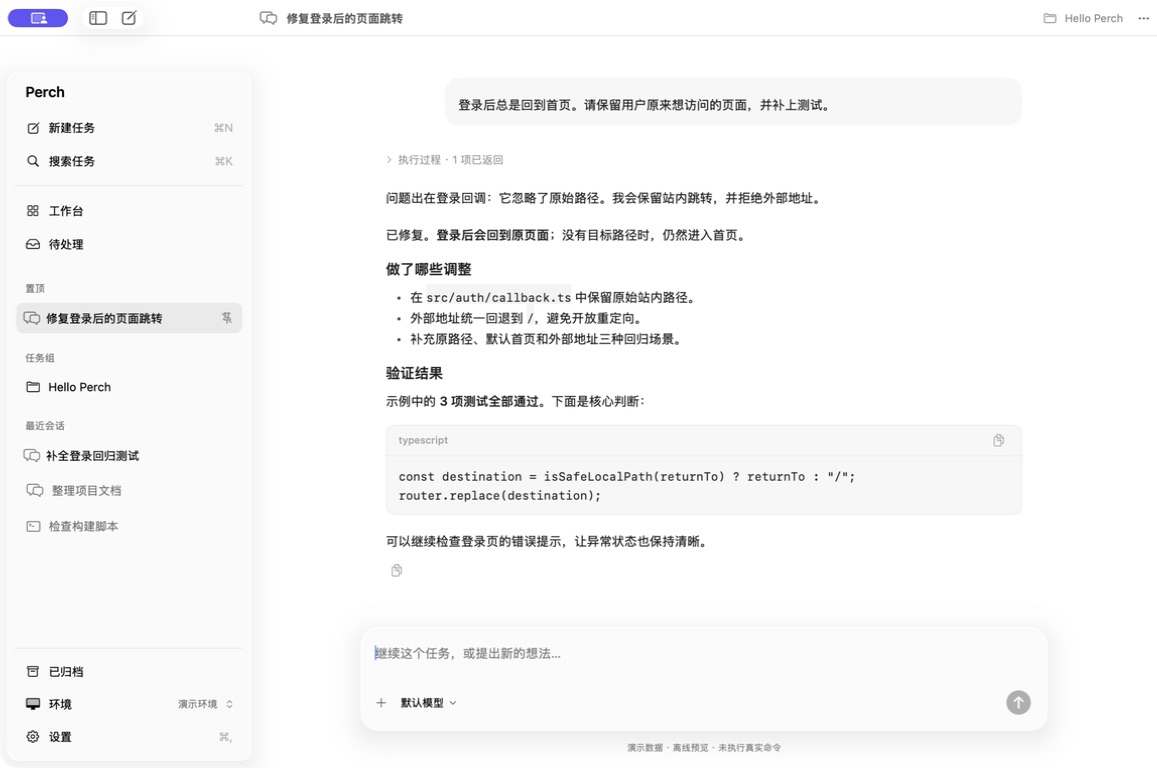
Native macOS components with synthetic demo data; no live commands are shown.
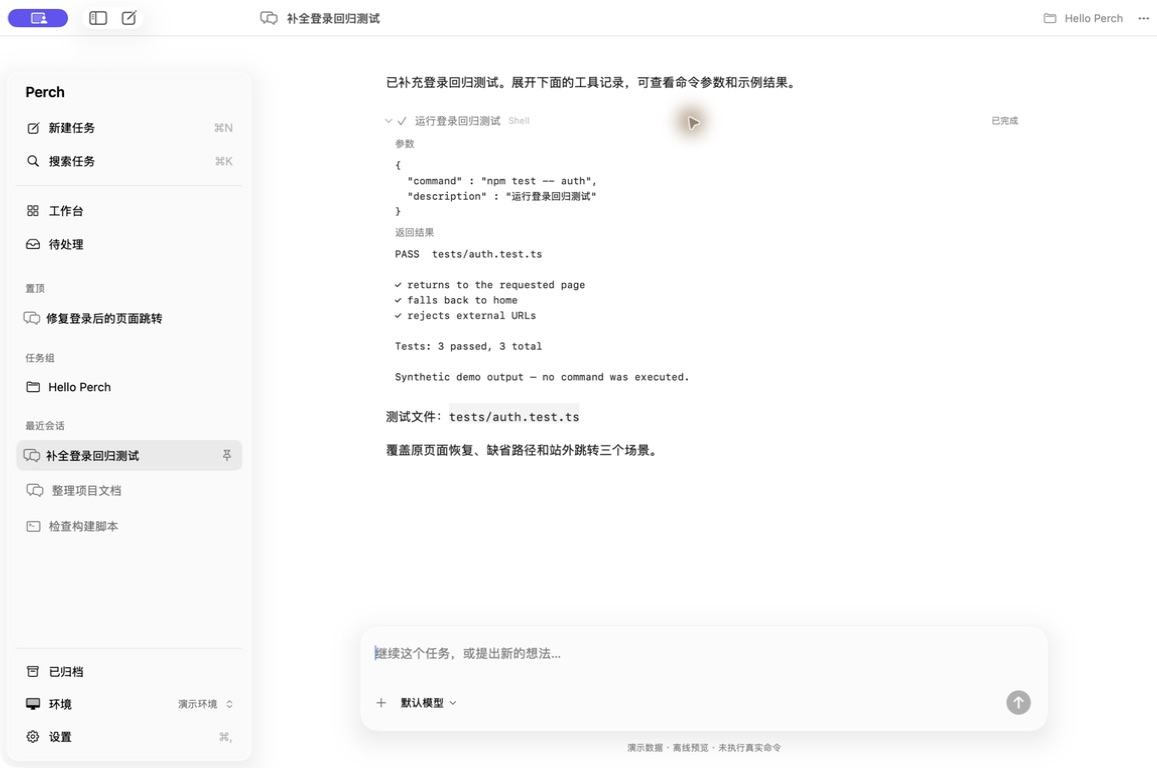
Tool details (synthetic data)
Why Perch
- Native conversations. Streaming replies, Markdown, thinking and tool results, with details that expand when you need them.
- A workspace for your tasks. Group sessions, pin important work, archive finished conversations and return to your previous workspace.
- Know what needs you. See running tasks, pending questions and results waiting to be read.
- Keep your CLI workflow. Use native chat for supported agents and Ghostty terminals for CLI sessions through Herdr.
- Inspect the work. Open remote files and read Git diffs alongside a conversation (experimental).
- Remote execution, local control. Files and tools run on your server. Closing the Mac app leaves managed remote sessions running.
Agent connections
| Agent / workflow |
Connection |
Experience |
| Kimi Code |
Kimi Web API over SSH |
Native conversation |
| Oh My Pi (OMP) |
RPC through the remote bridge |
Native conversation |
| Qoder CN |
Official Agent SDK through the remote bridge |
Native conversation |
| DeepSeek Harness (dsh) |
ACP through the remote bridge |
Native conversation |
| Codex |
codex app-server JSON-RPC over stdio through the remote bridge |
Native conversation |
| Other CLI agents |
Herdr + SSH |
Terminal |
Native integrations share the same conversation UI. Additional RPC, SDK or ACP
adapters are welcome; arbitrary protocol compatibility is not automatic.
See Kimi setup and OMP / Qoder CN / dsh / Codex setup
for tested versions and recovery limits. Agent credentials and model configuration
stay with the CLI; Perch does not connect directly to model providers.
Local OMP discovery is available, but local native conversations are not connected
yet. Kimi, remote OMP and Codex support steering during a running task, with an
explicit next-turn option. Codex keeps its native thread ID and history, takes model
and reasoning-effort choices from model/list, and surfaces every app-server approval
or question for an explicit response. Qoder CN / dsh support stopping and next-turn
queueing. Pending messages appear in the conversation until runtime history confirms
them. Existing Herdr sessions remain terminal sessions.
Build and run
Requires macOS 14+ and a Swift toolchain with the macOS 26 SDK (Xcode 26 or newer).
The current build has been tested on Apple Silicon. A remote SSH host and the
corresponding agent runtime are required for remote sessions.
./scripts/build.sh
open build/Perch.app
Choose Connect a remote machine on the home screen, or Environment → +.
The setup wizard verifies SSH, checks your chosen agent, offers installation and
login actions, then lets you browse a remote directory and start your first task.
Kimi's port and token-file path are editable in Advanced settings. Fresh installs
start without a preset host. See the setup guide.
⌘N new conversation · ⌘K search · Return send · Shift Return new line
The interface follows the system language, with 简体中文 and English available
under Settings → Language; the sidebar and its flows are bilingual first, other
areas may still mix languages while translations catch up.
Status
Early source preview. Long-session responsiveness and recovery still need work;
this is not a stable release. Remote file browsing and read-only Git diff are
experimental. Support varies by agent; check the adapter documentation before
relying on a workflow. Builds use local ad-hoc signing; notarized downloads are
not available yet.
Contributing
Bug reports, focused fixes and agent adapters are welcome. Start with
CONTRIBUTING.md. Please use synthetic conversations in reports
and screenshots, and remove credentials and private paths.
License
MIT. Third-party components retain their own licenses; see THIRD_PARTY.md.


