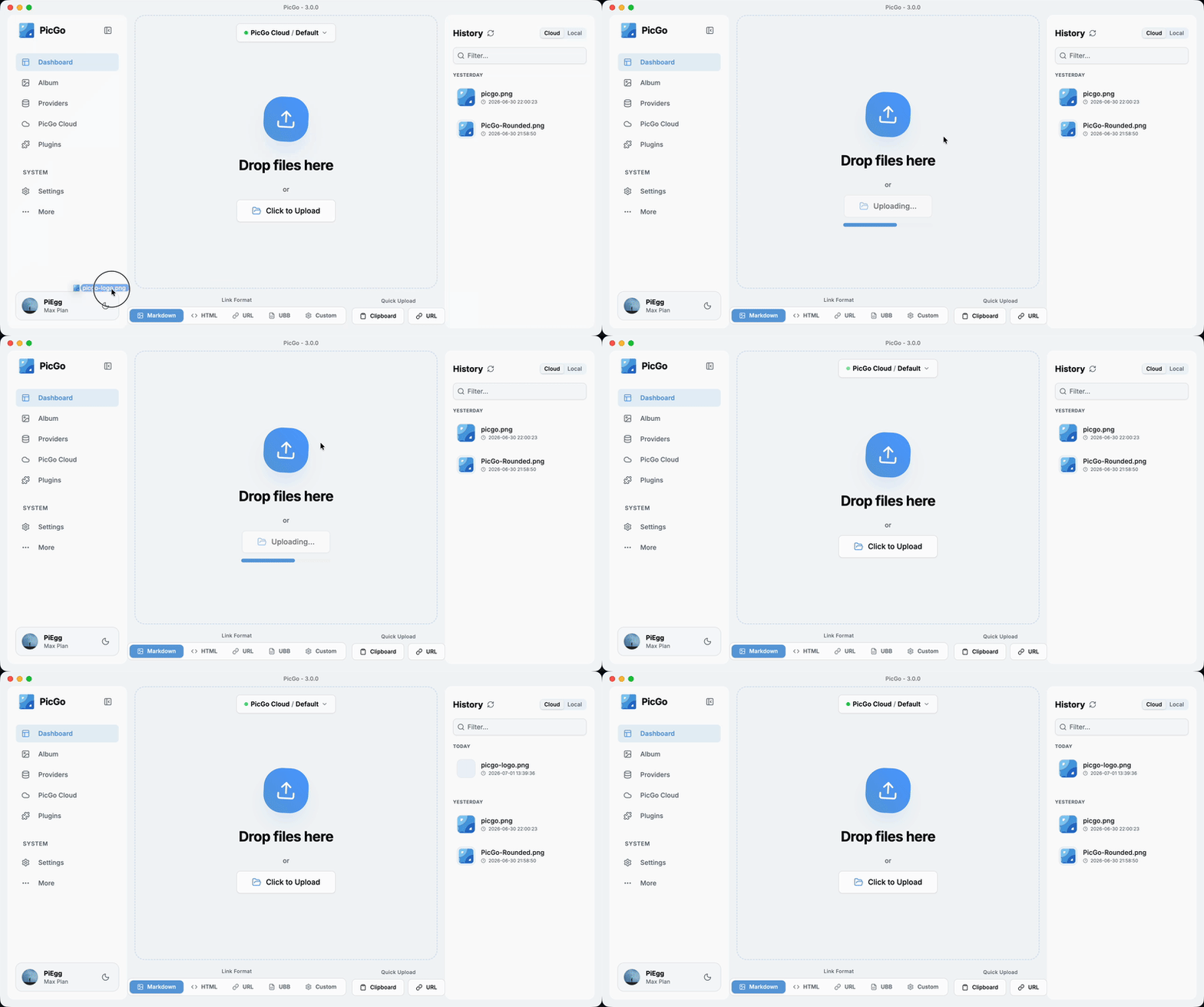
The Ultimate Image Uploader for Efficient Creators
📖 Overview
PicGo aims to make image uploading a seamless part of your creative workflow.
Whether you’re writing a blog post, taking notes, or authoring developer docs, PicGo helps you upload images in one step and automatically copies the resulting link—so you can stay focused on creating, not uploading.
Supported Image hosts
PicGo supports mainstream Image hosts out of the box, and can be extended indefinitely through its plugin system:
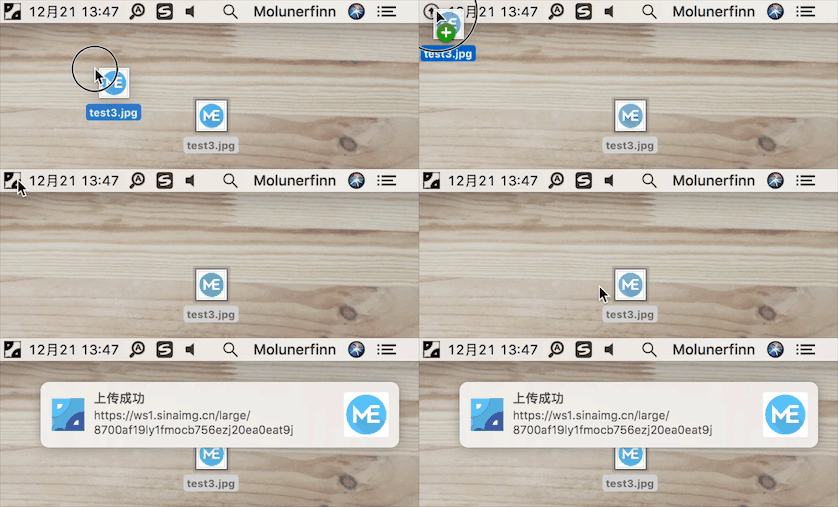
Multiple ways to upload: drag & drop, paste from clipboard, hotkeys, and even right-click context menu upload on macOS/Windows.
Global hotkey: press Command+Shift+U (macOS) / Ctrl+Shift+U (Windows/Linux) to open the upload window without leaving your current app. The global key can be customized.
🧩 Powerful plugin ecosystem
Highly extensible: plugins already exist for AWS S3, Cloudflare R2, MinIO, and many other Image hosts.
Even more possibilities: image compression, watermarking, renaming, Markdown image migration, and more.
More and more writing is handed off to AI. But the screenshots and charts it produces sit on your disk as , and they need to become real links before you publish. PicGo lets AI upload them too:
PicGo Skills: official Agent Skills that teach AI when and how to upload. Works with any AI tool that supports the skills format.
Run pnpm run dev to start the dev workflow with hot reload. Note: dev mode can be unstable and the process may crash—if that happens:
ctrl+c # stop dev mode
pnpm run dev # restart
On Windows, after dev mode starts, PicGo’s tray icon will appear in the bottom-right system tray area.
Production build
To build release artifacts locally, run pnpm run build. After a successful build, the installer files will be generated under dist.
Note: If your network is unstable, electron-builder may fail to download Electron binaries. You can set an alternative mirror before building:
export ELECTRON_MIRROR="https://npmmirror.com/mirrors/electron/"
# On Windows: set ELECTRON_MIRROR=https://npmmirror.com/mirrors/electron/ (no quotes)
pnpm run build
Electron binaries are stored under ~/.electron/. If you need to refresh them, delete that directory and rebuild.
Agent skill for beautiful, verifiable architecture, workflow, sequence, data-flow, and lifecycle diagrams—self-contained HTML with motion and crisp export.