
Agent 与会话
插件

nuwa-skill
alchaincyf
你想蒸馏的下一个员工,何必是同事。蒸馏任何人的思维方式——心智模型、决策启发式、表达DNA。Distill how anyone thinks.
PROJECT TOPICS
INSTALL REFERENCE
dsh plugin --profile web add github:zzzgydi/verge-browser
该命令指向仓库当前默认分支;尚无绑定当前 commit 的完整验证结果。
PROJECT README
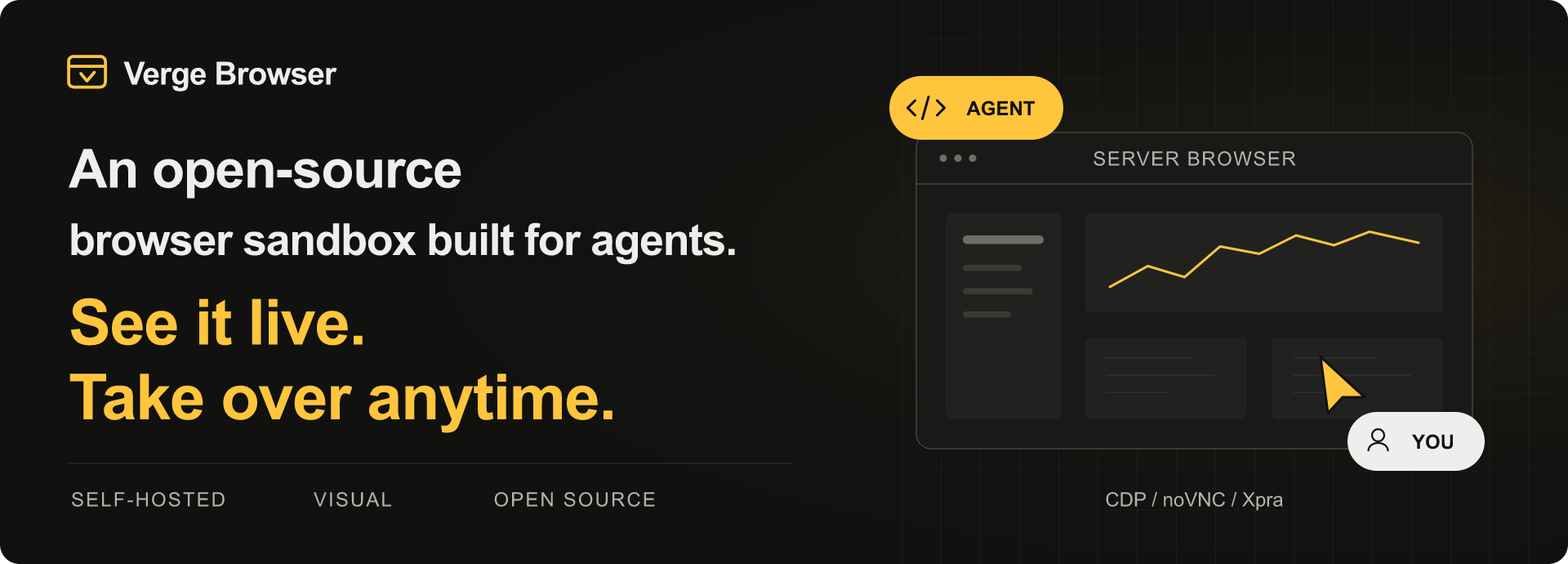
Deploy it on your own server.
Watch your agent browse the web in real time, right from your browser.
When it reaches a login screen or gets stuck, pause automation and step in.
Deploy to a server → Usage Development 中文
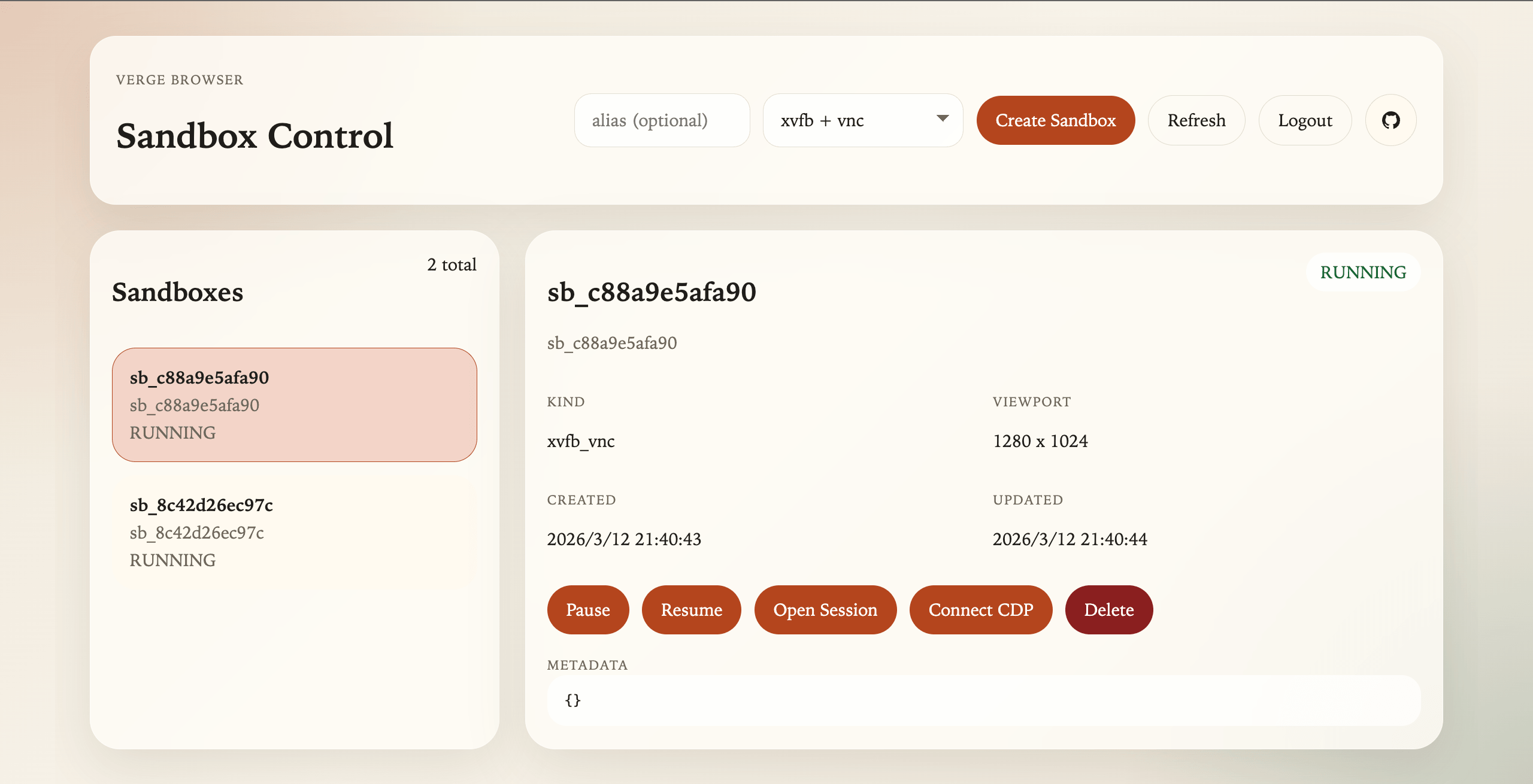
Requires a Linux Docker host with Docker Compose. The host does not need a desktop environment.
/admin at your service address and sign in with the configured admin token.The current deployment model targets a single node in a trusted environment. See compatibility and limits for isolation and persistence boundaries.
| Topic | Guides |
|---|---|
| Deployment | Docker setup, Linux server, environment variables |
| Usage | Usage guide, human handoff, persistent profiles |
| Clients & API | SDK & CLI, API reference |
| Integrations | Codex, Playwright MCP, DeepSeek Harness preview plugin |
| Agent Skills | Deployment skill, usage skill |
The project uses Python / FastAPI, React, and Docker. See the development guide for local setup, project structure, and tests.
Bug reports and pull requests are welcome. Include reproduction steps for bugs and relevant validation for code changes. Report vulnerabilities privately as described in SECURITY.md.
Original source code is MIT licensed. Runtime images include separately licensed components, including Xpra (GPL v2 or later). See third-party notices and image distribution guidance.
CLASSIFICATION EVIDENCE
系统优先读取 GitHub Topics,再与站内分类词典和词根规则比对。当前命中: agent。
alchaincyf
你想蒸馏的下一个员工,何必是同事。蒸馏任何人的思维方式——心智模型、决策启发式、表达DNA。Distill how anyone thinks.

freestylefly
Prompt as Code | GPT Image 2 / 2.5 提示词与案例库,530+ 个案例、20+ 套工业级模板与可复用 Skills,新增 2.5 同提示词对比专区,附完整提示词与生成记录,持续更新。

titanwings
Distilly — Distill how they think into reusable Skills for any Agent or Bot. Formerly Colleague Skill(原同事 Skill).