
模型与 MCP
待识别

rea
morluto
Reverse engineer anything with agents, from app behavior down to native binaries.
PROJECT TOPICS
PROJECT README
English | 中文
Wallpaper theming plugin for DeepSeek Harness (dsh): upload images from the Settings page, pick one, and the whole dsh web UI renders over it — with an adjustable readability veil, background blur, and fill mode.
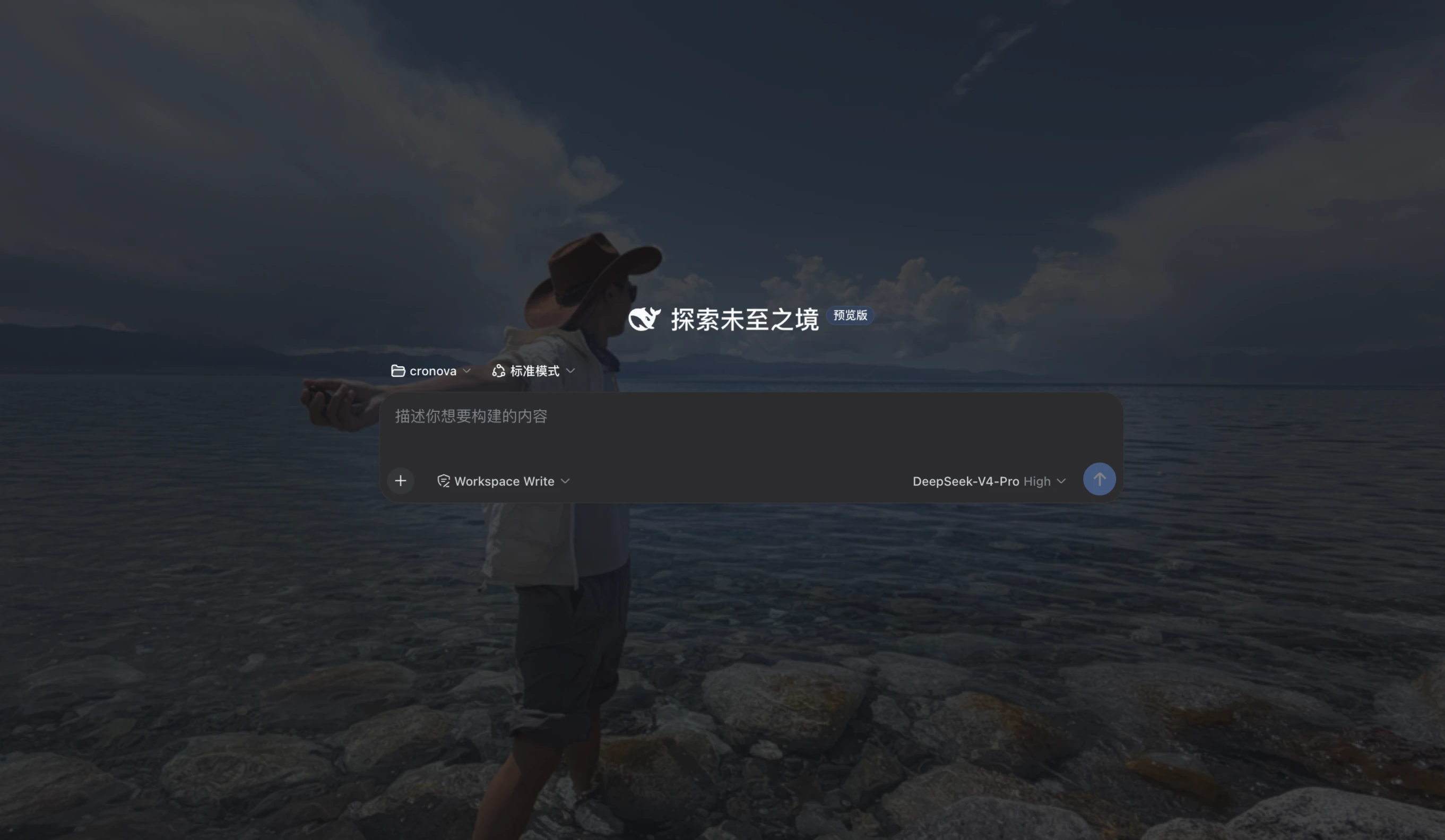
~/.dsh/avatar/v1/ under content-addressed names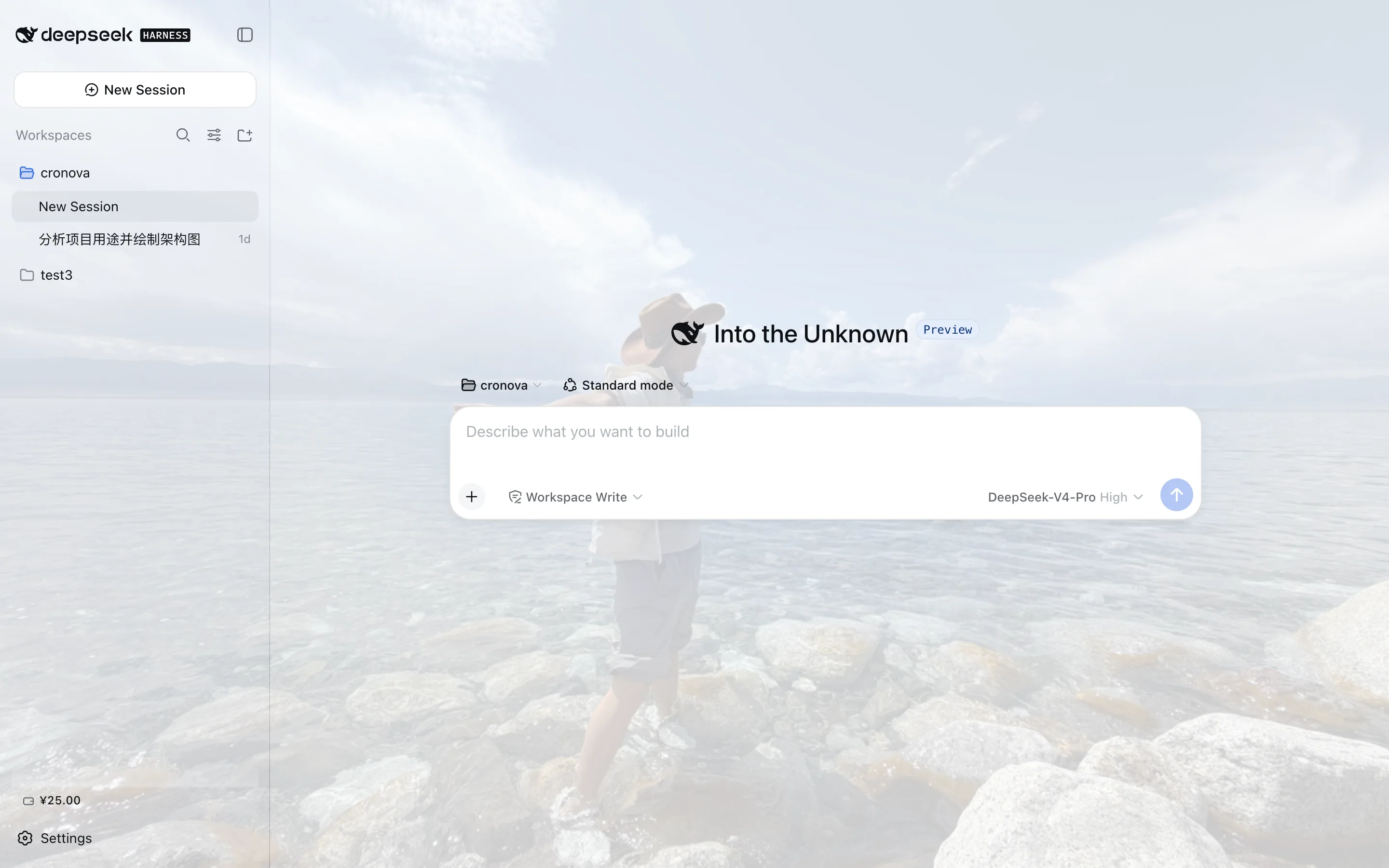
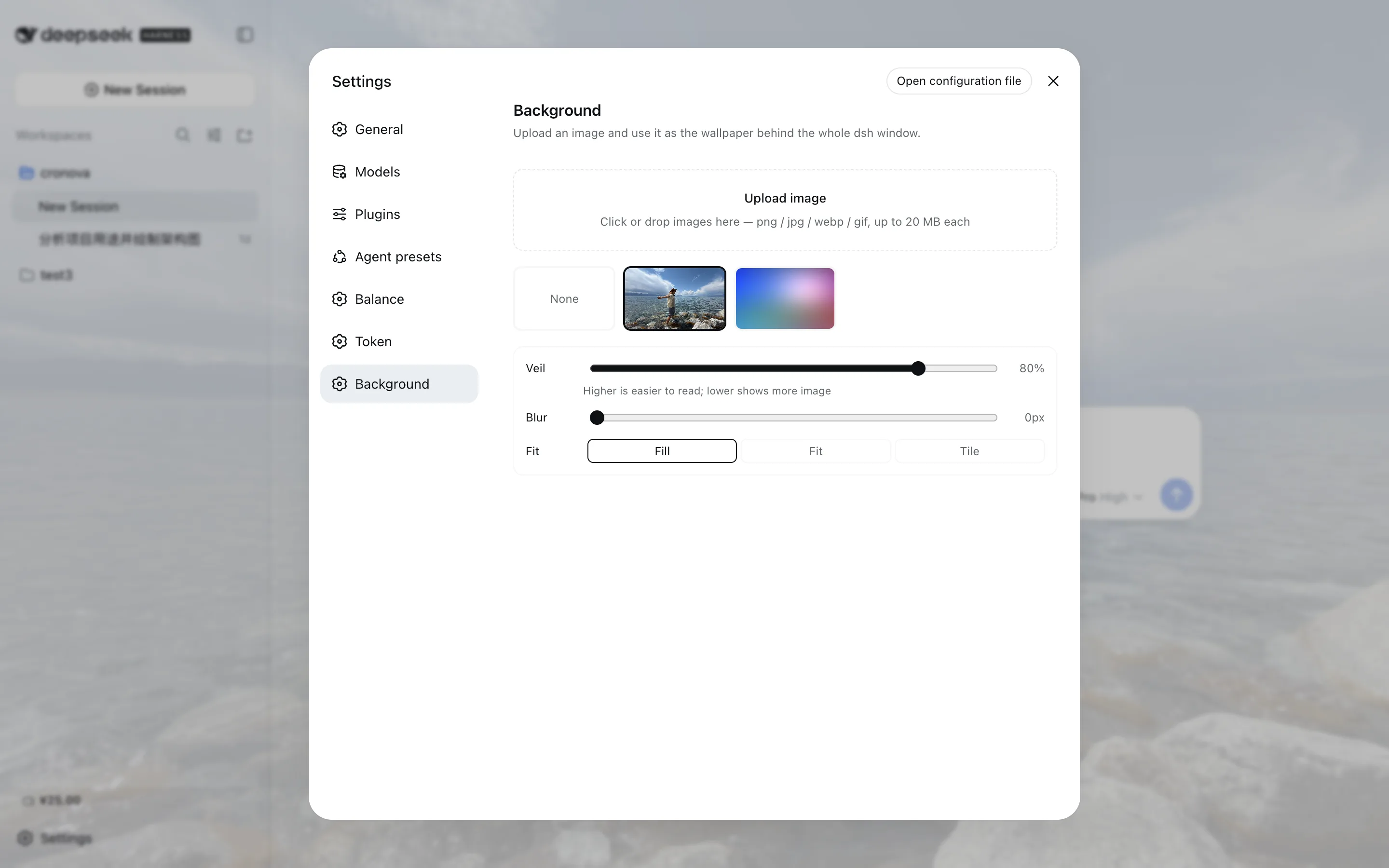
dsh plugin --profile web add @zoytown/dsh-avatarThen open Settings → Background in the dsh web UI. Remove with
dsh plugin --profile web remove @zoytown/dsh-avatar — the UI reverts fully; uploaded images stay
in ~/.dsh/avatar/ until you delete that directory.
Row config (override by id dsh-avatar in your cordis.patch.yml; restate every field):
| Field | Default | Meaning |
|---|---|---|
maxImageBytes |
20971520 |
Per-image upload cap in bytes |
trustedHosts |
[] |
Non-loopback authorities allowed to fetch image bytes (host or host:port). Uploads and preferences stay loopback-only regardless, because the harness pins its settings API to loopback. |
dshHome |
(unset) | Override the dsh home the wallpaper directory lives under |
User preferences (active wallpaper, veil opacity, blur, fill) live in the avatar section of
~/.dsh/settings.yaml.
Every behavioral claim in this README was verified on 2026-08-18 against dsh
@deepseek-ai/dsh-*@0.1.0-rc.6 with this plugin at 0.1.0.
Install this plugin, open Settings → Background, upload an image, and click its thumbnail —
the wallpaper applies immediately and persists. Installation is one command:
dsh plugin --profile web add @zoytown/dsh-avatar.
png, jpg, webp, and gif, up to 20 MB per image by default. The cap is the maxImageBytes row
config; the format is detected from the file bytes, so a renamed non-image is rejected regardless
of its extension.
Most often the plugin is not actually active in your profile — run
dsh --profile web --dump-config and look for the # == @zoytown/dsh-avatar layer; if it is
missing, re-run the install command. Two by-design cases: a remote (non-loopback) browser is
read-only and never shows the wallpaper, and the Electron desktop app is not supported at all.
They stay on your machine and nothing is uploaded anywhere: image bytes live in
~/.dsh/avatar/v1/ under content-addressed names (<sha256>.<ext>), and preferences live in the
avatar section of ~/.dsh/settings.yaml. The plugin makes no external requests.
Pick None in the gallery — it restores the plain theme background and keeps your uploads.
Removing the plugin (dsh plugin --profile web remove @zoytown/dsh-avatar) also reverts the UI
completely.
Raise the Veil slider (higher = more readable), or add some Blur. Busy photographs usually read well from veil ≈ 80% upward, or with blur ≥ 8 px.
No for Electron: that form has no HTTP server, so the image route this plugin relies on does not exist there. Remote (non-loopback) browsers get a read-only Background page and no wallpaper, because the harness pins its settings API to loopback.
pnpm install   # use pnpm — npm currently crashes on this dependency graph
pnpm run typecheck && pnpm run buildMIT
CLASSIFICATION EVIDENCE
系统优先读取 GitHub Topics,再与站内分类词典和词根规则比对。当前命中: llm、deepseek、deepseek-harness。
morluto
Reverse engineer anything with agents, from app behavior down to native binaries.

deepseek-ai
DeepSeek Harness: Everything is a Plugin.

nexu-io
The 1st Collaborative AI Design Agent Workspace. Local-first and open source. Create motion, prototypes, websites, apps, dashboards, presentations, images, and videos with your team and AI agents. Share work, exchange feedback, and iterate together in one workspace.