
文件与数据
渠道适配

WeKnora
Tencent
Open-source LLM knowledge platform: turn raw documents into a queryable RAG, an autonomous reasoning agent, and a self-maintaining Wiki.
PROJECT TOPICS
INSTALL REFERENCE
dsh plugin --profile web add github:zmm863-commits/dsh-agnes-studio
该命令指向仓库当前默认分支;尚无绑定当前 commit 的完整验证结果。
PROJECT README
充分利用 Agnes AI 免费生图/视频大模型的 DSH 插件(内部名:Agnes 创意工作站)。
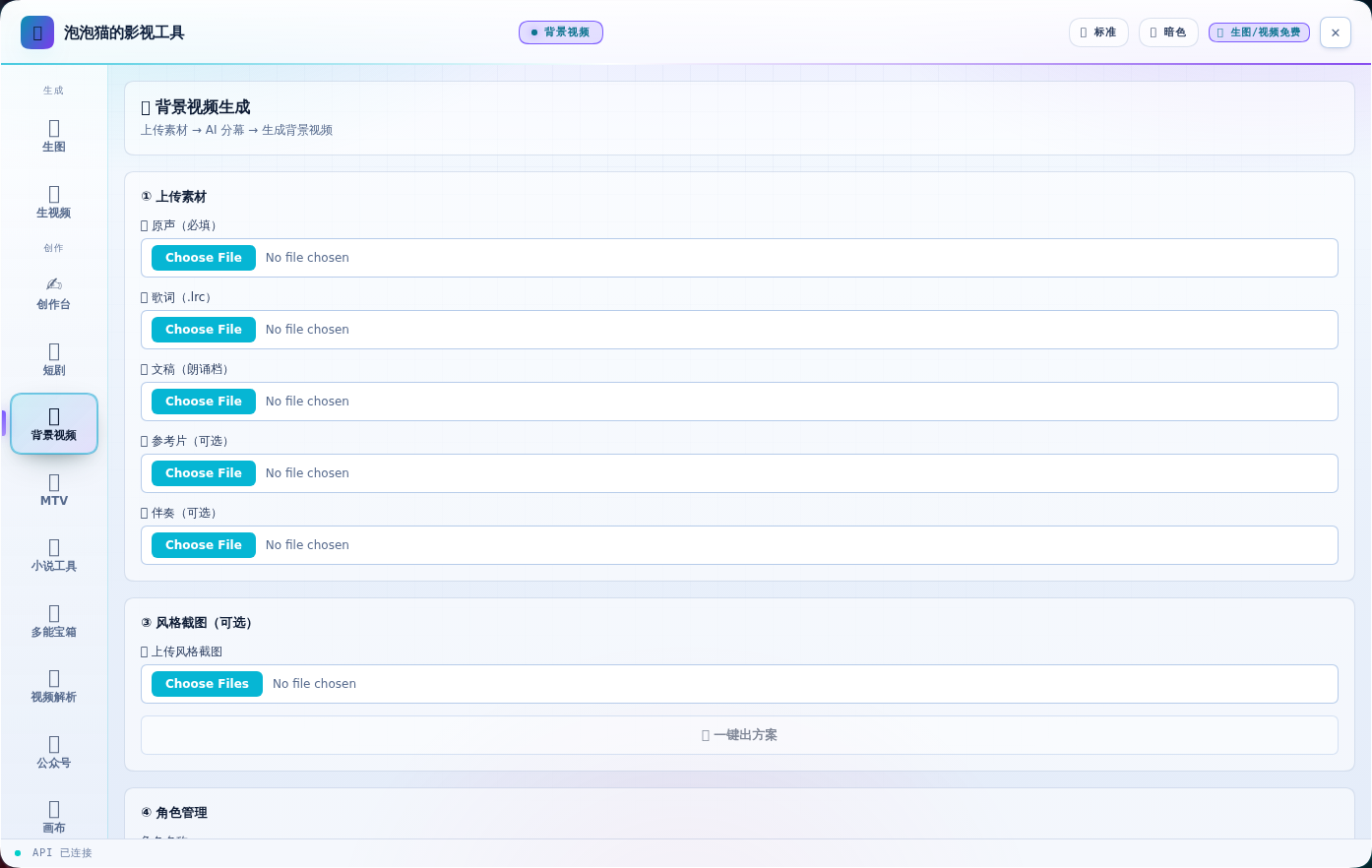
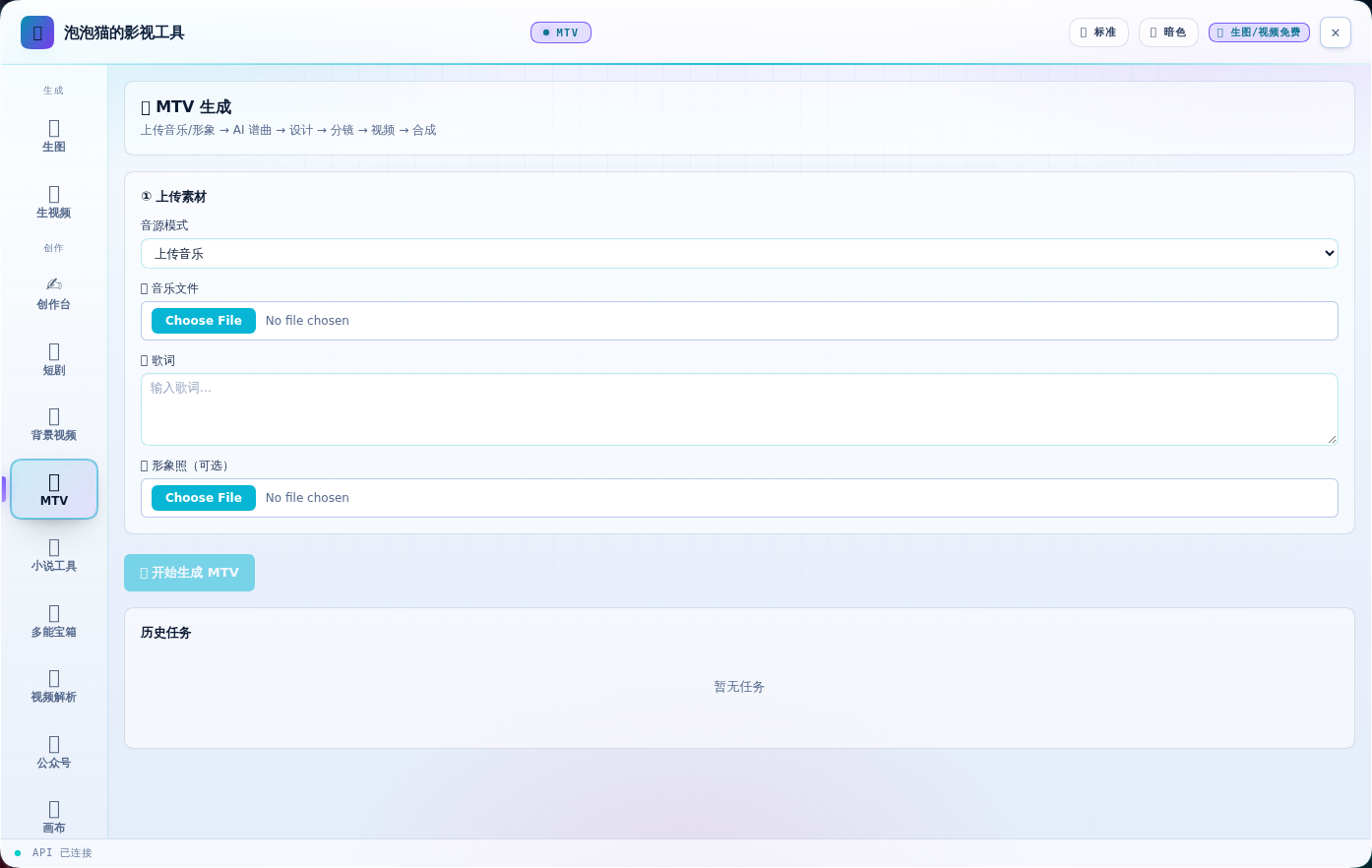
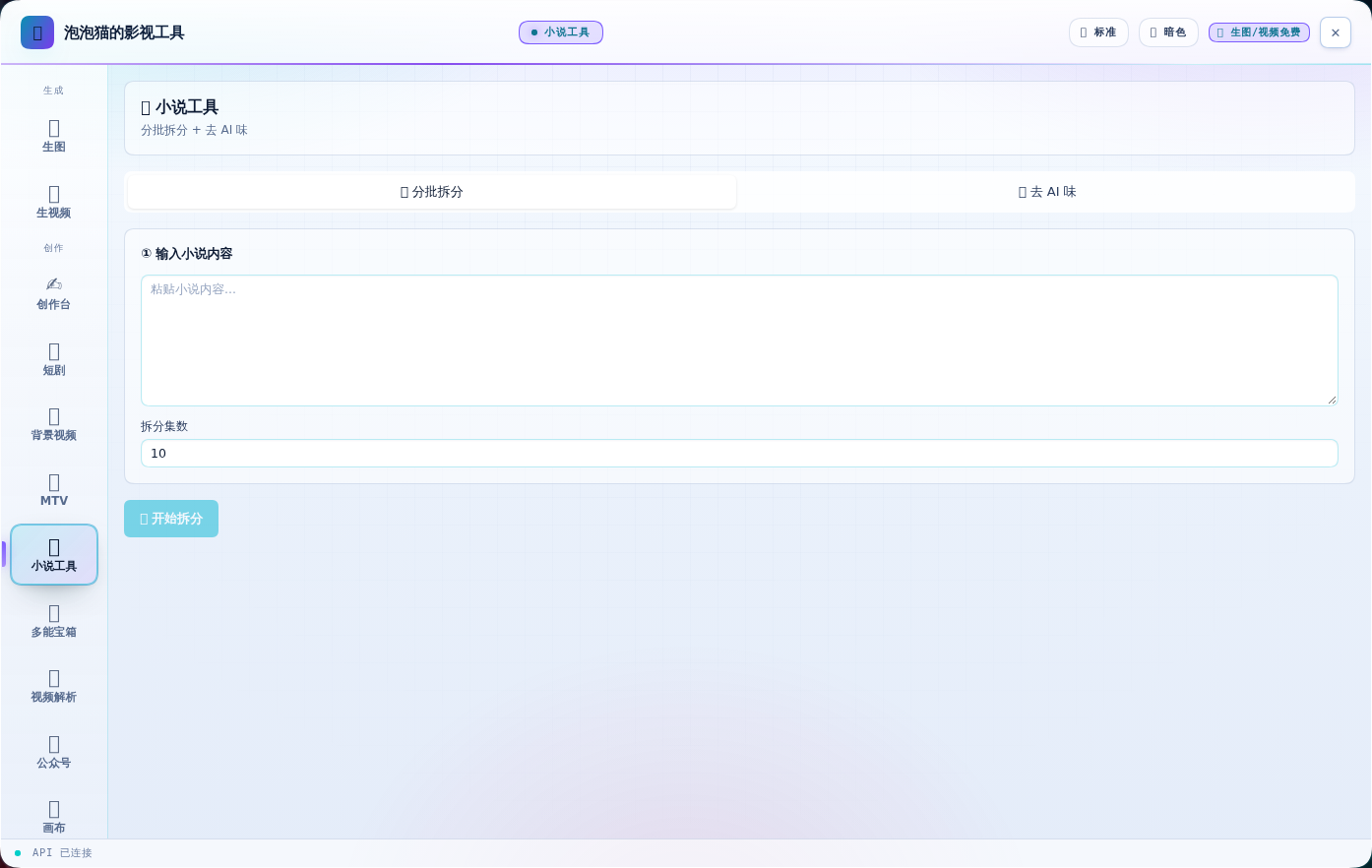
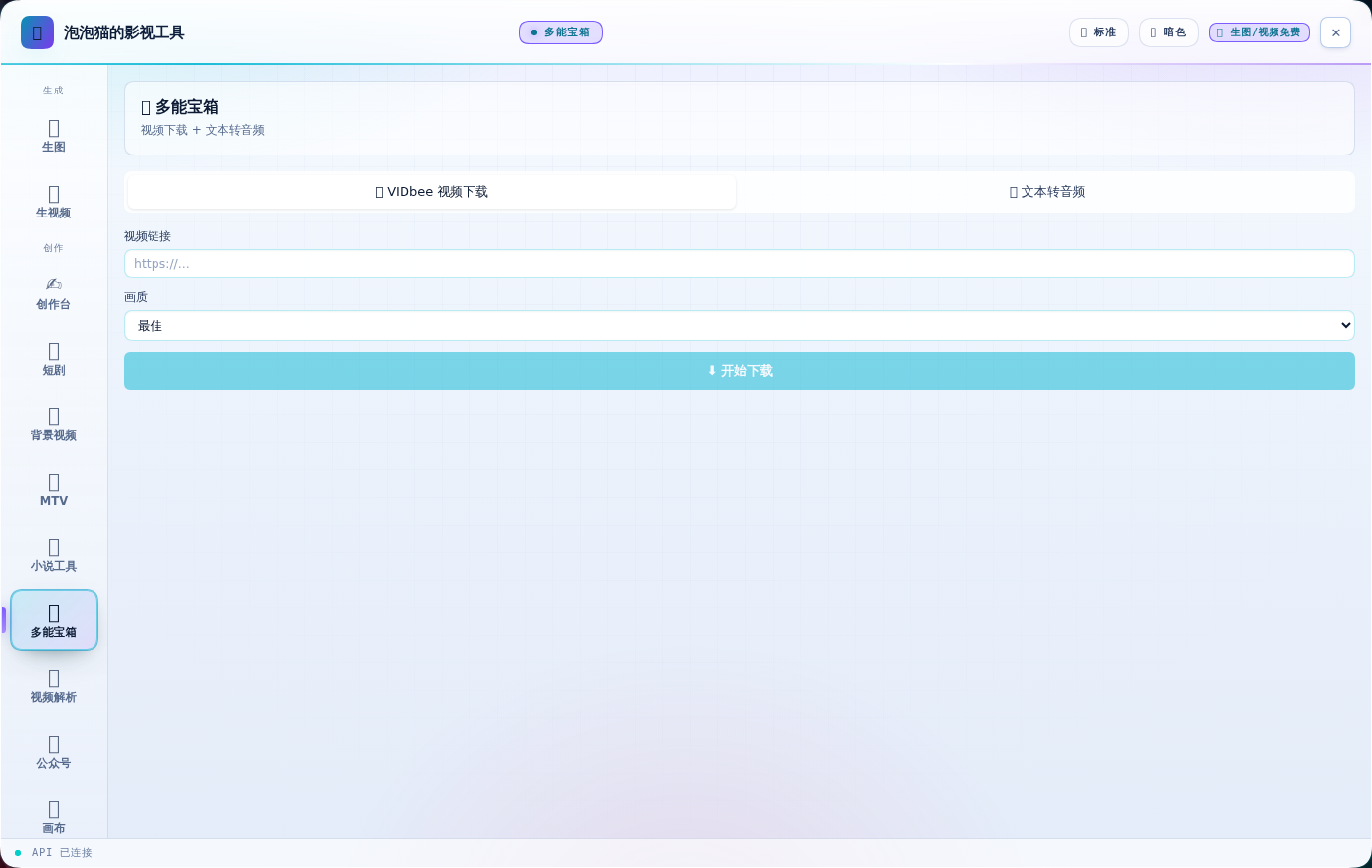
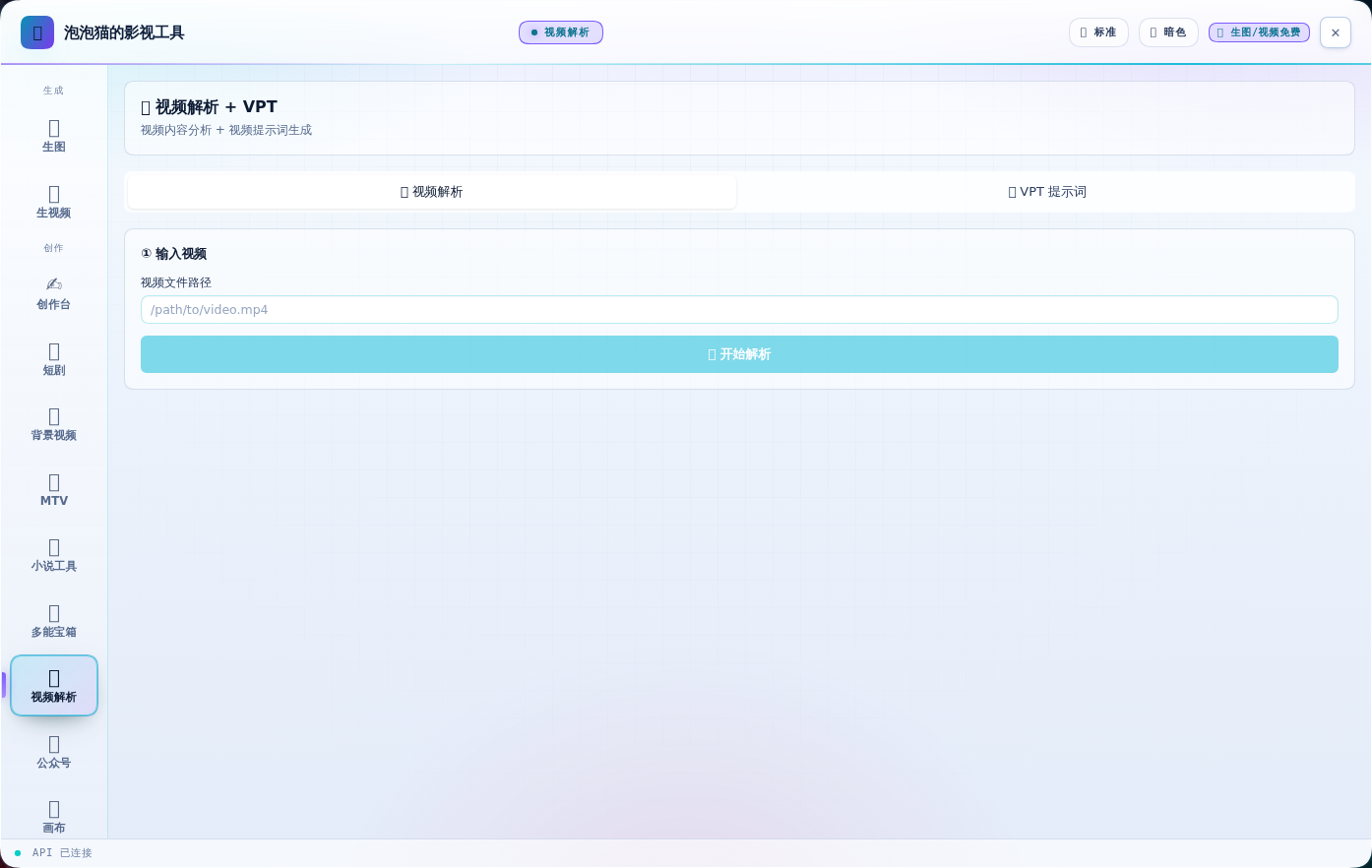
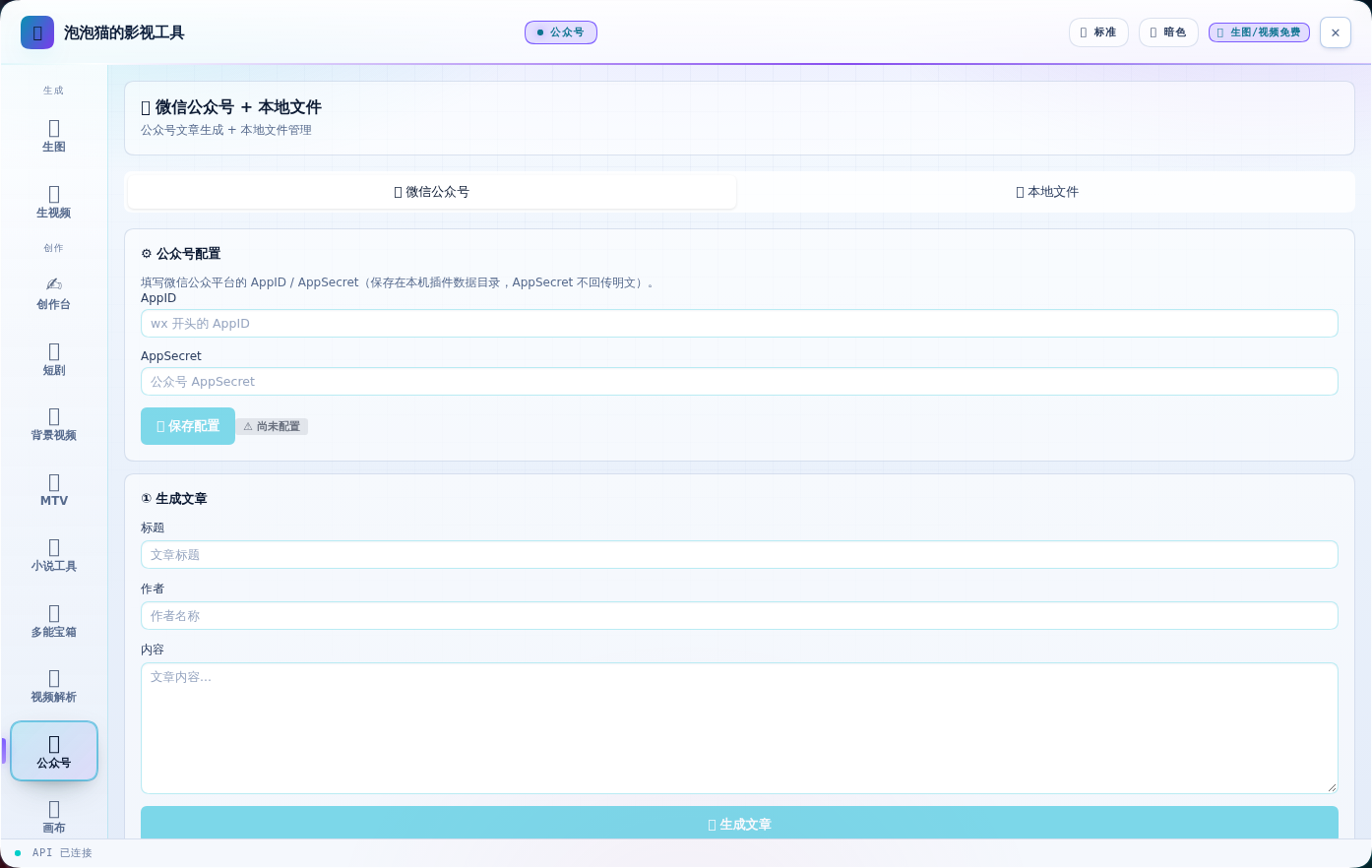
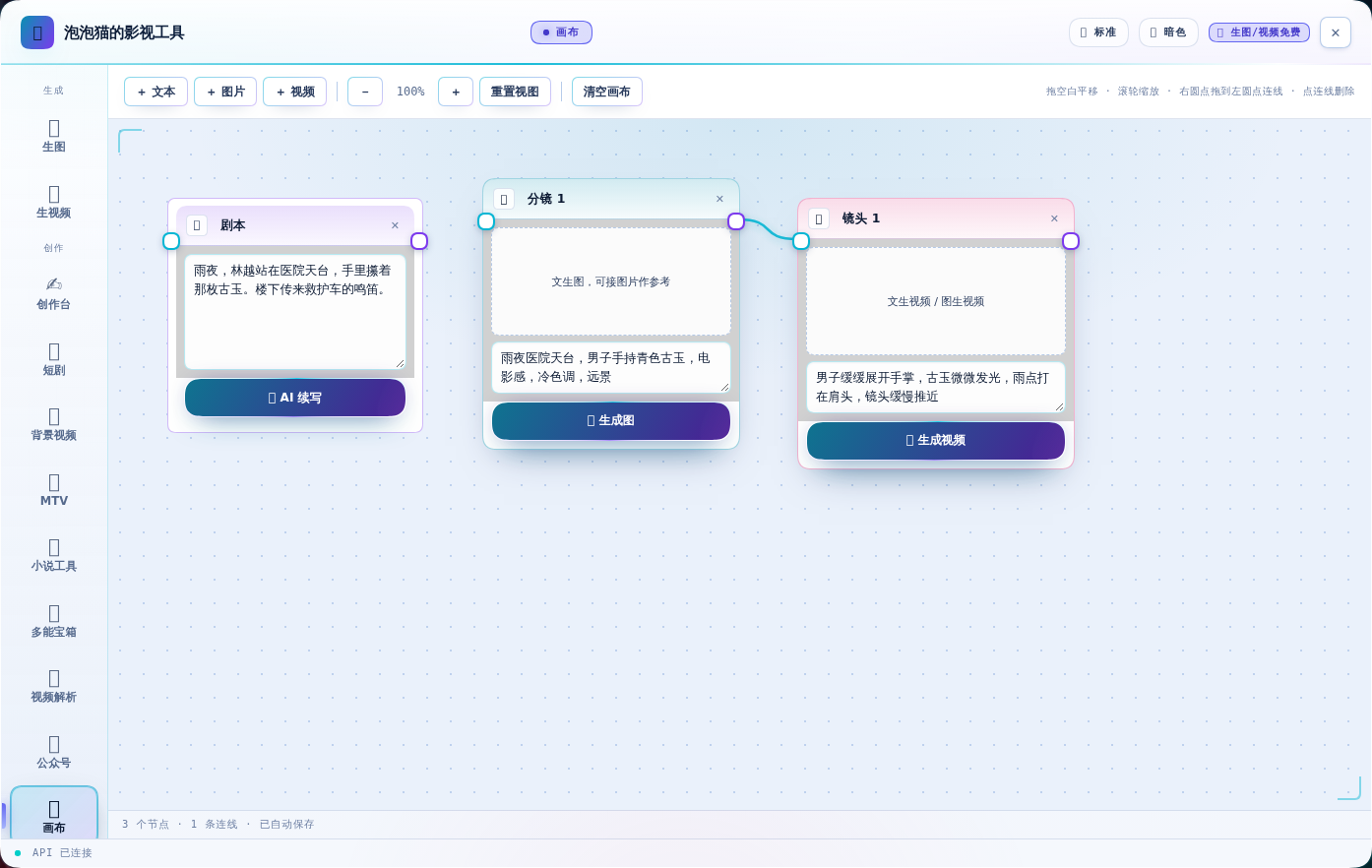
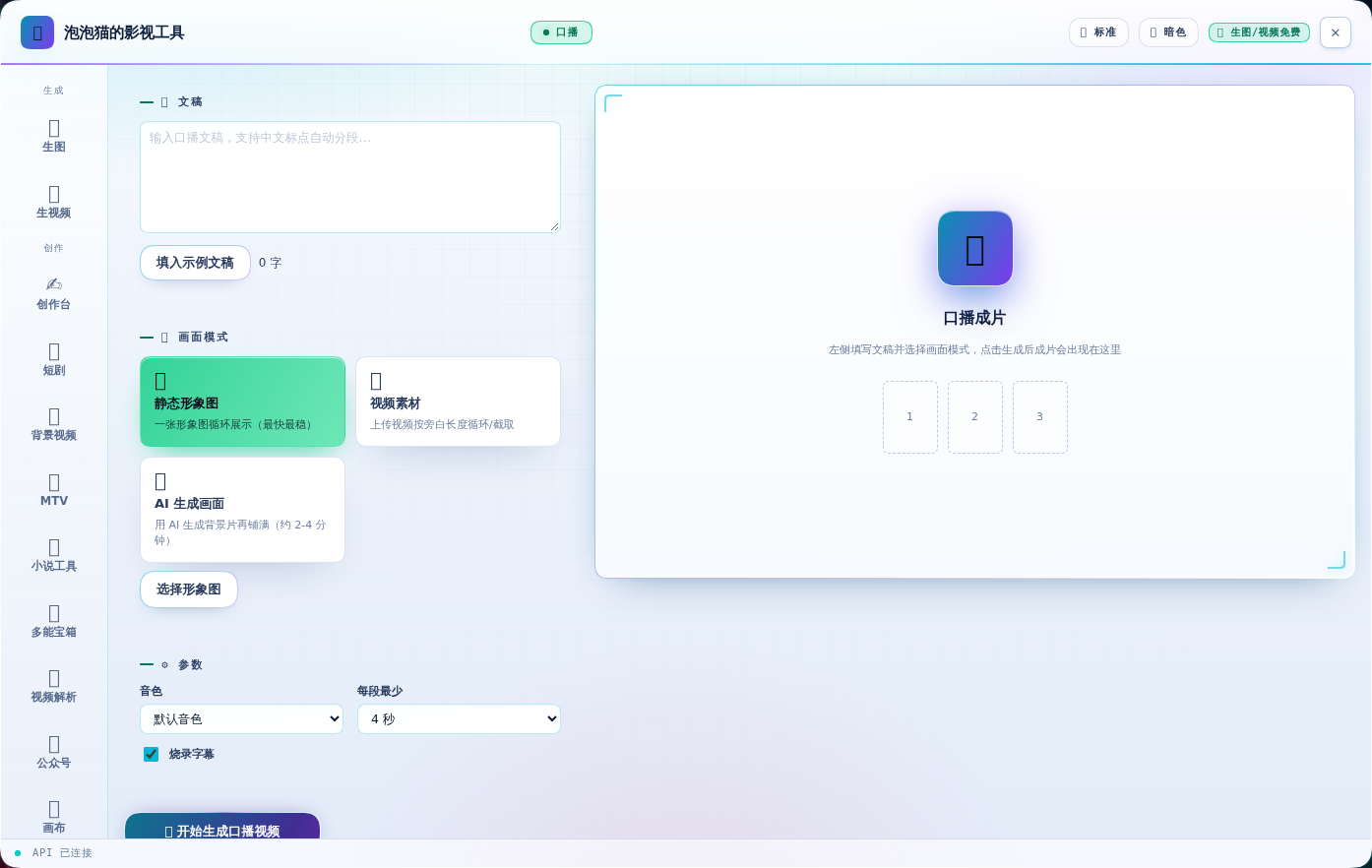
15 个功能页,全部实数截图(v0.7.0)。
| 🎨 生图 | 🎬 生视频 |
|---|---|
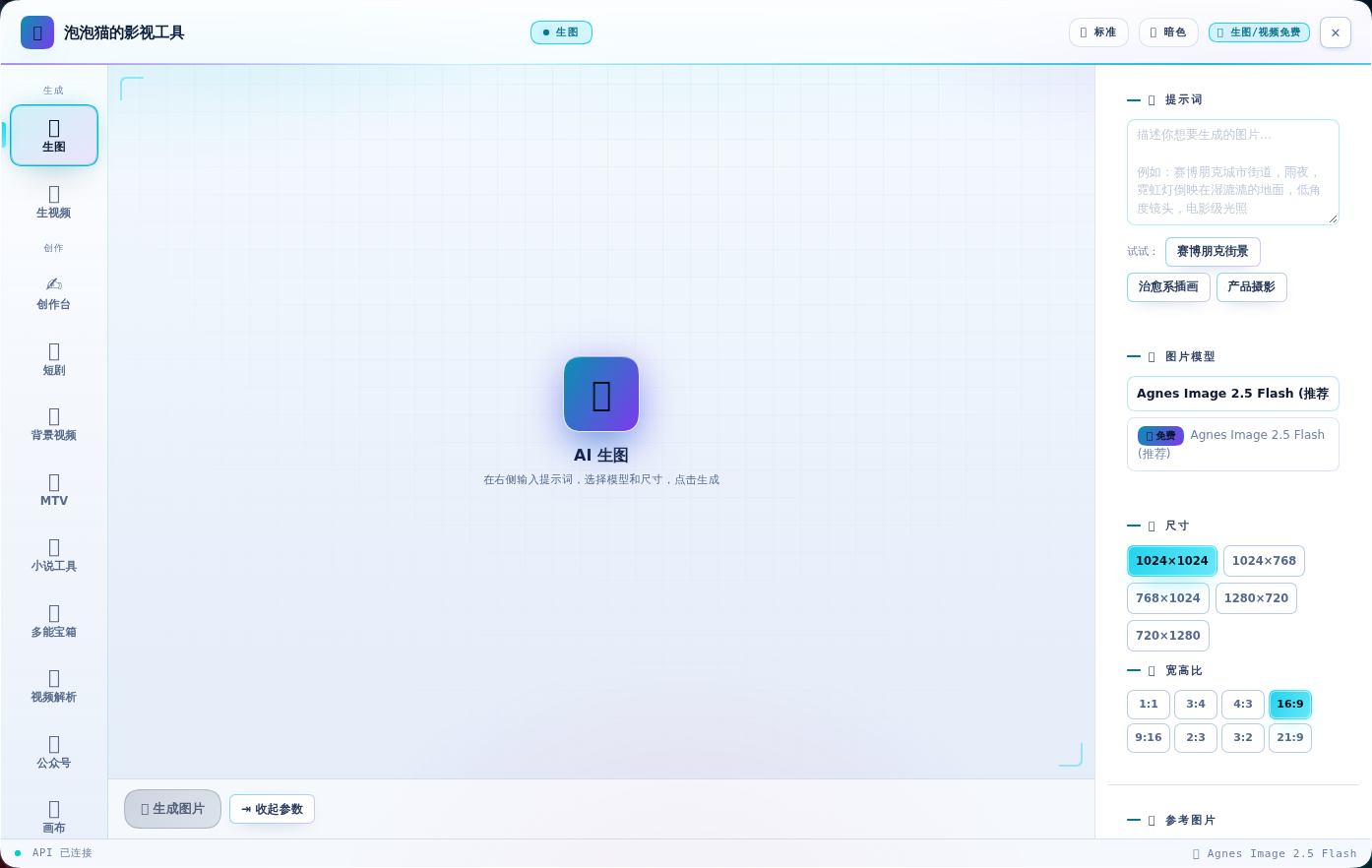 |
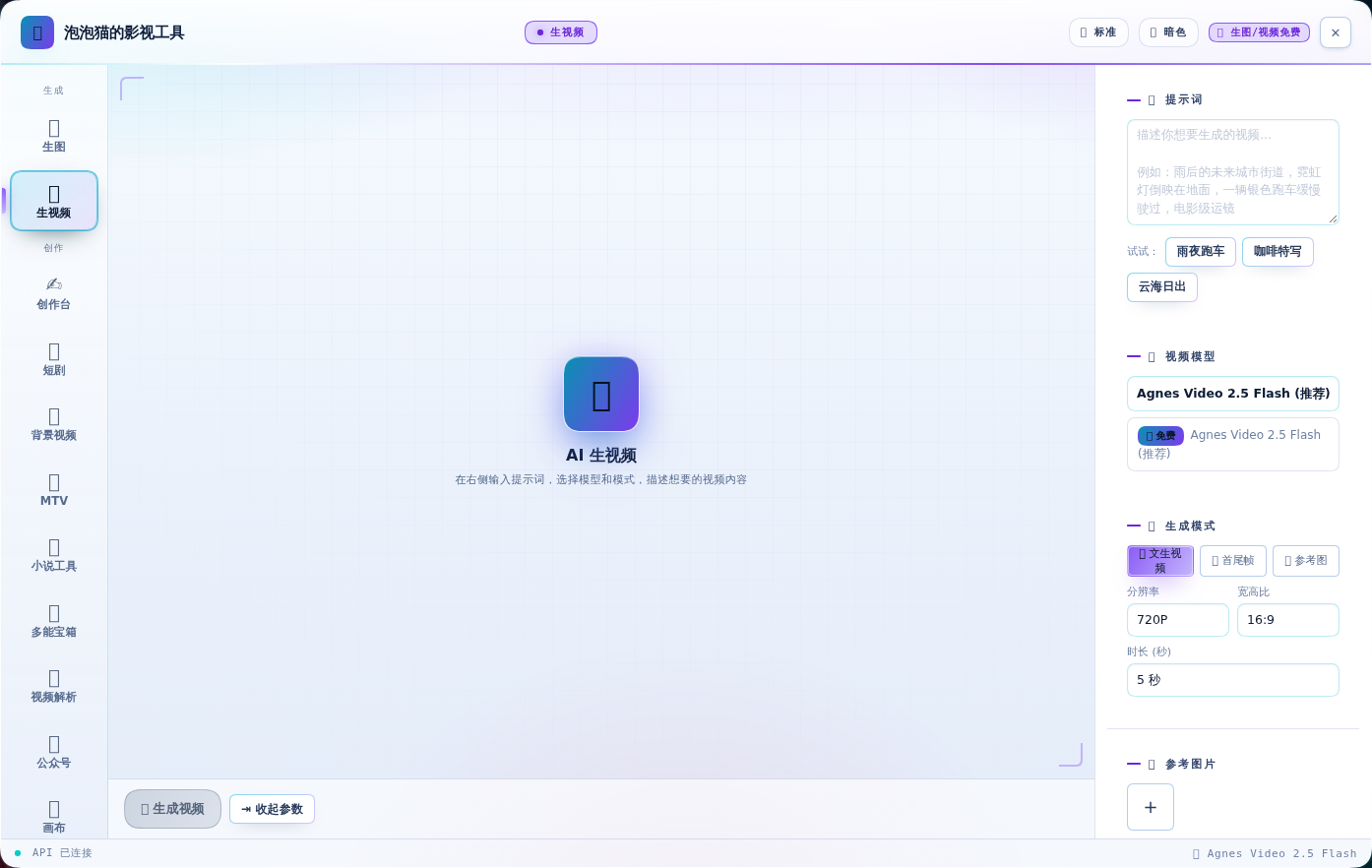 |
| ✍️ 创作台 | 📖 短剧 |
|---|---|
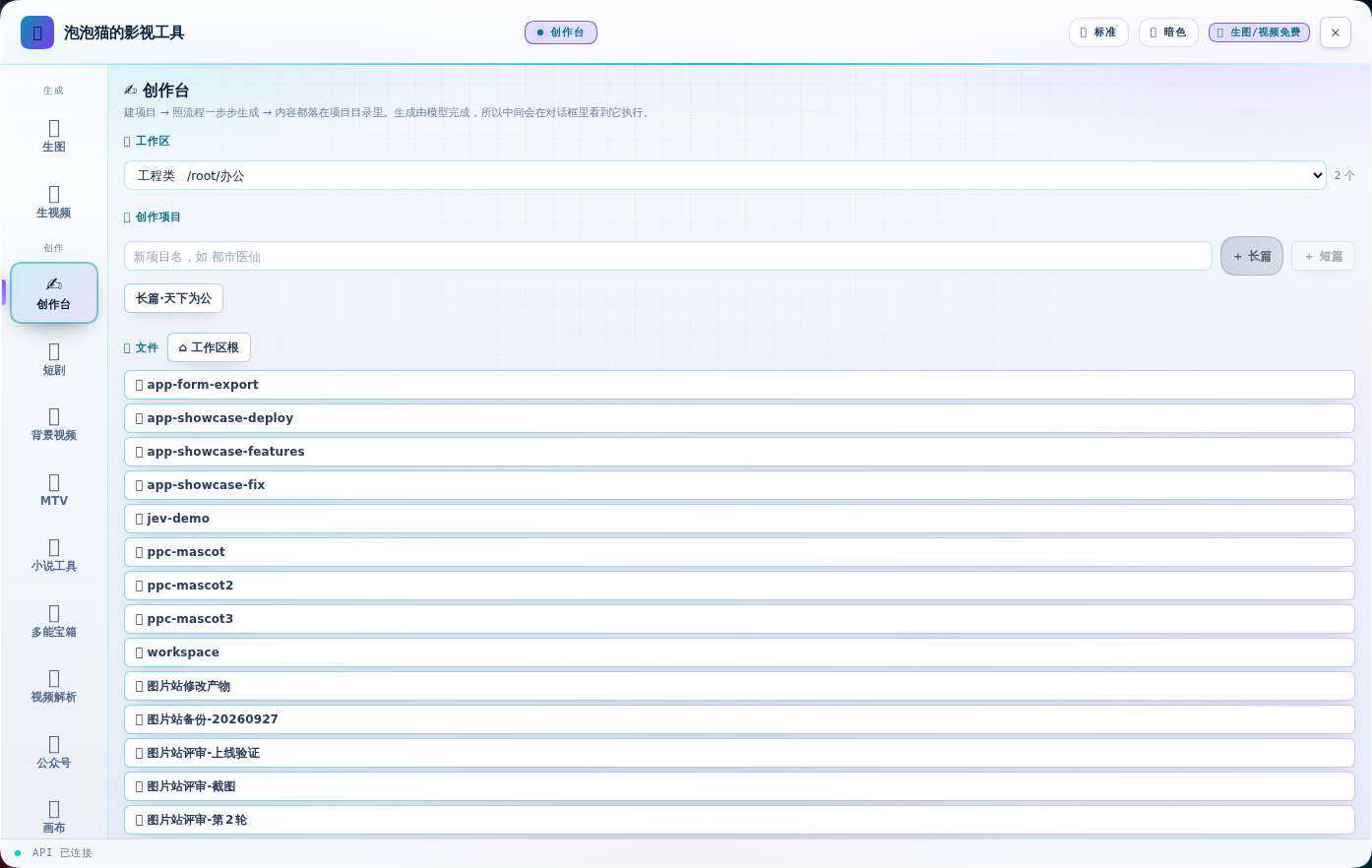 |
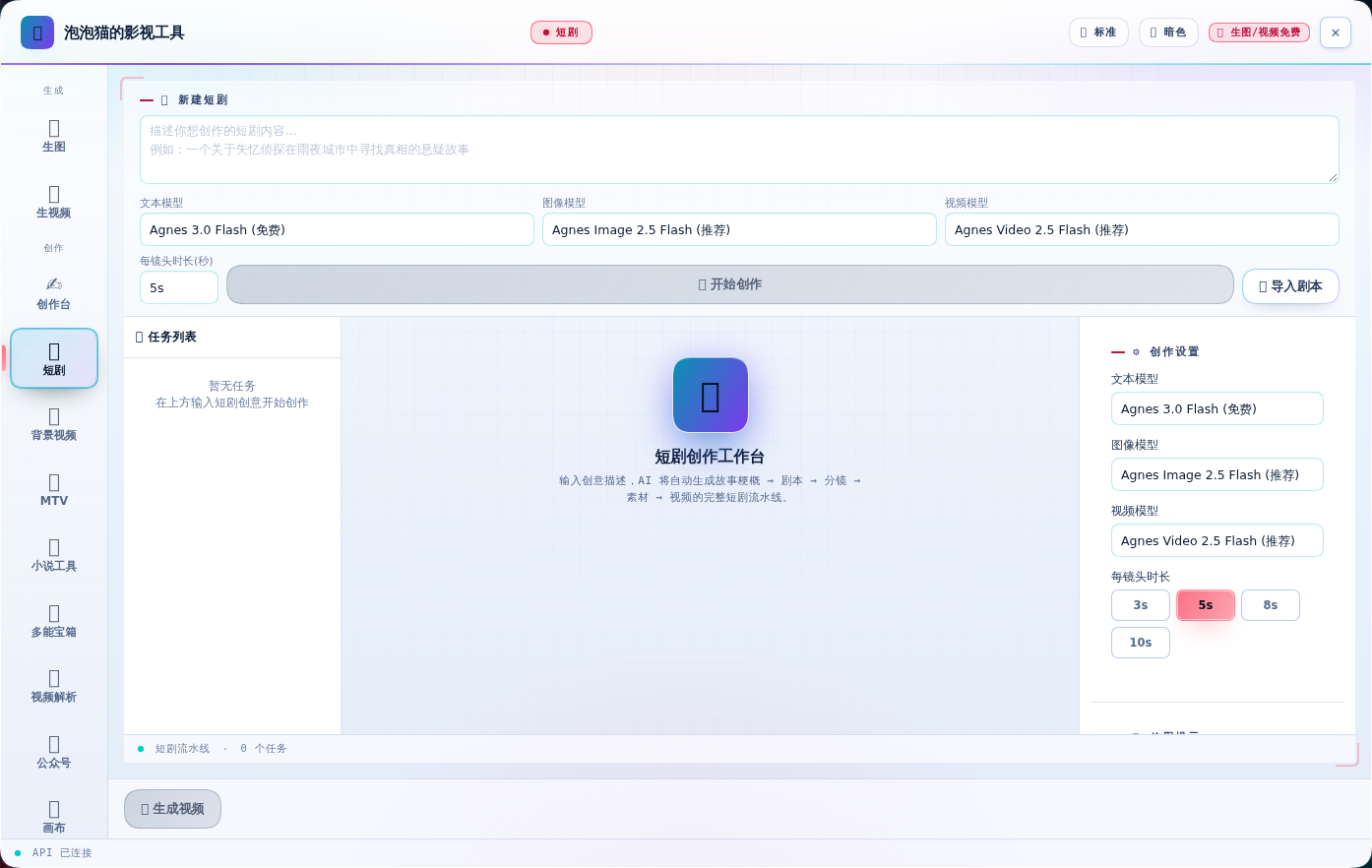 |
| 🎬 背景视频(新) | 🎵 MTV(新) |
|---|---|
 |
 |
| 📖 小说工具(新) | 🧰 多能宝箱(新) |
|---|---|
 |
 |
| 🎬 视频解析(新) | 📱 公众号(新) |
|---|---|
 |
 |
| 🕸 画布 | 🎙 口播 |
|---|---|
 |
 |
| 📕 封面 | ✨ 提示词 |
|---|---|
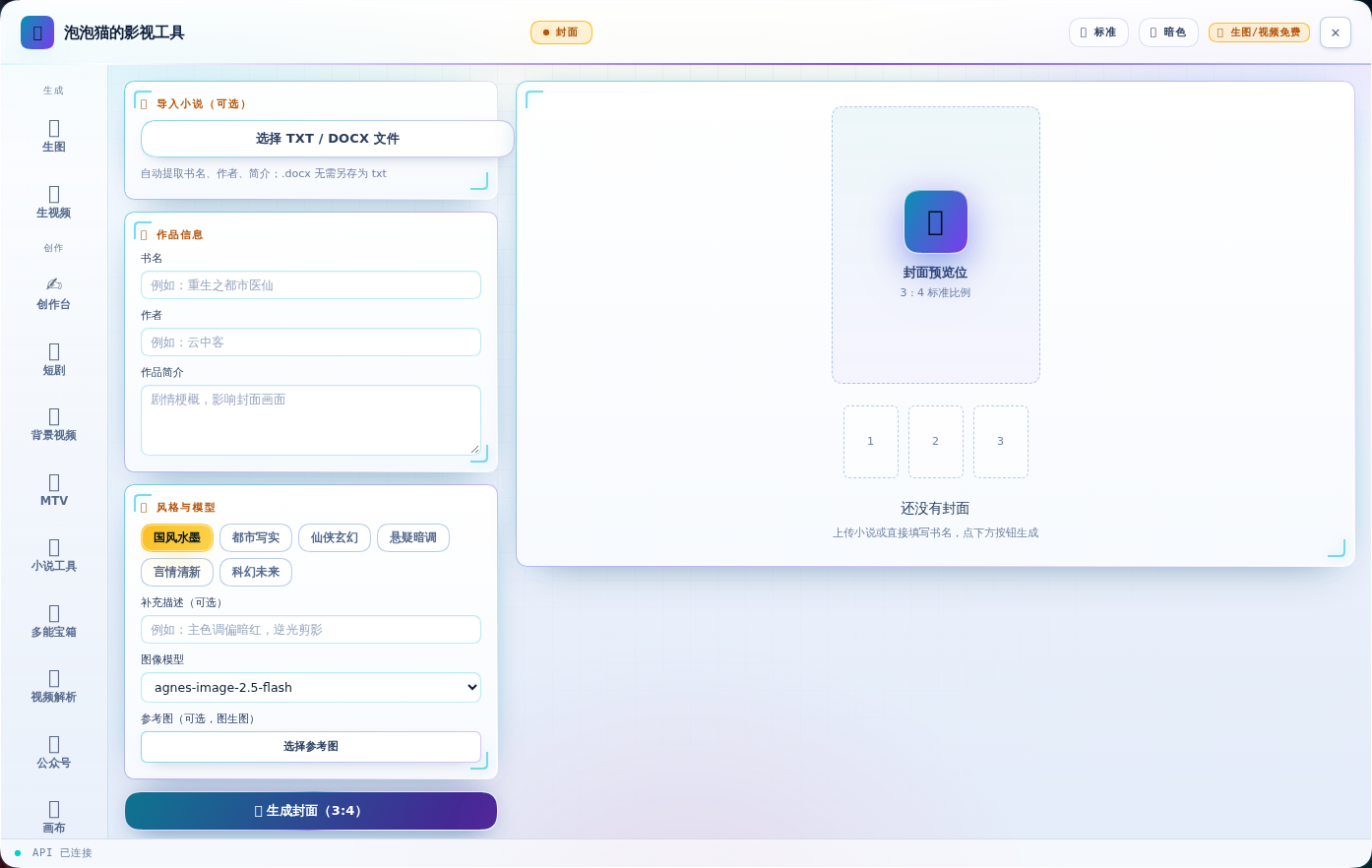 |
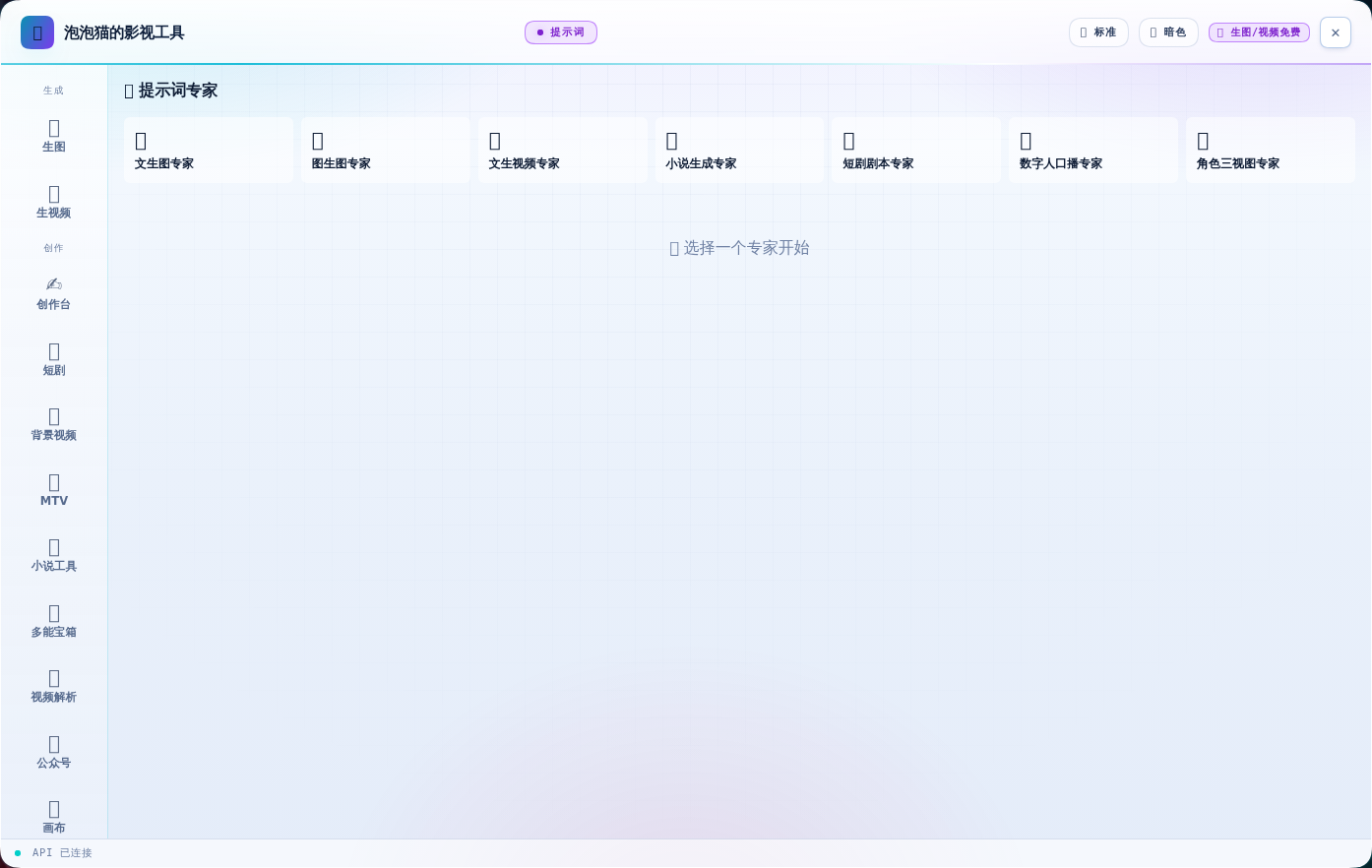 |
| ⚙ 设置 |
|---|
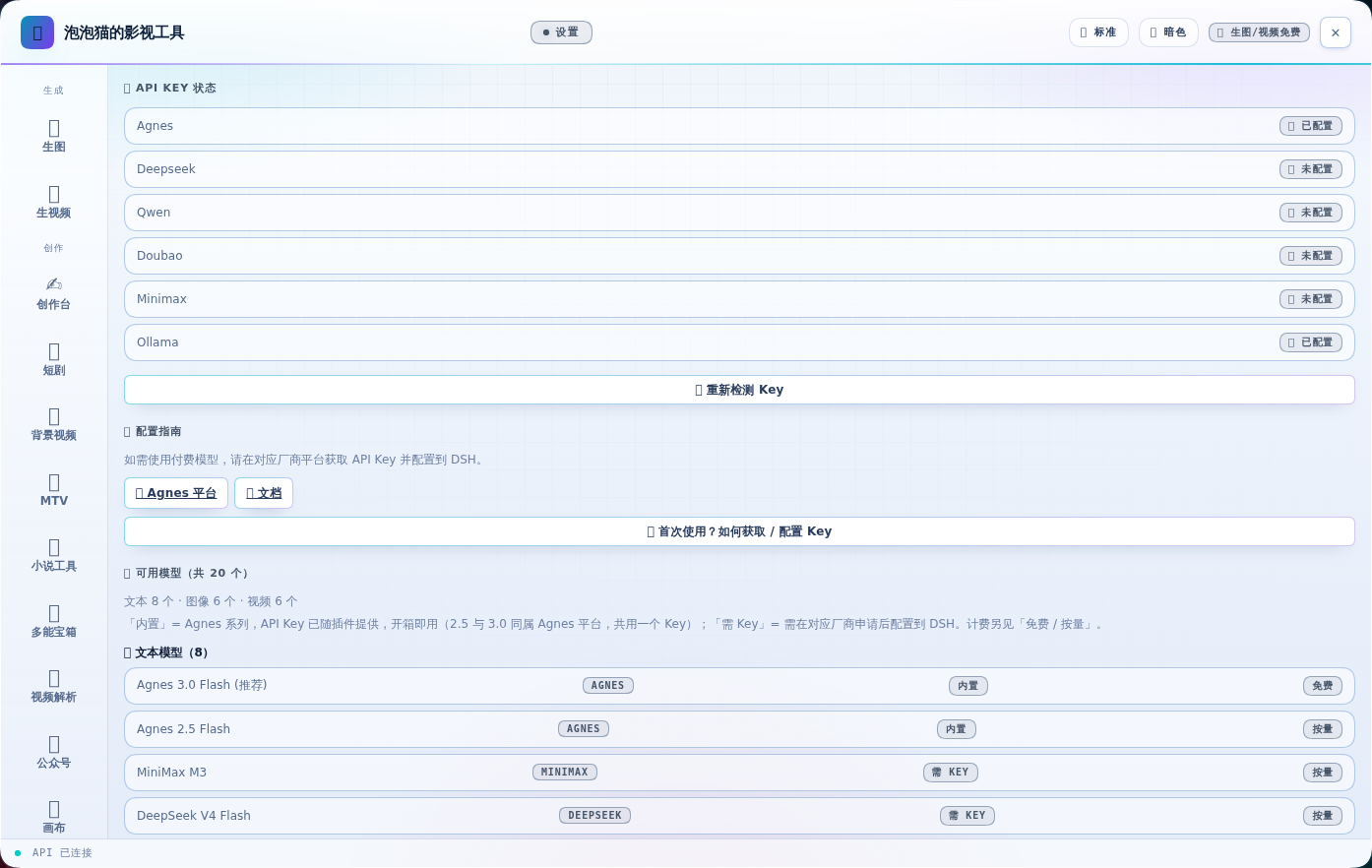 |
| ## 核心特性 |
@oh-story/dsh 的宿主半(技能 + 工具)静态并入本包,不再是独立插件行;技能在会话里直接可用。面板侧的「✦ 创作套件」页签已撤销(功能不完善),不再占用面板空间:short-drama 路由 + develop / write / assets / image-prompts / storyboard / video-prompts / produce / edit / review / novel-analyzestory 路由 + long/short 拆文与写作、封面、去 AI 味、导入、审查、扫榜oh_story_role、oh_story_production、oh_story_bundled_reference 三个工具合并不是把两份代码混着改,而是两个 half 各自保持原样、在入口处组合:
lib/host-entry.js   ← build.mjs 生成:agnes 宿主半 + vendor/oh-story 宿主半,apply() 依次调用,
                       inject 取并集(webServer/systemPrompt/credentials + skills/subagents/tools/typert)
lib/index.js        ← tsdown 产物,Agnes 宿主半本身,未改动
lib/client.js       ← build.mjs 生成:同一个文件里两个 __ModuleLoader__ 注册
                       (dsh-agnes-studio 与私有的 dsh-agnes-studio/oh-story),
                       Agnes 工厂用 require() 取到对方工厂并组合 apply()/inject
vendor/oh-story/    ← 上游 ~23MB 原样存放(index.js/client.js/四套技能与角色树),
                       Oh Story 靠自身目录解析技能根,所以必须整树同放
两处设计上的取舍:
src/index.ts:两边都导出 name/apply,且 vendored 文件必须与其自身目录保持相对关系(技能根 = dirname(import.meta.url)/<pack>/skills)。因此新增一个 lib/host-entry.js 作为 main。@oh-story/dsh 当独立行加载,原样注册会直接冲突。用 dsh-agnes-studio/oh-story 这个私有 id 后,两种 profile 都能正常启动。宿主半改动需要重启 DSH 才生效;客户端半刷新页面即可。 已并入的实例请把
@oh-story/dsh从 profile 的dsh.profile.bundles与dependencies中移除,避免技能重复注册。
短剧合成与口播需要本机具备:
| 依赖 | 用途 | 缺失时 |
|---|---|---|
| ffmpeg + ffprobe | 视频拼接、字幕烧录、音画合成 | 面板顶部提示安装方法;可设 AGNES_FFMPEG 指定路径 |
| 中文字体 | 烧录中文字幕 | 明确报错(不会静默输出豆腐块);可设 AGNES_SUBTITLE_FONT |
| MIMO_API_KEY | 口播 TTS 配音 | 口播页提示配置(mimo-api-key 凭据或环境变量) |
安装 ffmpeg:
# Linux
apt-get install -y ffmpeg fonts-wqy-zenhei
# macOS
brew install ffmpeg && brew install --cask font-noto-sans-cjk-sc
# Windows: 安装 ffmpeg 加入 PATH(或设 AGNES_FFMPEG),系统自带微软雅黑即可shell.overlay 浮层,对话框完全可用PlayResY 声明分辨率,字号/边距不受 libass 默认 288 行缩放影响cd /dsh/profiles/web
npm install /root/软件/dsh-agnes-studio
# 编辑 package.json 的 dsh.profile.bundles 添加 "dsh-agnes-studio"
# 编辑 package.json 的 dependencies 添加 "dsh-agnes-studio": "file:/root/软件/dsh-agnes-studio"
# 若 profile 里还有 "@oh-story/dsh":从 bundles 和 dependencies 中移除(能力已并入),否则技能会重复注册
# 重启 DSH 容器sk- 开头的那串agnes-api-key/dsh/.env 写入 AGNES_API_KEY=sk-...面板首屏会显示同样的指引;Key 只由宿主进程读取,浏览器不会接触。
导航分三组:生成(生图 / 生视频)· 创作(短剧 / 画布 / 口播 / 封面 / 提示词)· 配置(模型 / 设置)。 标题栏 🪟 切换面板尺寸;生图/生视频右侧参数栏可点「⇥ 收起参数」让预览占满。
⚠️ 改动了插件宿主半(
lib/index.js)后需重启 DSH 才生效;只改客户端刷新页面即可。 画布状态保存在浏览器 localStorage,无需后端。
CLASSIFICATION EVIDENCE
系统优先读取 GitHub Topics,再与站内分类词典和词根规则比对。当前命中: image-generation、video-generation。
Tencent
Open-source LLM knowledge platform: turn raw documents into a queryable RAG, an autonomous reasoning agent, and a self-maintaining Wiki.

liustack
The first vision plugin for DeepSeek Harness, and the vision bridge for every text-only coding agent. Paste an image, get structured JSON evidence (OCR, layout, semantics). | 全网最强 DeepSeek Harness 外挂视觉插件,为 DeepSeek、GLM 等纯文本模型外挂视觉能力,粘贴图片即得结构化 JSON 证据(OCR、版面、语义)。

dream-num
An open-source Office workspace where people and AI agents create, collaborate, and review together.