English · 简体中文
LidAssistant (盒盖助手)
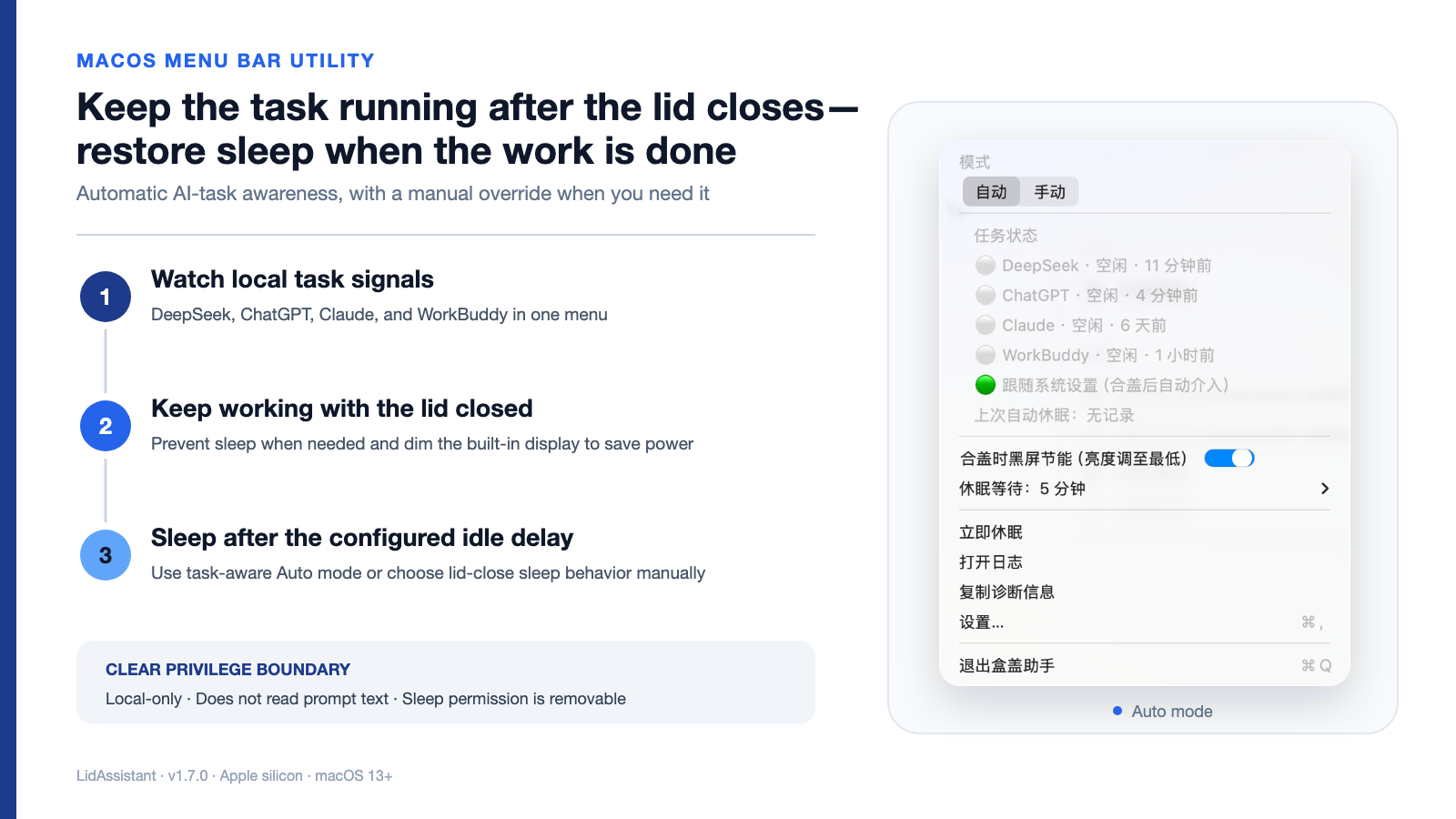
A native macOS menu-bar utility that keeps selected AI work running with the lid closed, then restores normal sleep behavior when the work is done.





Two modes, one clear boundary
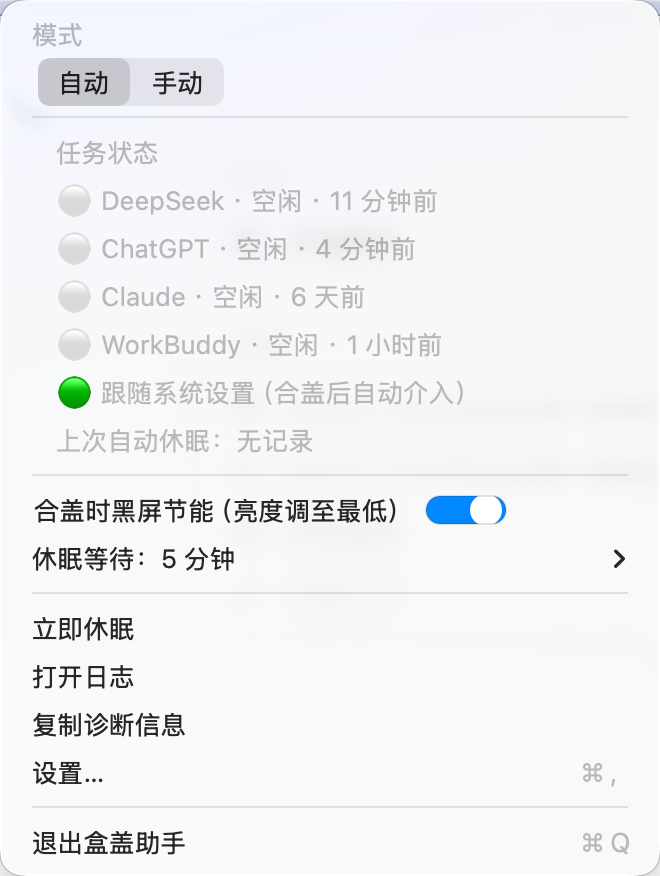
- Auto watches supported local task signals. When the lid is closed, active work keeps the Mac awake; after activity ends, the app waits for the configured delay before requesting sleep.
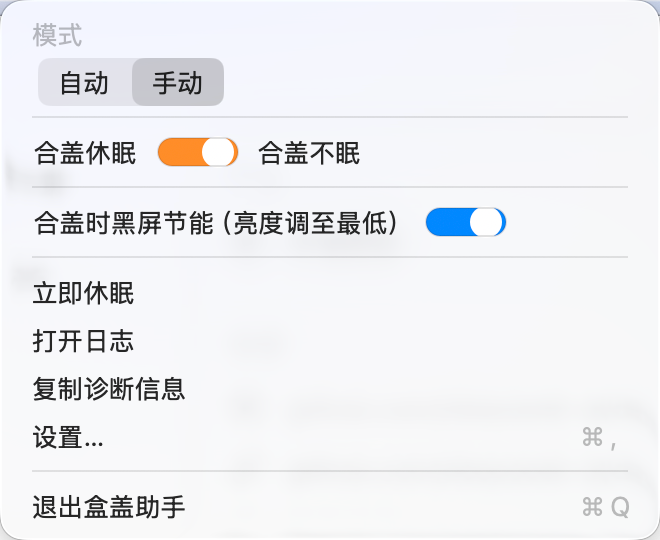
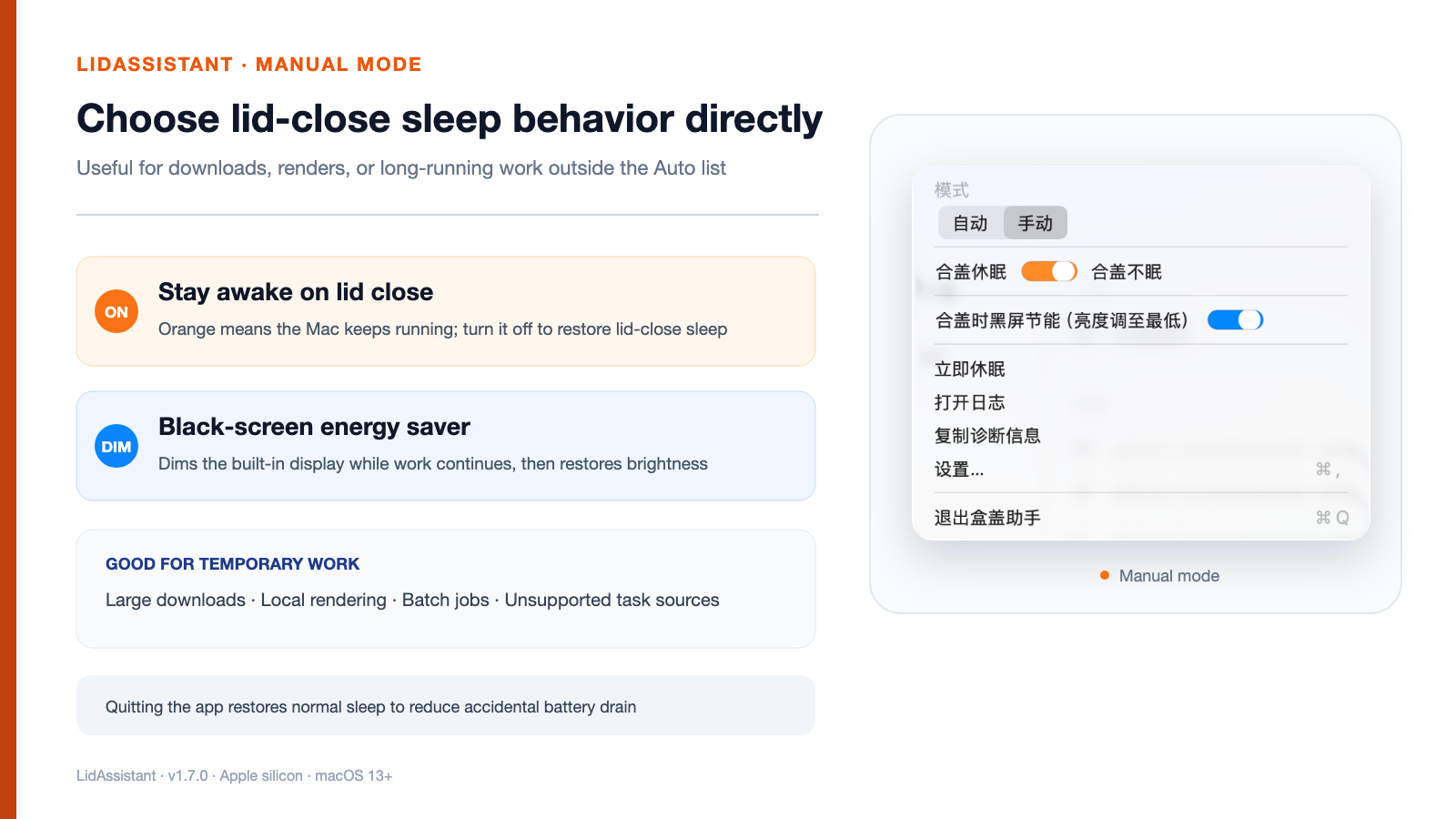
- Manual lets you explicitly choose “sleep on lid close” or “stay awake on lid close.”
- Black-screen energy saver lowers the built-in display brightness while closed-lid work continues, then restores brightness after the lid opens.
- External display guard stops the app from intervening while an external display is connected.
- Crash watchdog restores normal lid-close sleep if the app stops unexpectedly.
Interface
| Auto mode |
Manual mode |
 |
 |
Task signals
LidAssistant inspects local status and recent activity; it does not read or upload prompt text.
| Service |
Signal used |
| DeepSeek Harness |
Local session API and its running field |
| ChatGPT / Codex |
Recent local session events and completion markers |
| Claude |
Recent local project events and end-of-turn markers |
| WorkBuddy |
Recent local project-log activity |
Per-process network activity may extend an active state briefly, but does not create a task on its own.
Install
Homebrew
brew install --cask yinshi1226-ai/tap/lidassistant
/Applications/盒盖助手.app/Contents/Resources/grant.sh
The second command is a one-time authorization step. It installs a tightly scoped sudoers rule, the crash watchdog, and launch-at-login support.
Download a release
- Download
LidAssistant.zip from the latest release.
- Unzip the app into
/Applications.
- Run
/Applications/盒盖助手.app/Contents/Resources/grant.sh once.
The release is ad-hoc signed. On first launch, macOS may ask you to confirm it in System Settings → Privacy & Security.
Build from source
git clone https://github.com/yinshi1226-ai/LidAssistant.git
cd LidAssistant
./install.sh
Permissions and privacy
- No telemetry and no advertising SDK.
- The sudoers rule allows only
pmset -a disablesleep 0 and pmset -a disablesleep 1.
- Task detection uses timestamps, status fields, and event markers—not prompt content.
- Local diagnostic logs remain on the Mac.
- Authorization and installed support files can be removed with
./uninstall.sh.
See SECURITY.md for the exact files and privilege boundary.
Notes
- Other macOS sleep assertions—such as video calls or media playback—can still delay sleep.
- Non-Harness task detection is based on recent local events and may need tuning if an upstream app changes its log format.
- LidAssistant is intended for Apple silicon Macs running macOS 13 or later.
Development
cd LidAssistant
swift test
swift run LidAssistant --dry-run
./build-app.sh
License
MIT


