Self-hosted AI office run by a swarm: AI agents take an EPIC's issues in parallel, a judge accepts work only when its acceptance criteria pass. Isolated DeepSeek Harness site per customer.
An AI office you can host yourself, run by a swarm: AI agents take the issues of an EPIC in parallel, a judge accepts their work only when its acceptance criteria pass, and people decide and accept. You run one platform; each customer you invite gets an isolated DeepSeek Harness (DSH) site that already holds an office template: companies, AI staff roles, schedules and a place for their own keys.
Full video with captions: docs/media/demo.mp4. The demo runs on a throwaway install with a scripted model, so the AI's replies are canned.
The UI text is currently in Traditional Chinese.
How the swarm works
Swarm turns a goal into an EPIC of small issues, hands each issue to an AI agent, and lets the agents work in parallel. A result is accepted only when the issue's executable acceptance criteria pass, run by a separate judge. People define the goal, release the work and accept the result; they do not need to watch it.
No issue without a testable "done"; every criterion is run first and must fail today; drafts must pass epic_lint
② Release
Person
Adding swarm:go freezes the criteria
③ Build and judge
Agents + runner
Each agent works in its own worktree, limited to the files its issue lists; issues on the same file are chained; the runner executes the criteria verbatim and counts only exit codes
④ Accept
Person
Review the EPIC pull request (low-risk EPICs may auto-merge); a closing summary feeds the monthly report
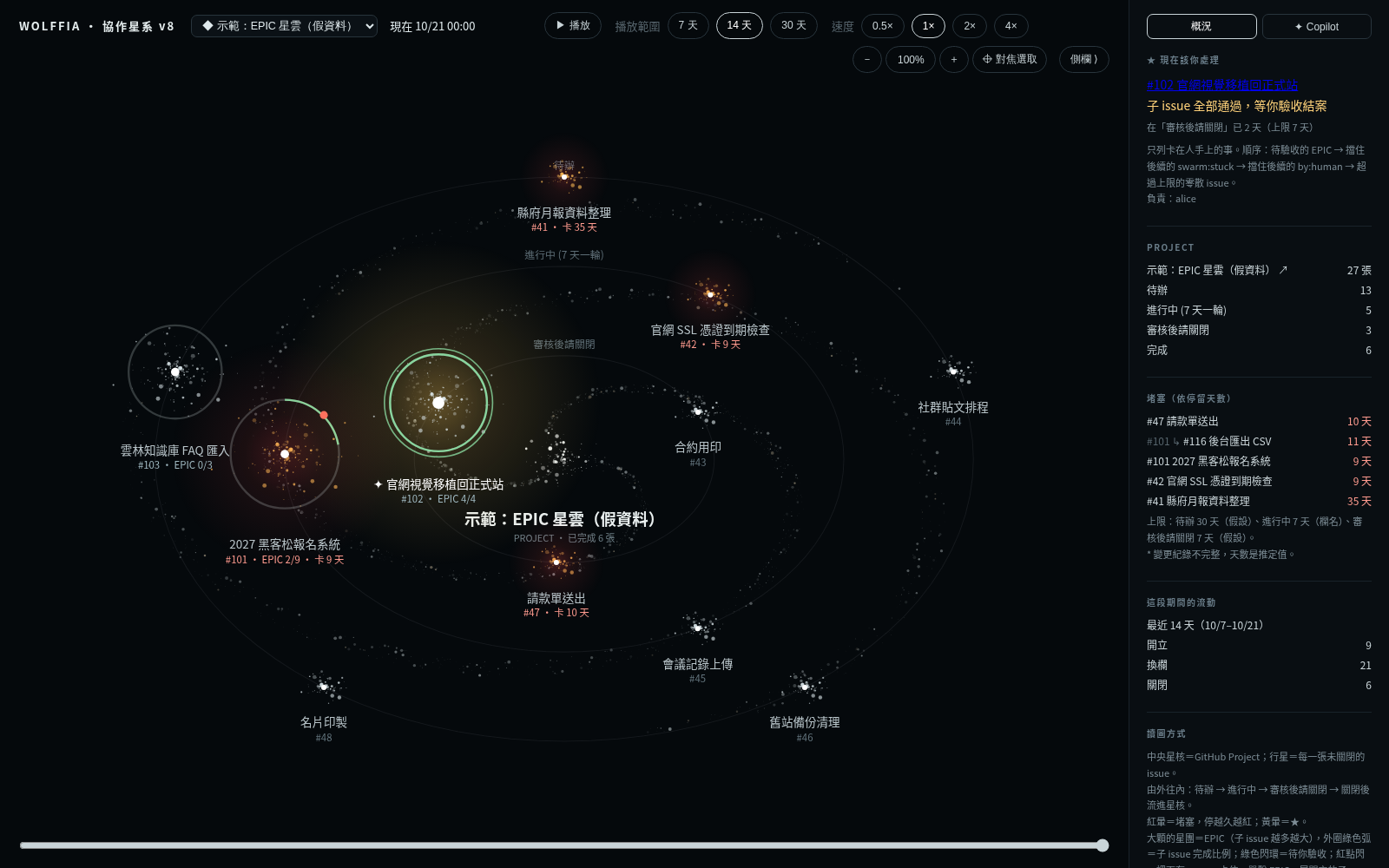
Every site has the Wolffia board at /board/: a live view of a GitHub Project where you drag cards to change status, release EPICs, add projects from any org you can see, and ask 📊 Analyse — the site's own AI reads the board and answers. See swarm/ and plugins/swarm-board/.
What it does
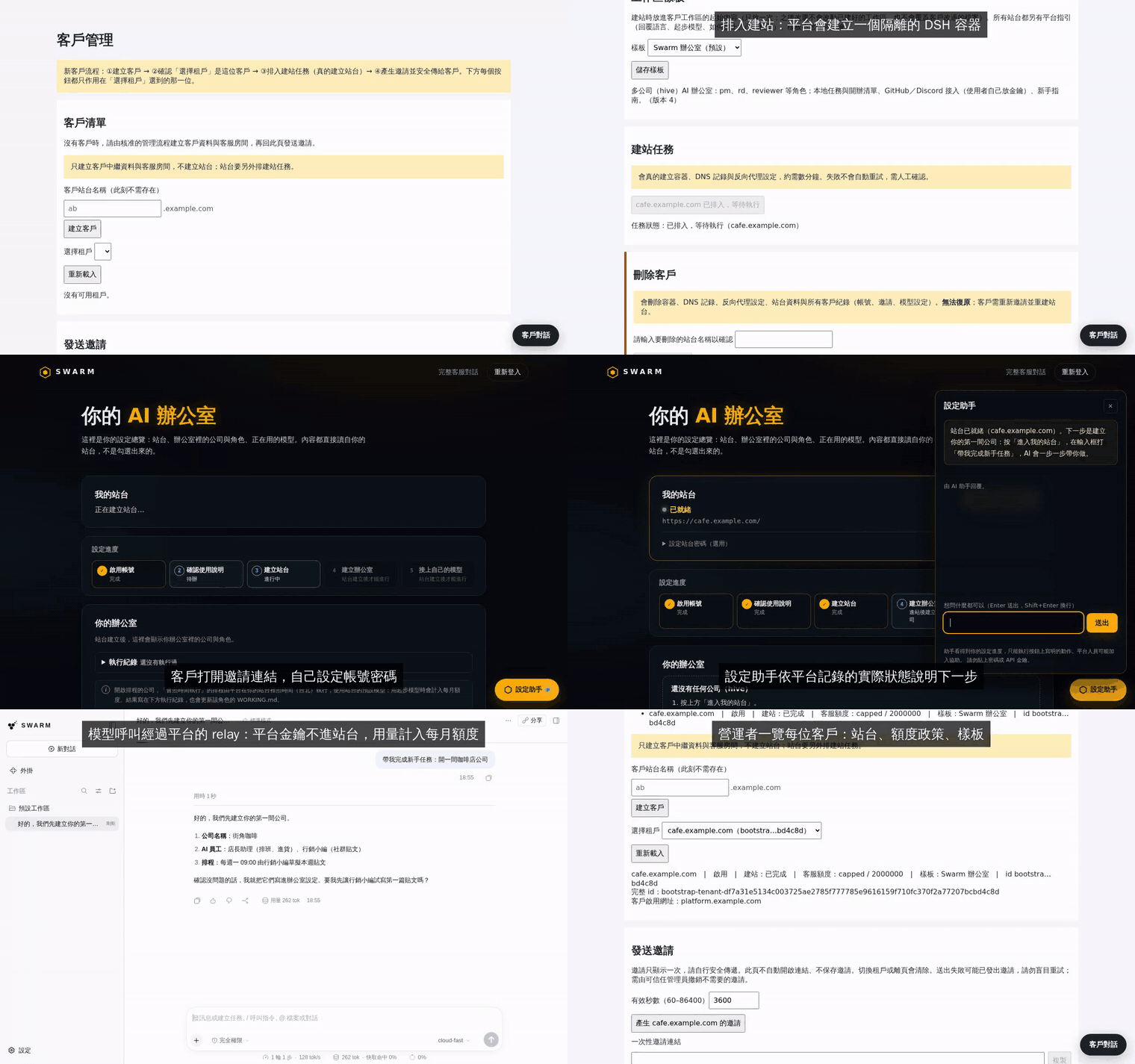
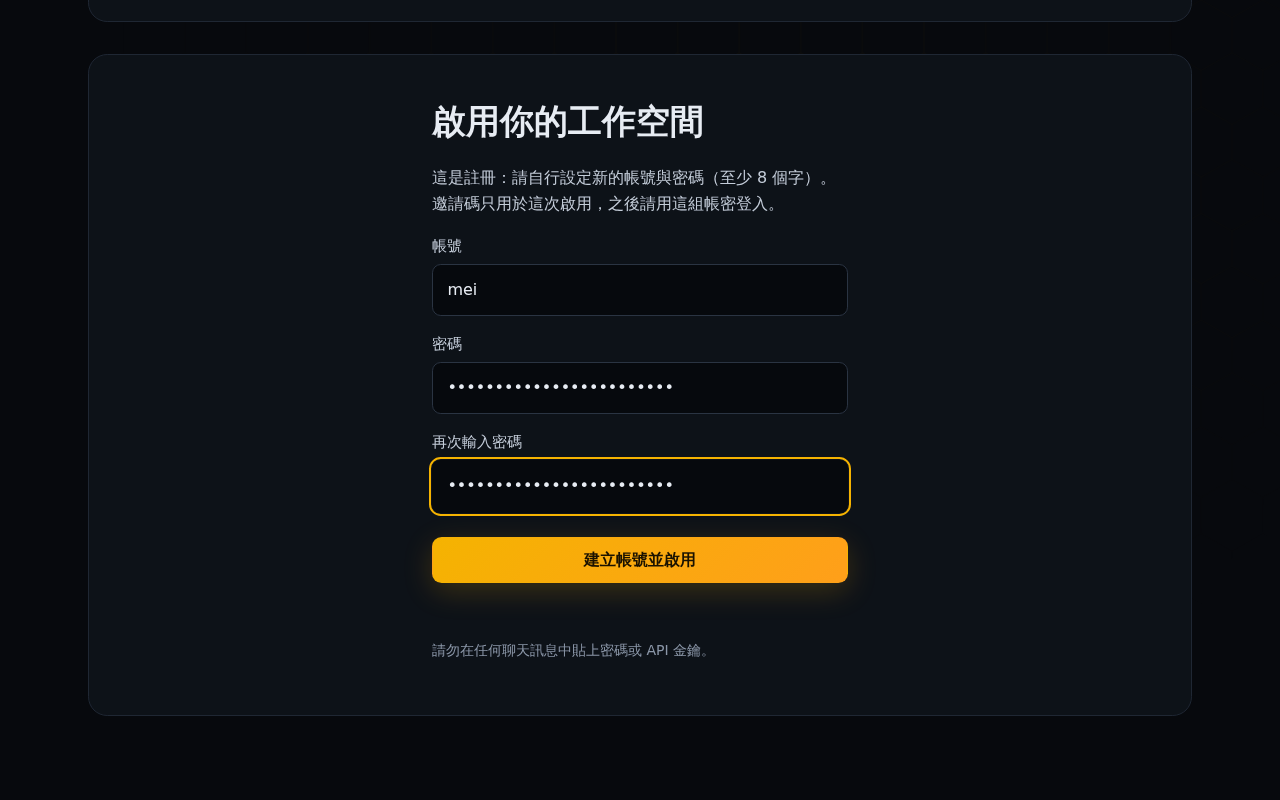
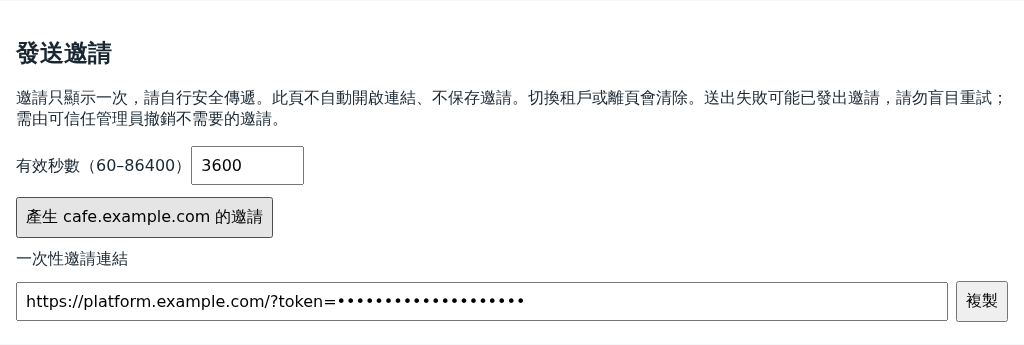
Invite-only sites. In the admin console you create a customer, pick an office template, set a monthly model quota and send a single-use invite link. The customer picks their own username and password.
One container per customer. The platform builds the site by itself: a DSH container with its own login, data and workspace, an nginx route and (optionally) a DNS record. Deleting the customer removes all of it.
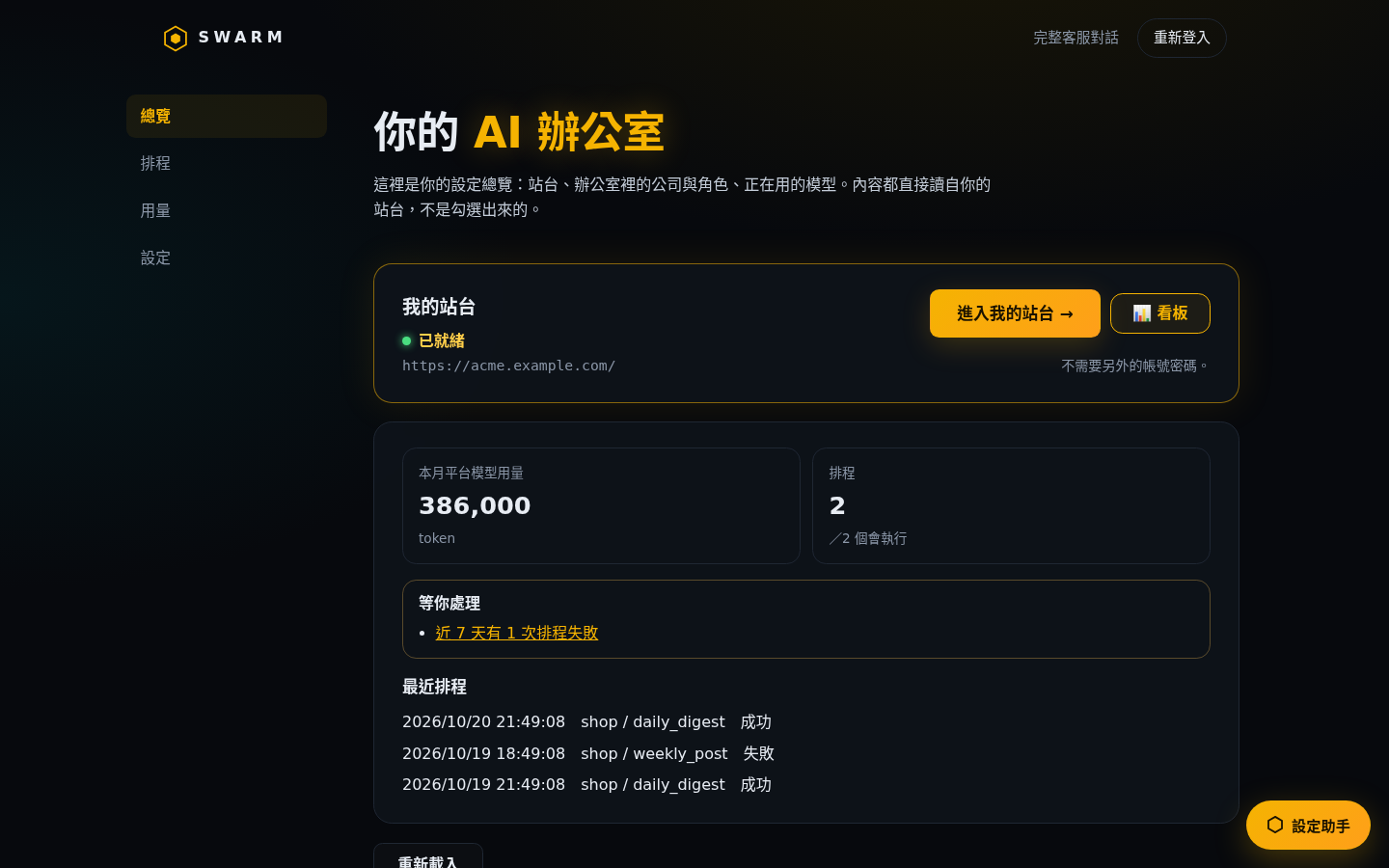
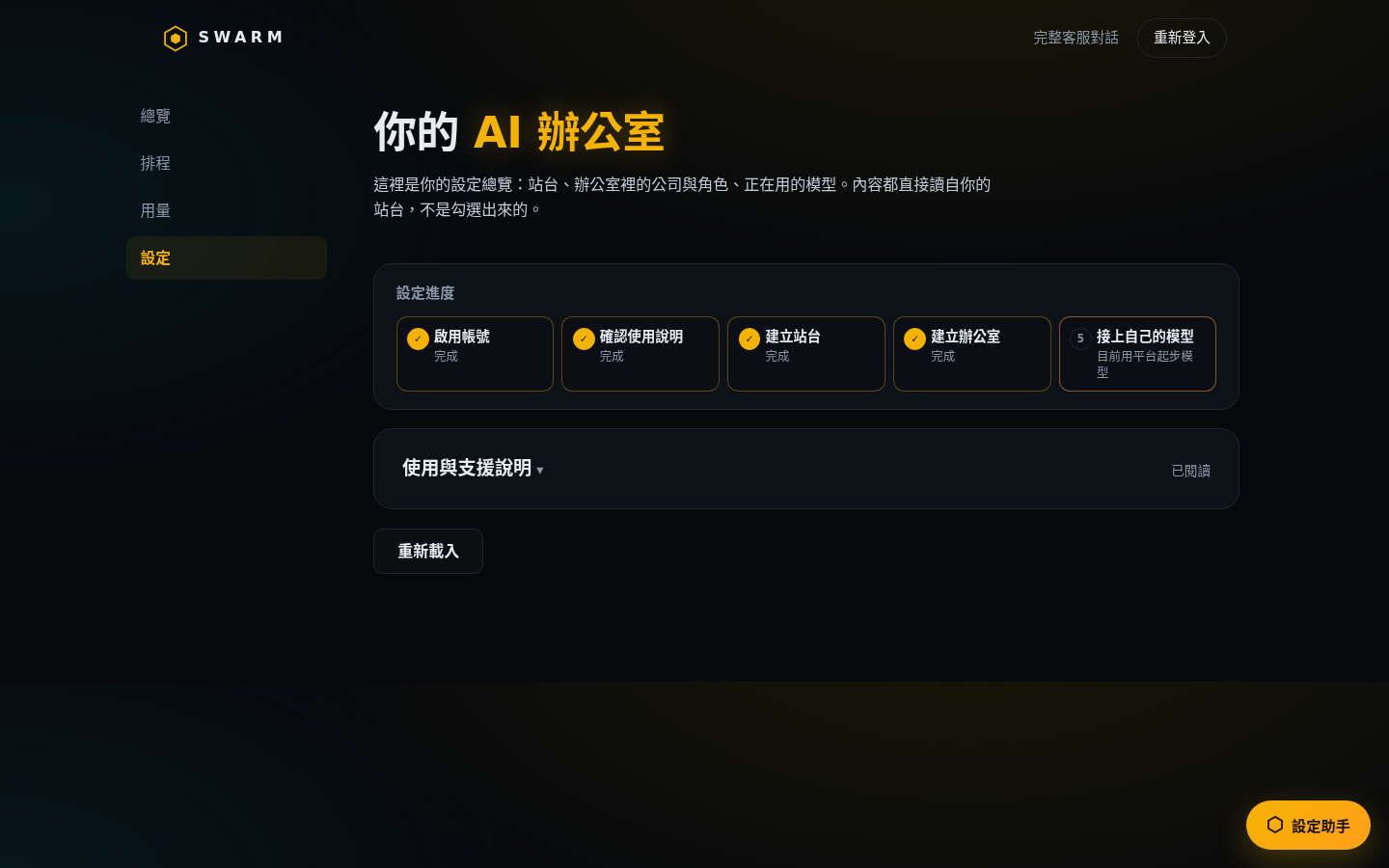
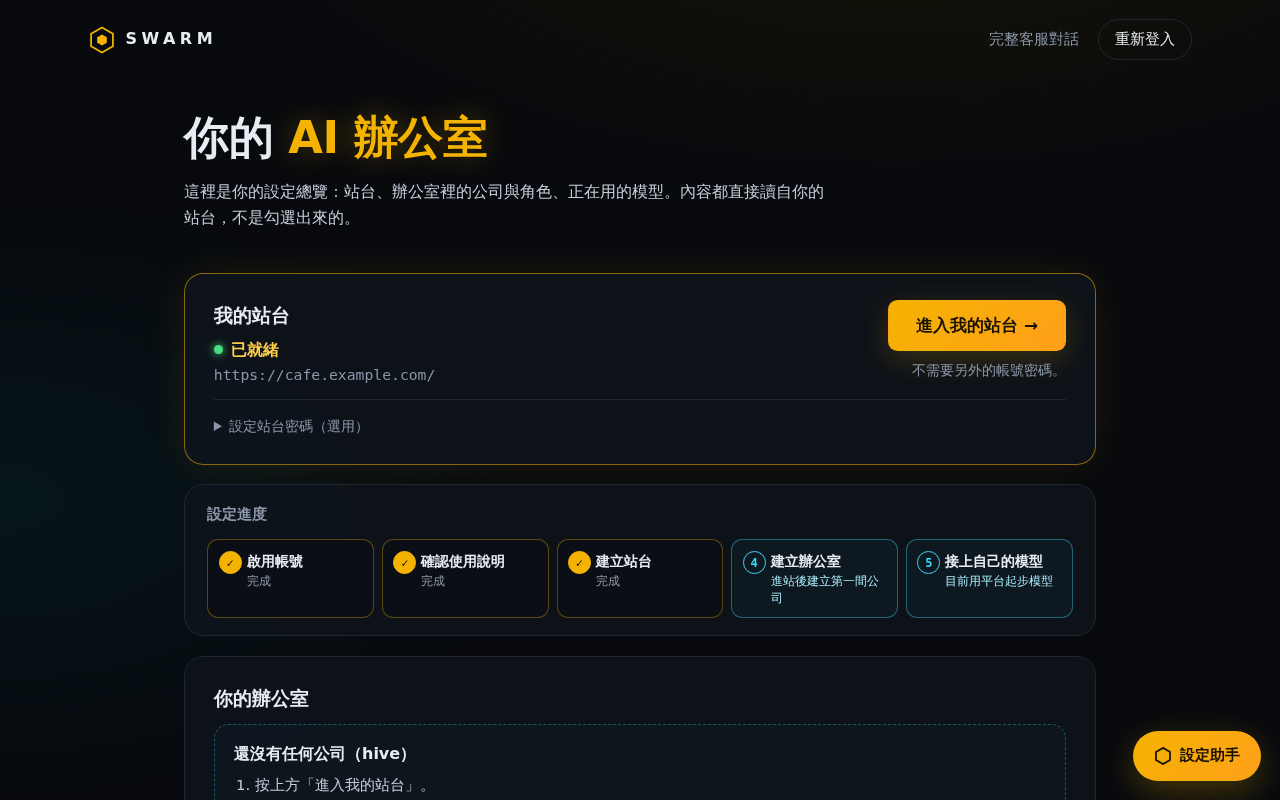
Onboarding page with a setup copilot. The customer sees setup progress and the site build live. The copilot explains the next step from what the platform actually recorded, and does not make up progress.
Into the site without a second password.Open my site hands the signed-in customer over with a single-use ticket.
The platform's model key never enters a site. Each site gets its own starter key, which only works against the platform's relay. The relay checks that key and the site's monthly budget, then forwards the call with the platform key.
An office ready on first visit. The workspace starts with the office template (an AGENTS.md, a getting-started guide, a place for companies). Customers can add their own model keys later.
Conversation sharing.dsh-share-room is installed in every site, so a customer can invite guests into a conversation.
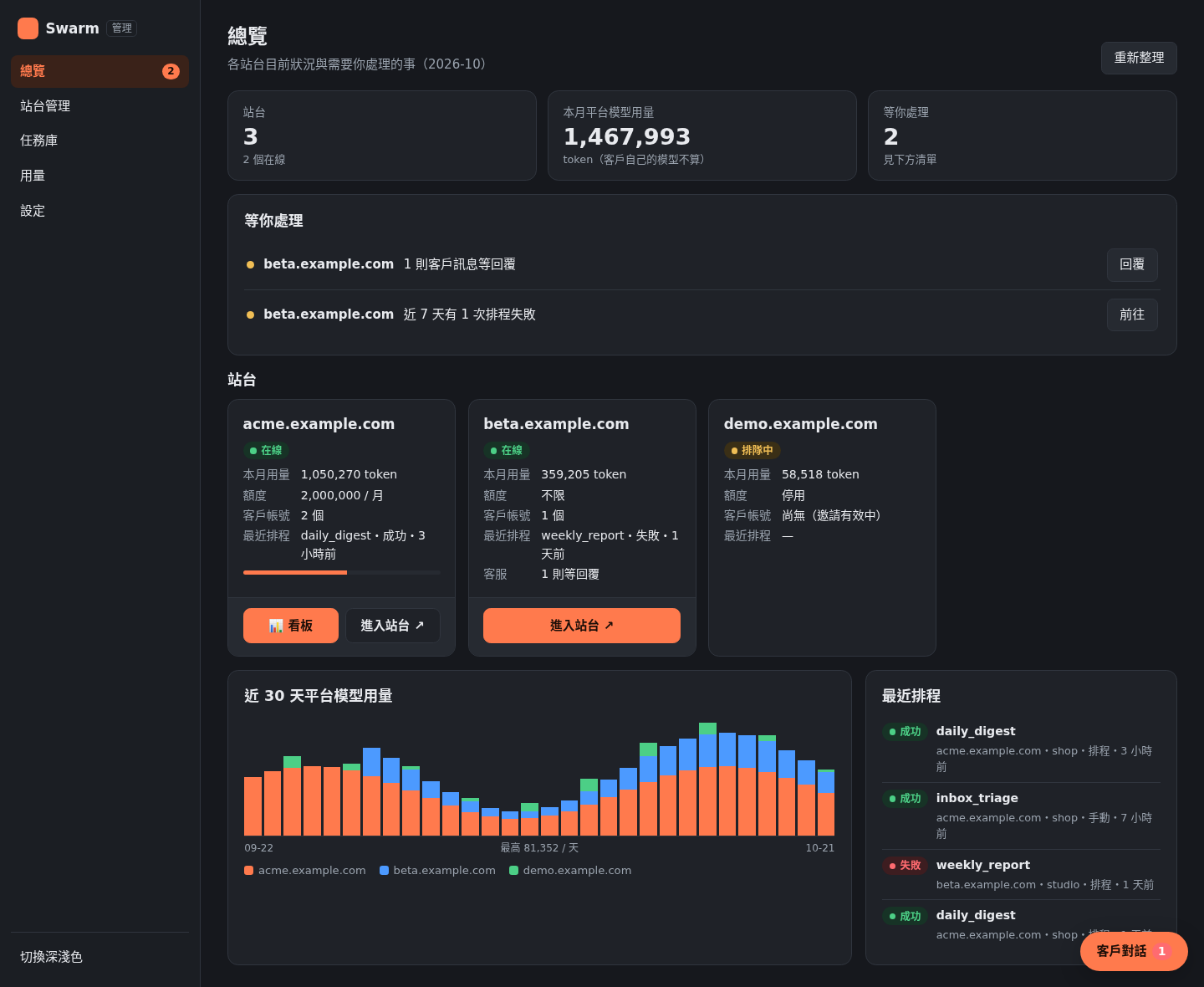
Operator view. One page lists every customer with their site, quota policy and template. When a customer asks for a human, the operator answers from the same console.
Screenshots
Operator
Customer
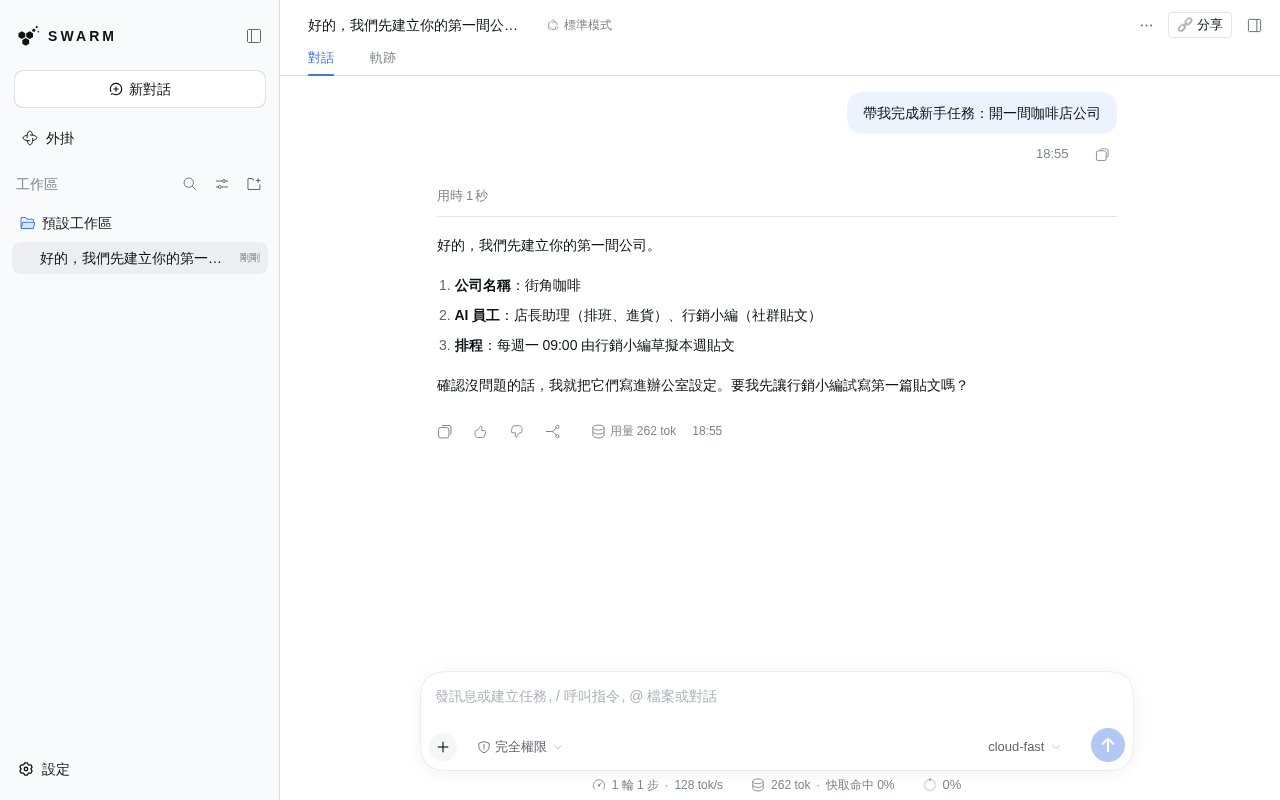
Inside the customer's own site: the reply comes through the platform relay, and the usage counts toward the monthly quota.
Each site sits on an isolated Docker network. The relay is the only host port it can reach: no other host ports, private networks or cloud metadata. The platform never runs sudo. Two small root units do the privileged work, one for the firewall and one that applies nginx configs. Details: docs/architecture.md and docs/security.md.
Before you run it
Use a host dedicated to Swarm. The platform user is in the docker group, which is equivalent to root.
Containers are not VMs. All customers share one kernel and one Docker daemon. DSH's in-site sandbox does not work in a container, so the container, network and firewall are the only containment.
Sites can reach the internet. A customer's AI can send that customer's data anywhere.
You pay for the starter model. Every site's starter calls go through your gateway on your key. Monthly caps are enforced, but token counts are estimates.
TLS is yours. Nothing here terminates TLS. Put certbot, a load balancer or a tunnel in front.
You need a Linux host (Ubuntu 22.04 or similar) with Docker 24+, nginx and Python 3.10+, about 2 GB of disk for the site image, and an OpenAI-compatible model gateway (for example LiteLLM). Point platform.<domain> and *.<domain> at the host.
Then open https://platform.<domain>/admin and sign in with the password in /etc/swarm/secrets/admin-password. The rest of the settings, logs and the first customer are covered in deploy/README.md.
The whole install is tested from scratch in a throwaway container: bash deploy/tests/clean-install/run.sh.
A one-of-a-kind resume builder that keeps your privacy in mind. Completely secure, customizable, portable, open-source and free forever. Try it out today!
VPS Fusion Monster — Server Benchmark (Go Edition) Aims to be the most comprehensive and fastest server benchmarking project, built in Go with zero external dependencies. VPS 融合怪服务器测评项目 · Go 版本 致力于成为最全面和最快速的服务器测评项目,使用 Go 语言实现,零环境依赖零广告
Manage the Office content your agents create. An open-source, self-hosted workspace where people and AI agents edit, collaborate, and review changes. Built with Univer Office SDK.