
其他
完整应用

deepseek-harness
deepseek-ai
DeepSeek Harness: Everything is a Plugin.
PROJECT TOPICS
PROJECT README
Sidebar skill hub for DeepSeek Harness Web GUI. DeepSeek Harness 侧边栏技能中心 ✨
A DSH plugin that lives at the bottom of the sidebar:
/name gesture in a single prompt, so the host injects its
instructions and the model can use it for the whole conversation.侧边栏底部的小徽章:实时告诉你当前会话「现在正在用什么技能」,还能一次勾选 一个或数个技能并启用——技能说明注入本轮对话,模型整轮可用。装上就能用~
Hey there, lovely human! 👋 If this little plugin made your DSH a tiny bit nicer to use, would you take one second to drop a ⭐ Star on the repo? Every star is a cookie 🍪 that powers this small plugin — with enough of them, it can keep getting stronger and cuter!
Pretty please, the star is just up there in the corner (´。• ω •。`) ♡
—— a tiny plugin that works hard on every line of code 🐱✨
嘿,亲爱的小伙伴!🐾 如果你觉得这个小插件让你的 DSH 用起来更顺手了, 能不能花一秒钟,给仓库点一颗 ⭐ Star 呀? 你的每一颗星星,都是给这个小插件充电的 小饼干 🍪💖 有了它们,我才有动力继续修炼,变得更强更好用!
拜托拜托~星星就在右上角,点一下下就好啦 (´。• ω •。`) ♡
——— 一只认真敲代码的小插件 🐱✨
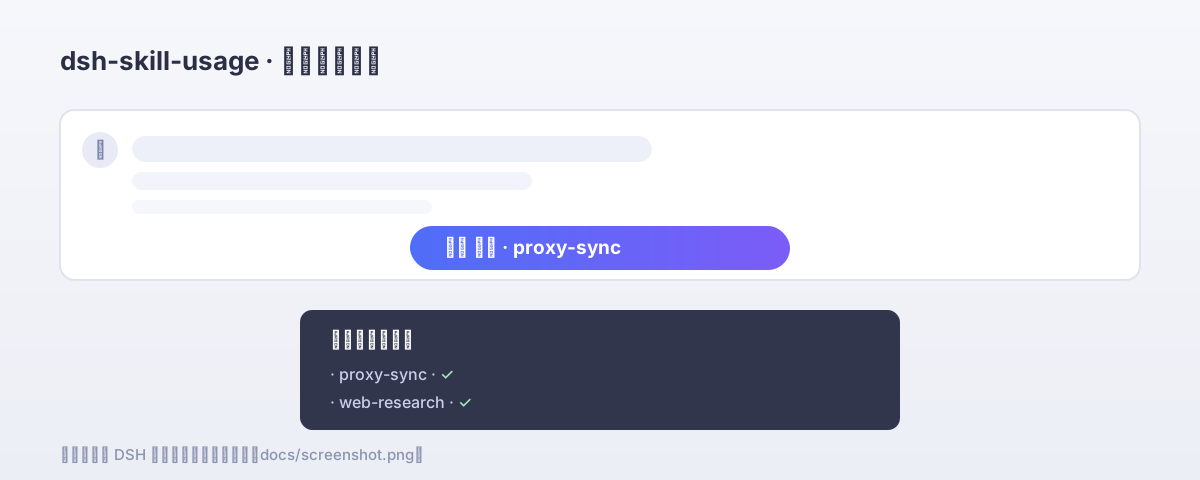
占位截图:等 DSH 重启后换成真实截图(替换
docs/screenshot.svg或另存为docs/screenshot.png)
The plugin registers a skillUsage session projection (a pure fold over the
session log) that observes skill tool calls and user-explicit /name
invocations, folding them into a { active, history } wire value.
The browser half reads that projection for the current session through the
global useSessions seat (the host folds projection values into list rows) and
renders a trigger in the sidebar's sidebar.footer.action band. Opening the
panel lists the used skills and the session's available skill catalog; the
Enable action builds one /name … prompt, so the host's tool-skill boundary
injects every selected body into the conversation.
dsh plugin --profile web add dsh-skill-usagedsh plugin --profile web add /path/to/dsh-skill-usageNo configuration needed. Once installed, the skill trigger appears at the
bottom of the sidebar. Before any skill use, the badge shows a generic label;
after the model loads a skill (or you invoke one via /name), it shows the
current skill. Clicking the badge opens the panel:
/name … prompt; the host injects their instructions and they stay available
for the rest of the conversation.不需要任何配置。 装上后,侧边栏底部会出现技能徽章。模型加载某个技能、或
你通过 /name 显式调用后,徽章显示当前技能。点击徽章打开面板:可查看本会话
已使用的技能、勾选一个或数个可用技能,点「启用」一次注入——技能说明进入对话
上下文,模型整轮可用。
npm run build:host    # tsc → lib/index.js + lib/index.d.ts
npm run build:client  # esbuild → lib/client.js (browser bundle)
npm run build         # both
npm run typecheck # tsc (host + client) — noEmitMIT
CLASSIFICATION EVIDENCE
系统优先读取 GitHub Topics,再与站内分类词典和词根规则比对。当前命中: 无有效分类标签。
deepseek-ai
DeepSeek Harness: Everything is a Plugin.

anywhere-labs
为 DeepSeek Harness (DSH) 插件生态打造的现代化桌面端解决方案。万物皆「插件」,桌面本身也是「插件」。

walkinglabs
Harness engineering beginner tutorial, from 0 to 1