
其他
完整应用

deepseek-harness
deepseek-ai
DeepSeek Harness: Everything is a Plugin.
PROJECT TOPICS
PROJECT README
A desktop launcher for DeepSeek Harness — one-click local web UI and Tailscale-secured remote access.






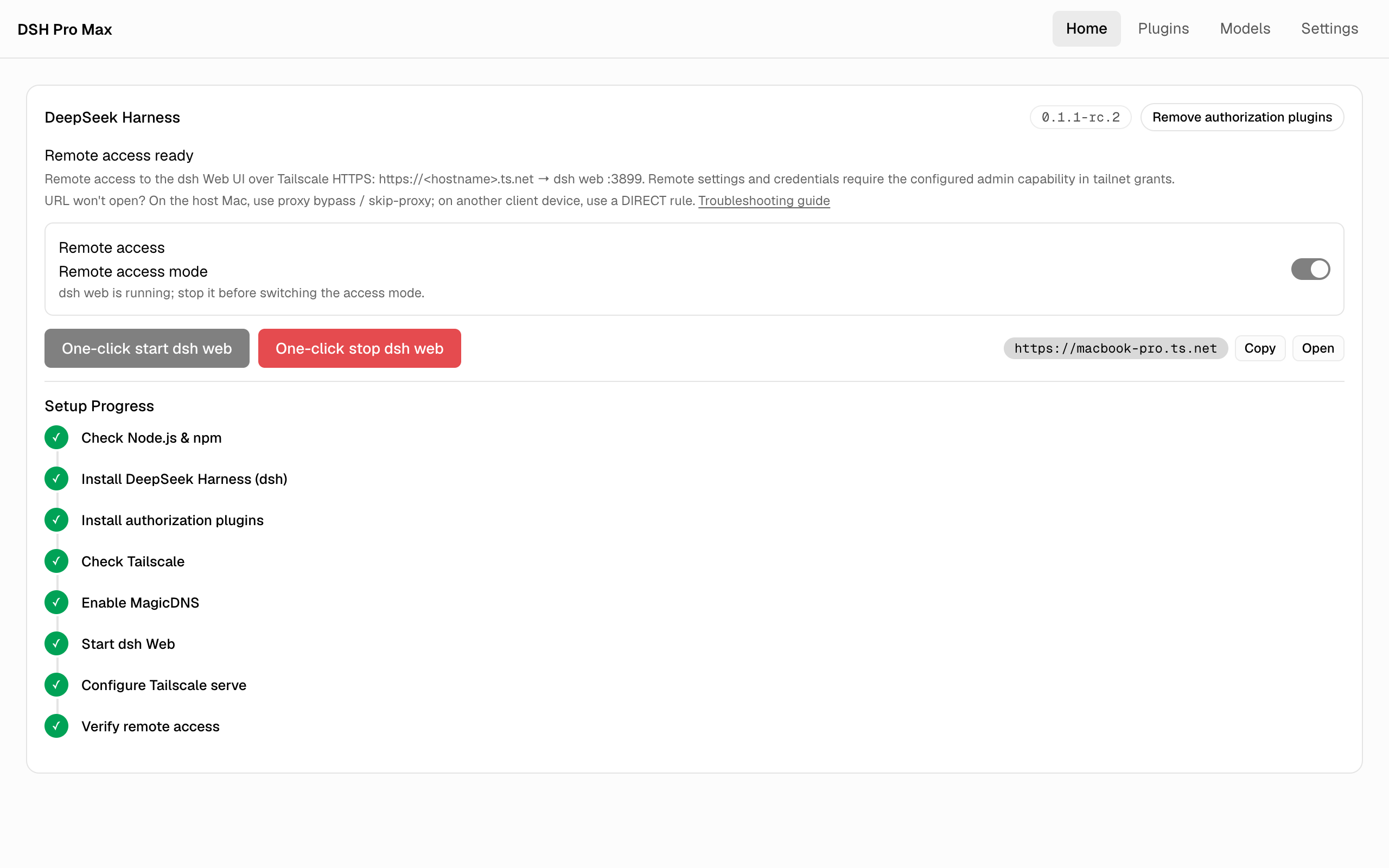
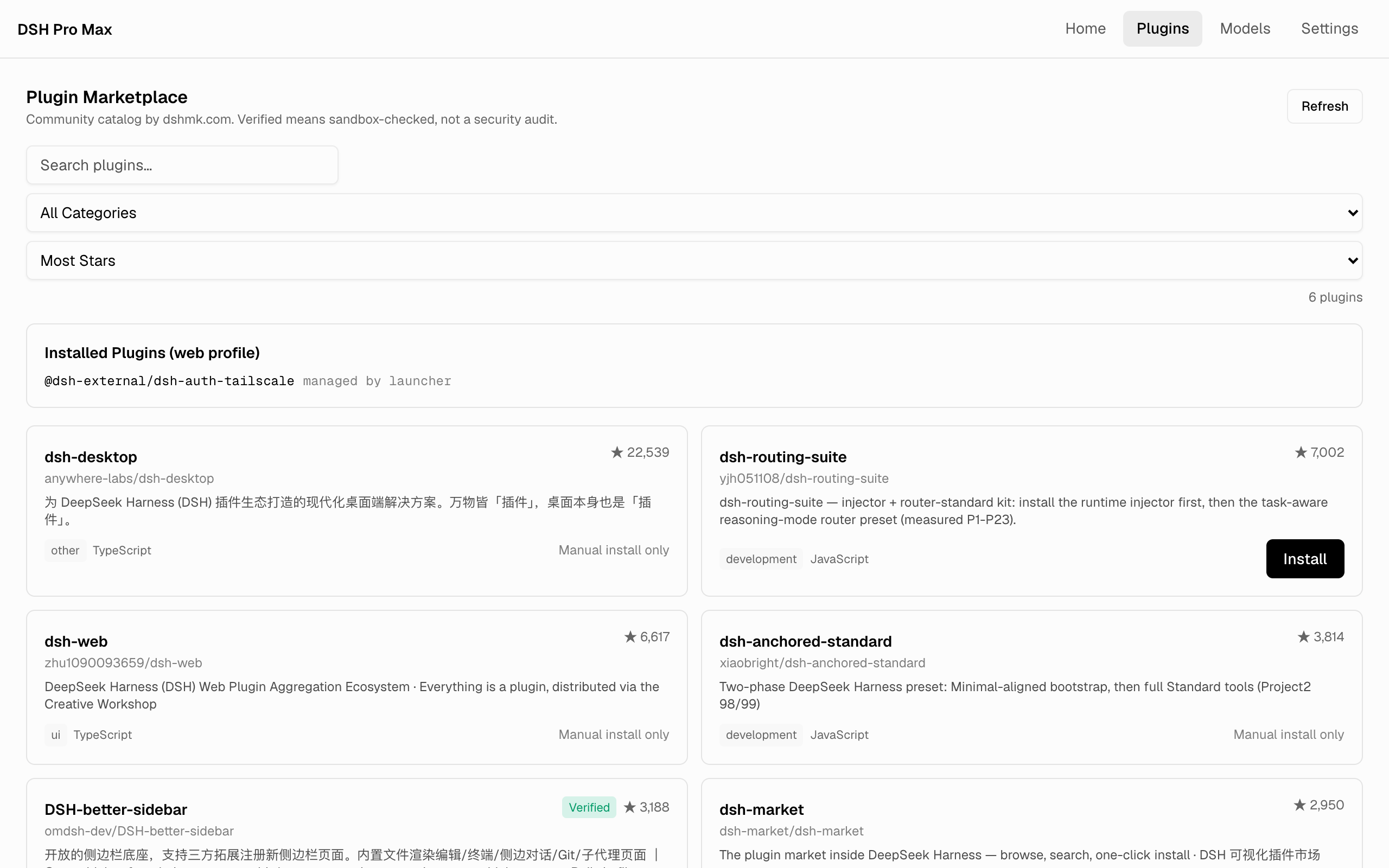
Cmd/Ctrl + , opens Settings| One-click Tailscale remote access | Plugin Marketplace |
|---|---|
 |
 |
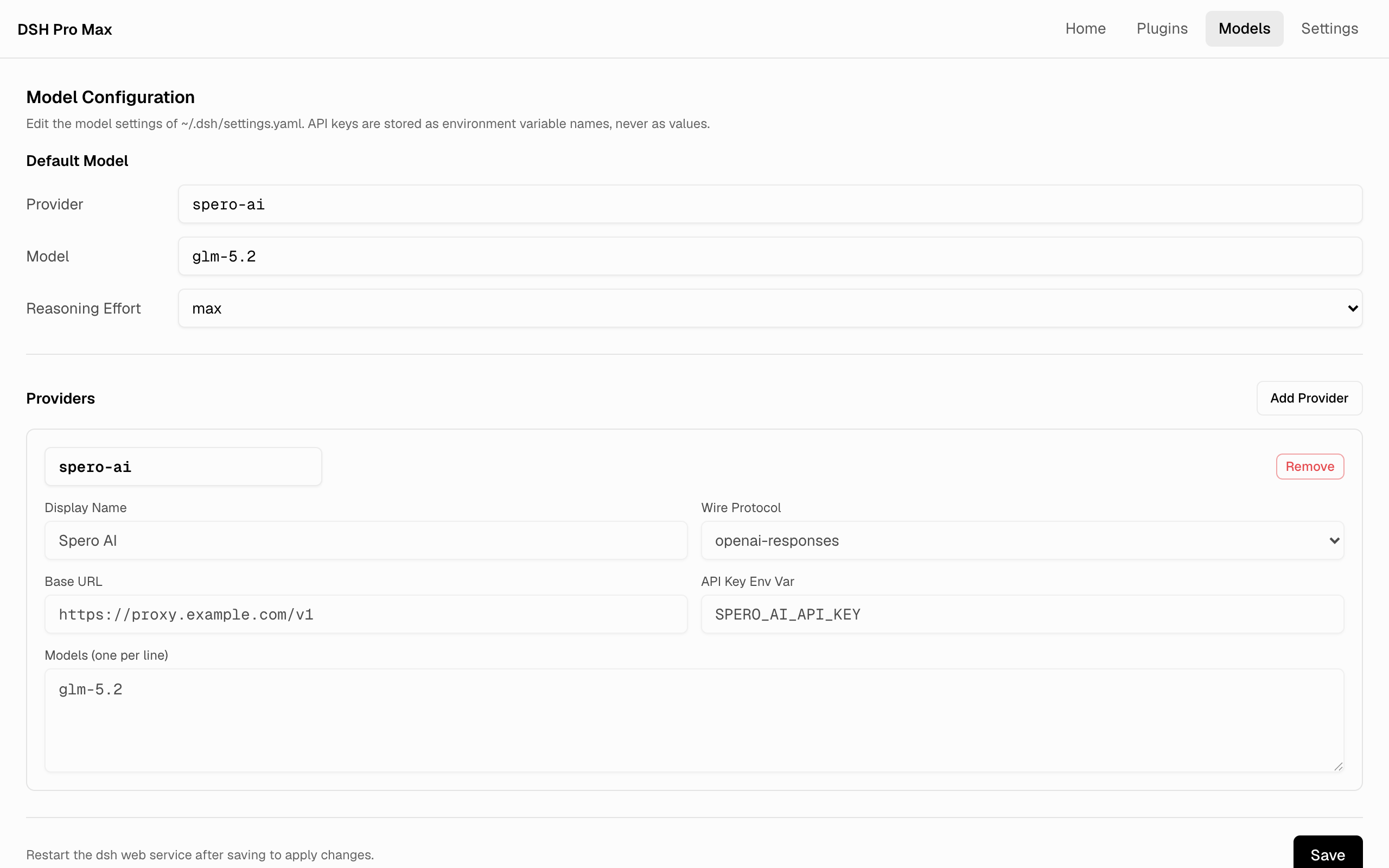
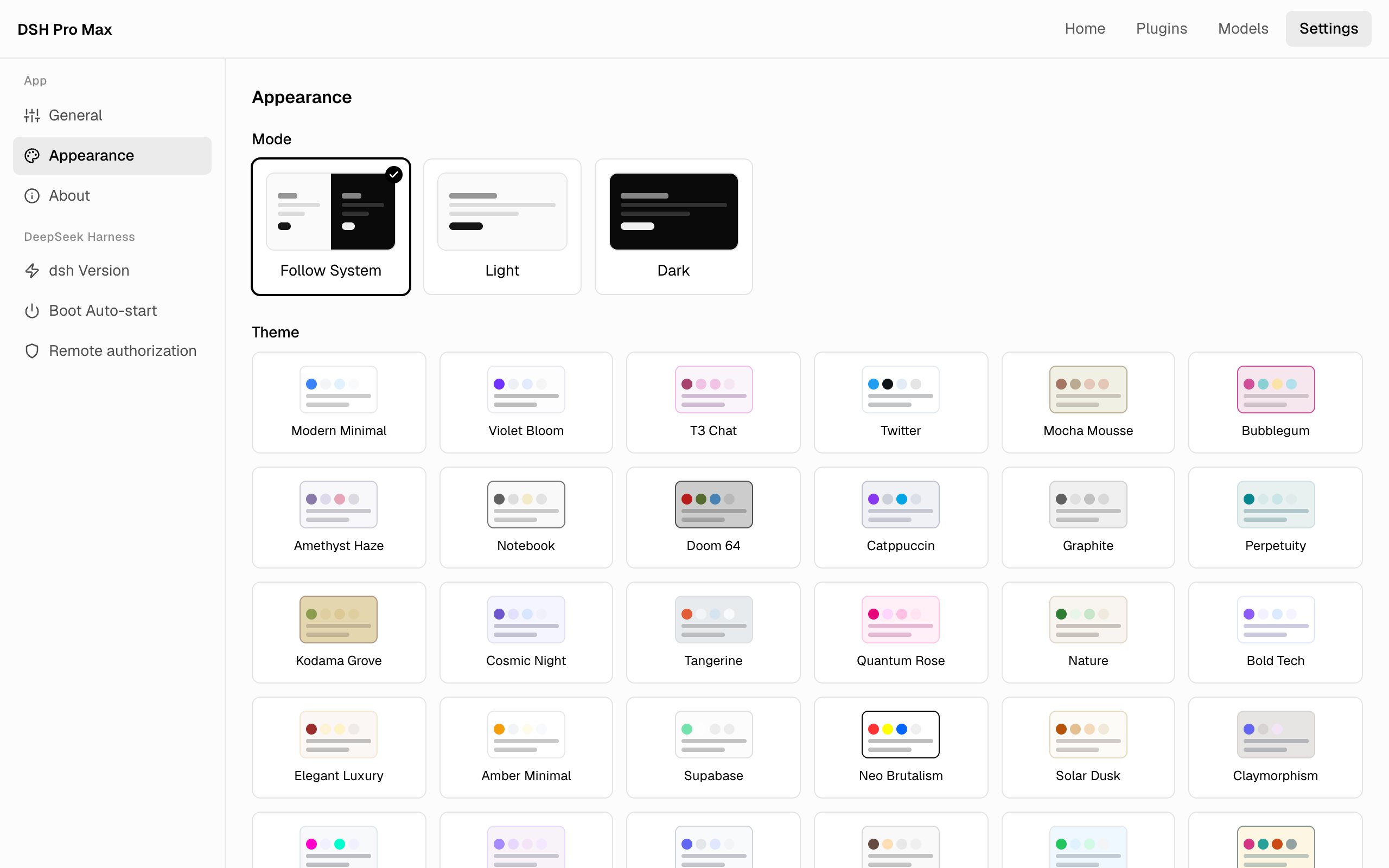
| Model Configuration | Themes & Appearance |
 |
 |
Download the latest installer for your platform from Releases (macOS .dmg, Windows -setup.exe, Linux .AppImage / .deb).
Prerequisites for the dsh features: Node.js 18+; for remote access additionally Tailscale with MagicDNS and HTTPS Certificates enabled (guided step by step in-app; see docs/dsh-remote-access-setup.md).
Prerequisites: Node.js 18+ on the host machine, and Tailscale 1.92+ logged in with MagicDNS and HTTPS Certificates enabled.
On the Home tab, switch on Remote access.
Click One-click start dsh web — the 8-step timeline installs the pinned dsh with both authorization plugins, starts dsh Web, configures tailscale serve, and verifies the remote endpoint automatically.
In the Tailscale admin console (Access controls), allow your remote identity to reach the host node on port 443 (app capabilities never open ports):
{
  "grants": [
    { "src": ["alice@example.com"], "dst": ["autogroup:member"], "ip": ["tcp:443"] }
  ]
}
From any device logged in to the same tailnet, open https://<hostname>.ts.net — the URL is shown on the Home tab once the timeline finishes.
Your host machine's current user is always allowed. Extra Tailscale accounts and remote admin capabilities (settings / credentials) are opt-in under Settings → DeepSeek Harness → Remote authorization.
→ Scenarios, capability setup and troubleshooting: docs/dsh-remote-access-setup.md
git clone --recurse-submodules https://github.com/sperictao/dsh-pro-max.git
cd dsh-pro-max
pnpm install
pnpm tauri dev
Domain terminology and semantic boundaries live in CONTEXT.md; design decisions in docs/adr/.
Quality gates: pnpm test (theme + component tests), pnpm run check:i18n, and pnpm test:e2e (browser smoke over a mocked Tauri IPC — requires Chrome).
The DSH module was extracted from Codex Pro Max (formerly dashi-taskboard-launcher) at v1.10.0 into this standalone app.
MIT
CLASSIFICATION EVIDENCE
系统优先读取 GitHub Topics,再与站内分类词典和词根规则比对。当前命中: desktop-app、plugin-marketplace。
deepseek-ai
DeepSeek Harness: Everything is a Plugin.

anywhere-labs
为 DeepSeek Harness (DSH) 插件生态打造的现代化桌面端解决方案。万物皆「插件」,桌面本身也是「插件」。

awesome-dsh-plugin
A curated list of plugins for DeepSeek Harness (dsh) · DeepSeek Harness 插件精选列表