
其他
完整应用

deepseek-harness
deepseek-ai
DeepSeek Harness: Everything is a Plugin.
PROJECT TOPICS
INSTALL REFERENCE
dsh plugin --profile web add github:sincerity711/dsh-remote-desktop
该命令指向仓库当前默认分支;尚无绑定当前 commit 的完整验证结果。
PROJECT README
Operate remote DeepSeek Harness web sessions from one local DSH web page.
dsh-remote-desktop is a two-plugin bundle:
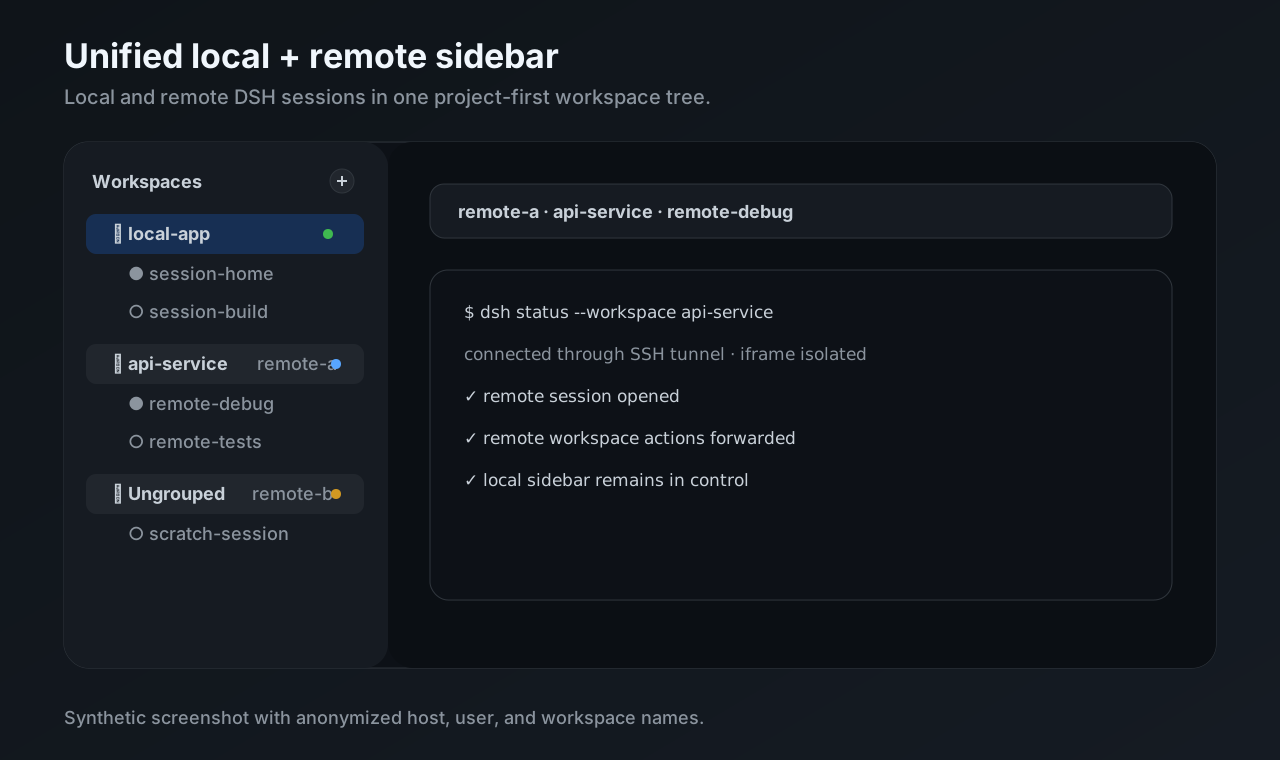
dsh-remote-desktop runs in the local DSH web profile. It discovers SSH hosts, opens tunnels, proxies remote DSH APIs, and replaces the local workspace sidebar with a unified local/remote workspace browser.dsh-remote-desktop-companion runs in each remote DSH web profile. It validates iframe control messages from the local page, opens requested remote sessions, and hides the embedded remote sidebar.The result is a project-first sidebar where local workspaces and connected remote workspaces appear in one list. Remote projects show a compact host marker such as win-wsl or xsn, and remote sessions open inside an isolated iframe.
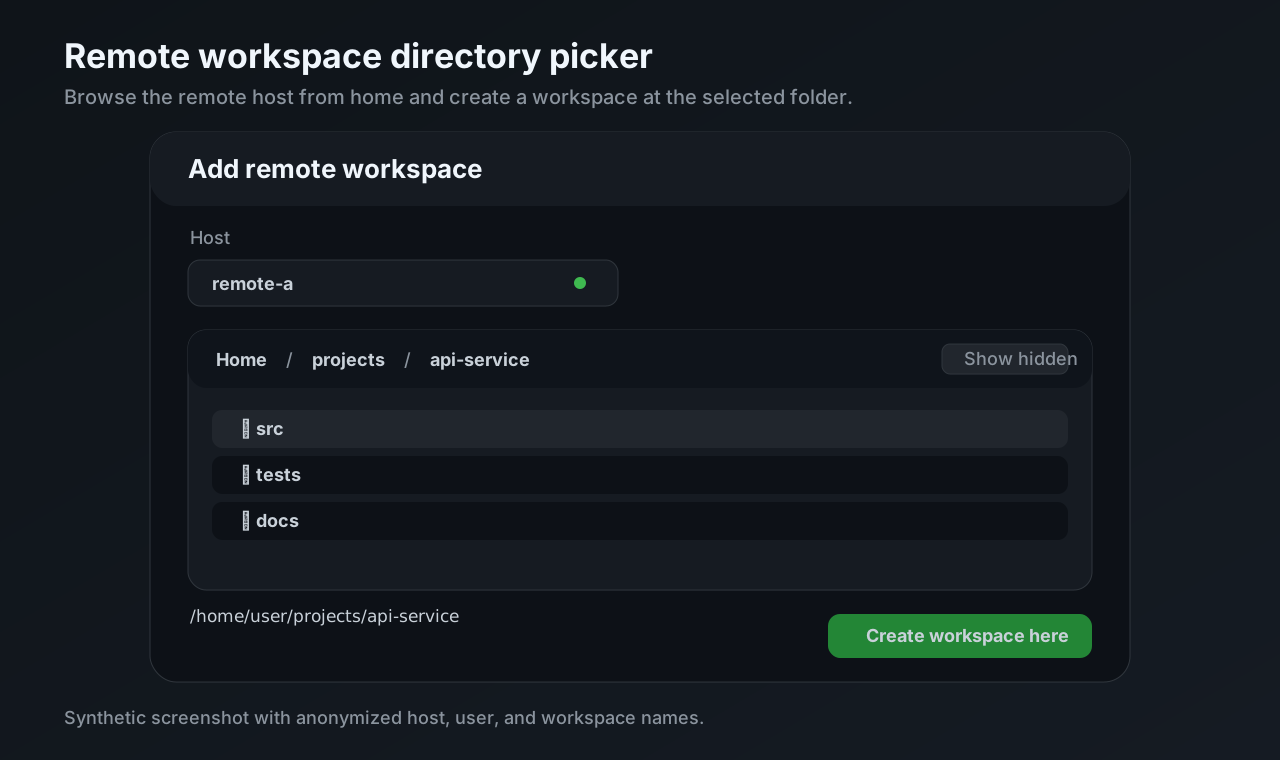
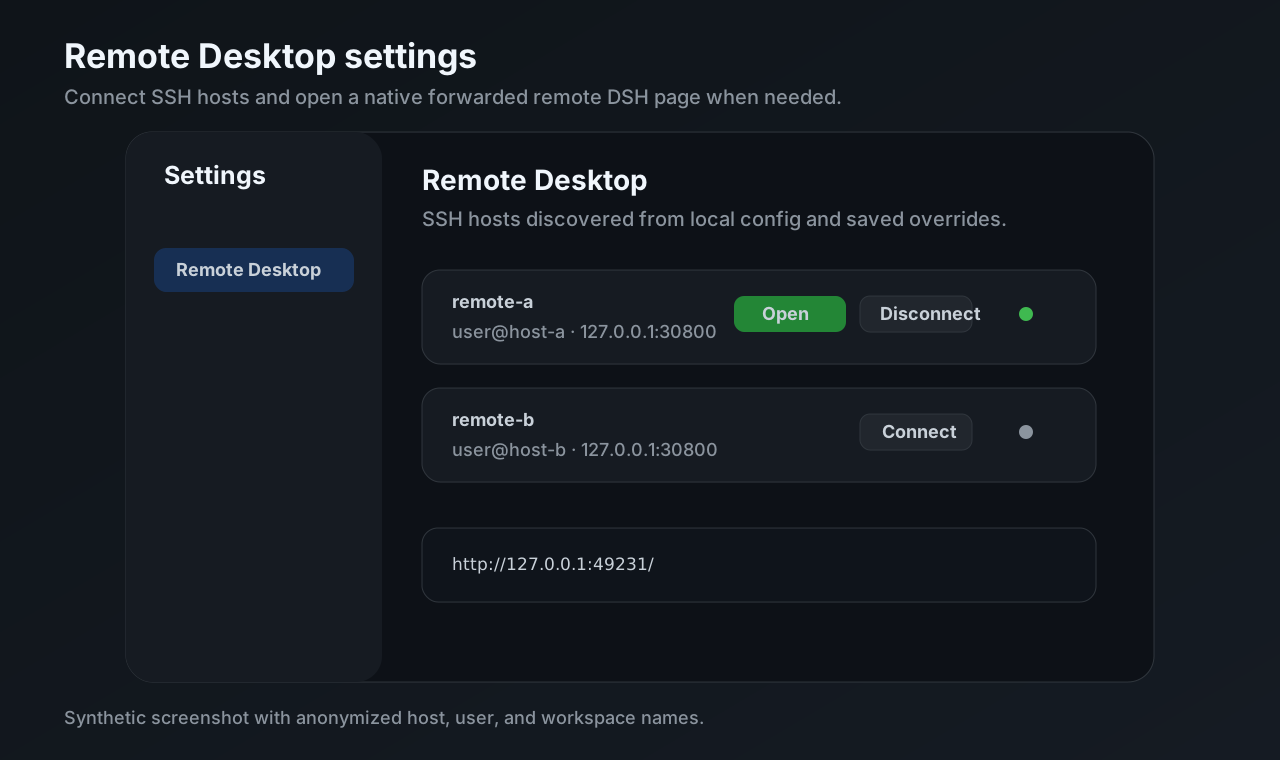
Host entries in ~/.ssh/config.Archive all sessions.All screenshots below are synthetic and use anonymized host, user, workspace, and session names.
Install the local controller into the local DSH web profile:
dsh plugin --profile web add dsh-remote-desktopInstall the companion into every remote DSH web profile that should be controlled from the local page:
dsh plugin --profile web add dsh-remote-desktop-companionBefore npm publication, clone this repository and install the package directories explicitly:
git clone https://github.com/sincerity711/dsh-remote-desktop.git

dsh plugin --profile web add /path/to/dsh-remote-desktop/packages/local
# On each remote host/profile:
dsh plugin --profile web add /path/to/dsh-remote-desktop/packages/companion
From a DeepSeek Harness source checkout, replace dsh with the checkout wrapper, for example pnpm dsh.
dsh-remote-desktop-companion in that remote web profile.Host alias on the local machine.Minimal remote command:
DSH_HOME=$HOME/.dsh-remote-desktop \
  dsh --profile web \
  --host 127.0.0.1 \
  --port 30800 \
  --trusted-host 127.0.0.1:30800
Minimal local SSH config:
Host win-wsl
  HostName win-wsl
  User your-user
See Remote server setup for the full setup checklist.
This repository is prepared for the current DeepSeek Harness community plugin discovery flow. Add these GitHub topics to the public repository:
dsh-plugin
deepseek-harness
dsh
remote-desktop
remote-workspace
The publishable packages also carry matching npm keywords.
npm run build
npm run check
Browser client release files under packages/*/lib/client.js are generated.
Edit packages/local/src/client/ or packages/companion/src/client.js; the
static gate rejects stale generated output.
For local acceptance on macOS, use Apple container:
npm run acceptance:container:up
npm run acceptance:container:p0
npm run acceptance:container:p1
Start a retained canary system for manual play with local and remote seeded sessions:
ollama pull minicpm-v4.6:1b
npm run acceptance:container:canary
The canary requires the host Ollama service and configures minicpm-v4.6:1b as the routable default model for the local DSH instance and both remote DSH instances. Its isolated processes also receive DSH_RD_OLLAMA_API_KEY=ollama-canary-dummy-key, because the OpenAI-compatible client requires a credential even when the local Ollama endpoint does not validate it. Set DSH_RD_OLLAMA_MODEL, DSH_RD_OLLAMA_BASE_URL, or DSH_RD_OLLAMA_API_KEY to override these canary values.
The Apple container remotes stay running until explicitly stopped:
npm run acceptance:container:down
npm run acceptance:container:clean
External SSH-host acceptance remains available when intentionally validating a real remote host:
npm run acceptance:p0
npm run acceptance:p1
CLASSIFICATION EVIDENCE
系统优先读取 GitHub Topics,再与站内分类词典和词根规则比对。当前命中: 无有效分类标签。
deepseek-ai
DeepSeek Harness: Everything is a Plugin.

anywhere-labs
为 DeepSeek Harness (DSH) 插件生态打造的现代化桌面端解决方案。万物皆「插件」,桌面本身也是「插件」。

walkinglabs
Harness engineering beginner tutorial, from 0 to 1