模型与 MCP
待识别

rea
morluto
Reverse engineer anything with agents, from app behavior down to native binaries.

realRoc/dsh-screensaver
macOS screen saver that keeps AI coding agents (Claude Code, Codex, DeepSeek Harness) running while you step away: Touch ID unlock, no sleep, lid-closed awake, live agent session themes. DeepSeek Harness plugin.
PROJECT TOPICS
PROJECT README
You step away for coffee, a meeting or lunch. Claude Code, Codex or DeepSeek Harness is still working, and you don't want people reading your screen. dsh-screensaver covers it with a lock screen that looks like the Mac's own; touch Touch ID to unlock when you're back. While it's up the Mac doesn't sleep, the display stays on, and it can stay awake with the lid closed too. Themes can show each live Claude Code, OpenAI Codex and DeepSeek Harness session: running, waiting for your approval, finished or stopped.
It is a DeepSeek Harness (dsh) plugin, and it also runs on its own
with npx.
中文说明 · llms.txt (summary for AI assistants) · Theme API · Theme skill · Visual assets license
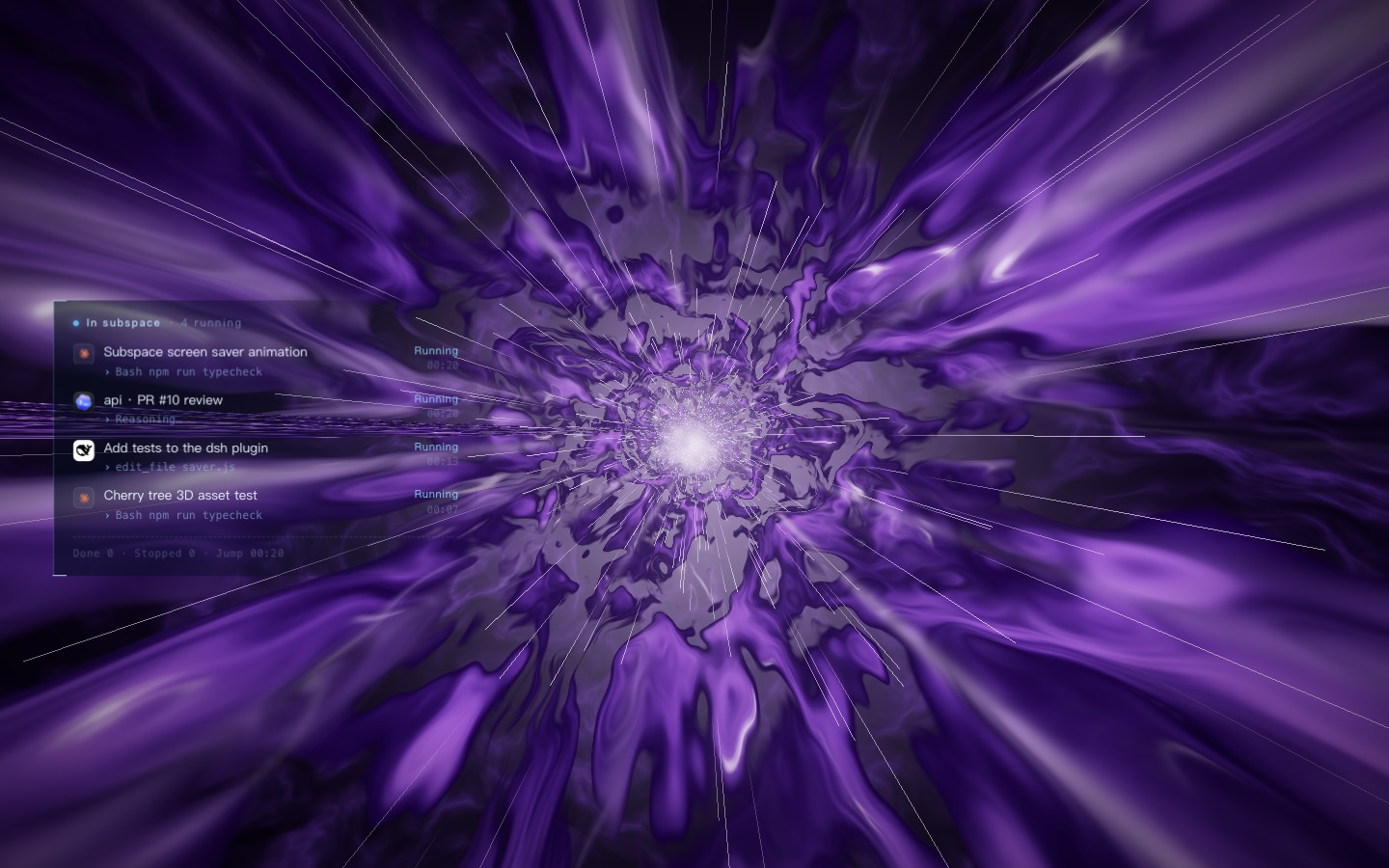
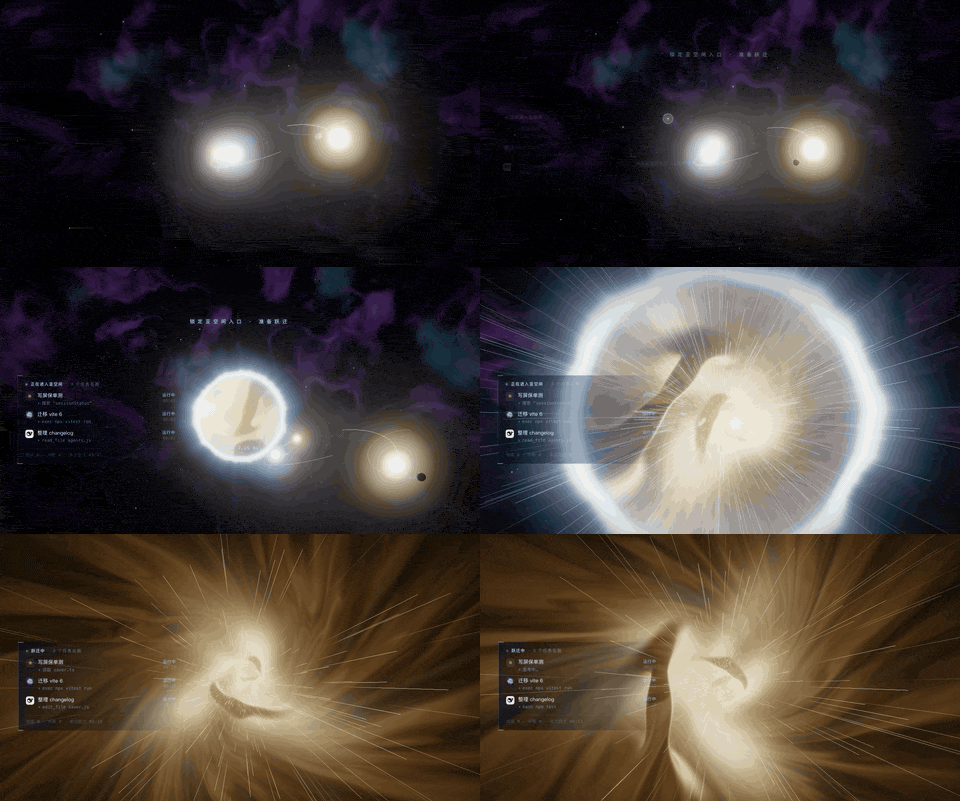
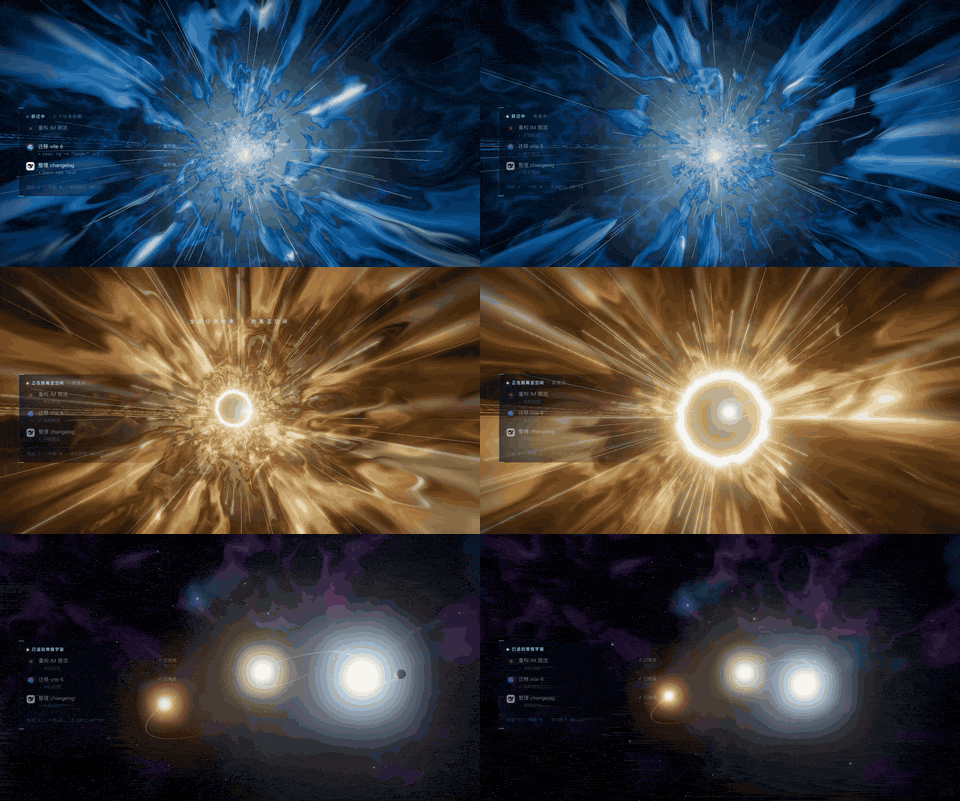
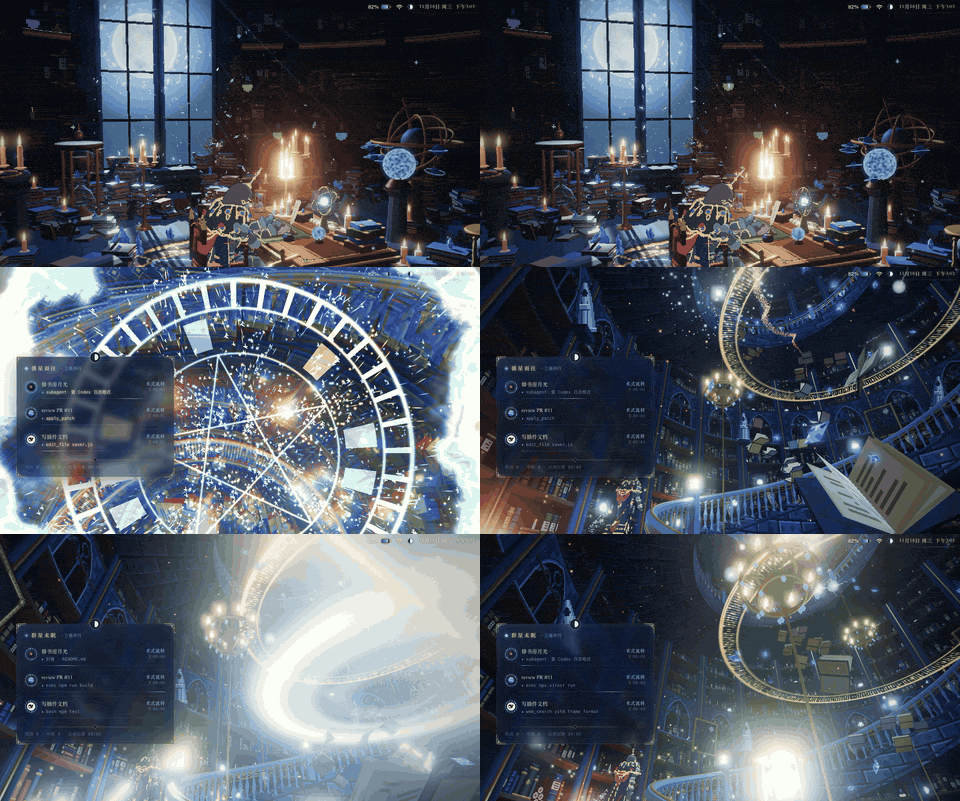
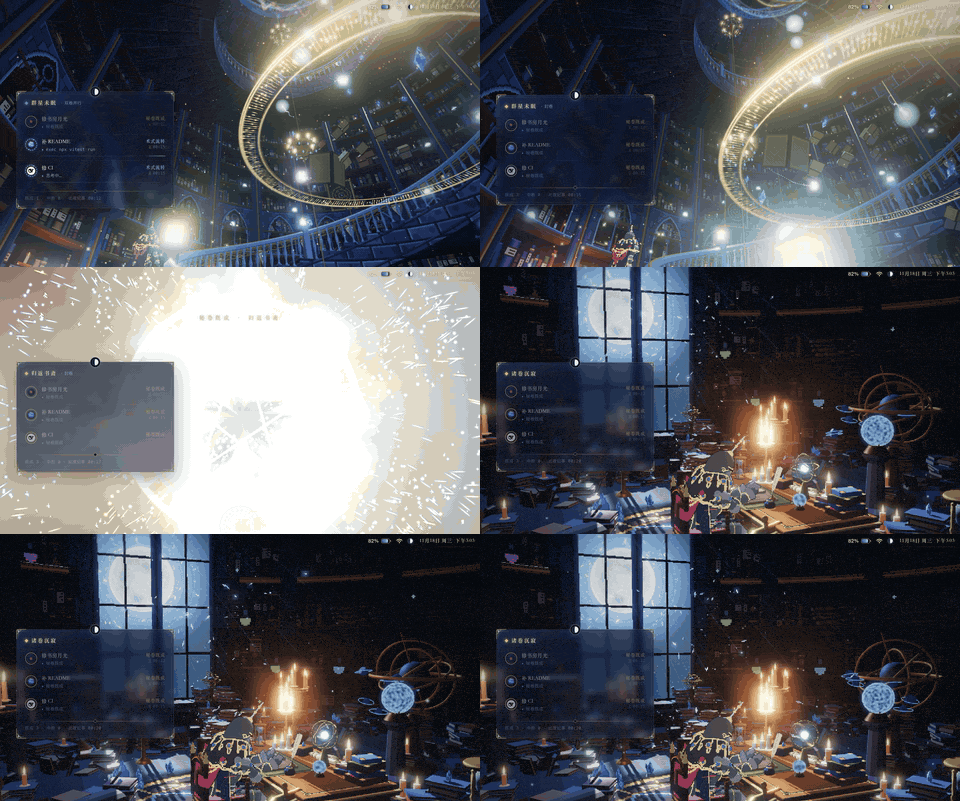
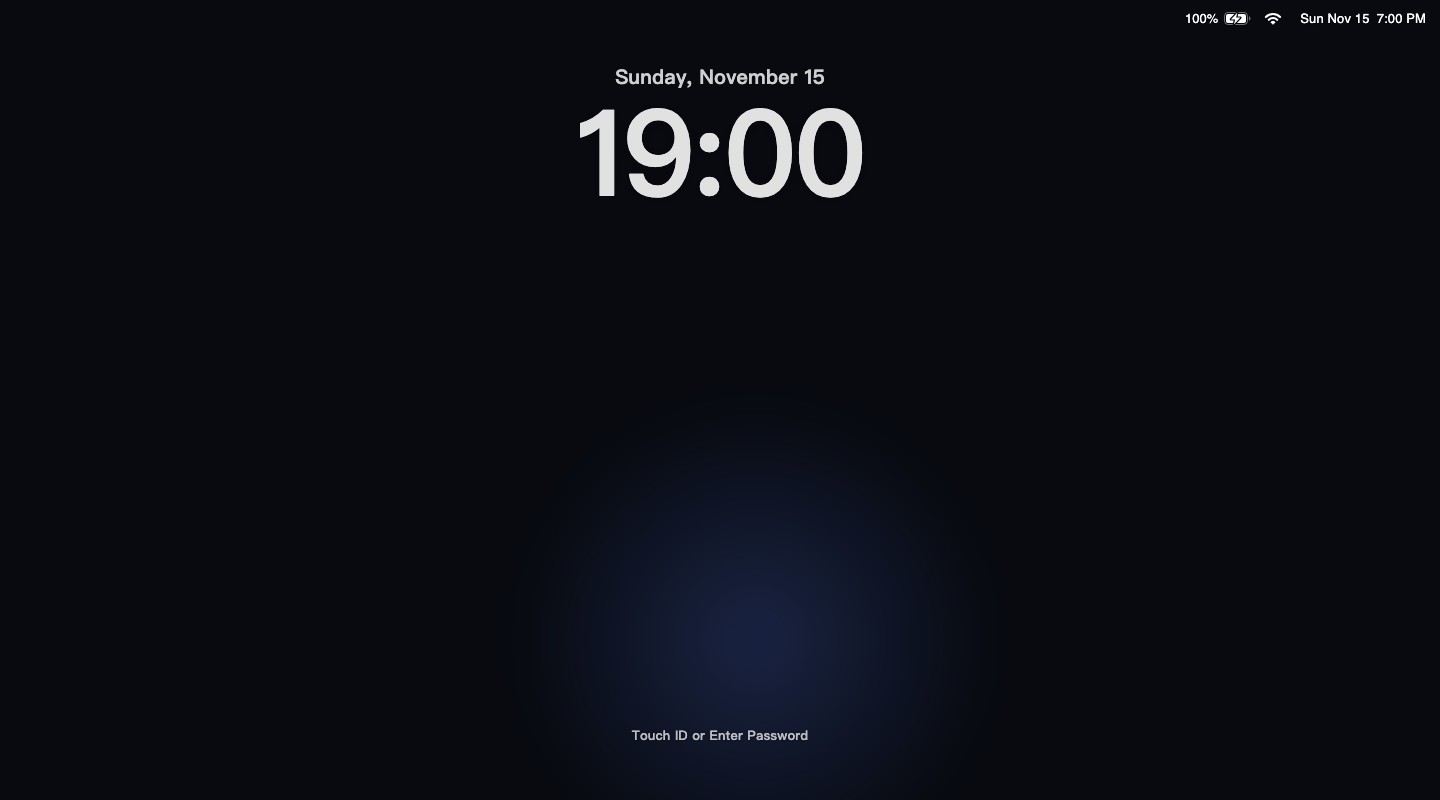
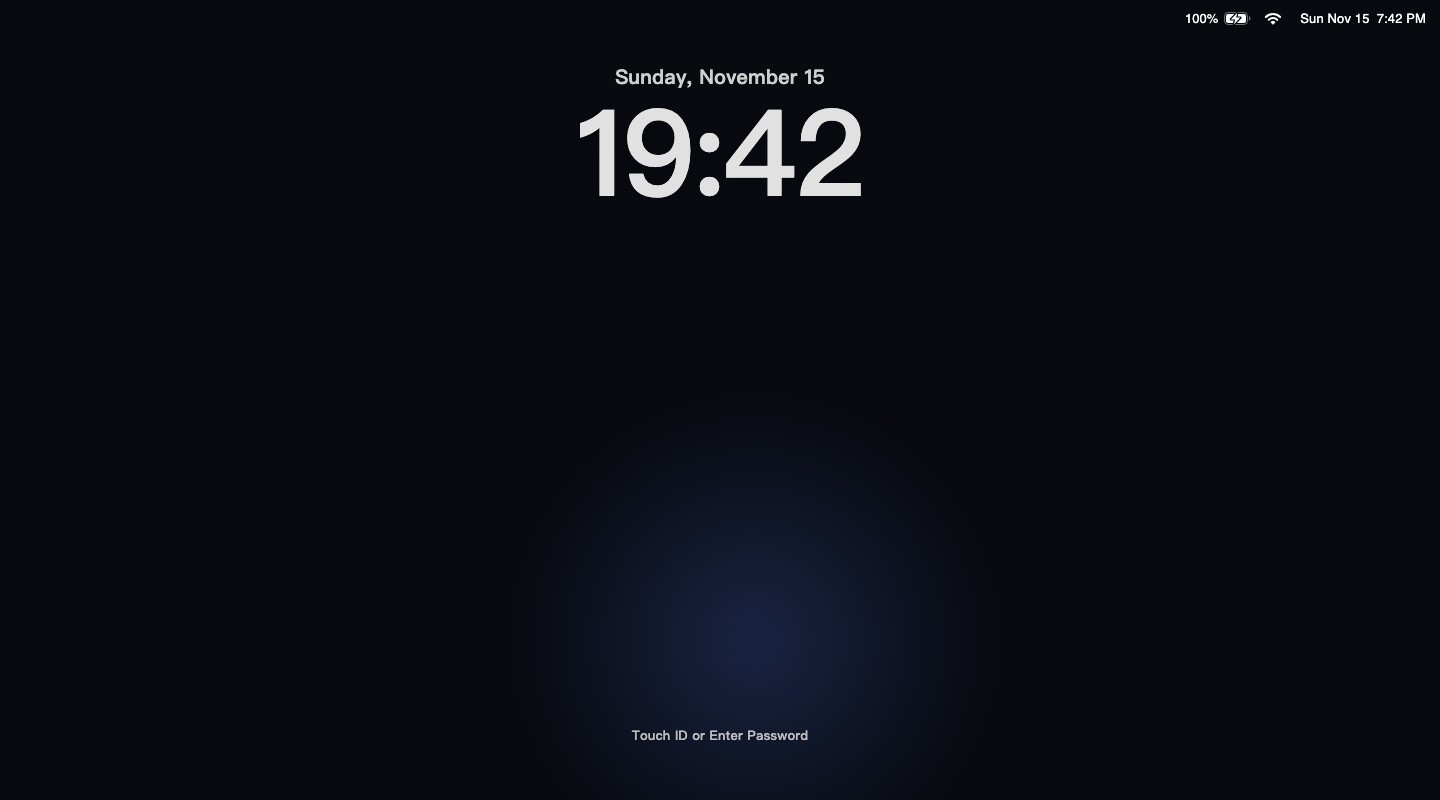
Subspace Jump and Arcane Study each have an idle scene for when nothing is running and a running scene for when your agents are working, and switch between them by themselves. Each clip below is 3 s of one scene, the transition, then 5 s of the other. Clock is a macOS-style lock screen with no scenes: only the time moves.
| Agents start: idle → running | Agents finish: running → idle | |
|---|---|---|
Subspace Jumpsubspace |
 |
 |
Arcane Studymagic-tower |
 |
 |
Clockbasic |
 |
 |
The lock screen and the system screen saver assume the Mac can rest once you leave. dsh-screensaver assumes your agents keep working and you only want the screen covered.
| macOS lock screen (⌃⌘Q) | macOS screen saver | Wallpaper / live wallpaper | caffeinate / Amphetamine |
dsh-screensaver | |
|---|---|---|---|---|---|
| Covers the screen from passers-by | Yes (real system lock) | Yes, until a key is pressed (lock only if "require password") | No | No | Yes (a cover, not a security boundary) |
| CLI agents in a terminal (Claude Code, Codex CLI, dsh) keep running | Yes | Yes | Yes | Yes | Yes |
| Computer-use agents and extension-driven browsers keep running | No, they stop (openai/codex#58545, openai/codex#43869) | Not tested | Yes | Yes | Browser-extension agents keep running; anything that must click the screen is covered |
| Covered browser windows keep full speed | No, the system treats them as hidden | Not tested | n/a | n/a | Yes: the cover is a tiny bit translucent, so the system still treats windows as visible |
| Prevents display sleep and system idle sleep | No: the display soon goes dark, and whether the Mac then sleeps depends on other apps (anthropics/claude-code#81832) | No | No | Yes | Yes, while it is up |
| Stays awake with the lid closed | No | No | No | No (sleep assertions cannot stop lid sleep) | Yes, on by default once you allow it (pmset disablesleep with a one-time admin authorization, auto-restored) |
| Unlock | Touch ID or password | Key press (+ password) | n/a | n/a | Just touch Touch ID, or press any key / click for Touch ID or the login password |
| Shows what your agents are doing | No | No | No | No | Yes (themes that opt in: names, current step, running / waiting / done / stopped) |
In a café or a shared office where you need real security and only run terminal agents, use ⌃⌘Q (run
/screensaver lid on first if you also want lid-closed awake). At home, or when you run computer-use or browser agents,
use dsh-screensaver.
dsh-screensaver is not a security boundary: holding the power button still works, and it does not replace the macOS login. It keeps people walking by from reading your screen or typing into your agents.
dsh plugin --profile web add dsh-screensaverUse desktop instead of web for the desktop app profile, then restart dsh. The first start downloads the Electron
runtime (about 100 MB, once) and compiles the Touch ID helper if the Xcode Command Line Tools are installed.
All three themes, Clock, Subspace Jump and Arcane Study, ship inside this package; there is nothing else to install.
Want the latest unreleased code from GitHub instead of the npm release:
dsh plugin --profile web add github:realRoc/dsh-screensavernpx dsh-screensaver --now # cover the screen now, exit after you unlock
npx dsh-screensaver # stay in the background, press ⌃⌥⌘L to start
npx dsh-screensaver --now subspace # with a theme
npx dsh-screensaver setup # settings: lid-closed awake (and its one-time authorization), theme, idle startRequirements: macOS 12 or later, Node.js 22 or later. Touch-to-unlock needs a Mac with Touch ID (or a Magic Keyboard with
Touch ID) and the Xcode Command Line Tools (xcode-select --install); without them the system Touch ID / password dialog
is used instead.
/screensaver in dsh, or ask your agent ("I'm stepping away, cover the
screen"); it calls the screensaver tool. You can also start it automatically after N idle minutes.| Command | What it does |
|---|---|
/screensaver |
Start with the default theme |
/screensaver <theme> |
Start with a theme, e.g. /screensaver subspace |
/screensaver <theme> <theme> … |
A theme per screen, main screen first, e.g. /screensaver magic-tower subspace |
/screensaver themes |
List installed themes |
/screensaver lid |
Show lid-closed awake status |
/screensaver lid authorize |
Allow lid-closed awake (asks for an admin password once; installs a sudoers rule that only allows pmset -a disablesleep 0/1) |
/screensaver lid on / off |
Turn lid-closed awake on or off by hand |
/screensaver lid revoke |
Remove the sudoers rule |
Add an entry to your profile's ~/.dsh/profiles/<profile>/cordis.patch.yml (it replaces the whole config block):
- id: dsh-screensaver
  config:
    theme: subspace      # default theme id
    screens: [magic-tower, subspace]   # optional: a theme per screen (see "Several screens" below)
    idleMinutes: 10      # start after 10 idle minutes; 0 = never (default)
    lidAwake: true       # keep the Mac awake with the lid closed while the screen saver is up (default; false turns it off)
    shortcut: Control+Alt+Command+L   # Electron accelerator; '' disables the shortcut
Standalone, the same fields live in ~/.dsh/plugins-data/dsh-screensaver/config.json:
| Command | What it does |
|---|---|
dsh-screensaver setup |
Walk through lid-closed awake (authorizes it on the spot), the theme, a theme per screen and idle start |
dsh-screensaver config |
Show the settings and the file they are saved in |
dsh-screensaver config <key> <value> |
Change one, e.g. config lidAwake off, config idleMinutes 10, config screens magic-tower,subspace |
dsh-screensaver config unset <key> |
Back to the default |
dsh-screensaver lid [status\|authorize\|revoke] |
Lid-closed awake authorization, same as /screensaver lid |
dsh-screensaver themes |
List installed themes |
DSH_SCREENSAVER_CONFIG='{"theme":"subspace"}' overrides the file for one run. A --now handed to a screen saver that is
already running (for example the one inside dsh) brings its lidAwake and screens along for that start when it sets them (in the file or the variable); otherwise the running one
uses its own config.
Every screen gets the same theme unless you set screens: a list of theme ids, one per screen. The first is the main
screen (the one with the menu bar), the rest go to the other screens from left to right (top to bottom when two share a
column), and screens beyond the end of the list use its last entry. [magic-tower, subspace] puts Arcane Study on the
main screen and Subspace Jump on every other one; [magic-tower, subspace, basic] gives a third screen the clock. A
screen plugged in while the screen saver is up gets its theme the same way. Naming one theme for a single start
(--now subspace, /screensaver subspace) uses it on every screen that time.
| Theme | id | Ships with | Shows agent sessions |
|---|---|---|---|
| Clock | basic |
built in | No |
| Subspace Jump | subspace |
built in | Yes |
| Arcane Study | magic-tower |
built in | Yes |
In every theme the session list is on the left, the date and time at the top right and the Touch ID hint at the bottom centre, and all of them fade out after 30 s without input, leaving only the scene.
Themes are visual works licensed CC BY-NC-SA 4.0 (no commercial use). A theme is a folder with an index.html (runs in a sandboxed iframe, draws only) and a
saver.json. Put your own in ~/.dsh/plugins-data/dsh-screensaver/themes/<id>/, or publish it as an npm package with
"dsh-screensaver": { "theme": "." } in its package.json. See docs/themes.md.
skills/dsh-screensaver-theme is an agent skill with the rules every theme
follows, whatever it looks like: an idle scene and a running scene with transitions, the session list, the status bar
and clock, Touch ID feedback, hiding after 30 s, secondary displays and battery, the #demo page, packaging, and a
script that records the two README GIFs. It leaves the art style entirely to you.
Copy the folder into ~/.claude/skills/ (or your project's .claude/skills/) for Claude Code, or point any coding
agent at SKILL.md, then describe your idea: "make a dsh-screensaver theme where…". Read the two reference themes in
themes/ for working code.
New themes, wild ideas and improvements to the skill itself are all welcome: open a PR with your theme under themes/,
or an issue to pitch an idea. The skill is maintained together; if you hit a rule it doesn't cover, add it.
Only themes that set "sessions": true receive sessions, and only while the screen saver is up. Everything is read from
local files every 2 seconds; nothing is sent anywhere.
| Agent | Where it reads | Running / waiting |
|---|---|---|
| Claude Code | ~/.claude/sessions/<pid>.json, ~/.claude/projects/**.jsonl |
process alive and status busy; waiting when status asks for permission or input |
| OpenAI Codex | ~/.codex/sessions/YYYY/MM/DD/rollout-*.jsonl, ~/.codex/session_index.jsonl |
task_started without task_complete / turn_aborted |
| DeepSeek Harness | $DSH_HOME/sessions/*/*/session.v4.jsonl.zstd + session.lock |
a dsh process holds the session lock and the last turn/start has no turn/end; waiting on an open approval/asked or ask_user_question |
The theme shows each product's own icon (the Claude mark, the Codex app icon and the DeepSeek Harness whale) to label sessions. They are trademarks of their owners and are used only to identify those products.
desk-unlock, a Swift helper (native/unlock/main.swift), embeds the system Touch ID view (LAAuthenticationView) in
an invisible window above the screen saver, so touching the sensor unlocks with no dialog. With the lid closed the
built-in sensor is off, so it waits for the lid to open (AppleClamshellState) and listens again right away. It also reads battery and
Wi-Fi for the status bar (IOKit, CoreWLAN; no location permission, the network name is not read).powerSaveBlocker('prevent-display-sleep'). With lidAwake (default) and the authorization: pmset -a disablesleep 1, restored when the
screen saver closes, when the process dies (a detached watchdog), at the next start if it was left on, and when the
battery drops to 20%.Will my Claude Code / Codex / DeepSeek Harness session keep running while the screen saver is on? Yes. Terminal agents are not affected at all, the Mac does not idle-sleep, and the display does not turn off.
Does it work when I close the MacBook lid?
Yes, after you allow it once: /screensaver lid authorize in dsh, or dsh-screensaver lid authorize (or setup)
standalone. lidAwake is on by default, so from then on every screen saver keeps the Mac awake with the lid closed;
set lidAwake: false to stop that.
Keep the Mac plugged in; it turns itself off at 20% battery.
Is it a replacement for the macOS lock screen? No. It is a cover for when you step away at home or in the office and want your agents to keep working. For real security use ⌃⌘Q.
Do I need DeepSeek Harness?
No. npx dsh-screensaver runs it standalone. dsh adds the /screensaver command, the agent tool and
config.
Does it work on Windows or Linux? Not yet; it is macOS-only for now.
Does it send data anywhere? No. It reads local session files and system status, and it makes no network requests (apart from the one-time Electron download on first run).
git clone https://github.com/realRoc/dsh-screensaver && cd dsh-screensaver
npm install
npm test                       # vitest
npm run now                    # try it
npm run build:themes           # rebuild themes/*/index.html after editing themes/*/src
node skills/dsh-screensaver-theme/scripts/record-gif.mjs …   # record README GIFs; usage at the top of the script
DSH_SCREENSAVER_DEBUG=1 npm run now # log page console messagesPushing a v* tag runs .github/workflows/publish.yml, which tests and publishes
dsh-screensaver (themes included) to npm through Trusted Publishing (no token). A version already on npm is skipped.
version in package.json. Rebuild themes/subspace/index.html first if the theme source changed.main.git tag vX.Y.Z && git push origin vX.Y.Z. The tag must match the root package.json version.Code is MIT (LICENSE). All visual assets, meaning every theme under themes/ and the screenshots under
docs/images/, are CC BY-NC-SA 4.0: no commercial use (LICENSE-ASSETS.md). Third-party notices:
themes/subspace/THIRD_PARTY_NOTICES.md,
themes/magic-tower/THIRD_PARTY_NOTICES.md.
CLASSIFICATION EVIDENCE
系统优先读取 GitHub Topics,再与站内分类词典和词根规则比对。当前命中: deepseek、deepseek-harness。
morluto
Reverse engineer anything with agents, from app behavior down to native binaries.

deepseek-ai
DeepSeek Harness: Everything is a Plugin.

nexu-io
The 1st Collaborative AI Design Agent Workspace. Local-first and open source. Create motion, prototypes, websites, apps, dashboards, presentations, images, and videos with your team and AI agents. Share work, exchange feedback, and iterate together in one workspace.