

模型与 MCP
待识别

rea
morluto
Reverse engineer anything with agents, from app behavior down to native binaries.
PROJECT TOPICS
INSTALL REFERENCE
dsh plugin --profile web add github:r48n34/dsh-side-memo
该命令指向仓库当前默认分支;尚无绑定当前 commit 的完整验证结果。
PROJECT README
Language: English · 简体中文 · 繁體中文
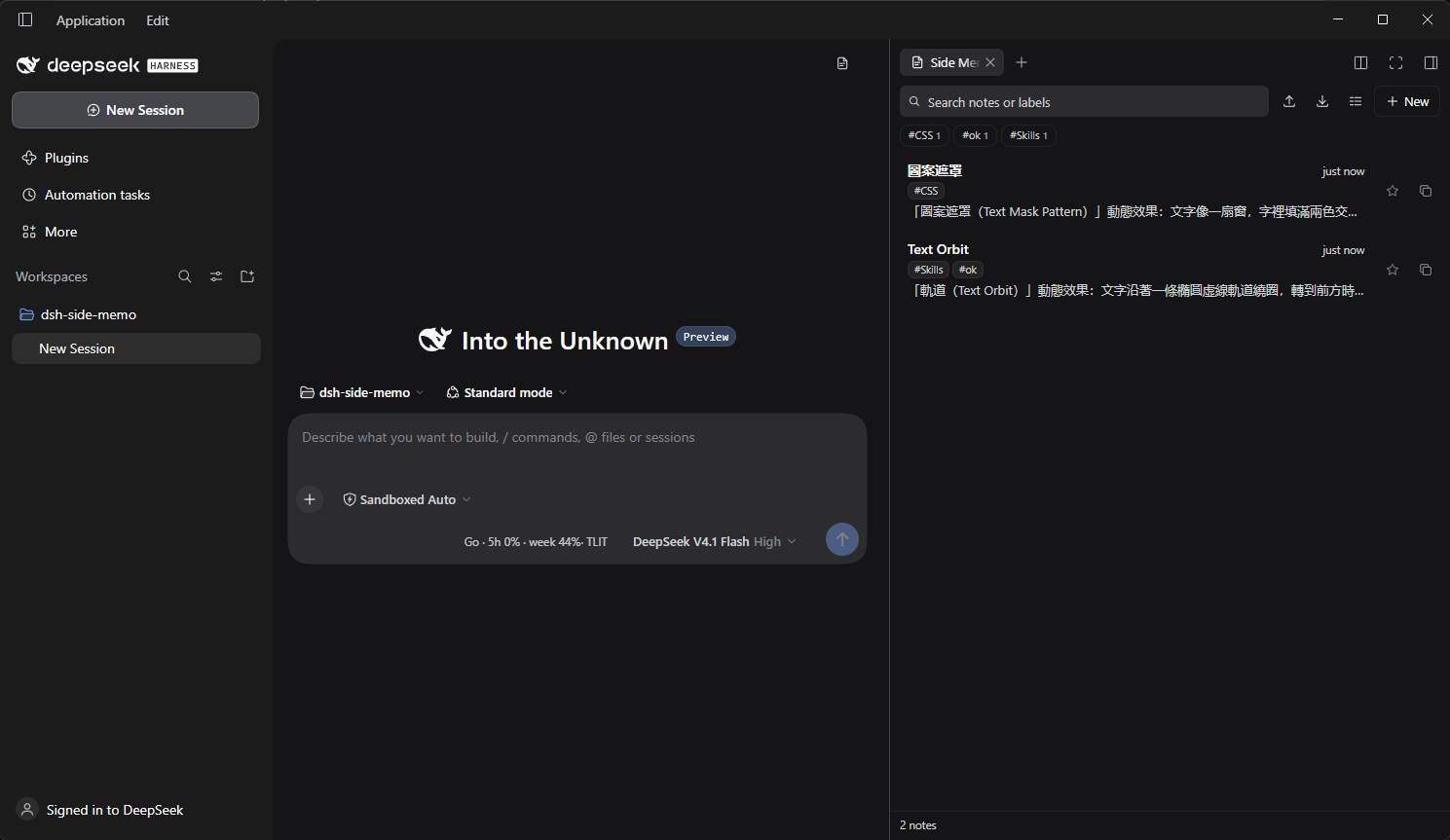
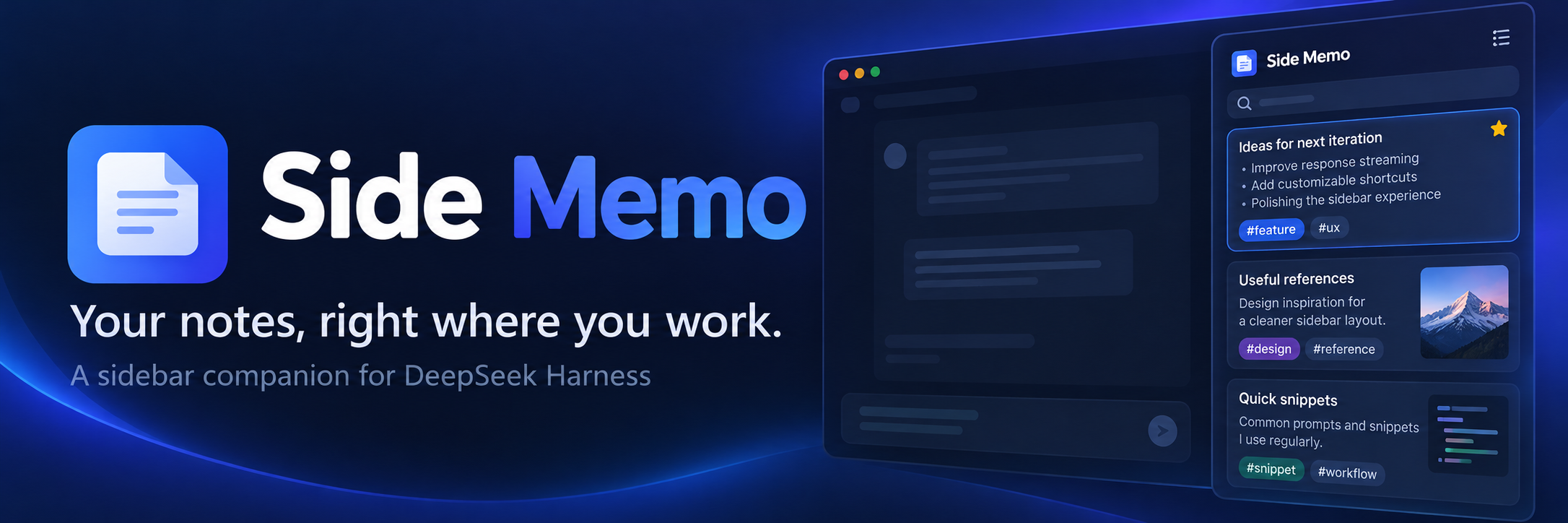
A lightweight, toggleable right-side notes panel for DeepSeek Harness. Jot memos while you chat — text, inline images, and labels — copy them with one click, star favorites to keep them pinned at the top, and move everything in or out as an Excel workbook. When a conversation is worth keeping, one click turns it into a memo.



Category: UI & Experience
dsh-side-memo is published on npm. Install it through your DSH profile:
dsh plugin --profile web add dsh-side-memoThe same plugin can also be installed straight from this repository — use the GitHub form when you need a commit that is not on npm yet, or when npm is unreachable:
dsh plugin --profile web add github:r48n34/dsh-side-memoIf your DSH runs the Desktop profile, use the profile name shown in Settings → Plugins (for the Desktop app this is usually desktop):
dsh plugin --profile desktop add dsh-side-memoAfter installing, the Side Memo icon is already available in the Session header — at the header's right edge, including before any Session exists (the first screen) and on the new-Session welcome screen. Open it from there, from the Session header's right-side utilities, or from the right sidebar's add/guide control. If the icon does not appear, restart DSH once so the new plugin bundle is loaded.
To remove it, use Settings → Plugins in DSH (or the equivalent dsh plugin command for your profile).
Shift+F10 — for Open, Copy, Duplicate, favorite and Delete, without leaving the list. Delete asks for a second click, like the editor.W × H size badge appear. Drag a handle to resize — corners and edges keep the aspect ratio, Shift-drag distorts freely and Alt-drag resizes from the center — press the arrow keys to step by 8 px (Shift+arrow changes one axis only), and double-click the image or click the overlay's reset button to restore its original size. Press Escape or click elsewhere in the editor to deselect it. Use the star to pin a favorite and the copy icon to copy a note. Right-click a memo row — or focus it and press Shift+F10 — to open the actions menu: Open, Copy, Duplicate, favorite and Delete (Delete needs a second click to confirm)..xlsx files.Imports add new notes without overwriting existing ones. Images remain local and are not included in Excel exports. An image's chosen display size is saved with the memo, so it survives reloads; resizing only changes how the stored image is shown, not the stored image itself.
localStorage, IndexedDB, Clipboard, File API, Blob/URL, Canvas, and DecompressionStream('deflate-raw') for reading compressed .xlsx files.@deepseek-ai/dsh-client-ui-sidebar-right); the panel is a normal right-sidebar tab, so a Session is required to host it. Before any Session exists the same notes UI is rendered by the plugin itself in the frame-level overlay layer (shell.overlay). In the pre-Session and new-Session phases the toggle mounts through the resident header's conversation.header.leading seat and positions itself at the header's right edge from the live header/panel-toggle geometry.inputActions) to paste a dragged memo into the chat draft as a single undoable edit.useChat hook (@deepseek-ai/dsh-client-ui-chat) to read the visible conversation transcript. The chat-to-memo entry is registered in the session-scoped conversation.session.header.utilities slot next to the Side Memo toggle; like the rest of the header, it is not shown on a blank new Session.src/; client.js and index.js are the compiled browser and Host modules committed to the repository, so installing or running the plugin never needs a build step.apply().localStorage for notes, under the dsh.side-memo.notes.v1 key; IndexedDB for image data, under the dsh-side-memo-images database); they are not encrypted or synced across devices.Images column only holds a count..xlsx imports (up to 32 MB expanded across at most 64 entries), and a 60 MB total image budget for the browser.TypeScript sources live under src/ and compile to the committed client.js / index.js with the TypeScript compiler only (no bundler):
| File | Role |
|---|---|
package.json |
Bundle/client manifest (dsh.bundle patch and dsh.client browser module) |
cordis.patch.yml |
Inserts the dsh-side-memo Loader row |
index.js |
Host half (no-op apply; generated from src/host/index.ts) |
client.js |
Notes panel, tab type, always-available header toggle, pre-Session drawer, localStorage + IndexedDB store, inline-image editor with the resize/transform overlay, label tags/filter/grouping, editor top-bar new-memo button, drag-memo-to-composer paste, conversation-to-memo header button, .xlsx import/export (generated from src/client/) |
src/ |
TypeScript sources for both halves |
tsconfig.json, scripts/build.mjs |
Type-check configuration and the yarn build script |
locale/en.json, locale/zh.json |
Plugin Manager title and description |
icon.svg |
Plugin artwork |
Load it into a profile with the DSH Plugin Manager (install_bundle on this directory) or install it with the commands in Install. Package contents are limited to the published files — index.js, client.js, the locale files, icon.svg, package.json and cordis.patch.yml. The TypeScript sources, build script and config never ship, and the published tarball only adds the three READMEs and the LICENSE.
yarn test runs node --test on Node.js >=22 after rebuilding the artifacts (pretest). Run yarn install once for the build toolchain — typescript and @types/react are the only dev dependencies and the published package has none — then the suite exercises the real helpers in the compiled client.js.yarn test): see test/e2e/README.md for the isolated-profile harness and its suites..github/workflows/ci.yml.MIT © 2026 Reemo Studio
CLASSIFICATION EVIDENCE
系统优先读取 GitHub Topics,再与站内分类词典和词根规则比对。当前命中: llm、deepseek、deepseek-harness。
morluto
Reverse engineer anything with agents, from app behavior down to native binaries.

deepseek-ai
DeepSeek Harness: Everything is a Plugin.

nexu-io
The 1st Collaborative AI Design Agent Workspace. Local-first and open source. Create motion, prototypes, websites, apps, dashboards, presentations, images, and videos with your team and AI agents. Share work, exchange feedback, and iterate together in one workspace.