
模型与 MCP
待识别

rea
morluto
Reverse engineer anything with agents, from app behavior down to native binaries.

pavel-logachev/dsh-mobile
DeepSeek Harness Android app: control your DeepSeek Harness agents from your phone. The agent runs on your PC; a host plugin inside DSH pairs the phone by QR code over Wi-Fi or Tailscale, no cloud. Chats of all projects, live replies, photos and files, steer, agent questions, notifications. Unofficial, MIT.
PROJECT TOPICS
INSTALL REFERENCE
dsh plugin --profile web add github:pavel-logachev/dsh-mobile
该命令指向仓库当前默认分支;尚无绑定当前 commit 的完整验证结果。
PROJECT README

Case study on the website: https://logachev.net/projects/#case-dsh-mobile · Technical write-ups (in Russian) on Habr: the plugin and pairing, task notifications without Google push


English | Русский
Your DeepSeek Harness agent runs on your computer. From your Android phone you assign tasks with photos and files, read replies in real time, answer the agent's questions and get an “Answer ready” notification.
Download 0.9.3 · Release notes · Installation · Architecture · Security
An unofficial project by Pavel Logachev. Developed independently of DeepSeek.
Android 8.0+ · QR code pairing · Wi‑Fi or Tailscale
Models, tools and subscriptions stay on the computer. DSH Mobile has no cloud server.
The current release is 0.9.3 (8 November 2026): app 0.9.3 (versionCode 20) and companion plugin 0.9.3. The relay has not changed since 0.9.2. Upgrade the app and the plugin together.
0.9.3
0.9.2 and 0.9.1
rejected status instead of a stuck "Waiting for the result".0.9.0
GET /v1/sessions/{id}/prompt-outcomes and capability promptOutcomes. No permanent idle connection notification or coverage banner. The old feed is retired: older apps report notifications unavailable on the new host, so upgrade both components together.recovery-status, recovery-hold, recovery-release --new-epoch support operator reconciliation, not exactly-once execution.uncertain, without automatic replay.0.2.1-rc.5 passed the full isolated canary: 25 checks. Evidence matrix.promptOutcomes. Completion, failure and needs-answer alerts open the corresponding chat; a final outcome replaces its waiting alert. Android channels control sound. Desktop-started tasks are not automatically watched. Contract and limits.Features are available only when the host reports their capability. Use the app and the plugin from the same release; the old notification feed is not a fallback. Attachments, queue/steer, question answers, rename, model choice and file downloads remain available.
The theme follows the system one; you can also choose light or dark manually. The interface is in Russian and English: the language follows the system or is chosen in the app settings. Large font sizes are supported.

The screenshots were taken in the real app with synthetic demo data. They contain no real chats or connected models.
Historical 0.8 screenshots; the notification screen does not describe the 0.9 design, and the "Working now" section is not shown.
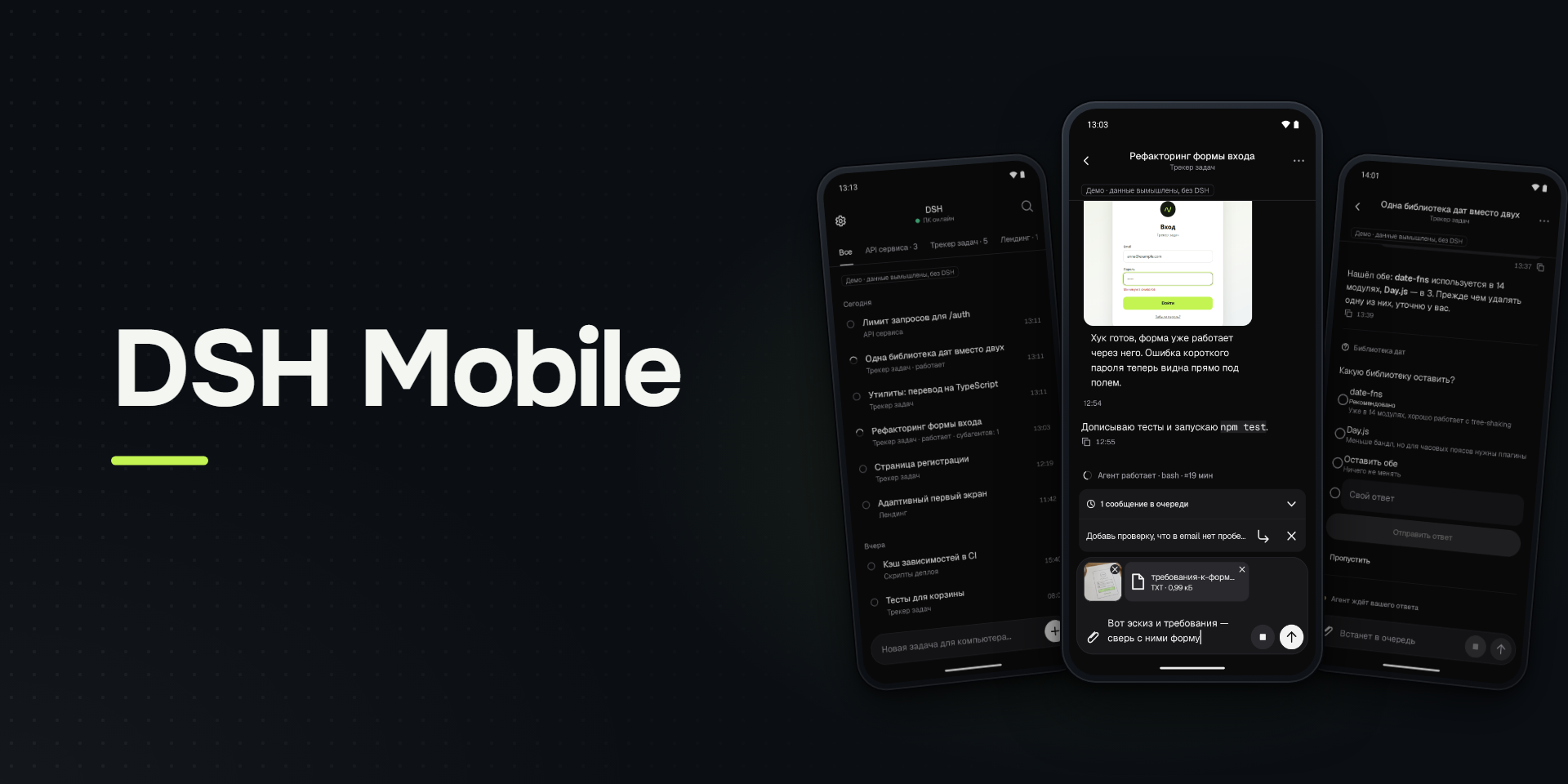
DSH Mobile 0.8: the agent works on your computer, and your chat with it is on your phone.
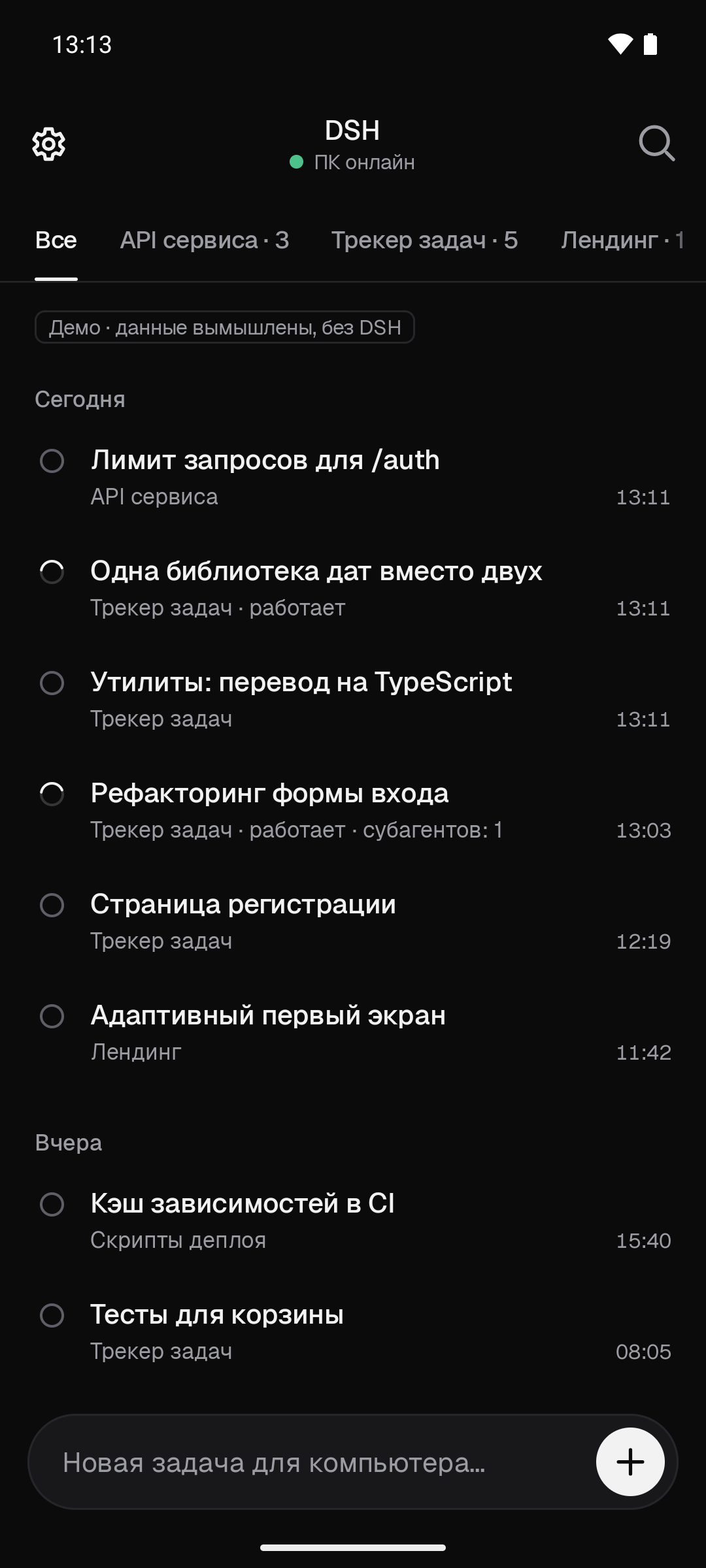
Chats from all DSH projects in one list.
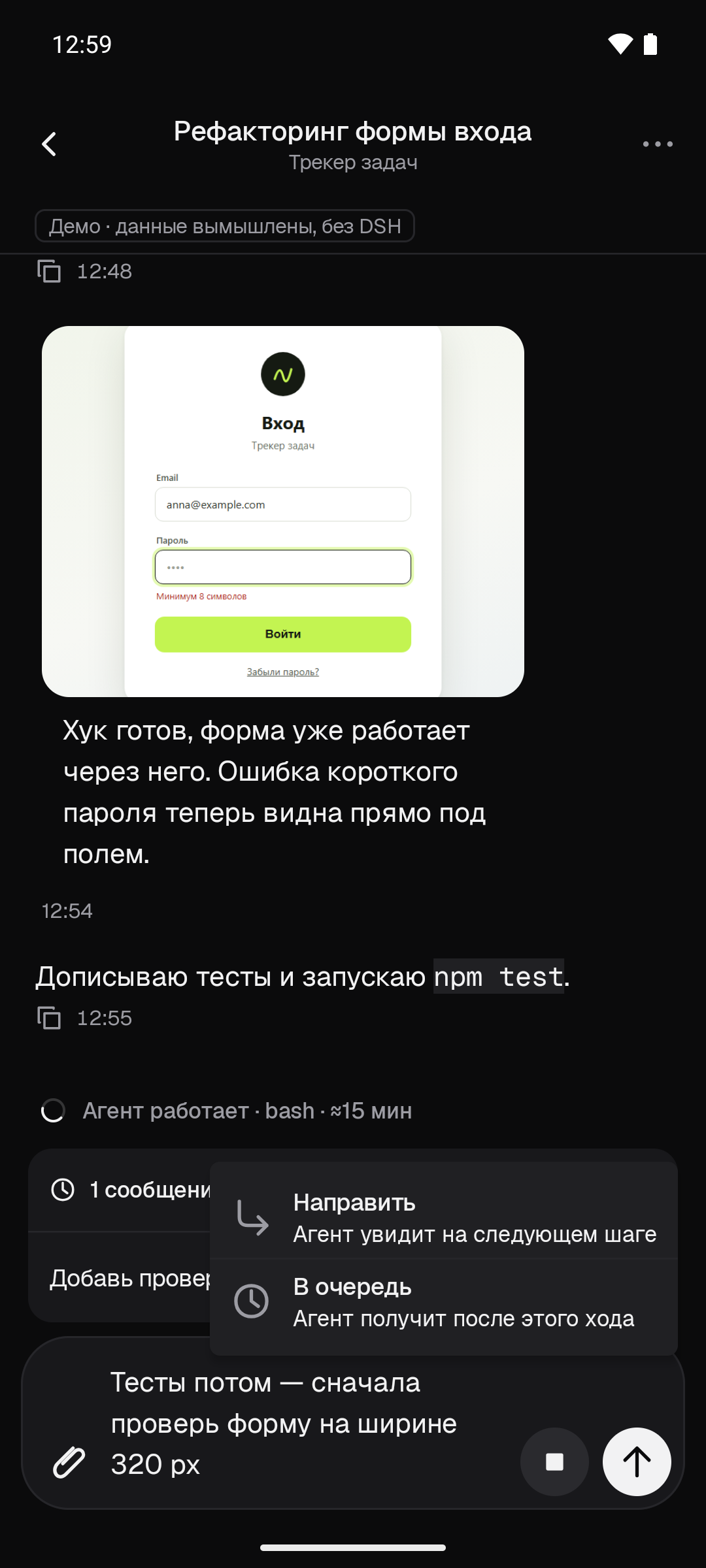
The agent is working and you add a message: to the queue, or “Steer” at the next step.
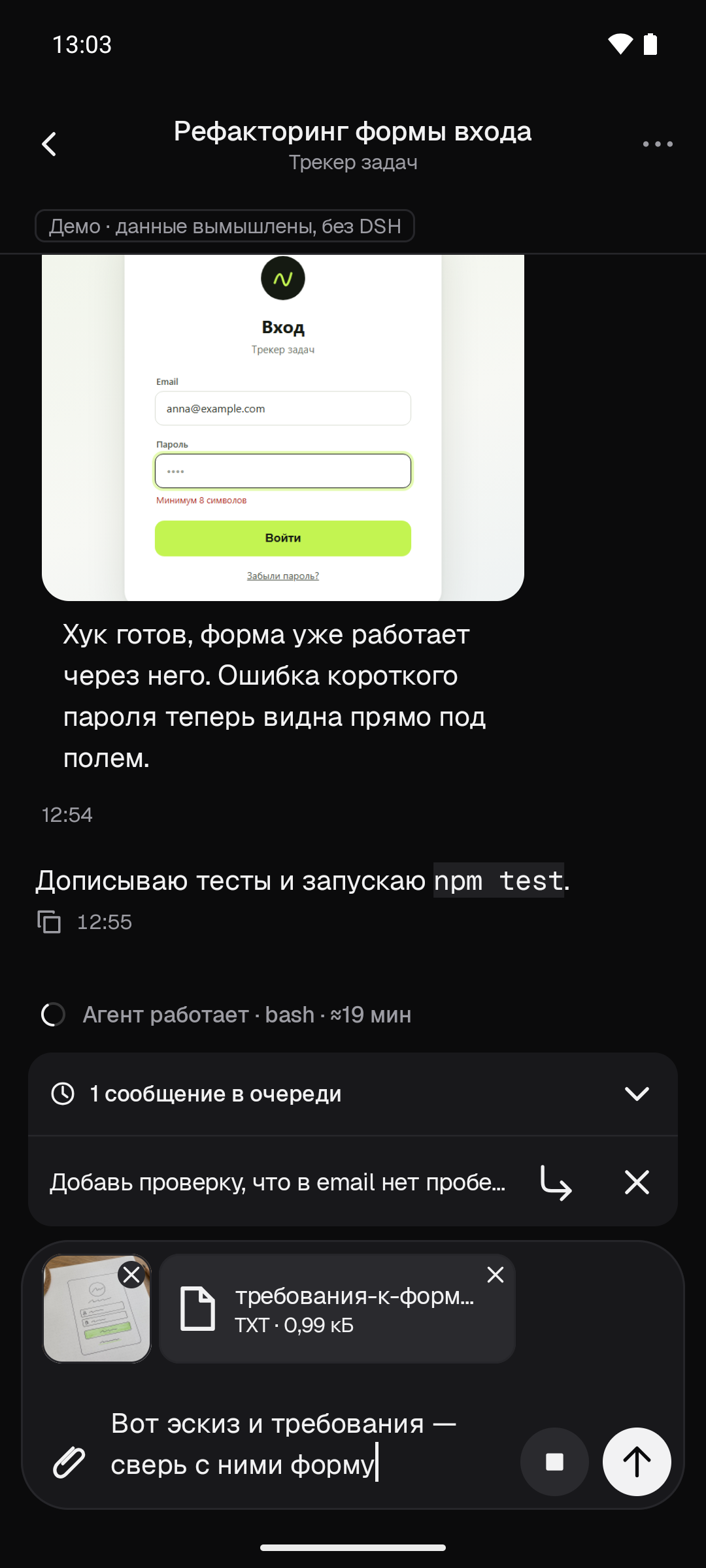
Camera photos, gallery pictures and files – in one message to the agent.
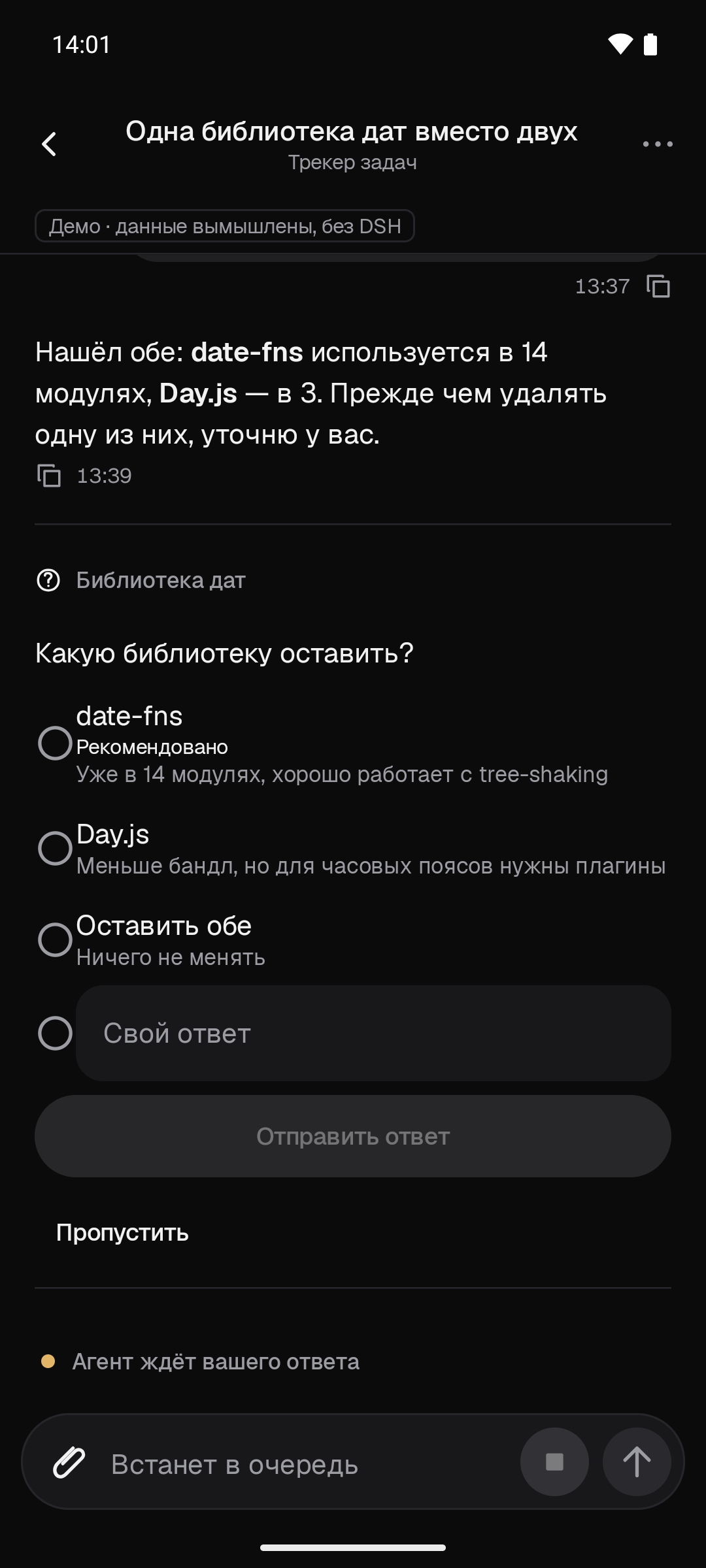
An agent question: pick an option, write your own answer or skip it.
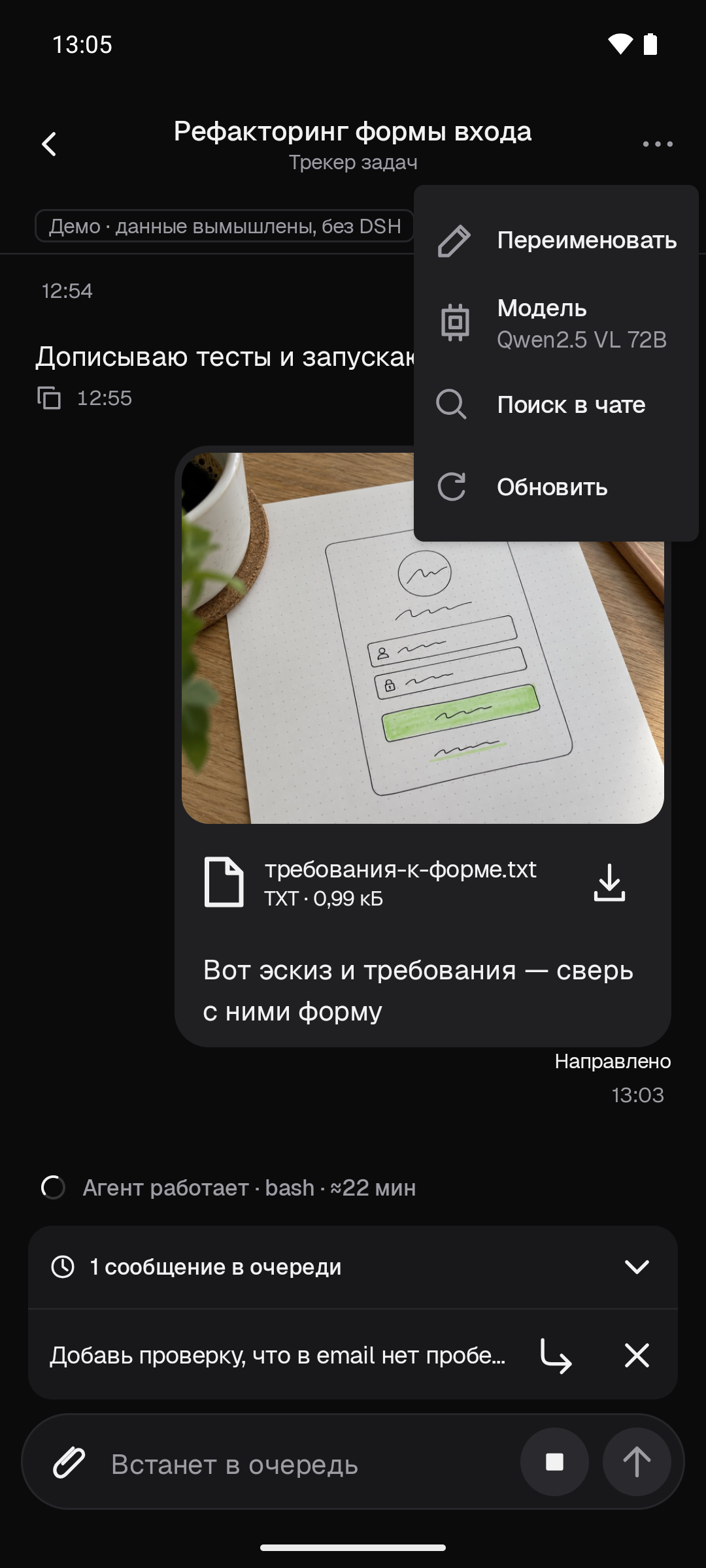
The ⋯ menu: renaming the chat and changing the model.
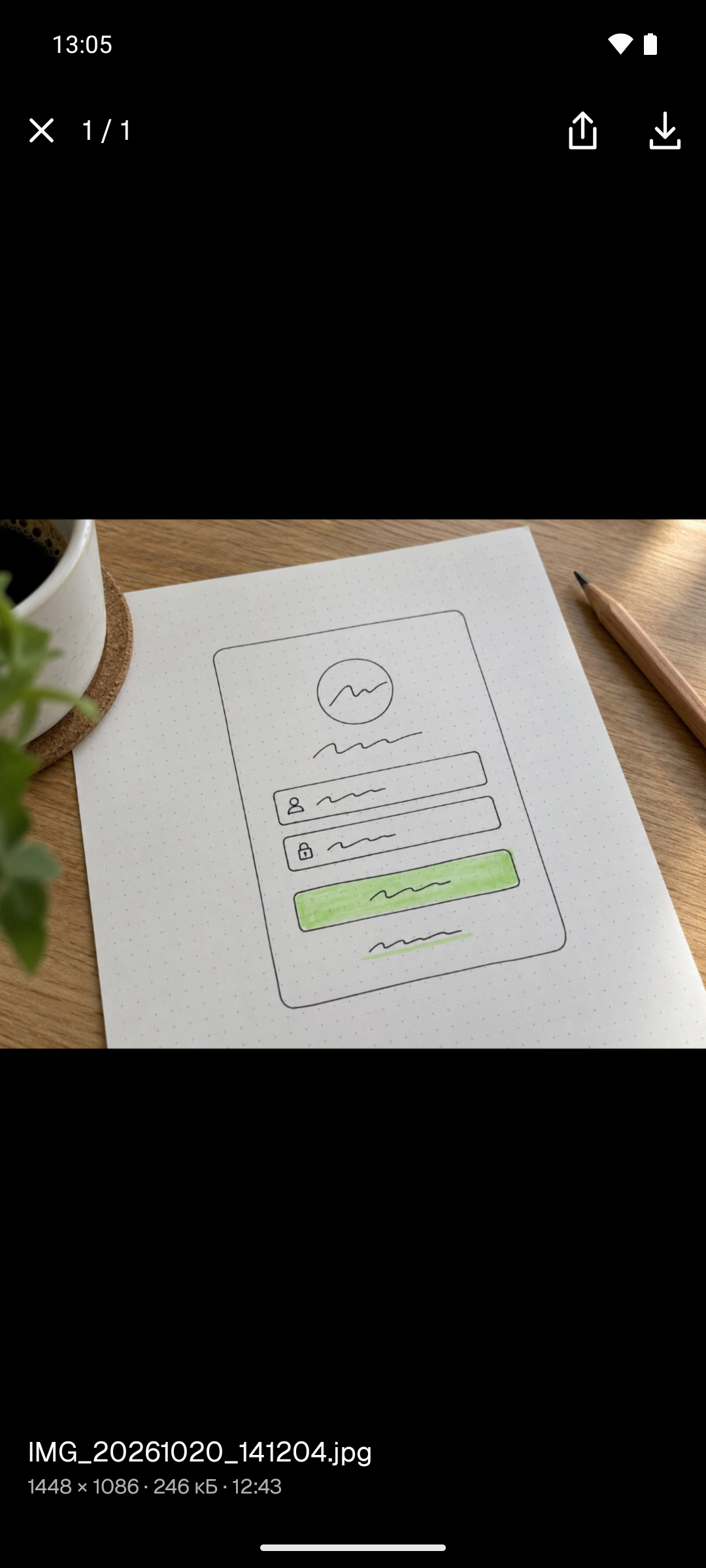
An image from the chat in full screen: zoom in, share, save.
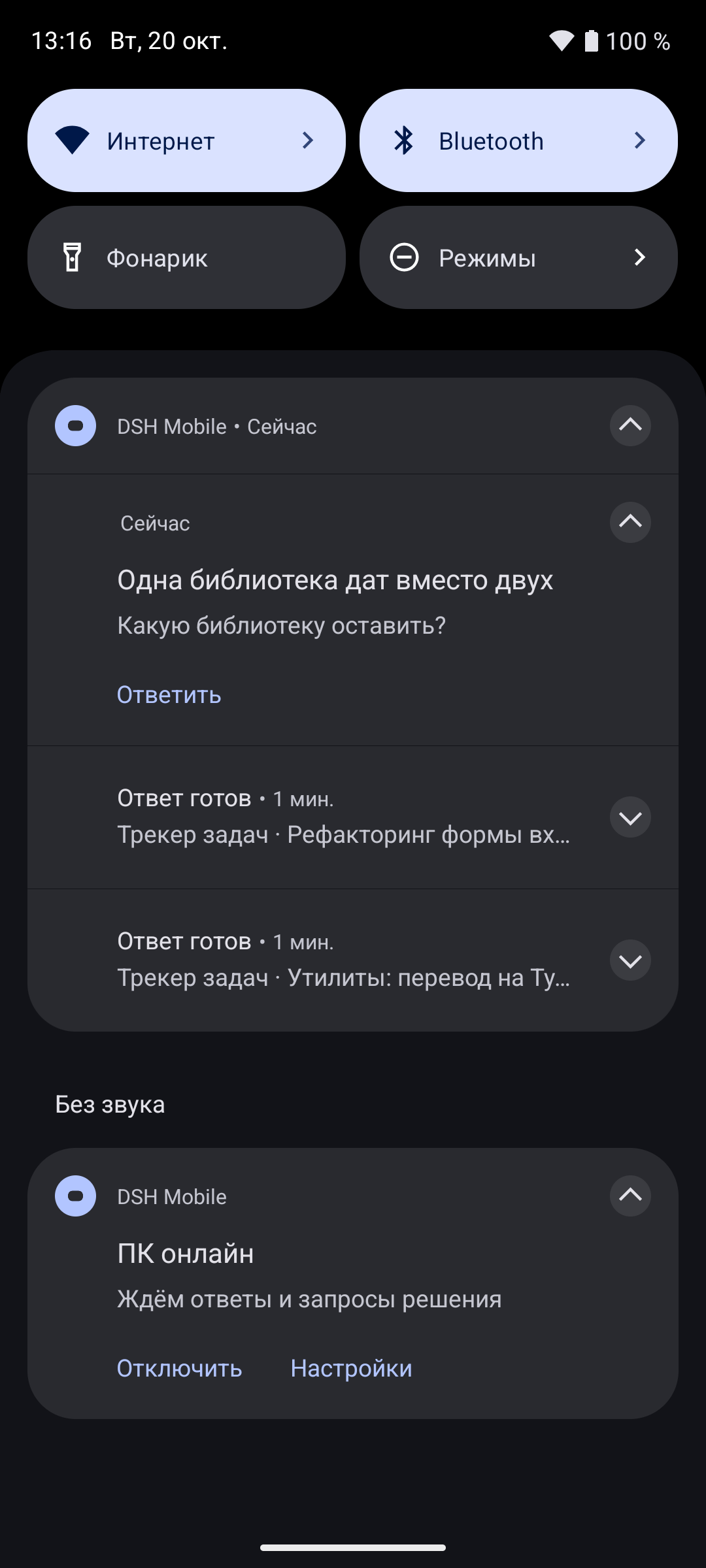
Notifications: the answer is ready, the agent has asked a question.
A companion plugin is installed on the computer. It opens a narrow API to the paired phone over a secure connection but does not expose the DSH web interface to the outside.
Android app
  │ HTTPS over Wi‑Fi or Tailscale
  │ or through your own relay
  ▼
Companion plugin inside DSH
  │
  ▼
Your projects and agents on the computer
The phone is only a client: the agent keeps working after you close the app. The main conversation history is stored in DSH on the computer.
The Android client is written in Kotlin and Jetpack Compose; the plugin runs on Node.js. Your own relay is an optional way to connect; the project does not provide a shared public relay.
You can hand the detailed setup guide to your DSH agent. It contains environment checks, commands and separate approval of the installation, access rights and activation.
Check the requirements.
Computer: Windows, DeepSeek Harness 0.2.0-rc.2, 0.2.1-alpha.1 or 0.2.1-rc.5, Node.js 24.x, OpenSSL 3. The main target is rc.5 (25 canary checks recorded for 0.9.0); the first two are retained on historical full/registry canaries, while rc.4 is unsupported. Evidence limits. Phone: Android 8.0+. DSH itself must run on Node 24, not just a suitable executable on PATH.
Download and verify the release files.
Open the latest release (now 0.9.3). Download the signed APK, the host ZIP and both SHA-256 files from the same release; do not mix files from different releases. In older releases, UNSIGNED-verification.apk is verification evidence, not an installable download.
Specify the absolute paths to the downloaded files and compare the hashes with the .sha256 files. If they do not match, stop.
$zip = '<ABSOLUTE_DOWNLOADED_HOST_ZIP>'
$apk = '<ABSOLUTE_DOWNLOADED_SIGNED_APK>'
(Get-FileHash -LiteralPath $zip -Algorithm SHA256).Hash.ToLowerInvariant()
(Get-FileHash -LiteralPath $apk -Algorithm SHA256).Hash.ToLowerInvariant()
# Compare exactly with the release's .sha256 files. A mismatch means STOP.
Prepare the plugin on the computer.
Extract the installer from the archive and read it. In the commands below, replace the placeholders: the path to the script and the computer's address on your home network or in Tailscale. If you do not need an additional address, remove the second element of the array.
$installer = '<ABSOLUTE_REVIEWED_INSTALL_HOST_PS1>'
$hosts = @('<ACTUAL_PRIMARY_LAN_OR_TAILSCALE_HOST>', '<OPTIONAL_ADDITIONAL_SAN>')
# Remove the second element if not needed. Substitute approved real values locally.
& $installer -ZipPath $zip -Hosts $hosts -WhatIf
& $installer -ZipPath $zip -Hosts $hosts
This step prepares the files and configuration but does not yet connect the plugin to DSH.
Activate the plugin.
After reviewing the proposed changes:
& $installer -ZipPath $zip -Hosts $hosts -ActivateThe installer does not restart DSH. If the plugin has not started, follow the troubleshooting steps in the guide: a restart may be needed, but it is approved separately.
If home Wi‑Fi needs a Windows Firewall rule, add it only with the owner's consent and only for the private network. The installer does not change the firewall automatically.
Install the APK on the phone.
Allow Android to install apps from the chosen source. Turn this permission off after installation.
Pair the phone with a QR code.
On the computer, specify the directory of the installed plugin version and check the configuration:
$plugin = '<EXACT_LOCALAPPDATA_DSHMOBILE_PLUGIN_VERSION_DIRECTORY>'
$cli = Join-Path $plugin 'dist/cli.js'
$config = Join-Path $env:LOCALAPPDATA 'DSHMobile/host/host.json'
node $cli verify-config --config $config
Then choose one pairing command. Read-only access to all current and future projects:
node $cli pair --config $config --read all --ttl 300 --qrOr read access and running tasks in all of these projects – only if you agree to give the phone these rights:
node $cli pair --config $config --read all --execute all --ttl 300 --qrIn the app, tap “Scan QR code”, check the computer's address and the certificate fingerprint, then confirm pairing. The camera is used only for scanning; the code is recognized without a network and without Google services.
To use it away from home, install Tailscale on the computer and the phone, connect both to your Tailscale network and specify the computer's name when preparing the plugin. You do not need to open a port on your router. The alternative is your own relay on a VPS.
Upgrading to 0.9.3: upgrade app and host together after verifying signatures and hashes. An APK update must retain the signing certificate; do not uninstall to bypass a signature mismatch. Use the reviewed host installer with -Upgrade -Activate: it unmounts the old plugin, waits for listener closure and mounts the whole immutable build. A DSH restart needs separate approval because it ends running turns. Keep a private state backup and follow upgrade/rollback instructions and release notes. The 0.9.3 APK is signed with the same key as earlier releases; on the owner's phone it was installed over the previous version with install -r and pairing was kept. The relay does not need an update.
Do not expose the DSH web port to the outside and do not disable TLS verification. Details are in the security overview.
From the repository root, in PowerShell:
cd host;  npm ci; npm ci --prefix ../relay; npm run check   # companion plugin, Node 24; the tests need the neighboring relay
cd ..\android
powershell -NoProfile -ExecutionPolicy Bypass -Command "& ../tools/android-build.ps1 -Tasks ':app:assembleDebug', ':app:testDebugUnitTest', ':app:lintDebug'"
JDK 21 is recommended; the Windows helper also supports JDK 17. You need Android SDK platform 36 and build-tools 36.0.0.
A regular release build of the APK is unsigned and cannot be installed as is. Building, packaging the plugin and signing with your own key are described in the build guide and the APK release guide.
Recorded on 7–8 November 2026. Full details are in the release notes; checks of earlier releases are in their own notes.
| Component | What was checked |
|---|---|
| Android 0.9.3 | On 0dff1c4: 551 unit tests, 0 failures; lintRelease: 0 errors, 40 warnings |
| Plugin 0.9.3 | On bac4018: 389/389, 0 skipped. The host code has not changed since bac4018 |
| Relay | 19/19, unchanged since 0.9.2 |
| Independent review | The watch fixes, the "Working now" section, the reconnect fixes and the Stop card fix each passed independent review after the findings were fixed. The plugin package passed a separate review: the reviewer rebuilt the ZIP from source and got the same bytes |
| APK signature | The same certificate as earlier releases, SHA-256: F9080C63B49A0BDE6B74AA2ADF7E9531D6C4F305978A24D3F5D271A39F1B7B95 |
| Physical phone | OnePlus CPH2747, ColorOS on Android 17. Stop, two runs: rejected / user-stop, no error alert, the "Sending…" card gone within 1.4 s. A 4-minute task in forced Doze with the screen off: the watch cleared within 1.4 s, the answer arrived once. "Reconnect" after exhausted retries started a connection 53–56 ms after the tap |
dsh --version; the runtime plugin checks the configured declaration, not the installed version. Only the exact matrix entries are supported.uncertain, inspect DSH first.No. DSH Mobile is a companion to the DeepSeek Harness host, not a purchase of a particular DeepSeek model or plan. Models, providers and billing stay on the computer.
Built by Pavel Logachev. I build AI agents for sales and procurement: logachev.net.
MIT © 2026 Pavel Logachev. Third-party dependencies are distributed under their own licenses.
CLASSIFICATION EVIDENCE
系统优先读取 GitHub Topics,再与站内分类词典和词根规则比对。当前命中: deepseek、deepseek-harness。
morluto
Reverse engineer anything with agents, from app behavior down to native binaries.

deepseek-ai
DeepSeek Harness: Everything is a Plugin.

nexu-io
The 1st Collaborative AI Design Agent Workspace. Local-first and open source. Create motion, prototypes, websites, apps, dashboards, presentations, images, and videos with your team and AI agents. Share work, exchange feedback, and iterate together in one workspace.