
模型与 MCP
待识别

rea
morluto
Reverse engineer anything with agents, from app behavior down to native binaries.
PROJECT TOPICS
PROJECT README




A multi-agent desktop for Agent Client Protocol (ACP) harnesses, tools, and outputs.
New: DeepSeek Harness support through dsh-plugin and dsh-acp.
Use your existing dsh profile or the standalone ACP server from the same desktop.
Backchat gives developer agents a shared desktop without taking away the things that make each harness useful. Bring multiple agents into one conversation and keep the built-in browser, files, terminal, MCP Apps, and Codex plugins close.
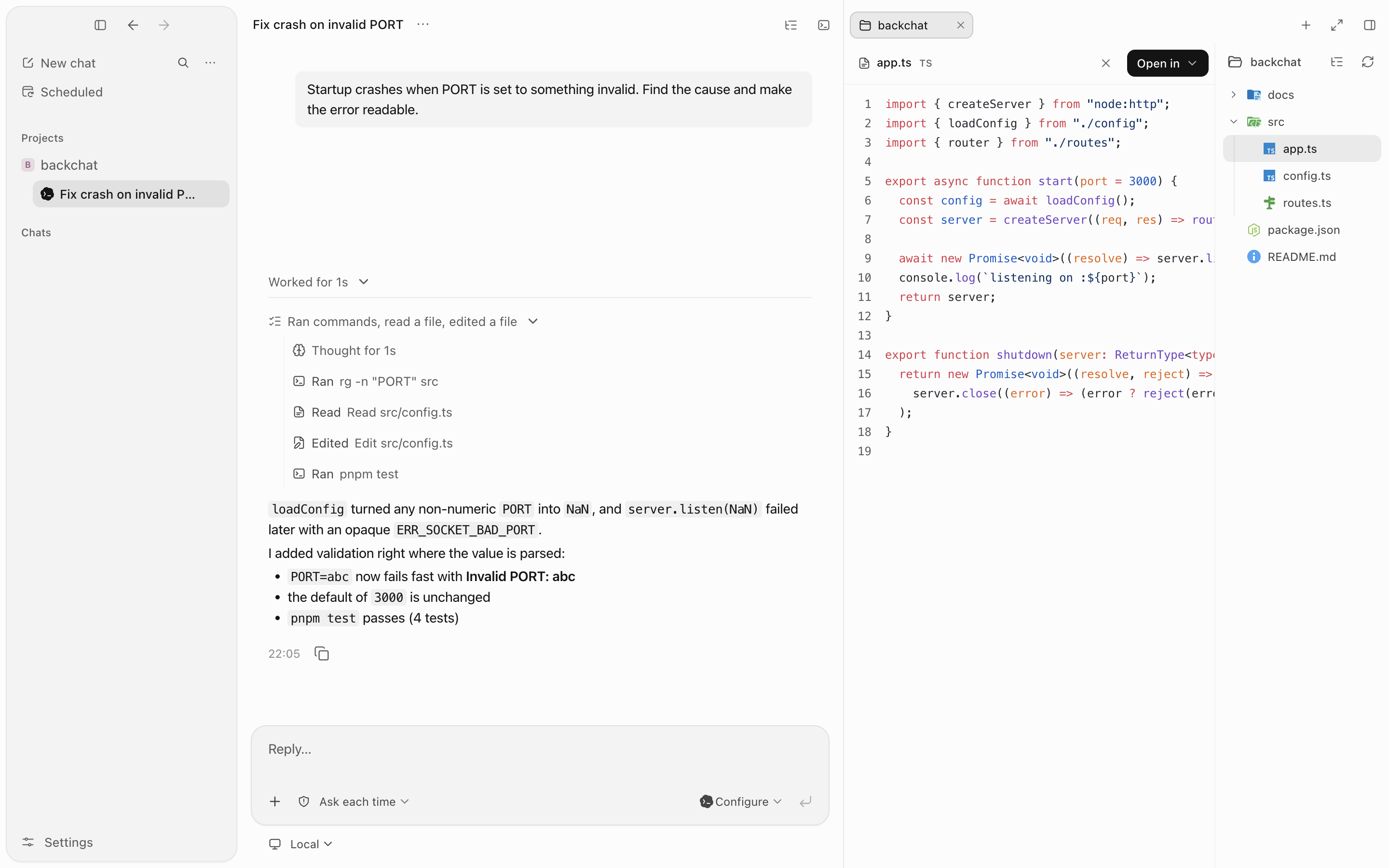
additionalDirectories.These snapshots come from the E2E suite (e2e/readme-screenshots.spec.ts).
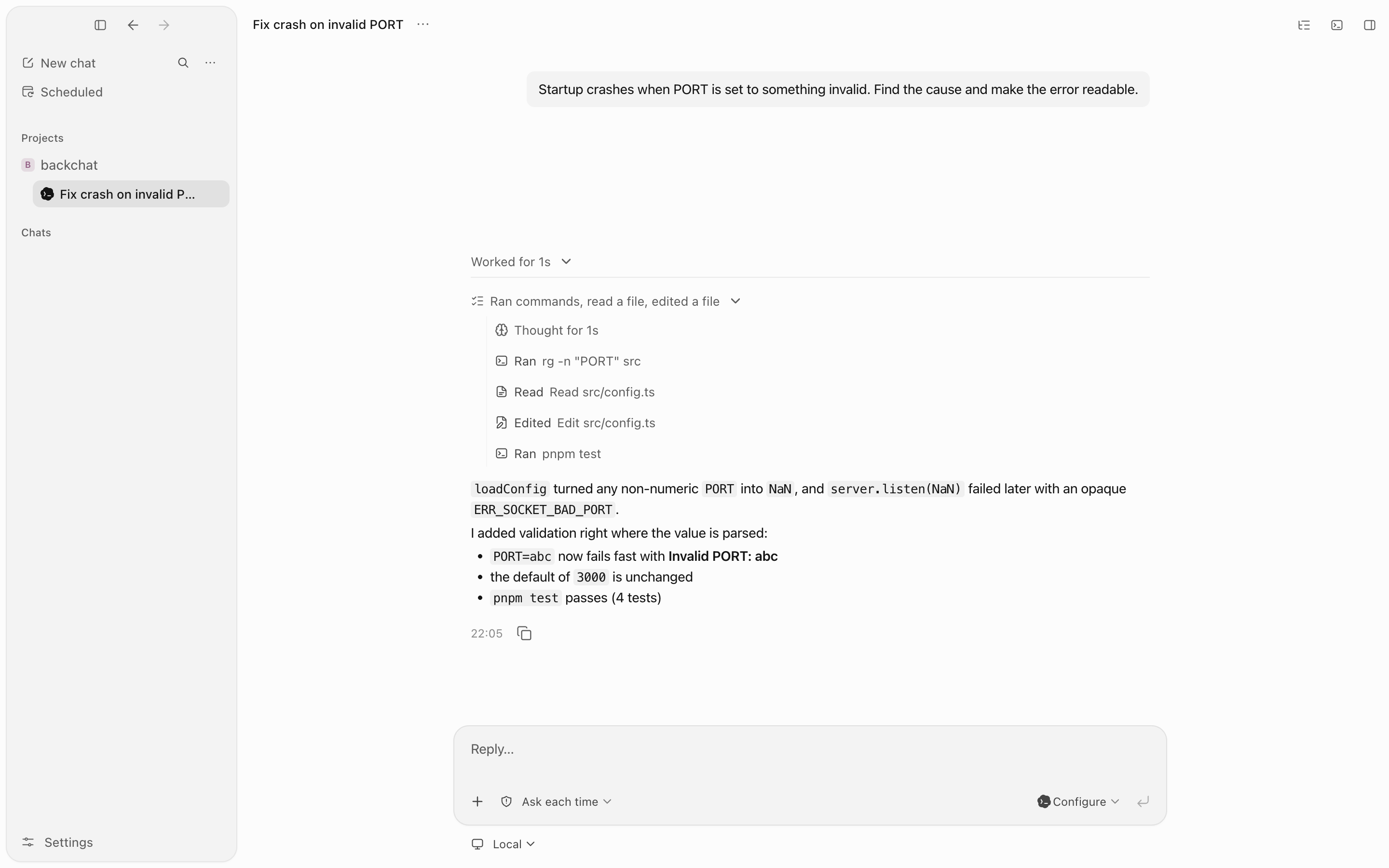
Each turn folds its work into one readable activity line. |
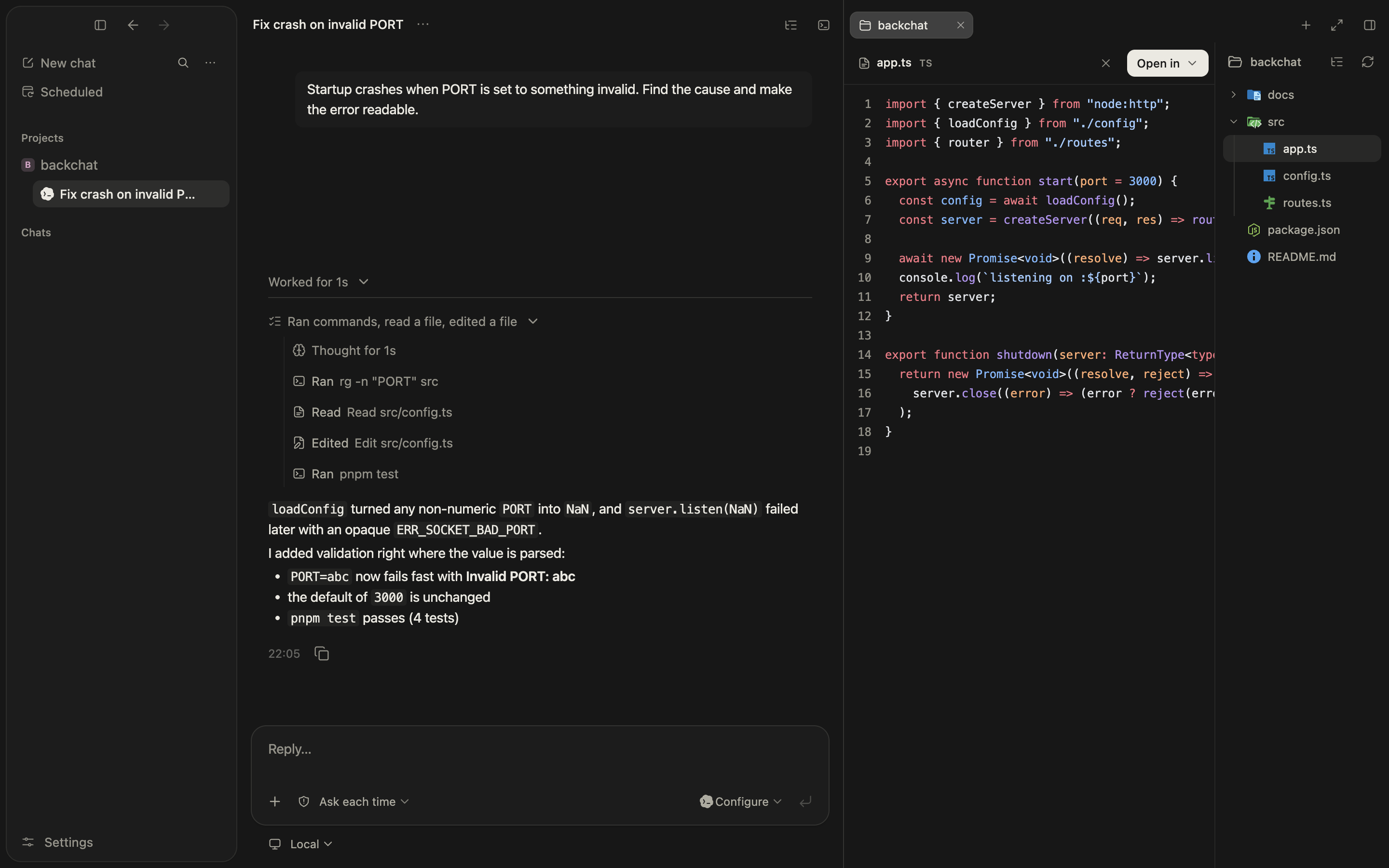
Light and dark themes, with syntax-highlighted file previews. |
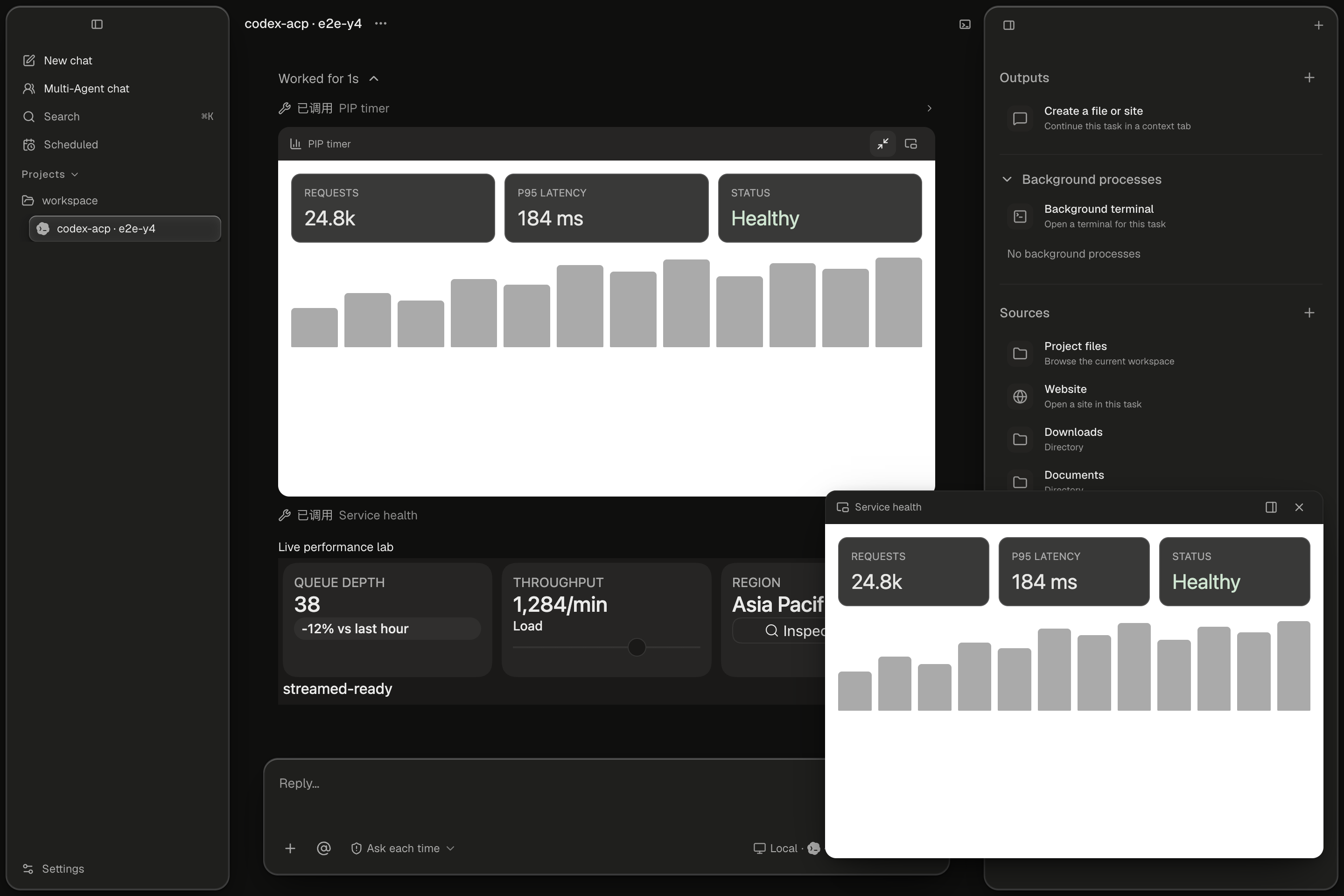
Pop out a live result when the work needs more room. |
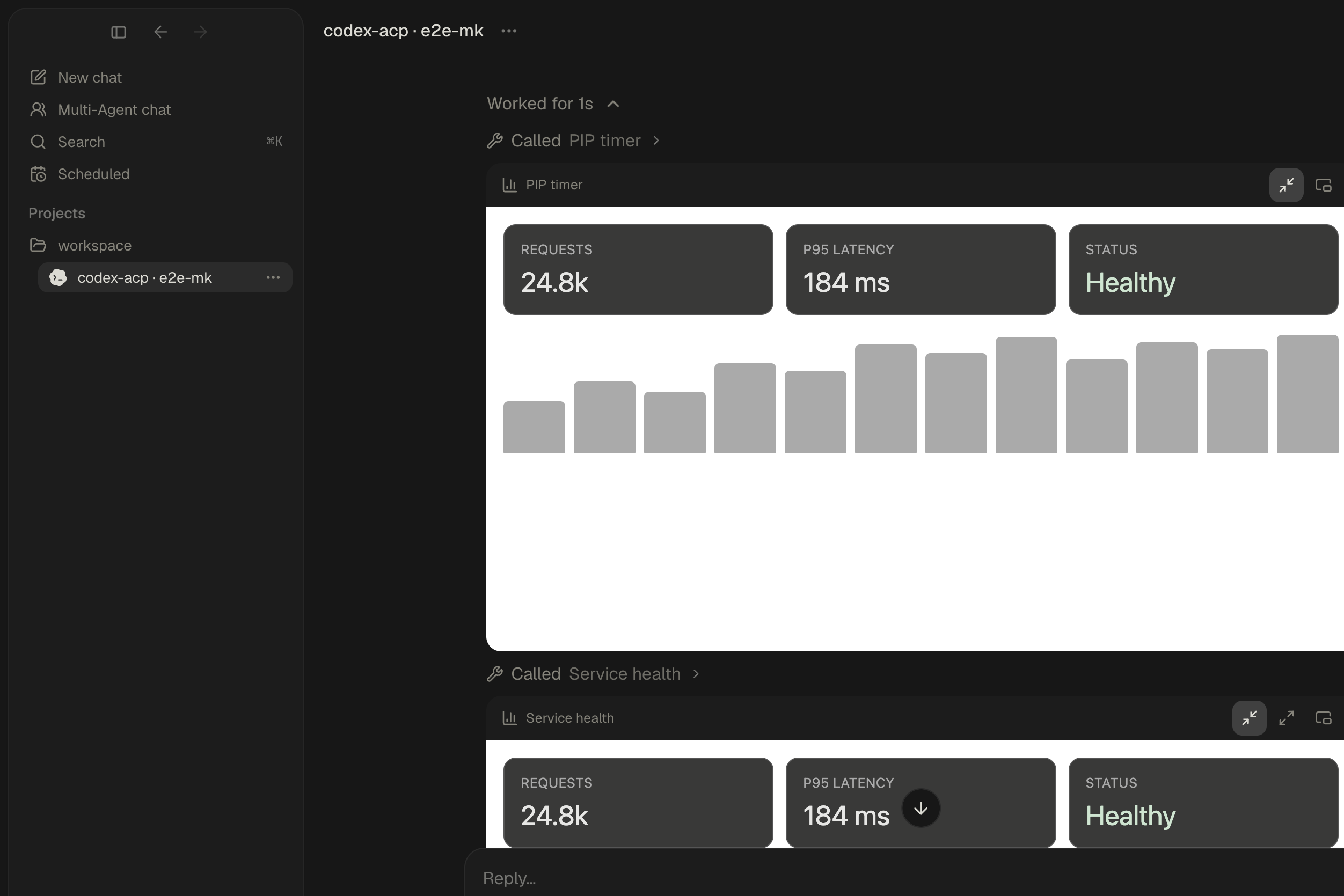
Interactive MCP Apps rendered directly in a turn. |
Backchat currently ships registry entries for:
| Agent | ACP entry | Notes |
|---|---|---|
| Claude Code | claude-acp |
Claude Code through the official ACP adapter |
| Codex CLI | codex-acp |
Codex through codex-acp |
| Pi | openma-acp-pi-acp |
Pi through @openma/pi-acp |
| DeepSeek Harness | dsh-acp or dsh --profile acp |
Standalone ACP server or dsh profile plugin |
| Gemini CLI | gemini |
Gemini CLI's ACP mode |
| OpenCode | opencode |
OpenCode's ACP mode |
| Hermes | hermes |
Hermes ACP entry |
| OpenClaw | openclaw |
OpenClaw ACP entry |
DeepSeek Harness can be connected in either form:
# Standalone ACP server
npm install -g @openma/deepseek-harness-acp
dsh-acp login

# Or install it into an existing dsh profile
dsh plugin --profile acp add -w @openma/deepseek-harness-acp
See openma-ai/deepseek-harness-acp for authentication, profile, model, permission, and MCP configuration.
Agent binaries are discovered or configured from Settings → Agents. The registry and setup layer are deliberately separate from the chat UI, so adding or updating a harness does not require changing the conversation model.
Requirements: Node.js 24 and pnpm 11.24.0 (matching CI).
git clone https://github.com/openma-ai/backchat.git
cd backchat
pnpm install --frozen-lockfile
pnpm dev
The shared @openma/common dependency is pinned to the immutable Git tag
v0.7.3; no sibling checkout or local link is required. The OpenMA SDK and daemon
connection snapshots live under packages/ with their upstream provenance.
On first launch, open Settings → Agents to install or point Backchat at an ACP-compatible agent, then choose a project and start a chat.
pnpm build          # production renderer/main bundles
pnpm package        # unsigned local installer for the current OS
pnpm package:dir    # unpacked app directory
Signed release packaging and notarization are documented in
docs/releasing.md.
pnpm typecheck
pnpm test:ci        # curated contract + release-regression lane (GitHub Actions)
pnpm test
pnpm test:e2e:fast
pnpm test:verify    # typecheck + full unit tests + fast E2E lane
Pull requests run test:ci and test:e2e:fast. Pushes to main also build an
unsigned macOS DMG, then check that the packaged app can import its runtime and
complete a first prompt. The website download button always points at
https://github.com/openma-ai/backchat/releases/latest/download/Backchat-arm64.dmg
; tagged releases upload that stable filename next to the versioned DMG.
GitHub's official Dependency Review, CodeQL, and Dependabot for Actions run
alongside those gates.
The desktop shell is built with Electron, TypeScript, React, Vite, Tailwind
CSS, and shadcn/ui. The ACP runtime is vendored from
open-managed-agents and
trimmed to the local desktop use case.
Backchat is pre-release and under active development. The product shape, packaging, persistence format, and ACP integration surface may change before a stable release. It is ready for local evaluation and development, not yet a promise of backwards compatibility.
Issues and focused pull requests are welcome. For a useful bug report, include your OS, Backchat build, agent/harness, project type, and the smallest reliable reproduction.
CLASSIFICATION EVIDENCE
系统优先读取 GitHub Topics,再与站内分类词典和词根规则比对。当前命中: mcp、mcp-apps、deepseek-harness。
morluto
Reverse engineer anything with agents, from app behavior down to native binaries.

deepseek-ai
DeepSeek Harness: Everything is a Plugin.

nexu-io
The 1st Collaborative AI Design Agent Workspace. Local-first and open source. Create motion, prototypes, websites, apps, dashboards, presentations, images, and videos with your team and AI agents. Share work, exchange feedback, and iterate together in one workspace.