

模型与 MCP
待识别

rea
morluto
Reverse engineer anything with agents, from app behavior down to native binaries.
PROJECT TOPICS
INSTALL REFERENCE
dsh plugin --profile web add github:odysseykernelt/dsh-dashcam
该命令指向仓库当前默认分支;尚无绑定当前 commit 的完整验证结果。
PROJECT README
English | 中文


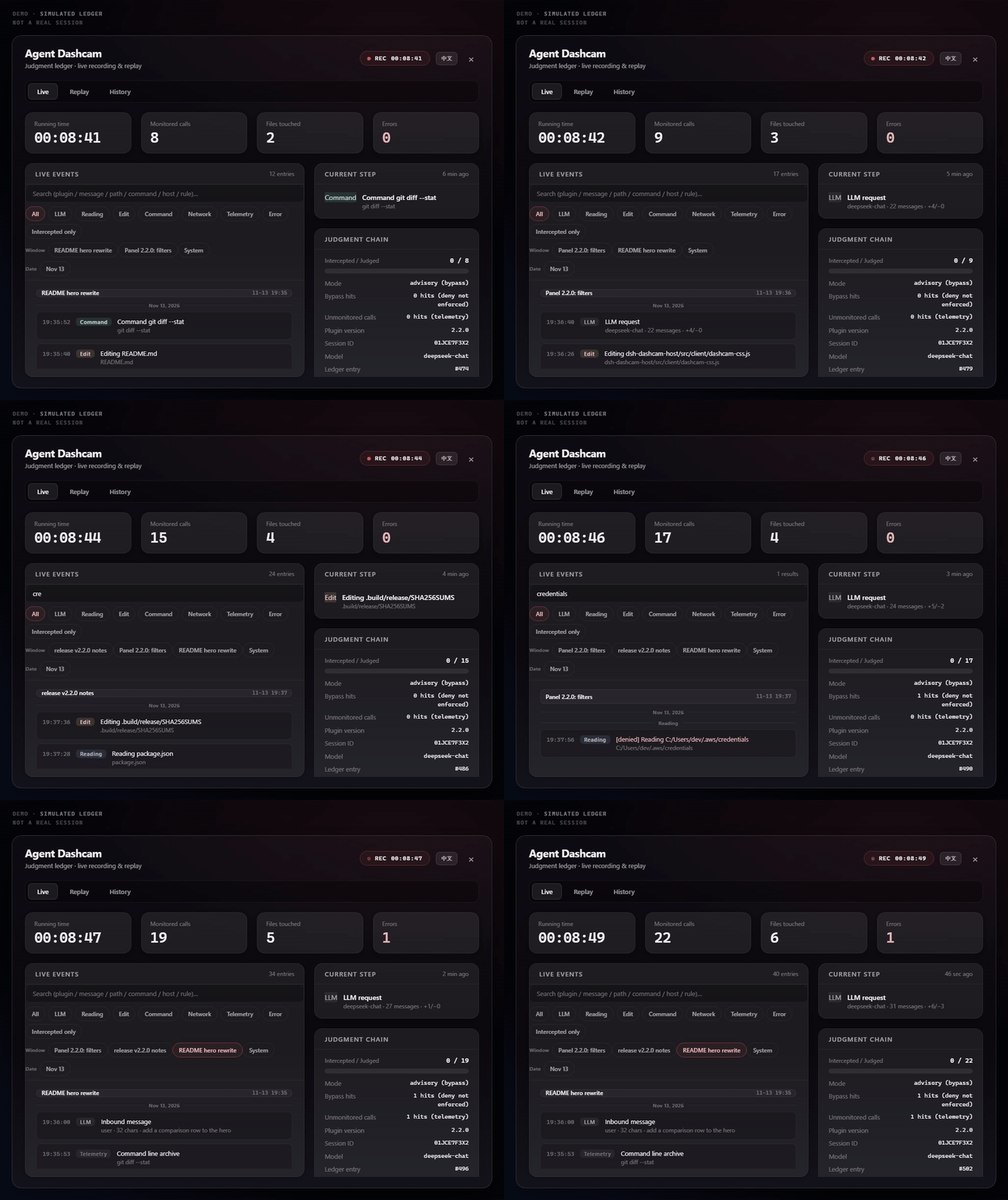
dsh-dashcam is a dashcam for your AI plugins. Once installed, which plugin read your .env, which server it contacted, and what commands it ran — most of it shows up in the panel. Works out of the box, no changes to your plugins; it records, rather than blocks or judges.
Static scanners tell you what a plugin can do. The dashcam tells you what it did.
| When this happens | Without the dashcam | With the dashcam |
|---|---|---|
| A plugin breaks your config | you can't tell who did it | the ledger shows the exact plugin, file, and time |
| You wonder if a plugin sends data out | you can only trust it | every network connection is recorded, searchable by destination |
| You want to know what a plugin can do | guesswork | the ledger shows what it declared and what it was allowed |
dsh plugin --profile web add dsh-dashcam--profile desktop works the same way. Restart DeepSeek Harness — done. The default is record-only: nothing is blocked and your existing plugins need zero changes.
# macOS / Linux
cat ~/.dsh/dsh-dashcam/ledger.jsonl | tail -5

# Windows (PowerShell)
Get-Content ~/.dsh/dsh-dashcam/ledger.jsonl -Tail 5
Expected output (illustrative, fields elided):
{"v":4,"seq":3,"ts":"2026-11-13T09:30:12Z","plugin":"dsh-dashcam-host","action":"fs.read","scope":{"paths":["README.md"]},"decision":"allow","profiled":false}
{"v":4,"seq":4,"ts":"2026-11-13T09:30:47Z","plugin":"dsh-dashcam-host","action":"net.outbound","scope":{"hosts":["registry.npmjs.org"]},"decision":"allow","profiled":false}
{"v":4,"seq":5,"ts":"2026-11-13T09:31:05Z","plugin":"dsh-dashcam-host","action":"proc.spawn","scope":{"commands":["git status"]},"decision":"allow","profiled":false}
Every line answers the same questions: which plugin, did what, to what target, when, and whether it was allowed.
Sample lines from the bundled demo ledger (docs/screenshots/demo-ledger.jsonl) — demo data, not a real session (fields elided):
# a plugin reading a file — which file, which plugin, exactly when
{"v":4,"seq":117,"ts":"2026-11-06T06:23:11.000Z","plugin":"dsh-demo-tools","pluginVersion":"0.4.2","capability":"fs.read","action":"fs.read","scope":{"paths":["README.md"]},"decision":"allow","reason":null,"profiled":true,"intercepted":false}
# a plugin connecting out — the destination host is right there, searchable
{"v":4,"seq":106,"ts":"2026-11-06T06:20:34.000Z","plugin":"dsh-demo-tools","pluginVersion":"0.4.2","capability":"net.outbound","action":"net.outbound","scope":{"hosts":["registry.npmjs.org"]},"decision":"allow","reason":null,"profiled":true,"intercepted":false}
# a plugin running a command
{"v":4,"seq":126,"ts":"2026-11-06T11:56:43.000Z","plugin":"dsh-demo-tools","pluginVersion":"0.4.2","capability":"proc.spawn","action":"proc.spawn","scope":{"commands":["pnpm test"]},"decision":"allow","reason":null,"profiled":true,"intercepted":false}
# a plugin declaring what it needs at startup, and being allowed to mount — profiled: true
{"v":4,"seq":104,"ts":"2026-11-06T06:20:00.000Z","plugin":"dsh-demo-tools","pluginVersion":"0.4.2","capability":"telemetry","action":"mount","scope":{"mode":"advisory"},"decision":"allow","reason":null,"profiled":true,"intercepted":false}By default the dashcam only records. If you want plugins to declare what they intend to do first, and act only after you approve it, add a few lines to the plugin config (in the DSH config file cordis.patch.yml):
config:
  enforce: true
  requests:                       # what the plugin declares it needs
    - capability: fs.read
      scope: { paths: ["docs/**"] }
      reason: read the docs
  grants:                         # what you allow
    - capability: fs.read
      scope: { paths: ["docs/**"] }
The plugin declares, you grant, and both must match before a call goes through; anything else is recorded as a would-deny (and actually rejected with enforce: true). Same ledger, same chain — all your existing history stays compatible.
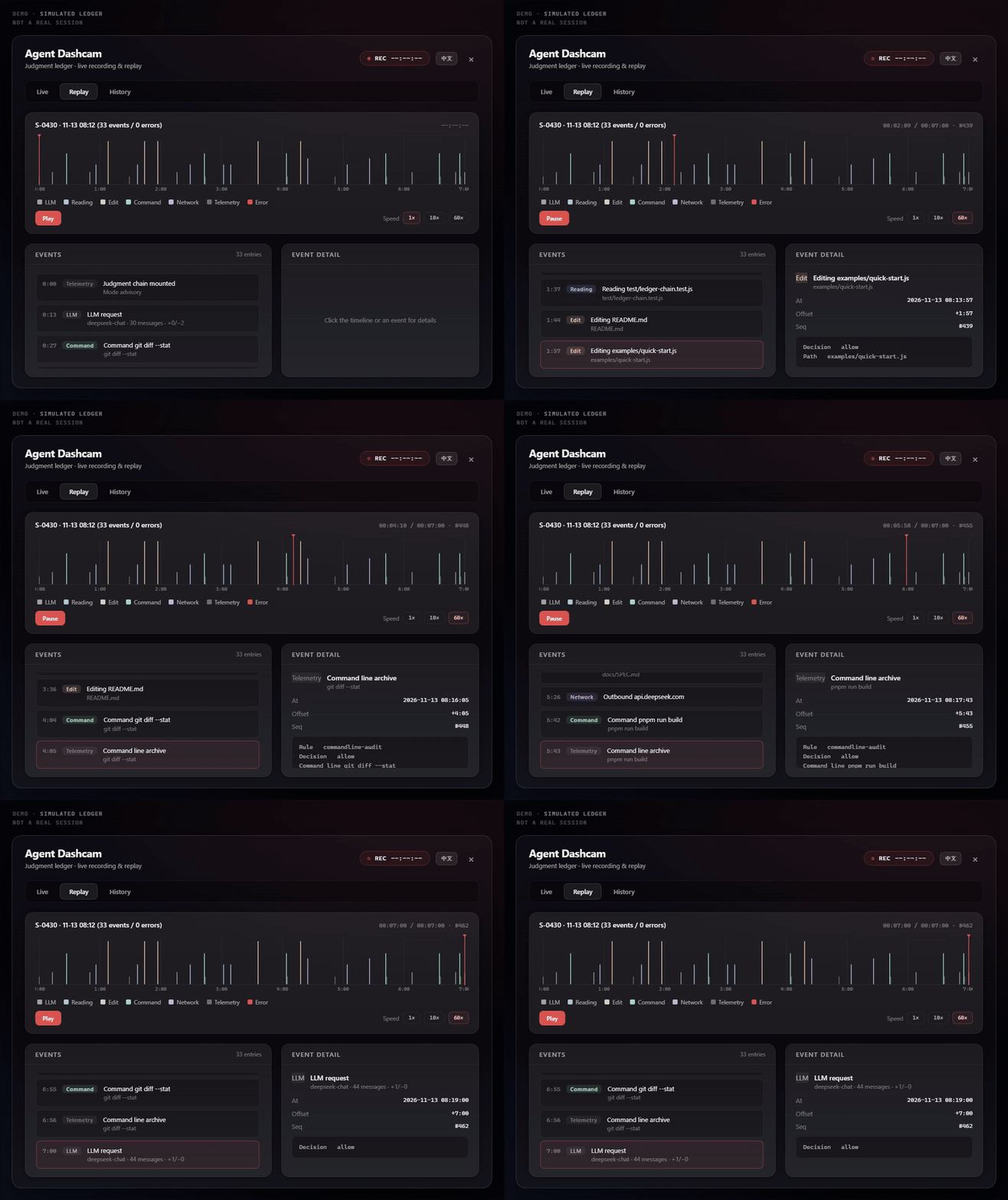
| Replay | History |
|---|---|
 |
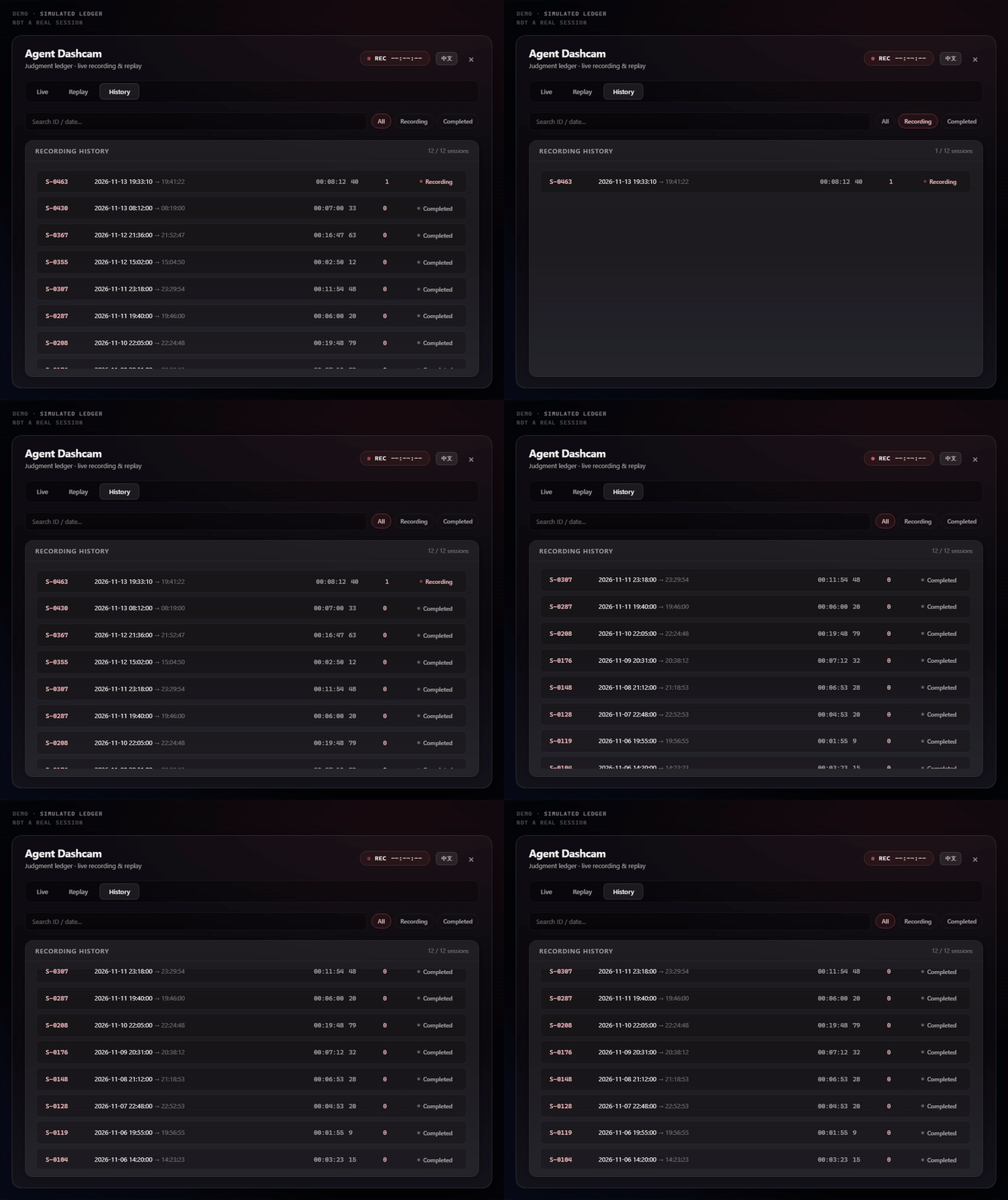 |
The panels render demo data (docs/screenshots/demo-ledger.jsonl) — not a real session. Toggle with Ctrl+Shift+D.
Three rules the dashcam follows:
policy.ledger.failMode: 'closed' switches to "refuse to run when it can't be recorded".)One thing worth thinking through before you install: the ledger is sensitive data — it records exactly which files were touched and when. The recorder runs inside your agent's main process, and "it only records" is precisely why it sees what your agent sees. So install from a source you trust, keep the ledger out of backups you don't trust, and set an HMAC key (ledgerMacKey) if tamper-resistance matters. If you're not yet comfortable with one plugin observing another, try it in a separate test profile for a few days before making it part of your daily setup.
MIT
CLASSIFICATION EVIDENCE
系统优先读取 GitHub Topics,再与站内分类词典和词根规则比对。当前命中: llm、deepseek-harness。
morluto
Reverse engineer anything with agents, from app behavior down to native binaries.

deepseek-ai
DeepSeek Harness: Everything is a Plugin.

nexu-io
The 1st Collaborative AI Design Agent Workspace. Local-first and open source. Create motion, prototypes, websites, apps, dashboards, presentations, images, and videos with your team and AI agents. Share work, exchange feedback, and iterate together in one workspace.