
模型与 MCP
待识别

rea
morluto
Reverse engineer anything with agents, from app behavior down to native binaries.
PROJECT TOPICS
PROJECT README
Edit videos with AI, right inside DeepSeek Harness.
Bring ChatCut — the agent-native video editor — to DSH (DeepSeek Harness) as a first-class MCP plugin: 50 editing tools + 15 craft skills, with one-time OAuth setup and fully automatic token refresh.
中文文档 · Quick start · How it works
#dsh-plugin #mcp #video-editing #chatcut
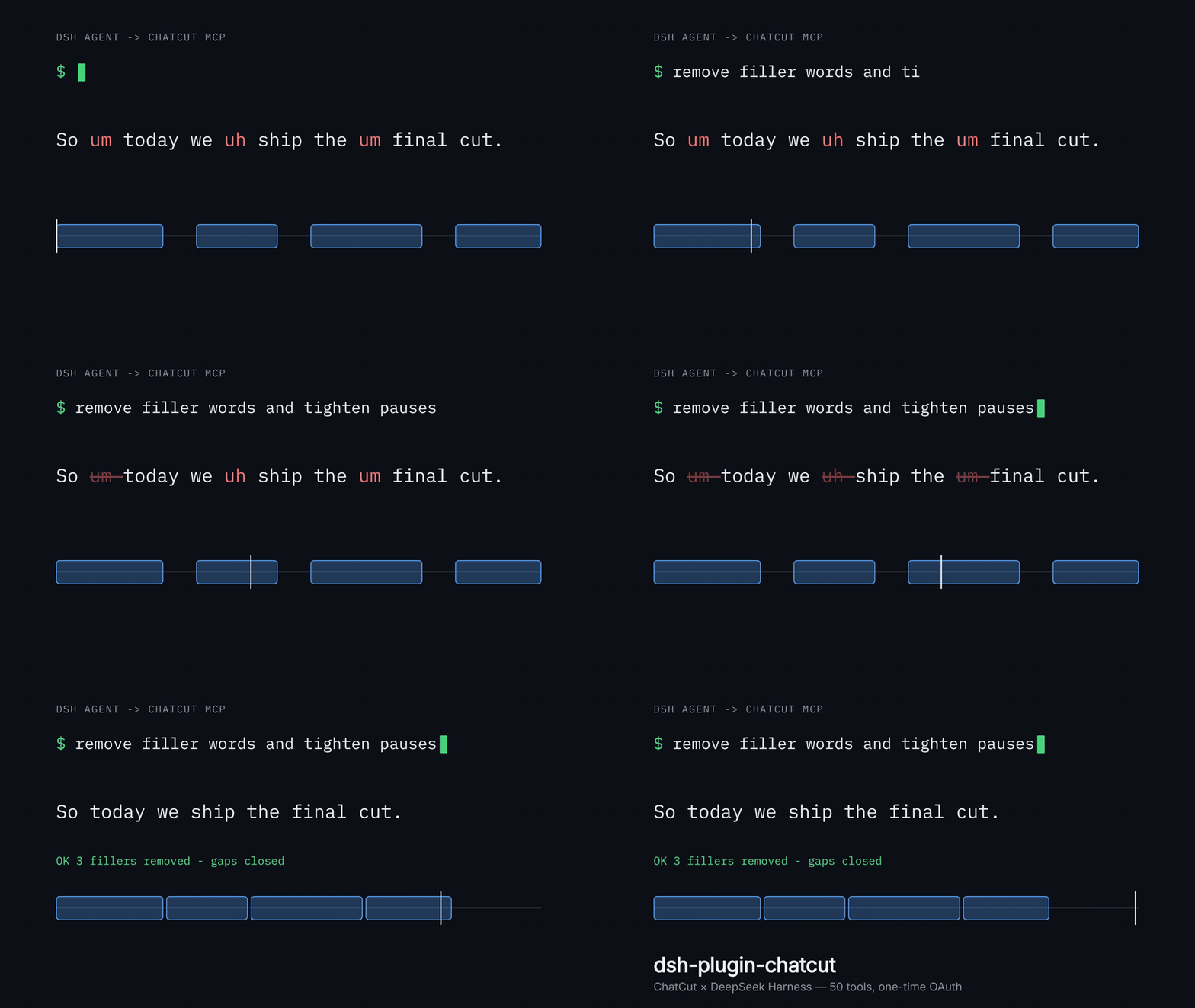
Ask your DSH agent, in plain language:
Everything lands on a real multi-track NLE timeline you can also edit by hand at chatcut.io — the agent and you share the same project, live.
ChatCut officially ships plugins for Claude Code and Codex only. This project adapts it to DSH:
| Official plugin | This adapter |
|---|---|
| MCP server (streamable-http + OAuth) | bridged via @deepseek-ai/dsh-mcp-client (stdio bridge) |
claude mcp login handles OAuth |
chatcut-login.mjs — standard PKCE + dynamic registration |
| Host keeps tokens fresh | chatcut-bridge.mjs auto-refreshes on 401 and persists tokens |
| 15 craft skills (SKILL.md) | installed into $DSH_HOME/skills/ unchanged, plus a DSH host-adapter skill |
Configure the token once. Never think about it again. The bridge refreshes the access token with the rotating refresh token and stores it locally (0600).
Prereqs: a ChatCut account (free tier works), DSH Desktop, network access to api.chatcut.io.
git clone https://github.com/nigedazhima/dsh-plugin-chatcut.git
cd dsh-plugin-chatcut
1. Log in (one time) — opens your browser for ChatCut OAuth:
# macOS with DSH Desktop (no separate Node needed):
ELECTRON_RUN_AS_NODE=1 "/Applications/DSH Desktop.app/Contents/MacOS/DSH Desktop" scripts/chatcut-login.mjs
# or, with Node >= 18:
node scripts/chatcut-login.mjs
Tokens are written to scripts/.tokens.json (git-ignored, mode 0600).
2. Install the skills:
cp -R skills/chatcut "$HOME/Library/Application Support/dsh-desktop/harness/skills/"3. Mount the MCP server — copy cordis-patch-example.yml into your $DSH_HOME/cordis.patch.yml, replacing <REPO> with this repo's absolute path.
4. Restart DSH Desktop. In a new session, ask: "list your mcpchatcut tools" — you should see ~50 tools.
DSH agent ──(stdio MCP)── chatcut-bridge.mjs ──(streamable-http + Bearer)── api.chatcut.io
                              │
                              ├─ 401? → refresh_token → new access_token → persist
└─ .tokens.json (0600, git-ignored)@modelcontextprotocol/sdk already bundled with DSH — zero npm installs on macOS.read_script → edit a markdown file with apply_script. Deleting a sentence in text deletes it on the timeline.| Symptom | Cause / fix |
|---|---|
No mcp__chatcut__* tools in session |
Bridge failed to start — check $DSH_HOME harness log; usually missing .tokens.json (run login) |
| Bridge says refresh_token invalid | Re-run chatcut-login.mjs (one browser round) |
api.chatcut.io timeouts |
Region-dependent; set HTTPS_PROXY for the login script, and add it to the bridge env in the cordis patch |
| Tools listed but calls fail | Check you're signed into the same ChatCut account in the browser editor |
.tokens.json is created locally by you and git-ignored.GPL-3.0-only — same as the upstream ChatCut agent-plugin, from which the skills/chatcut/resources/ are redistributed unchanged.
If this saved you an editing afternoon, a ⭐ helps others find it.
CLASSIFICATION EVIDENCE
系统优先读取 GitHub Topics,再与站内分类词典和词根规则比对。当前命中: mcp、deepseek-harness、deepseek-harness-plugin。
morluto
Reverse engineer anything with agents, from app behavior down to native binaries.

deepseek-ai
DeepSeek Harness: Everything is a Plugin.

nexu-io
The 1st Collaborative AI Design Agent Workspace. Local-first and open source. Create motion, prototypes, websites, apps, dashboards, presentations, images, and videos with your team and AI agents. Share work, exchange feedback, and iterate together in one workspace.