

模型与 MCP
待识别

rea
morluto
Reverse engineer anything with agents, from app behavior down to native binaries.
PROJECT TOPICS
PROJECT README


Use the same live DeepSeek Harness (DSH) session from your iPhone or iPad — with a proper mobile skin, one-time pairing, and zero public exposure.
A tiny DSH plugin: no second DSH, no data sync, no rewrite of the official Web UI. Your phone is simply another window into the DSH running on your Mac, over Tailscale.
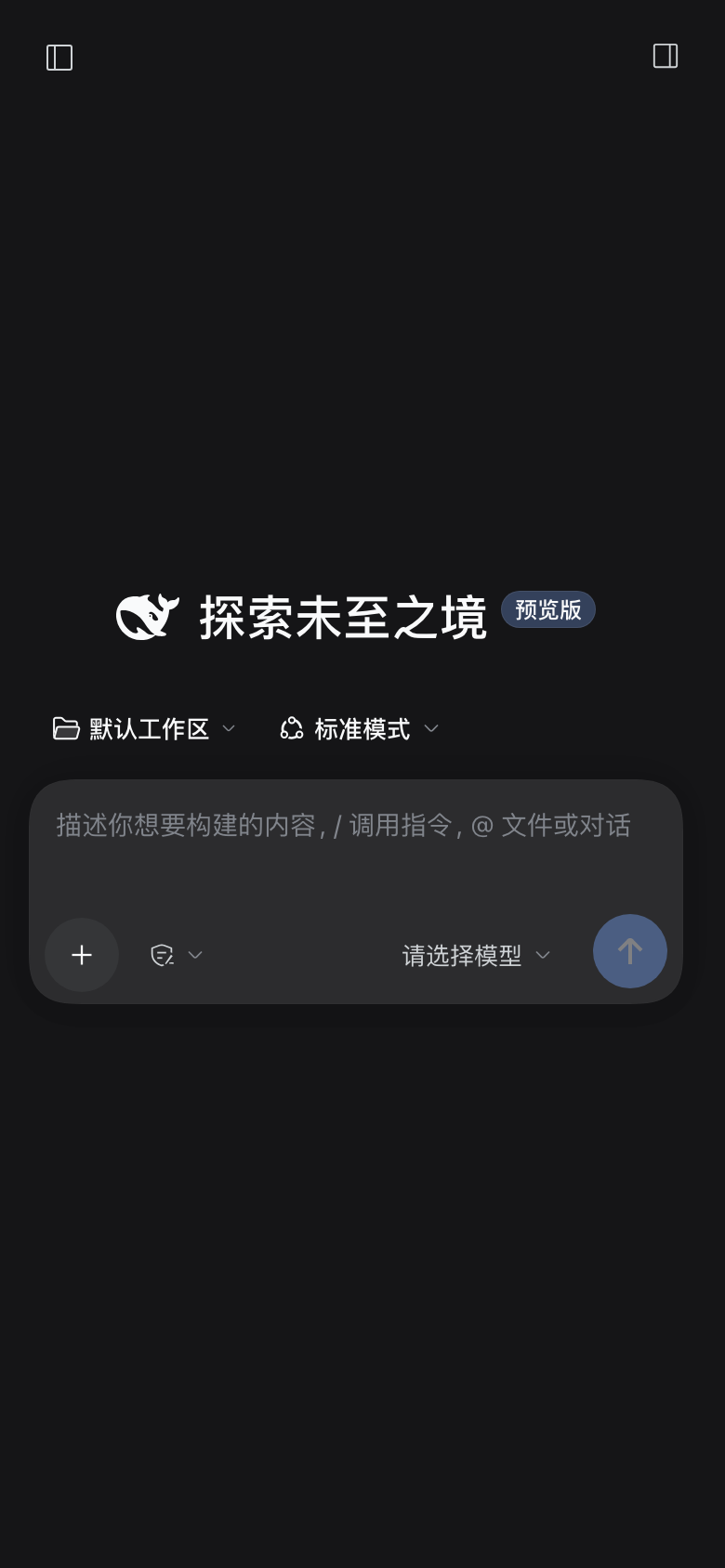
dsh plugin add command, pair with a 6-digit code. No frontend rebuild, no reverse-proxy config, no public IP, no extra server.127.0.0.1; the plugin never touches Funnel; authentication stays the official launch-token → signed-cookie flow. The pairing code is single-use with a 30-minute TTL, and the token never leaves the Mac.tailscale serve at it, retries at 2/5/10/20/40 s after boot, then reconciles every 5 minutes. Sleep, crash, restart — the phone still works.scripts/check-exposure.mjs) that verifies Funnel is off, Serve is tailnet-only, and Tailscale SSH is off.Unfolded in landscape, iPhone Duo gives the plugin a small-tablet canvas: the sidebar and the conversation can sit side by side, code blocks and tables need far less horizontal scrolling, and long sessions are much more comfortable to read. Above 1024 px the plugin deliberately keeps the official desktop layout and only adds the touch scroll rescue + floating ↑/↓ page buttons.
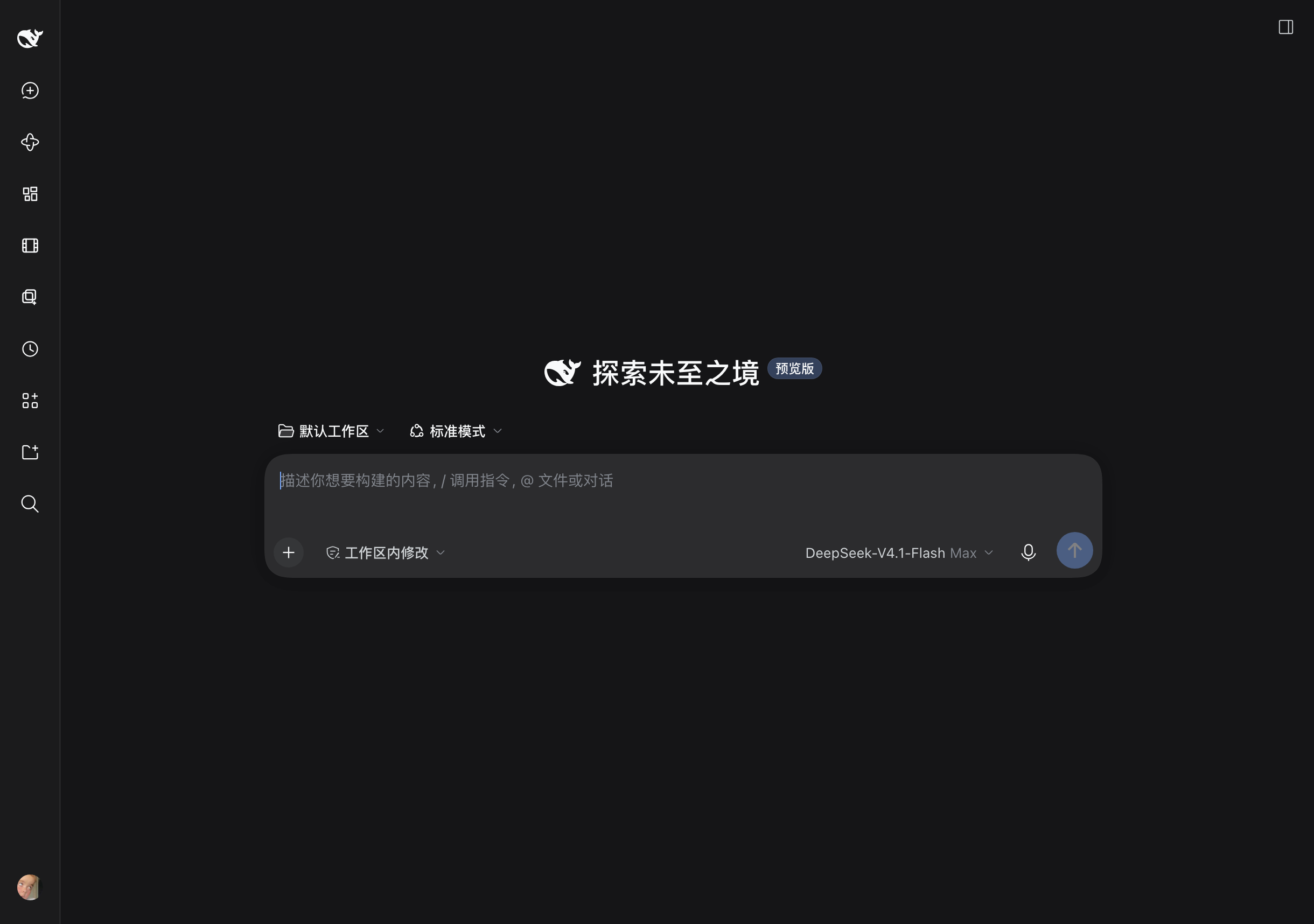
Screenshot: 1220 × 858 CSS viewport (iPhone Duo unfolded, landscape), sidebar collapsed for focus.
After installing and restarting DSH Desktop, a Mobile remote entry appears in the left sidebar. It shows the live pairing code with a countdown, and offers:
/__dshm/pair on the tailnet URL;The code shown here is injected into the authenticated page by the Host; the launch token never enters the page. On a phone (tailnet page) the same panel still opens, but code reading/refreshing is a Mac-side action.
iPhone / iPad Safari
  │  https://<this-mac>.<tailnet>.ts.net   (Tailscale: WireGuard + HTTPS, tailnet only)
  ▼
tailscaled on the Mac (tailscale serve --https=443 → 127.0.0.1:<DSH port>)
  ▼
The same DSH Host the desktop app is running
  ├─ official Web UI (index / assets / API / WebSocket)
  └─ dsh-mobile-remote plugin:
       · injects viewport/safe-area meta + /__dshm/mobile.css|js
       · serves /__dshm/pair (6-digit code, 30 min, single use)
       · writes ~/.dsh/mobile-remote.json (0600: token URL + pairing code)
       · reconciles `tailscale serve` after every boot and every 5 minutes
The phone never receives a copy of your data and never talks to a third-party relay: Tailscale creates a private WireGuard tunnel straight to your Mac.
html.dshm-mobile — desktop UI unaffected; large tablet layouts keep the official layout.#dshm-off / #dshm-on switch for A/B testing (persisted in localStorage).scripts/pairing.mjs: print (--refresh to rotate) the current pairing code from the command line.tailscale status --json) and serve refresh.scripts/check-exposure.mjs: verifies Funnel is off, Serve is tailnet-only,
Tailscale SSH is off, and the Serve target matches the current DSH port.scripts/setup-profile.mjs: computes your tailnet hostname, backs up the
profile patch, and writes the required deployment entries.0.2.2.x (dsh.compatibility.dsh = ">=0.2.2-0 <0.3.0").tailscale CLI available (/usr/local/bin/tailscale by default).DSH="/Applications/DeepSeek Harness.app/Contents/Resources/runtime/cli/bin/dsh"
"$DSH" plugin --profile desktop add -w github:monsterjakey/dsh-mobile-remote
node ~/.dsh/profiles/desktop/node_modules/dsh-mobile-remote/scripts/setup-profile.mjsgit clone https://github.com/monsterjakey/dsh-mobile-remote.git
cd dsh-mobile-remote
DSH="/Applications/DeepSeek Harness.app/Contents/Resources/runtime/cli/bin/dsh"
"$DSH" plugin --profile desktop add -w "link:$PWD"
node ~/.dsh/profiles/desktop/node_modules/dsh-mobile-remote/scripts/setup-profile.mjs"$DSH" plugin --profile desktop add -w file:/path/to/dsh-mobile-remote-0.3.1.tgzThen restart DSH Desktop once, and on the phone:
https://<this-mac>.<tailnet>.ts.net/__dshm/pairpairingCode from ~/.dsh/mobile-remote.jsonhttps://<this-mac>.<tailnet>.ts.net/ (cookie lasts 7 days)iPhone/iPad cannot reach DSH:
node ~/.dsh/profiles/desktop/node_modules/dsh-mobile-remote/scripts/check-exposure.mjsserve target port X != DSH port Y:
tailscale serve --bg --https=443 <Y> (the plugin also retries automatically).*.ts.net names do not resolve).caffeinate) for long sessions.Layout/scroll issues: append #dshm-off to the URL to disable the mobile skin
and compare with the official layout; #dshm-on restores it.
The pairing code is a 30-minute single-use code by design. Already-paired phones keep working through the 7-day login cookie — you only need a code after clearing Safari data, changing phones, or revoking the cookie.
Start the Tailscale app first. If Tailscale is stopped, the phone cannot reach the Mac at all, regardless of the pairing code.
Print the current code, or rotate it immediately:
node ~/.dsh/profiles/desktop/node_modules/dsh-mobile-remote/scripts/pairing.mjs
node ~/.dsh/profiles/desktop/node_modules/dsh-mobile-remote/scripts/pairing.mjs --refresh
Open https://<this-mac>.<tailnet>.ts.net/__dshm/pair and enter the code.
On 0.2.3+ the plugin rotates expired/used codes automatically when the pairing
page is opened, and republishes ~/.dsh/mobile-remote.json. The running plugin
must be 0.2.3 or newer — restart DSH Desktop once after upgrading.
DSH="/Applications/DeepSeek Harness.app/Contents/Resources/runtime/cli/bin/dsh"
"$DSH" plugin --profile desktop remove -w dsh-mobile-remote
# remove the "dsh-mobile-remote setup" block from
# ~/.dsh/profiles/desktop/cordis.patch.yml
rm -f ~/.dsh/mobile-remote.json
tailscale serve reset # only if you have no other serve configurationThis plugin gives a paired phone owner-level access to the DSH on your Mac:
the agent can run shell commands and read/write files. Keep the phone locked,
keep Funnel disabled, and restrict the tailnet with an ACL that only allows your
phone to reach this Mac on tcp:443. See SECURITY.md and
INSTALL.md.
MIT. See LICENSE. DeepSeek and DeepSeek Harness are trademarks of their respective owners; this is an independent community project.
CLASSIFICATION EVIDENCE
系统优先读取 GitHub Topics,再与站内分类词典和词根规则比对。当前命中: deepseek-harness。
morluto
Reverse engineer anything with agents, from app behavior down to native binaries.

deepseek-ai
DeepSeek Harness: Everything is a Plugin.

nexu-io
The 1st Collaborative AI Design Agent Workspace. Local-first and open source. Create motion, prototypes, websites, apps, dashboards, presentations, images, and videos with your team and AI agents. Share work, exchange feedback, and iterate together in one workspace.