
其他
完整应用

deepseek-harness
deepseek-ai
DeepSeek Harness: Everything is a Plugin.
PROJECT TOPICS
PROJECT README
English | 中文
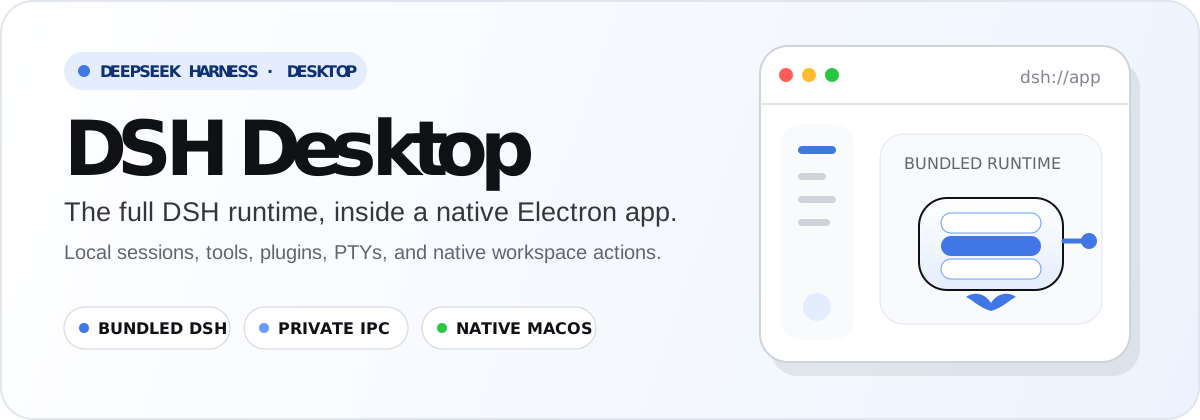
deepseek-harness-desktop packages DeepSeek Harness as the native Electron application DSH Desktop. The desktop shell is the product-specific layer; the bundled dsh runtime keeps its plugin system, sessions, tools, PTYs, persistence, CLI identity, and documentation vocabulary.
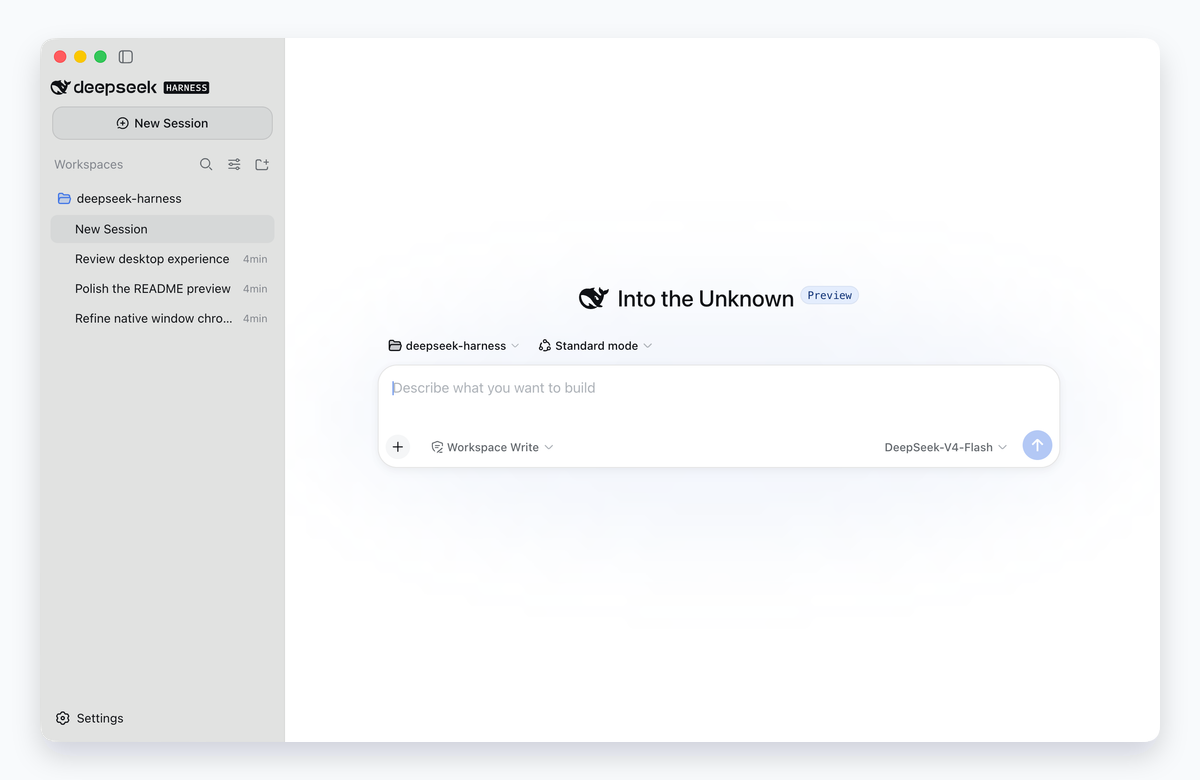
Native window capture from the installed macOS bundle using an isolated temporary profile and preset sessions, framed against a neutral backing.
 |
Compact native frame Content fills the window while controls share the traffic-light region, with native dragging and full-screen behavior. |
 |
Glass that remembers Light, Dark, and System appearances follow macOS; the glass preference persists, with an opaque Reduce Transparency fallback. |
 |
Zero-width focus mode Collapse the sidebar completely to reclaim the conversation width, then restore the last usable sidebar size. |
 Bundled runtime The installed app starts its own application-scoped DSH child. A system Node.js or separately installed DSH CLI is not required. |
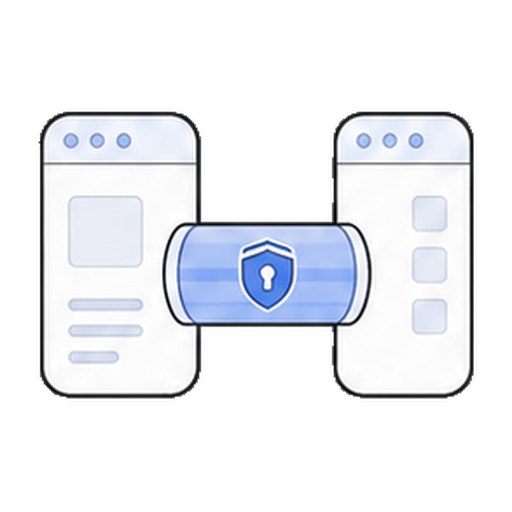 Private desktop carrier The sandboxed renderer crosses a context-isolated preload bridge and validated IPC. The desktop profile opens no browser-facing HTTP listener. |
 Native macOS shell Electron main owns directory selection, path opening, compact window chrome and native dragging, recovery, and process-tree cleanup; the sidebar uses the saved glass preference. |
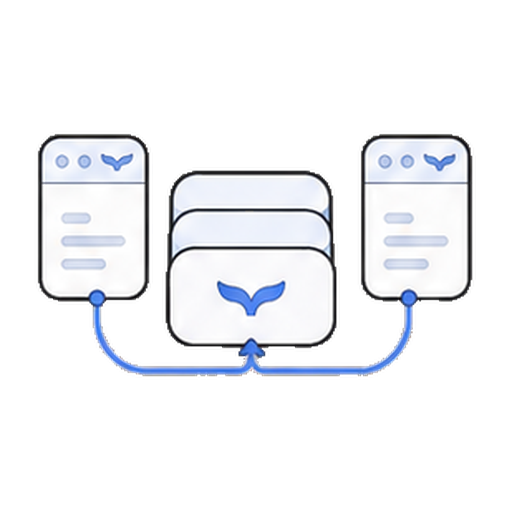 Shared DSH state DSH Desktop and the CLI use the same ~/.dsh home, so sessions, profiles, and configuration remain available to both. |
The React client retains the transport-neutral Connection surface used by the Web product. Electron main owns the native window and supervises one dedicated DSH child; that child owns Cordis, sessions, plugins, model execution, PTYs, persistence, and subprocesses.
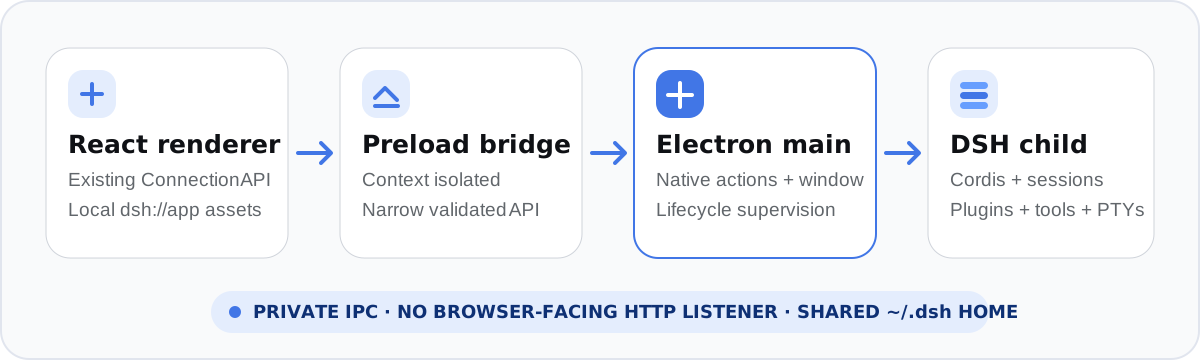
The pre-decoupling carrier and lifecycle contracts remain available in the frozen legacy desktop reference. The current shell and desktop provider contracts live in apps/desktop and packages/.
brew tap mel0nyrame/dsh
brew install --cask dsh-desktop
The cask selects the arm64 or x64 build for the current Mac and removes the quarantine attribute after installation. Stable releases update the cask automatically; prereleases remain available from GitHub only.
Download the DMG for your Mac (arm64 for Apple silicon or x64 for Intel) from GitHub Releases, verify it against the adjacent .sha256 file, and drag DSH Desktop to Applications.
Release DMGs are ad-hoc signed and not notarized. A direct DMG download may therefore require the one-time macOS right-click → Open flow. The Homebrew cask performs the corresponding quarantine handling during installation.
From this repository checkout:
pnpm install
pnpm run check
Build an installable, ad-hoc signed application and DMG with pnpm run package.
The packaging command assembles the exact published runtime, verifies native
addons under Electron, validates the application identity and embedded runtime,
and writes products under apps/desktop/dist/. Run the installed-product gate
with DSH_DESKTOP_PACKAGE_REQUIRED=1 pnpm run test:package.
@dsh-desktop/*.dsh-v0.1.0-rc.8, for inspection and compatibility work.CI is staged by change risk: ordinary pull requests run the fast workspace checks (.github/workflows/ci.yml), packaging inputs run the macOS packaging gate (.github/workflows/packaging.yml), and pull requests labeled release, version tags, or manual dispatches run the arm64/x64 release-evidence workflow (.github/workflows/release.yml). The promotion evidence, the protected manual real-API acceptance command, and the promotion checklist for making this branch the default live in docs/promotion/promotion.md.
Core contributor workflows remain in AGENTS.md; the frozen development guide and CONTRIBUTING.md document the pre-decoupling contribution flow. Desktop-specific implementation lives under apps/desktop and the desktop provider packages (packages/).
The pre-decoupling product's third-party notices remain available in the frozen THIRD_PARTY_NOTICES.md.
CLASSIFICATION EVIDENCE
系统优先读取 GitHub Topics,再与站内分类词典和词根规则比对。当前命中: desktop-app。
deepseek-ai
DeepSeek Harness: Everything is a Plugin.

anywhere-labs
为 DeepSeek Harness (DSH) 插件生态打造的现代化桌面端解决方案。万物皆「插件」,桌面本身也是「插件」。

walkinglabs
Harness engineering beginner tutorial, from 0 to 1