
模型与 MCP
待识别

rea
morluto
Reverse engineer anything with agents, from app behavior down to native binaries.
PROJECT TOPICS
INSTALL REFERENCE
dsh plugin --profile web add github:lzyxczw-cyber/dafish-clean
该命令指向仓库当前默认分支;尚无绑定当前 commit 的完整验证结果。
PROJECT README
Big Fat Fish clean — an unofficial, immersive panel for the local Mole CLI inside the DeepSeek Harness Web UI. It covers the same ground as the CLI from one dark panel: system health, cleanup previews with explicit confirmation, disk analysis, app inventory, maintenance, cleanup history, and a guided Mole CLI install.
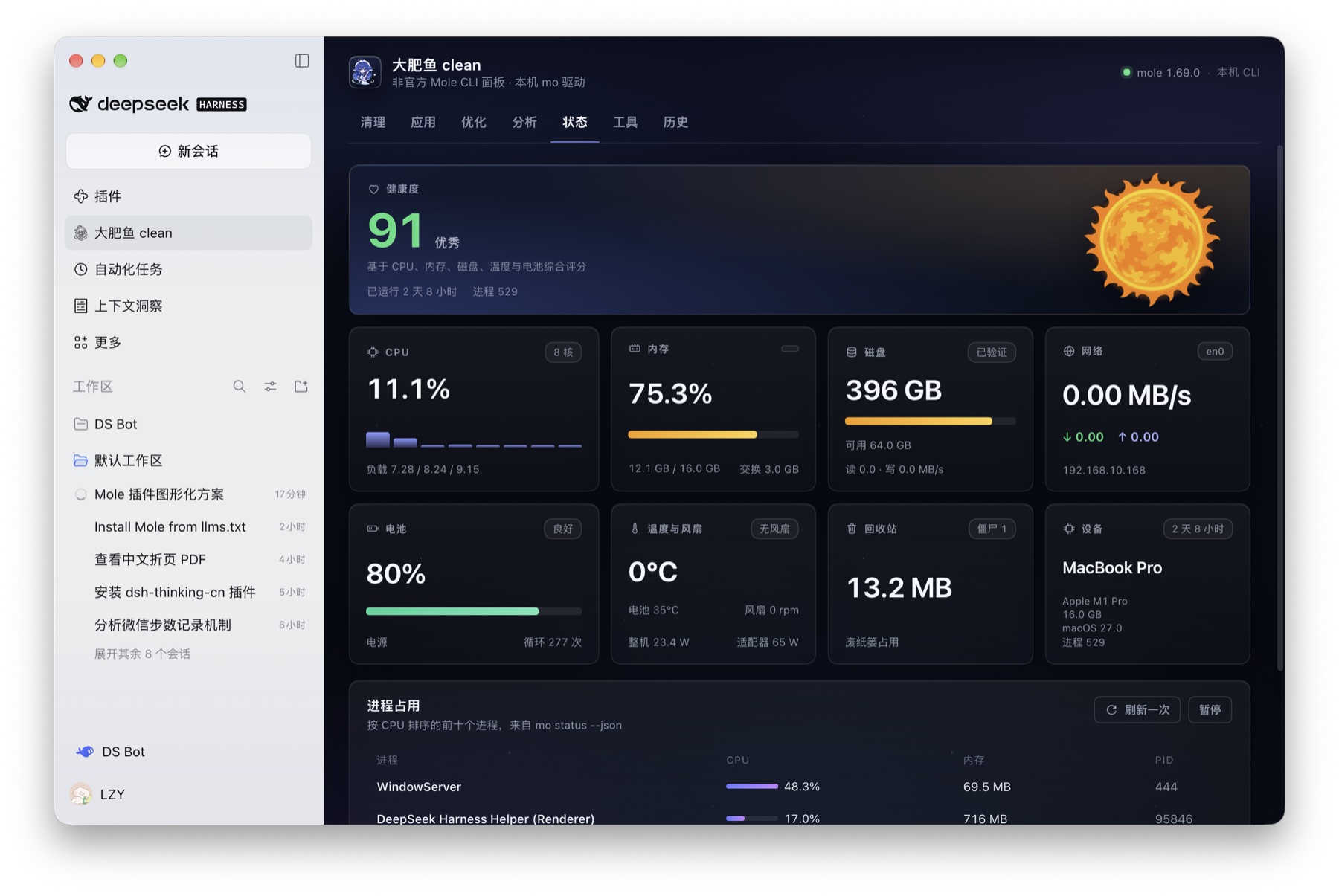
Unofficial and not affiliated with the Mole project. The display name is intentionally distinct from Mole; Mole CLI is credited below. No Mole code or assets are bundled — the plugin runs the
molebinary you install yourself.
dsh-market / Plugins: open Plugins → Plugin Market, search for dafish-clean / 大肥鱼 / Mole, and click install.
From GitHub source (no build scripts):
dsh plugin --profile <profile> add github:lzyxczw-cyber/dafish-cleanOr install the release tarball:
dsh plugin --profile <profile> add https://github.com/lzyxczw-cyber/dafish-clean/releases/download/v1.0.3/dafish-clean-1.0.3.tgznpm:
dsh plugin --profile <profile> add dafish-cleanhttps://www.npmjs.com/package/dafish-clean
After installing, refresh the DSH page (restart the host if it asks to) and open 大肥鱼 clean from the sidebar.
mole in Homebrew, /usr/local/bin, ~/.local/bin, or MOLE_BIN.brew install mole as a
background job, streams Homebrew's own output in the live progress line and
re-checks automatically. It never runs sudo.brew install mole, or (without
Homebrew) copy Mole's official install script, then Check again.open / Terminal).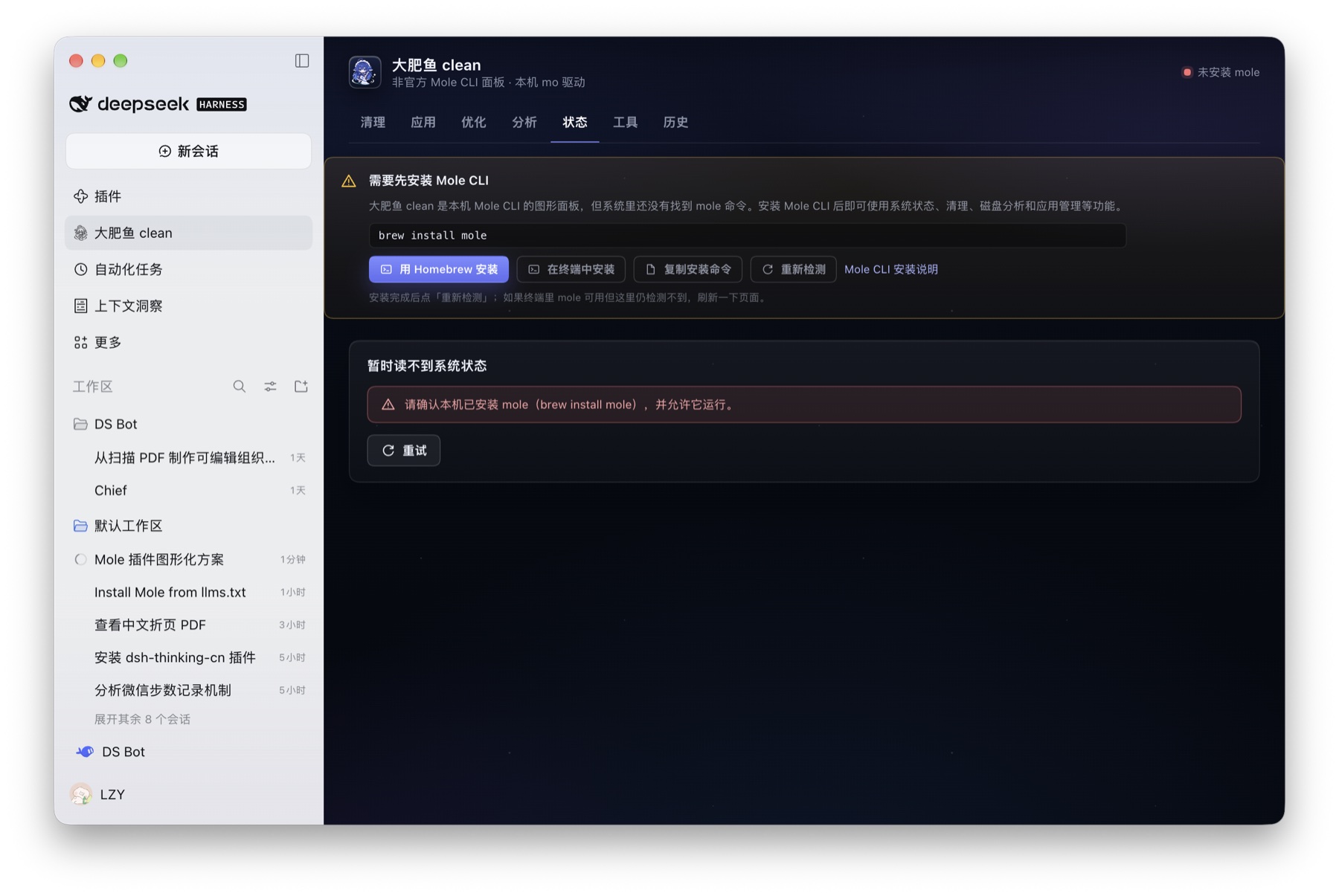
| Tab | What it runs | Safety |
|---|---|---|
| Status | mole status --json, refreshed every 3 s |
read-only |
| Clean | mole clean --dry-run, then an explicit confirm to run mole clean |
preview before removal |
| Apps | mole uninstall --list and mole uninstall --dry-run <app> |
removal handed to Terminal |
| Optimize | mole optimize --dry-run, then an explicit confirm to run mole optimize |
preview before maintenance |
| Analyze | mole analyze --json <path> with a treemap and drill-down |
read-only |
| Tools | mole purge / installer / slim --dry-run |
removal handed to Terminal |
| History | mole history --json --limit 60 |
read-only |
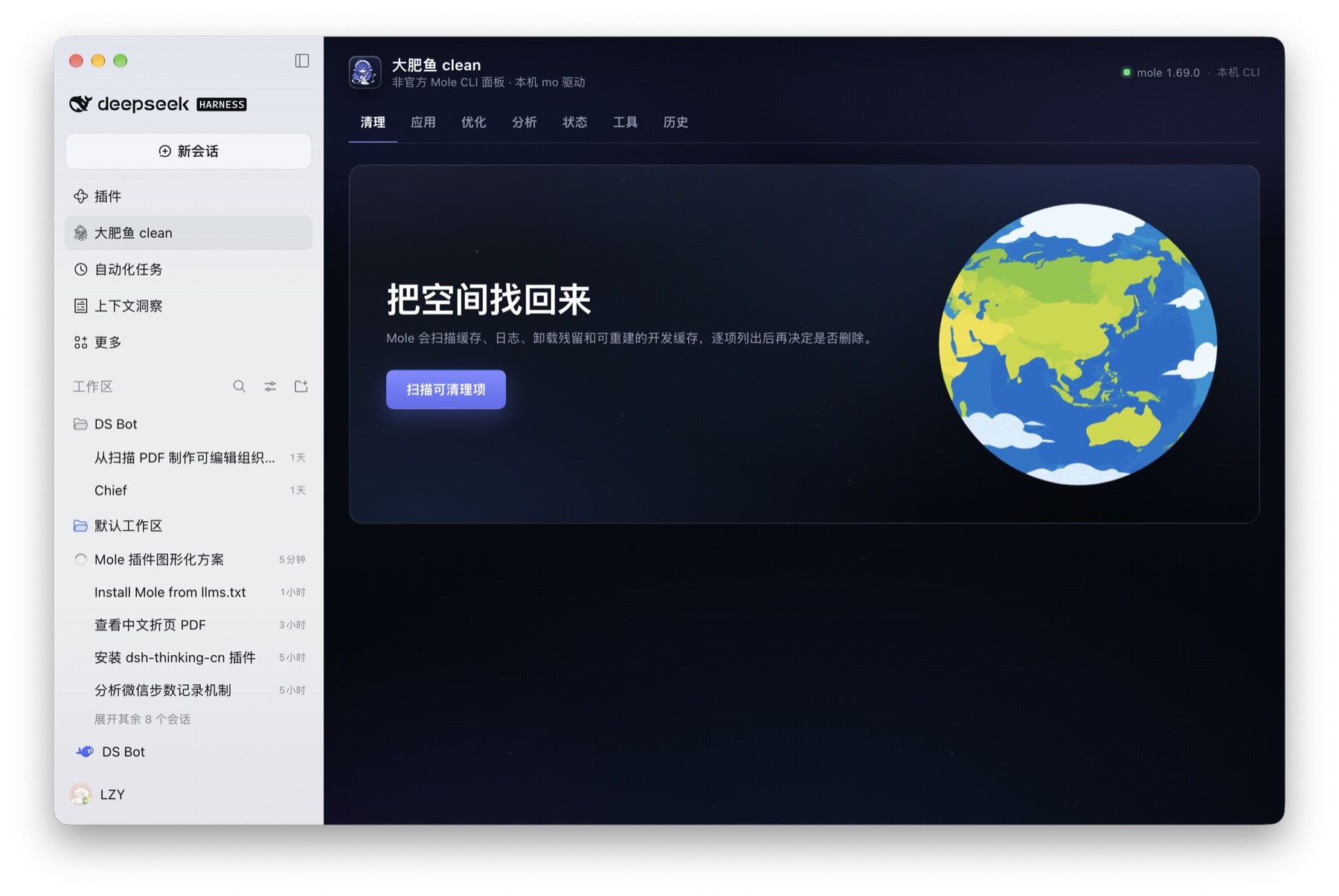
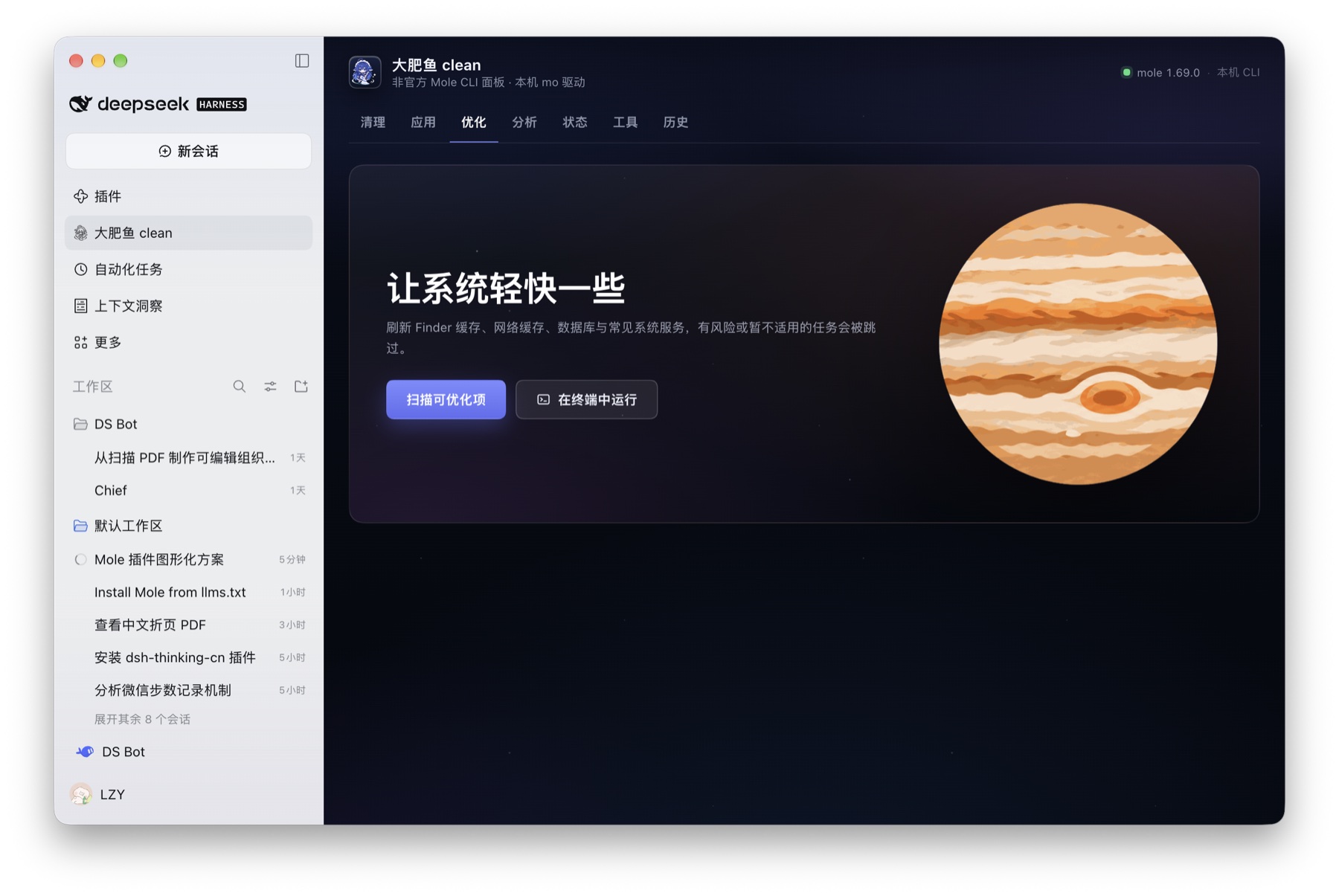
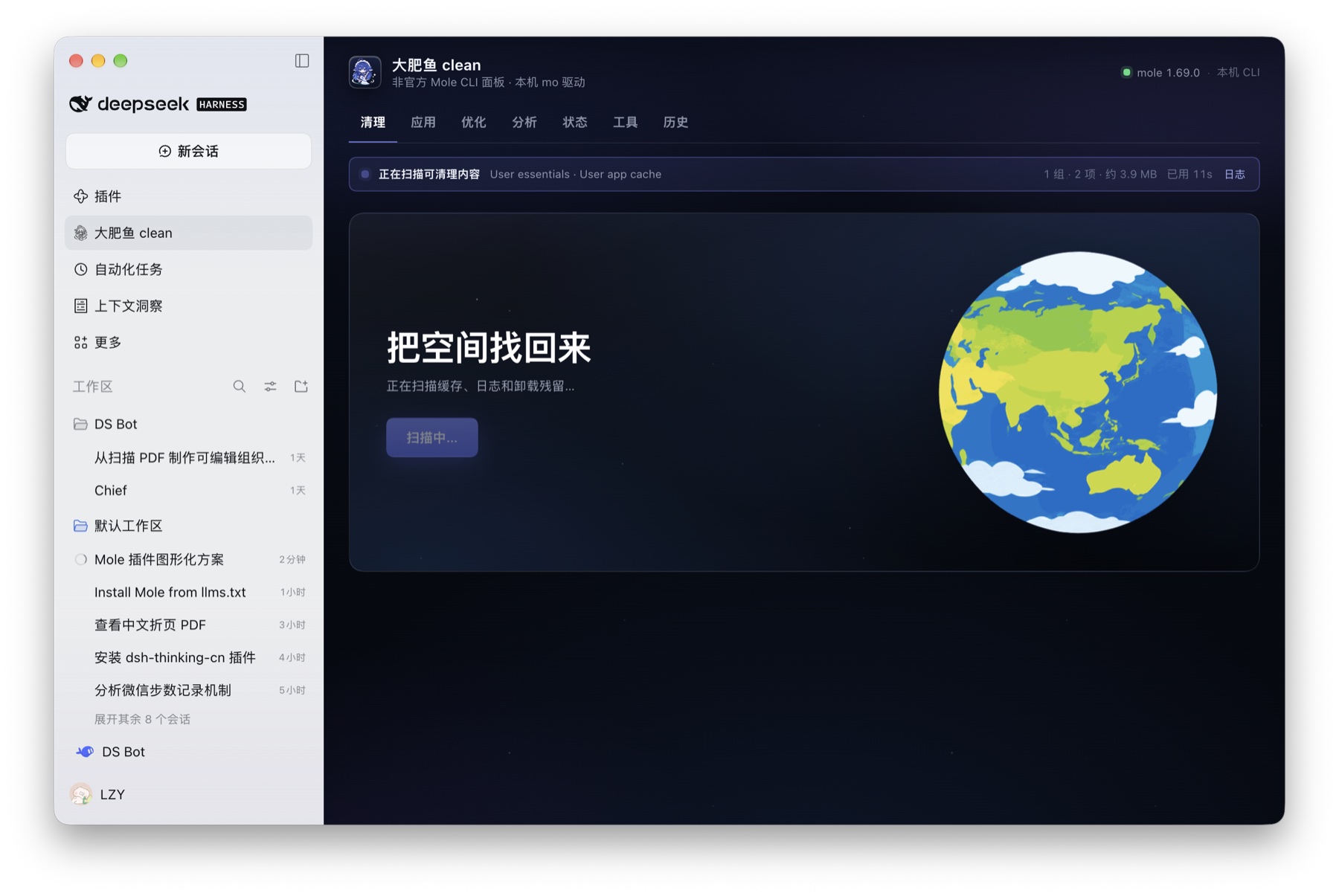
The panel is built to feel like a page of the Harness window rather than a separate application: a Harness-style page header with an underline tab row, the same spacing and type rhythm as host pages, fluid card grids that adapt to the main column, and a full-bleed dark space background with user-supplied planet illustrations. It does not copy Mole for Mac's window chrome or tab bar.
--dry-run.clean, optimize and purge --yes only run after an explicit confirmation
dialog. The panel never runs sudo; system-level cleanup is left to the
user's Terminal..command file in Terminal.app instead of pretending those steps can be
automated.x-dsh-mole
header.This is an unofficial integration, not a fork of Mole and not affiliated with or endorsed by the Mole project.
mole
binary as a separate process and reads its JSON/text output.mole.fit) is a separate proprietary app with its own
reserved name and assets. No assets from that app are included.assets/mascot*.png, assets/planet-*.png and
icon.png come from images provided by the plugin owner. Their rights are
not established by this package; confirm the license before redistributing.MIT for this plugin's code. Mole CLI is GPL-3.0 and is not part of this package.
CLASSIFICATION EVIDENCE
系统优先读取 GitHub Topics,再与站内分类词典和词根规则比对。当前命中: deepseek。
morluto
Reverse engineer anything with agents, from app behavior down to native binaries.

deepseek-ai
DeepSeek Harness: Everything is a Plugin.

nexu-io
The 1st Collaborative AI Design Agent Workspace. Local-first and open source. Create motion, prototypes, websites, apps, dashboards, presentations, images, and videos with your team and AI agents. Share work, exchange feedback, and iterate together in one workspace.