返回目录
消息通讯 插件

RocketX

lusipad/RocketX

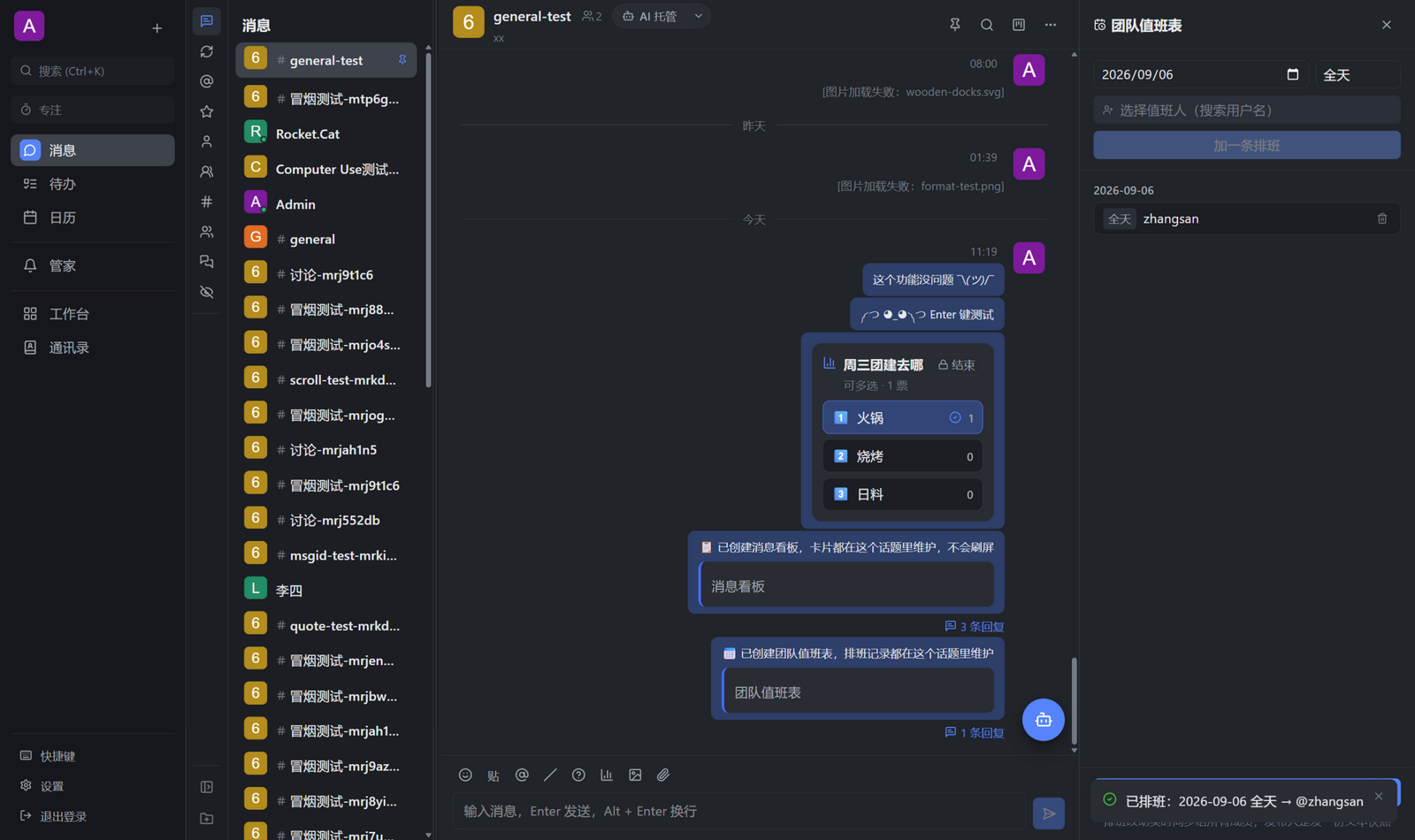
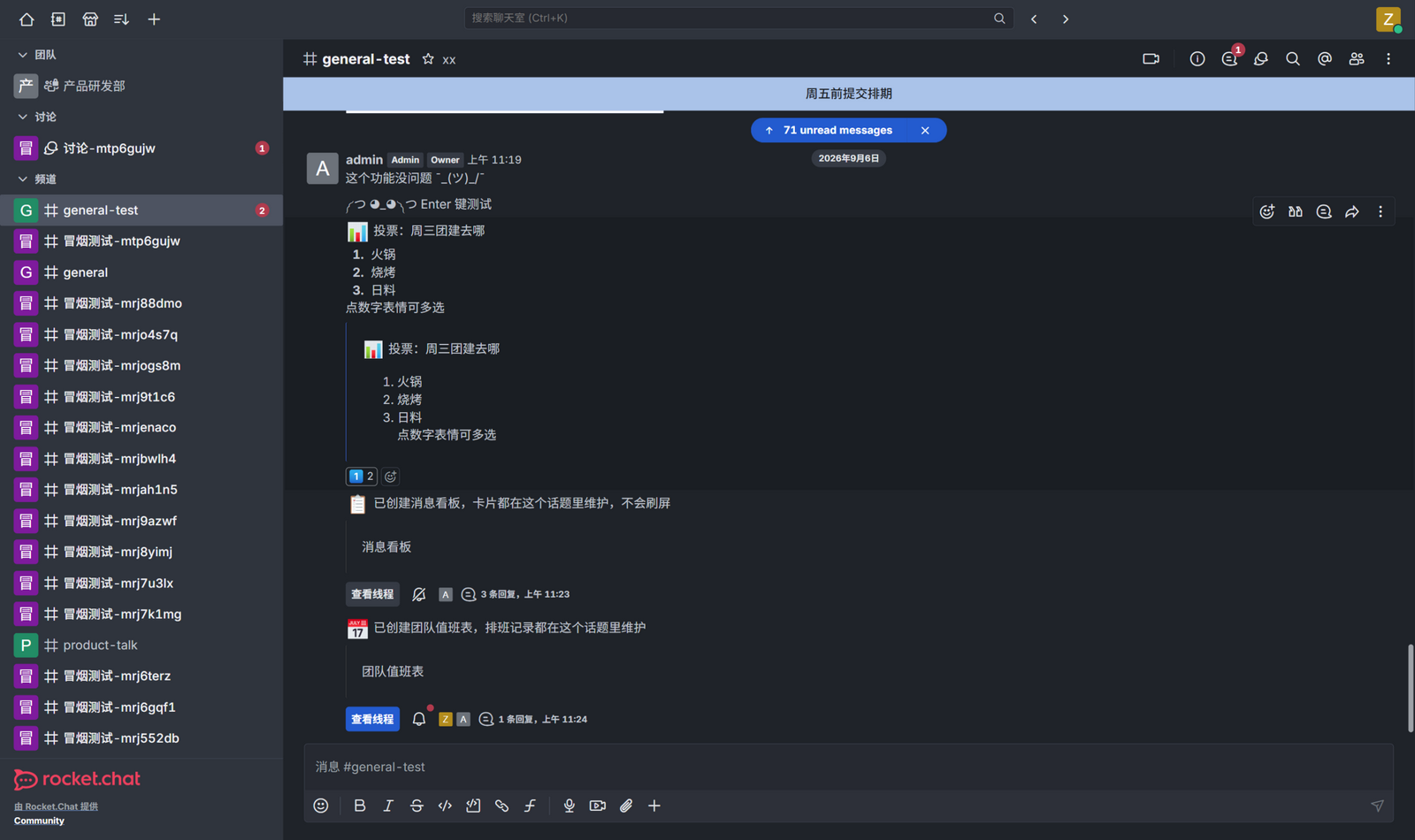
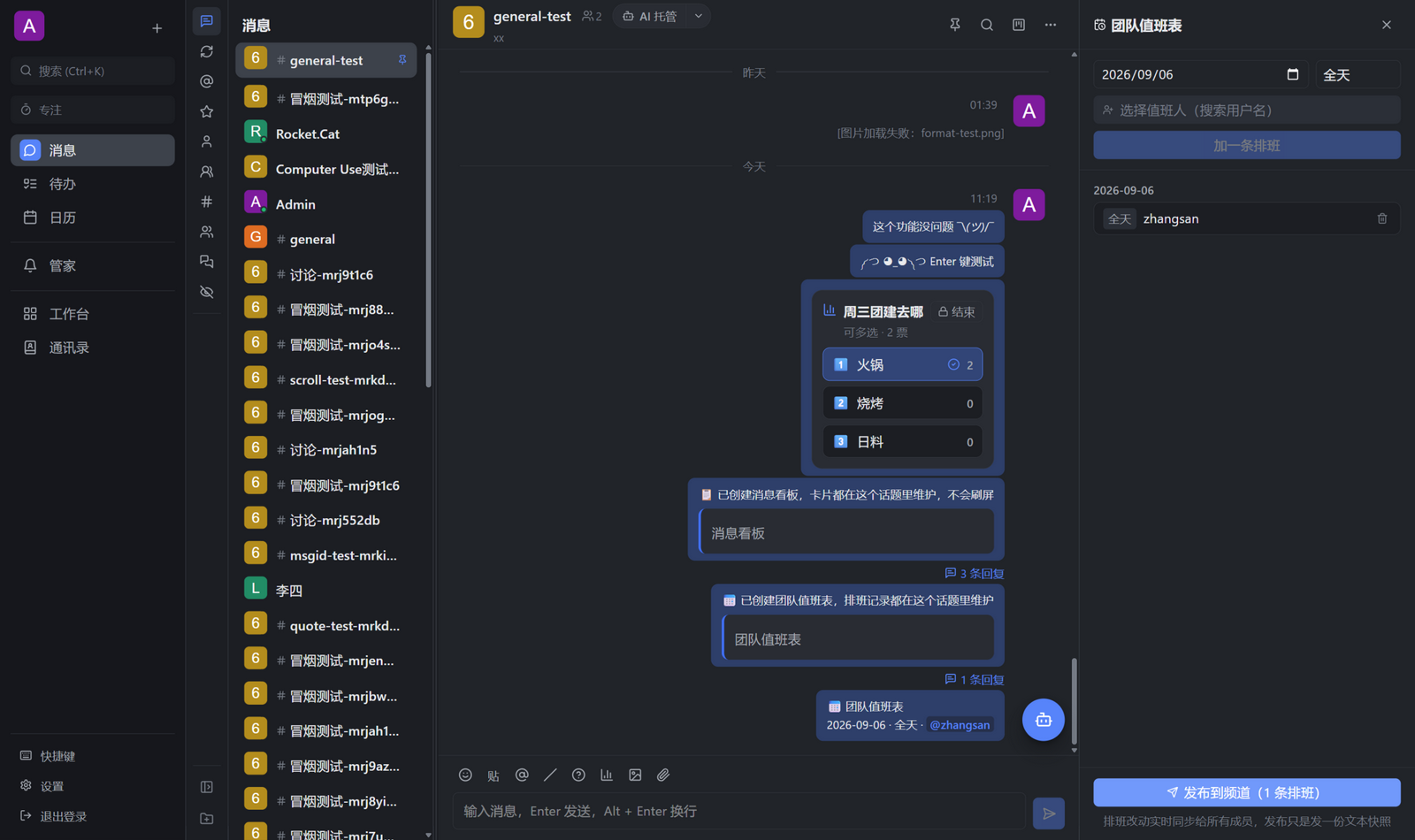
以原版 Rocket.Chat 为内核、集成 Codex App Server、Deepseek Harness、Azure DevOps、体验对标飞书的团队协作客户端。

Stars
4
Forks
1
Issues
2
更新
1 天前

PROJECT TOPICS

项目标签

INSTALL REFERENCE

安装参考

未验证
dsh plugin --profile web add github:lusipad/RocketX

该命令指向仓库当前默认分支;尚无绑定当前 commit 的完整验证结果。

PROJECT README

README

RocketX

简体中文

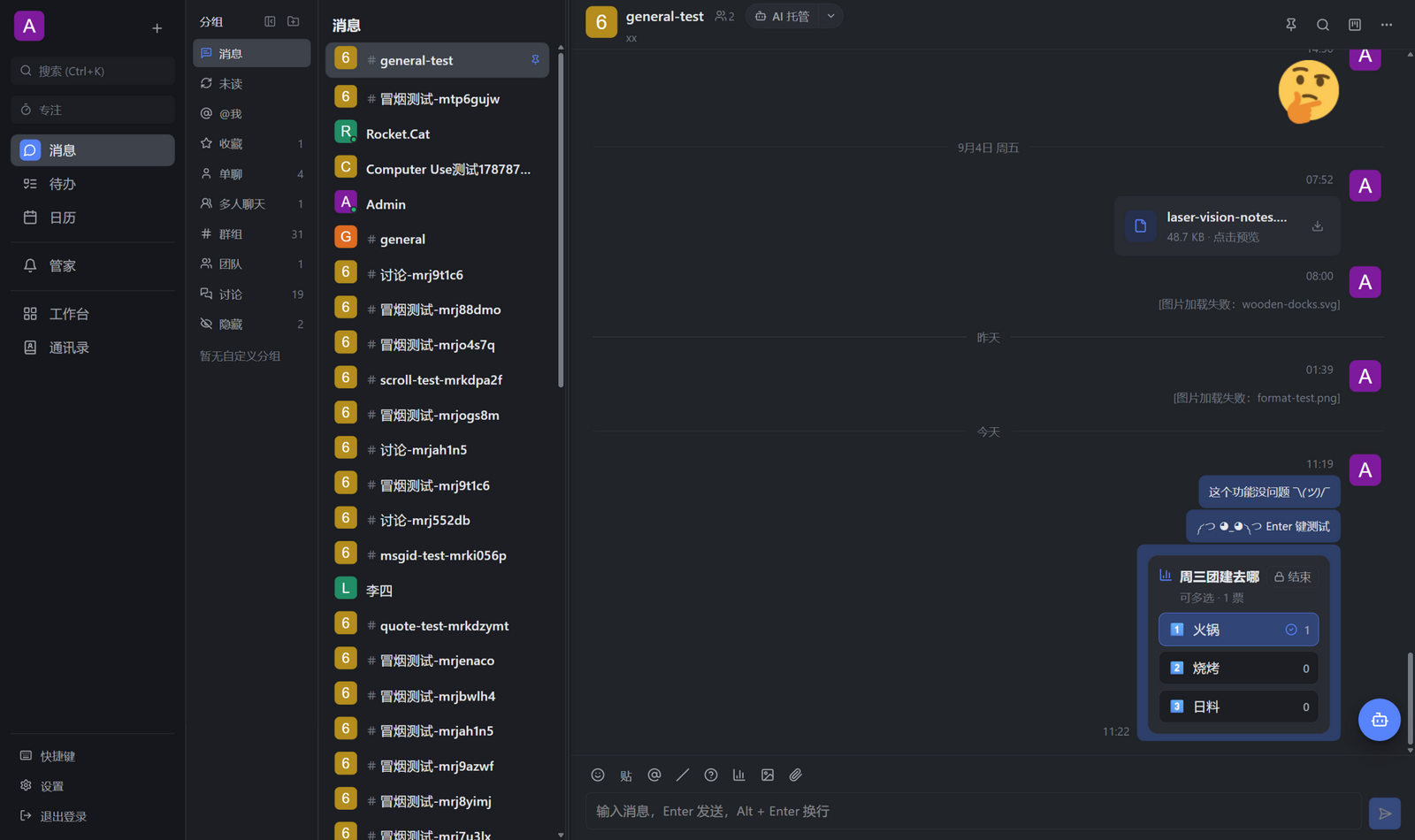
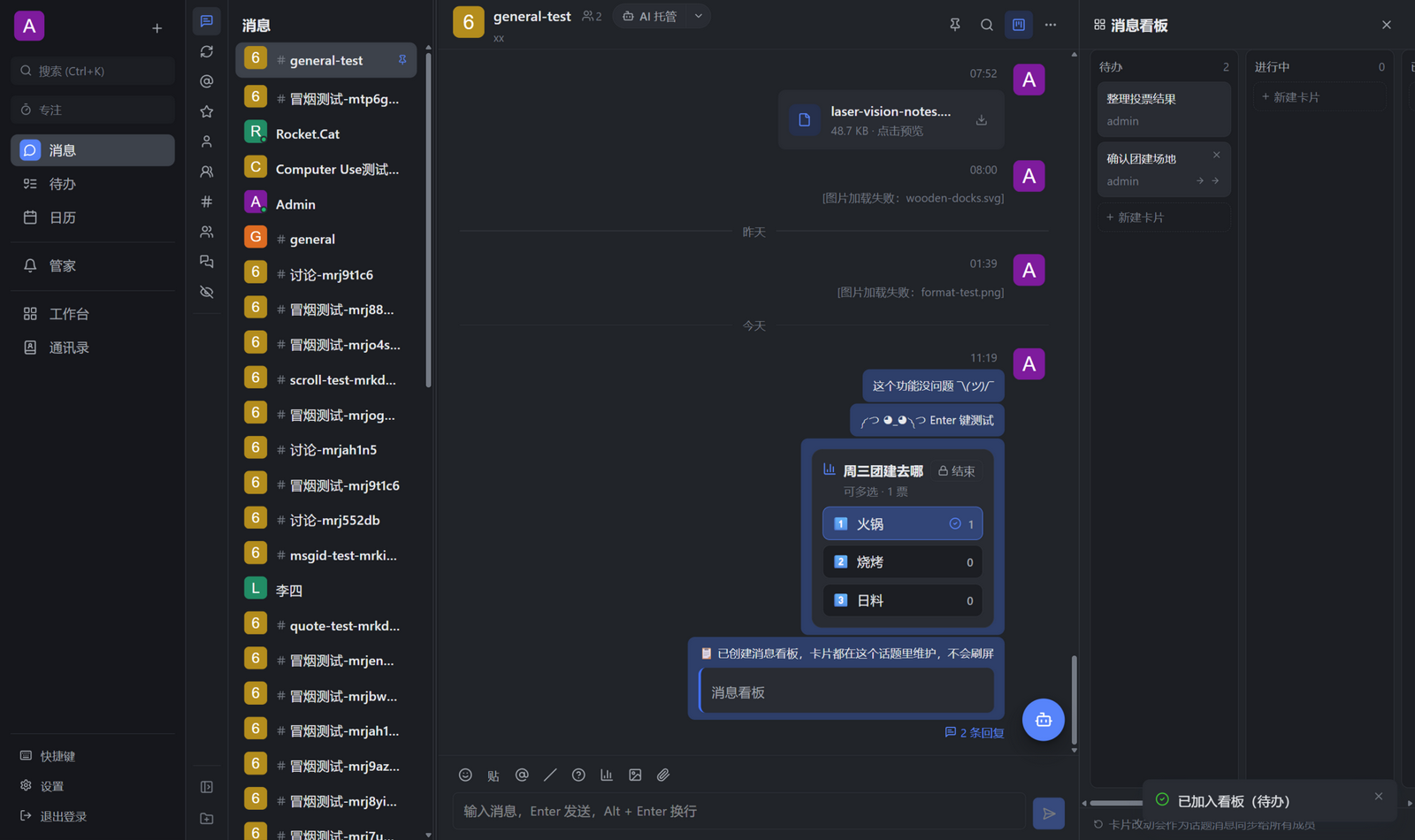
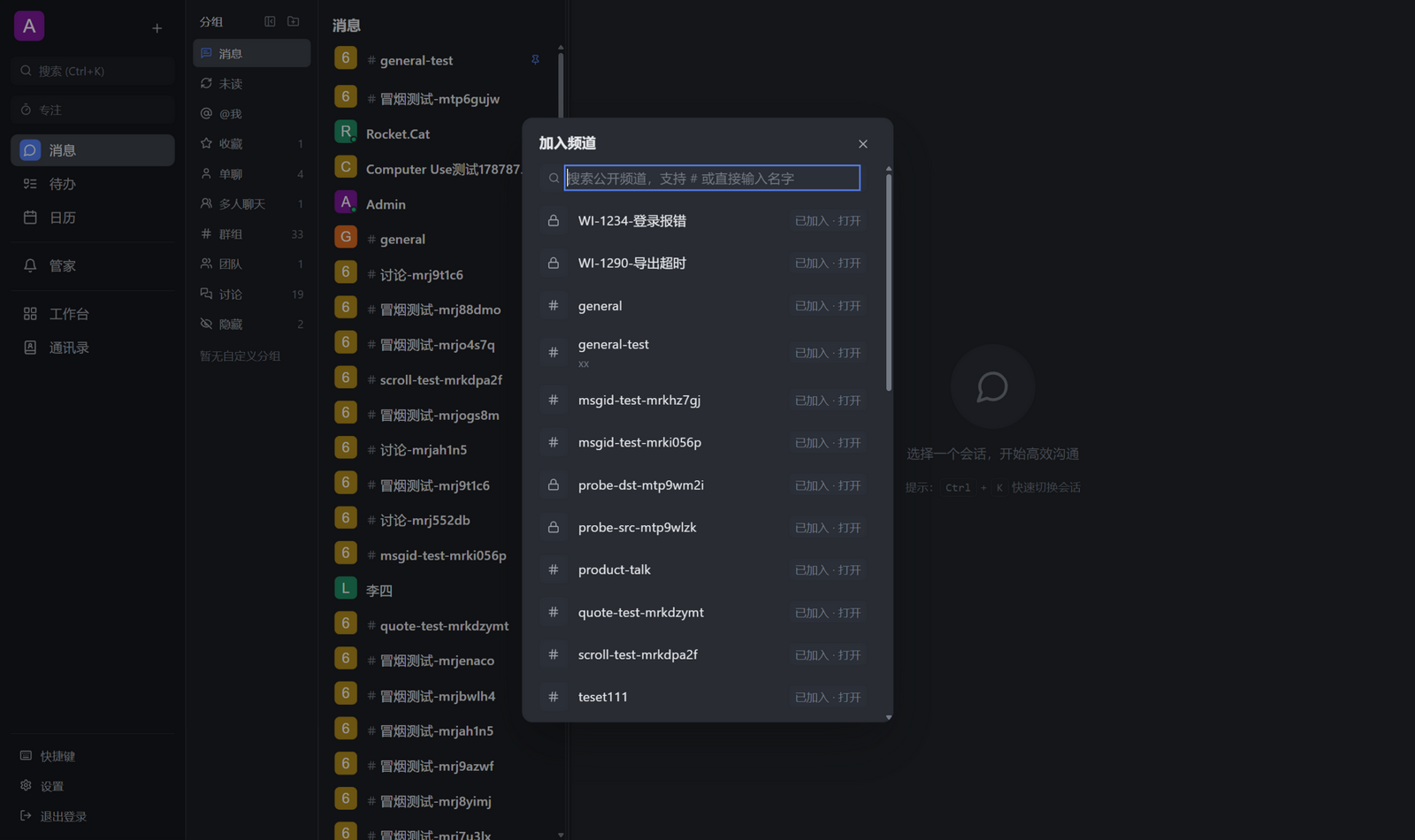
RocketX is an independent team collaboration client built on the public Rocket.Chat REST and realtime APIs. It keeps the Rocket.Chat server unchanged while adding a focused desktop and web experience for messaging, GTD-style inbox processing, a startup-selected local AI runtime, shared agent hosting, and LAN continuity.

RocketX is an independent project and is not affiliated with or endorsed by Rocket.Chat Technologies Corp. A feature described in this repository is not necessarily a published release; use the tags and GitHub Releases as the publication record.

┌──────────────────────────────────────────┐
│ RocketX Web / Desktop                    │
│ Messages · Butler · Tasks · Calendar · Workbench │
└──────────────┬───────────────────────────┘
               │ public REST + WebSocket APIs
        ┌──────▼──────┐       ┌──────────────────┐
        │ Rocket.Chat │◄──────│ event / LAN links│
        │ unchanged   │       │ ADO · LAN · IPMSG│
        └─────────────┘       └──────────────────┘

What is in the repository

  • apps/web: React and Vite client.
  • apps/desktop: Tauri 2 desktop shell and native integrations.
  • apps/dsh-runtime: private, exactly pinned DeepSeek Harness runtime package used by Windows full builds and release validation.
  • packages/rc-client: dependency-free Rocket.Chat REST and realtime client.
  • packages/app-sdk: public @lusipad/rocketx JSON-RPC bridge and application manifest contract.
  • packages/create-rcx-app: application scaffolding, validation, and local preview CLI.
  • services/ado-bridge: optional Azure DevOps Server 2022 event bridge.
  • examples: RocketX application examples.
  • docker: reproducible RocketX Web, Rocket.Chat, and MongoDB stack.

The current user-visible behavior is defined by the functional specifications. Start from the documentation index to distinguish current references from historical plans. Product choices follow the product principles; the vision and blueprint are directional and historical context, not current delivery commitments. See the architecture notes, compatibility matrix, and changelog for supporting context and release history.

Optional self-host with Docker

Prerequisite: Docker Engine or Docker Desktop with Compose v2.

docker compose -f docker/docker-compose.yml up -d --build
docker compose -f docker/docker-compose.yml ps

Open RocketX at http://localhost:8080. The reproducible local stack creates the development account admin / rcxdev123; change all credentials before exposing it outside localhost. Rocket.Chat remains available directly at http://localhost:3300 for administration and official-client interoperability.

The Compose file pins Rocket.Chat, MongoDB, Node, pnpm, and Nginx versions. It is a local or evaluation baseline, not a production TLS or backup configuration. See compatibility and upgrades before changing the Rocket.Chat image.

To stop the stack without deleting MongoDB data:

docker compose -f docker/docker-compose.yml down

Develop locally

Prerequisites: Node.js 22.19+ and pnpm 11.12.0. Docker is only needed when using the bundled Rocket.Chat self-host stack. Rust stable plus the Tauri prerequisites are required for desktop work. In Settings you choose exactly one startup AI runtime: Codex, DSH, or no AI. The choice is saved and takes effect after restart. Codex features require a compatible, signed-in local Codex runtime discoverable on PATH, in a standard installation location, or through RocketX's manual runtime path setting. DSH features require a RocketX-verified system DSH in slim installations or the private DSH and Node runtimes supplied by the Windows full installer.

corepack enable
pnpm install --frozen-lockfile
# Optional: start the bundled Rocket.Chat development server.
docker compose -f docker/docker-compose.yml up -d
pnpm dev

Open http://127.0.0.1:1420. Vite proxies Rocket.Chat requests to http://localhost:3300 by default; set RC_URL when starting Vite to use another development server.

Desktop development:

pnpm --filter @rcx/desktop dev

On a new desktop installation, RocketX first explains how its GTD flow captures work, clarifies the next action, and protects attention before opening team or personal setup. Join a team can then import a non-secret rcx.workspace.json from a local file or an anonymously reachable HTTP(S)/Git raw URL. After Azure DevOps is configured, Workspace settings can also read the same file from a protected ADO Git repository with the current PAT or Windows identity. Rocket.Chat, Azure DevOps, work-item template, hierarchy-layout, and update-source defaults are reviewed before they are applied; credentials are never stored in the workspace file or source record. URL- and ADO-based team configuration checks for changes every 24 hours and asks before applying them. Start from the workspace configuration example, and see the configuration guide for the field and security rules.

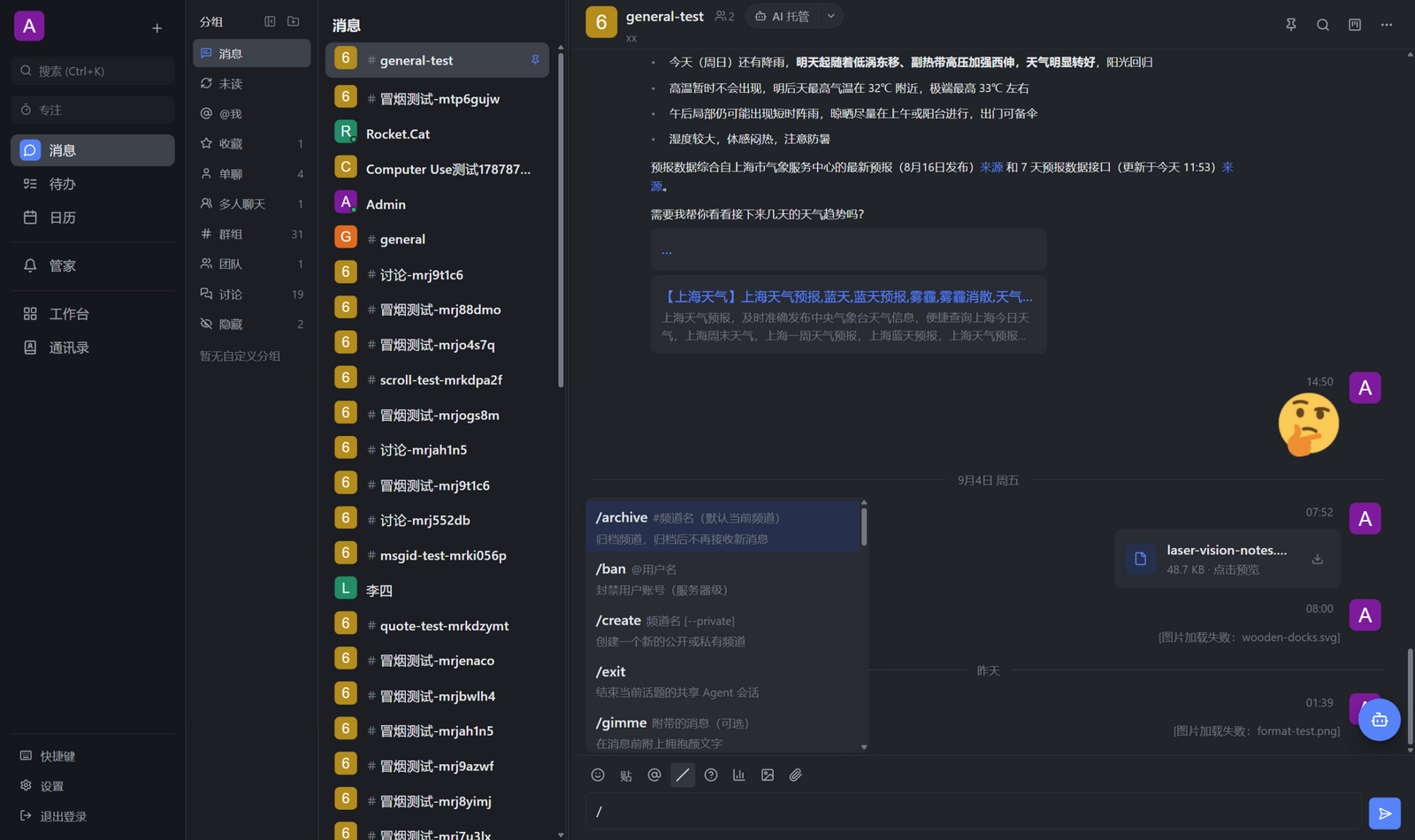
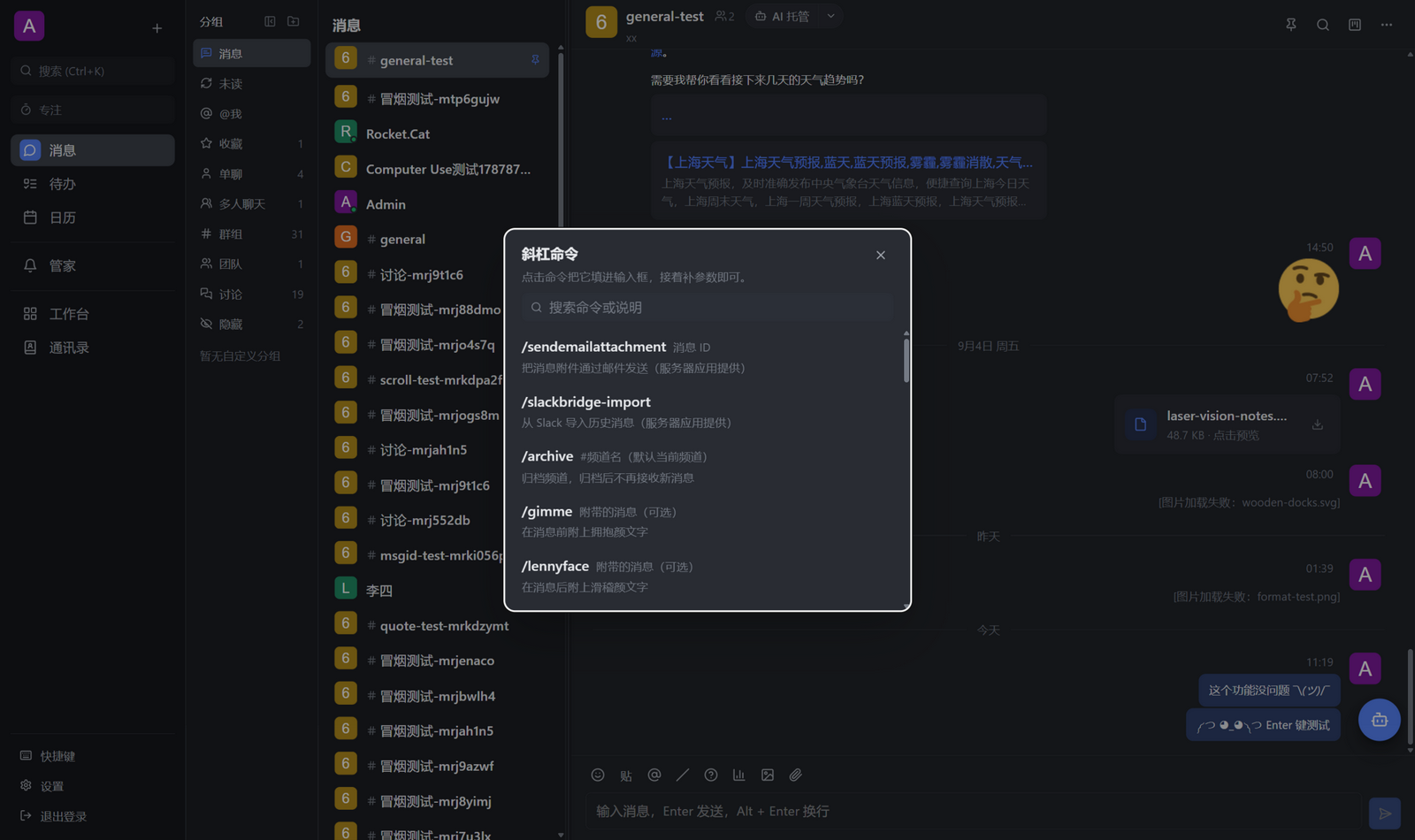
After signing in, deterministic facts, plans, and state stay in Messages, Workbench, Todos, and Calendar. Local Butler execution, private room AI, starting or resuming AI hosting, /ai, and message handoff all follow the same startup AI runtime. Codex reuses native threads, models, permissions, Skills, Plugins, Apps, local Memory, and Codex-only routines/runtime probes through app-server. DSH opens the official DSH Web inside Butler; RocketX owns the desktop shell, the controller/host path for room sidebar AI and hosting, and the process lifecycle. The official DSH Web remains the source of truth for model, Agent, permission, approval, question, and credential configuration. Choosing no AI starts no local executor: Butler and existing shared-hosting records remain visible, and room members can still use @ai with an active host on another device, while local start, resume, and execution actions stay disabled. Settings remain available so you can reselect a runtime for the next restart. Slim installers probe compatible system Codex and DSH runtimes without bundling either; the Windows full installer additionally supplies exactly pinned private Codex, DSH, Node, and OCR resources. DSH still requires a user-supplied API key entered through the DSH Web flow. The web client likewise cannot host local AI, but it keeps the server-visible state of an active desktop-hosted session and lets room members send @ai to that host alongside the messaging and deterministic work surfaces. Scheduled tasks remain Codex-backed, device-local, and execute only while RocketX is running. See the capability matrix for exact platform and degradation behavior.

Verify changes

pnpm typecheck
pnpm test:pure
pnpm test:regression
pnpm test:ui
pnpm test:ecosystem
pnpm smoke
pnpm test:classify
cargo test --manifest-path apps/desktop/src-tauri/Cargo.toml --locked

pnpm test:ui runs the automated browser flows. pnpm smoke and pnpm test:classify use a real Rocket.Chat server; the smoke suite performs writes and restores its test data when it finishes. UI changes still require an interaction pass when the automated flows do not cover the affected surface.

Build applications

RocketX applications run behind a manifest, permission gate, and JSON-RPC bridge. Start with the application development guide and the examples under examples/. Do not grant an application a capability that it does not need.

Security and compatibility

  • RocketX uses public /api/v1/* and /websocket interfaces and does not patch the Rocket.Chat server.
  • Rocket.Chat 8.6.1 is the pinned, fully tested server in the repository. Other versions are not implied by that result.
  • The optional Windows "Feiq / IPMSG" plugin owns its protocol Sidecar and uses UDP/TCP 2425. Standard IPMSG supports messages and ordinary files; original Intranet Link peers are limited to 1@shiyeline discovery and text on 2425. Private port 9011 is not implemented, and legacy peers never inherit RocketX LAN trust.
  • Secrets for native integrations stay in their documented local secret boundary. RocketX uses the operating-system credential store where its native integration supports it; DSH 0.1.0-rc.6 instead owns a private DSH_HOME/.credentials.yaml, and the official DSH Web flow keeps the secret in that local store rather than echoing it back to RocketX.

Read SECURITY.md before reporting a vulnerability. Third-party licenses are summarized in THIRD_PARTY_NOTICES.md.

Contributing

Contributions are welcome. Please read CONTRIBUTING.md, keep changes narrowly scoped, and include verification evidence. The project is licensed under the MIT License.

CLASSIFICATION EVIDENCE

分类依据

项目类型插件
功能分类消息通讯
规则置信度

系统优先读取 GitHub Topics,再与站内分类词典和词根规则比对。当前命中: rocket-chat、rocketchat。