
模型与 MCP
待识别

rea
morluto
Reverse engineer anything with agents, from app behavior down to native binaries.
PROJECT TOPICS
INSTALL REFERENCE
dsh plugin --profile web add github:lingxinsuixing/dsh-agnes
该命令指向仓库当前默认分支;尚无绑定当前 commit 的完整验证结果。
PROJECT README
Agnes AI image generation and video generation for DeepSeek Harness — plus an optional image recognition that can be switched off.
Tool results are text-only. Generated images and videos are downloaded to a local folder; the tool returns the file path and the URL, never the image bytes.
dsh plugin add github:lingxinsuixing/dsh-agnesThis is the same command the DSH plugin marketplaces print. The package has no build step, so nothing has to be approved before it installs.
Open Plugins → @lingxinsuixing/dsh-agnes in the Web UI and paste your Agnes API key, or use the DSH credential store:
# ~/.dsh/credentials.yaml  (or the credential store in the Web UI)
AGNES_API_KEY: your-key
The key is looked up in this order: the plugin config (config.apiKey) → the credential store entry AGNES_API_KEY → the environment variable AGNES_API_KEY.
The key you type in the settings page is written to your own profile as
config.apiKeyin plain text. It is never written into the package, and the package ships without any credential.
| Tool | What it does | Key parameters |
|---|---|---|
agnes_image_generate (main) |
Generates or edits an image from a text prompt | prompt, size, ratio, references, saveTo |
agnes_video_generate (main) |
Generates a video from a text prompt | prompt, mode, seconds, size, aspectRatio, images, saveTo |
agnes_image_recognize (optional) |
Describes or answers questions about an image | image (local path or http(s) URL), prompt |
Every tool returns text: a path, a URL and a short summary. Nothing binary is put into the conversation.
Note on size: the API maps an exact size such as 1920x1080 to the nearest tier, so the size in the
result is the real pixel size of the file on disk, not necessarily what was asked for.
| Capability | Default model | Do you need to change it? |
|---|---|---|
| Recognition | agnes-3.0-flash |
No — recognition runs on a chat model with vision; the default is multimodal and free |
| Image generation | agnes-image-2.5-flash |
No — it supports every size tier, every ratio and reference images |
| Video generation | agnes-video-2.5 |
Yes, if you want the free tier — agnes-video-2.5-flash is free but outputs 720P only and cannot take a reference video |
You can change all three from the plugin page (plugin → this package → page → “Models”). The whole image model line is currently free. Model list and prices: https://www.agnes-ai.cn/zh-Hans/docs/overview
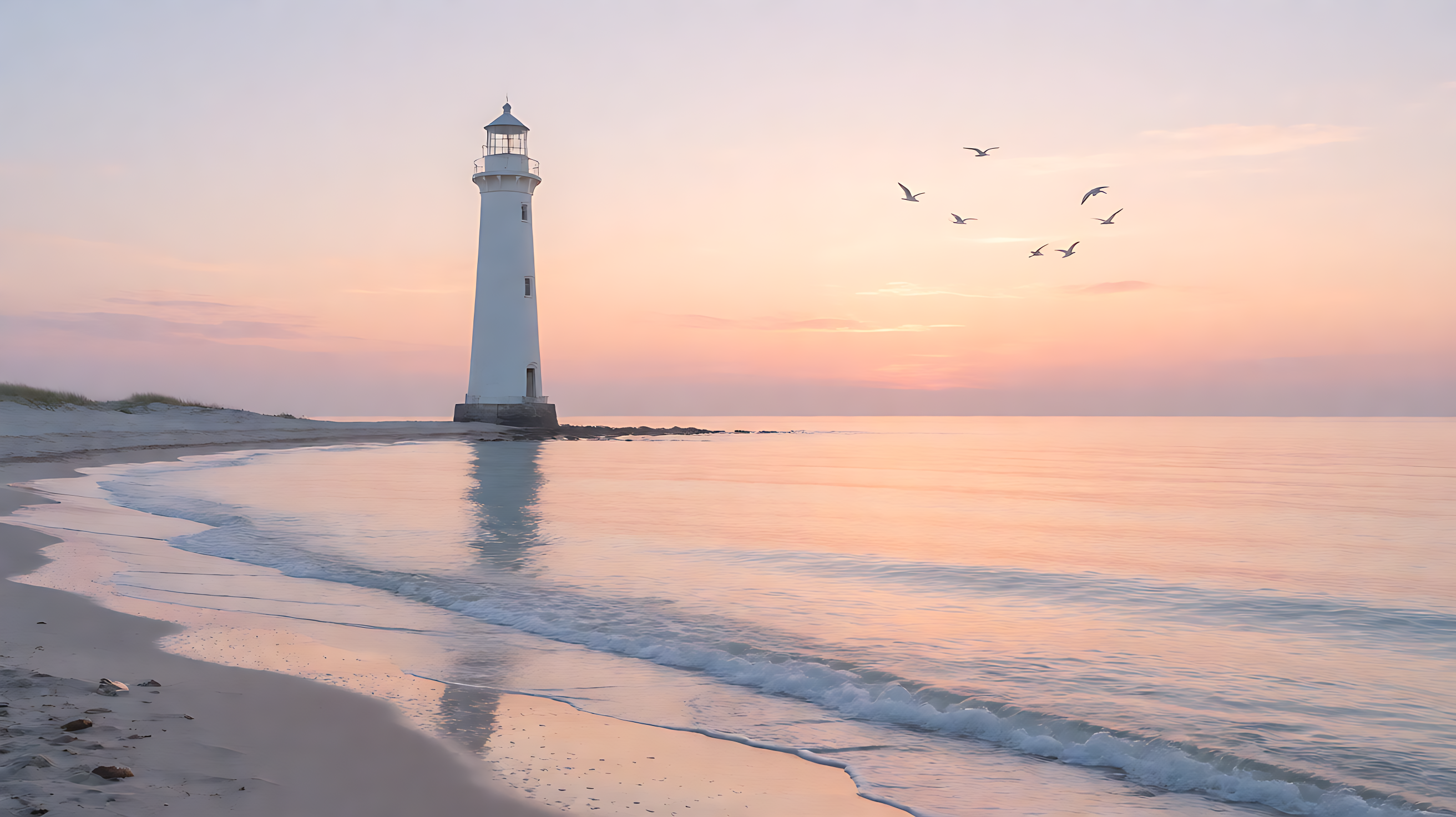
Real output from agnes_image_generate (2K, 16:9), produced with this plugin:
 |
 |
 |
 |
 |
 |
 |
 |
 |
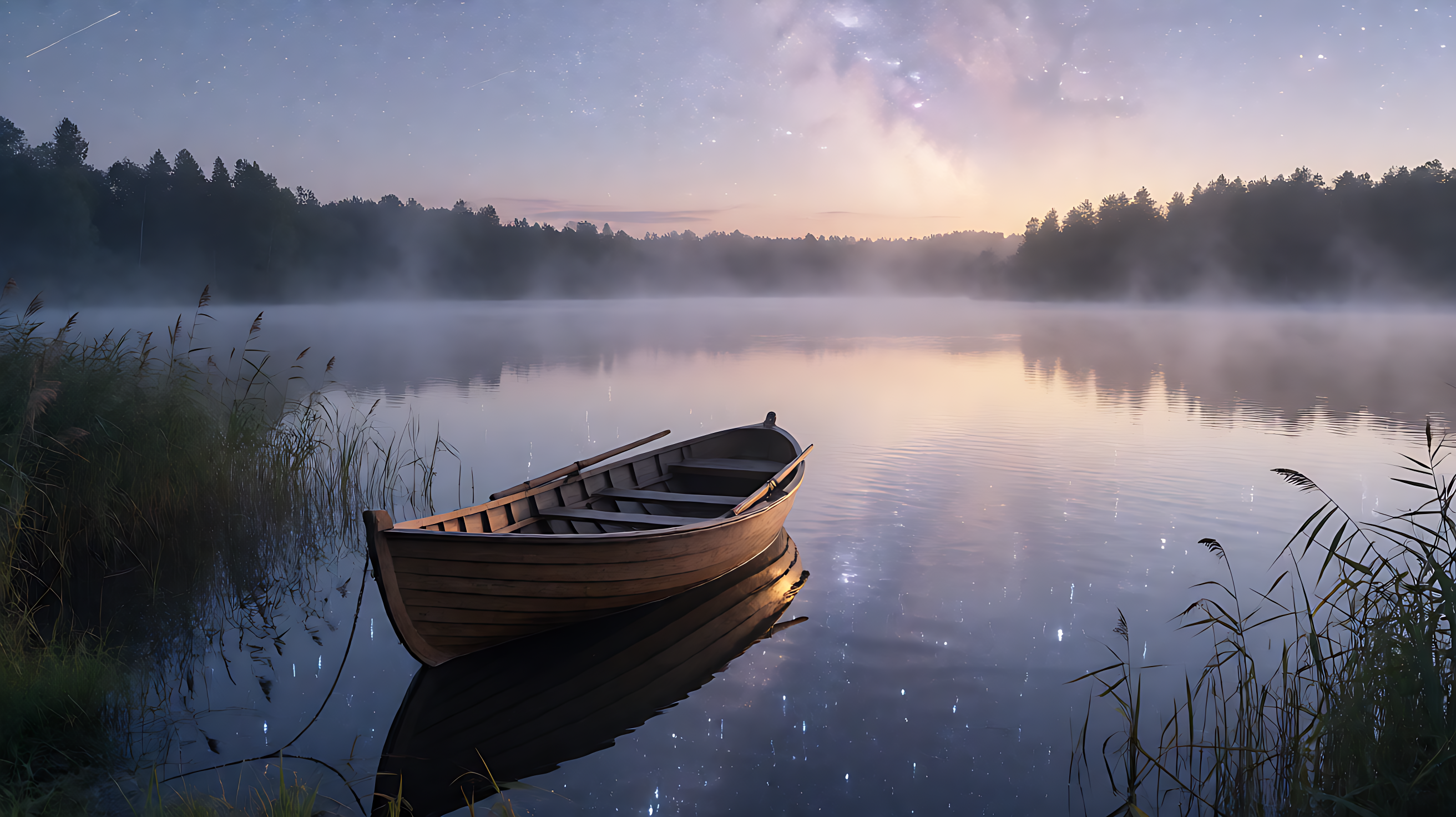 |
Image recognition is optional. Set enableRecognition: false in the plugin config and the
agnes_image_recognize tool is not registered at all — only image and video generation stay.
Tools are registered while the plugin loads, so switching it off takes effect after one DSH restart.
Statement. Recognition works without changing the provider: this tool is independent of whether DSH talks to Agnes over
openai-responsesoropenai-completions. Only DSH’s ownread_imagerequires the provider to be switched toopenai-completions; without that switch, do not give the model image input, because oneread_imagebricks the whole conversation.
If your provider talks to Agnes over api: openai-completions, declare reasoningEfforts in the model entry as well.
Without it DSH does not send reasoning_effort, the gateway returns no reasoning_content, and the model writes its whole
reasoning process into the message body — the thinking chain ends up in the conversation.
read_image inside the main conversationOnce a model is marked as supporting images, the built-in
read_imageputs an image content block into the conversation. The Agnes gateway/v1/responsesendpoint does not understandinput_image(its responses→chat bridge falls back tounknown), so the next request fails with a 400. A 400 is not retried, and every turn rebuilds the whole history from the session log — one bad message bricks the entire conversation and you have to start a new one. Useagnes_image_recognizeinstead: the image goes to the Agnes vision model and only text comes back into the conversation.
Generated media is written to the folder configured as outputDir (default: media/ under the DSH home directory: $DSH_HOME/media, or ~/.dsh/media when $DSH_HOME is not set). Each call returns the absolute path of the file it wrote.
You can also change it from the plugin page (plugin → this package → page → “Output folder and read scope”),
together with allowedReadRoots — the folders recognition is allowed to read from (empty = no restriction).
Free models are available: the whole image model line is currently free, and the video line has a free tier
(agnes-video-2.5-flash, 720P only). Model list and prices: https://www.agnes-ai.cn/zh-Hans/docs/overview
A saveTo argument must point to an existing directory: the plugin never creates directories at arbitrary paths, and file names are generated by the plugin, so nothing of yours is overwritten.
Local images read by the recognition tool can be restricted with allowedReadRoots (a list of absolute folders). Empty = any readable image file is accepted.
@deepseek-ai/schemastery >=3.18.1-flash variant is currently limited to 720P)MIT
CLASSIFICATION EVIDENCE
系统优先读取 GitHub Topics,再与站内分类词典和词根规则比对。当前命中: deepseek-harness。
morluto
Reverse engineer anything with agents, from app behavior down to native binaries.

deepseek-ai
DeepSeek Harness: Everything is a Plugin.

nexu-io
The 1st Collaborative AI Design Agent Workspace. Local-first and open source. Create motion, prototypes, websites, apps, dashboards, presentations, images, and videos with your team and AI agents. Share work, exchange feedback, and iterate together in one workspace.