
模型与 MCP
待识别

rea
morluto
Reverse engineer anything with agents, from app behavior down to native binaries.
PROJECT TOPICS
INSTALL REFERENCE
dsh plugin --profile web add github:linguiyii/dsh-sidebar-settings
该命令指向仓库当前默认分支;尚无绑定当前 commit 的完整验证结果。
PROJECT README


把 DeepSeek Harness(DSH)的设置入口从「账号菜单 → 设置」的二级菜单里提出来,直接放到侧边栏底部: 点一下就打开设置面板,不必再先点账号头像。
A DeepSeek Harness client plugin: one settings button at the bottom of the sidebar, one click to the settings panel — no more avatar menu → 设置.
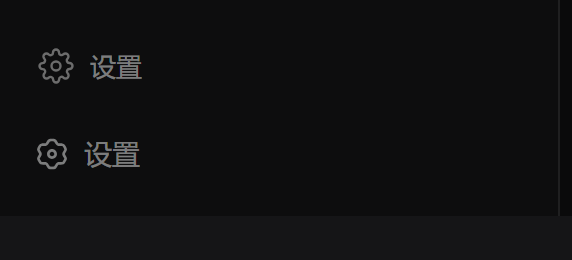
图里两行「⚙ 设置」:上面一行是本插件新增的
sidebar.footer.action座位,下面一行是外壳原生的sidebar.settings入口(本插件不删除它)。
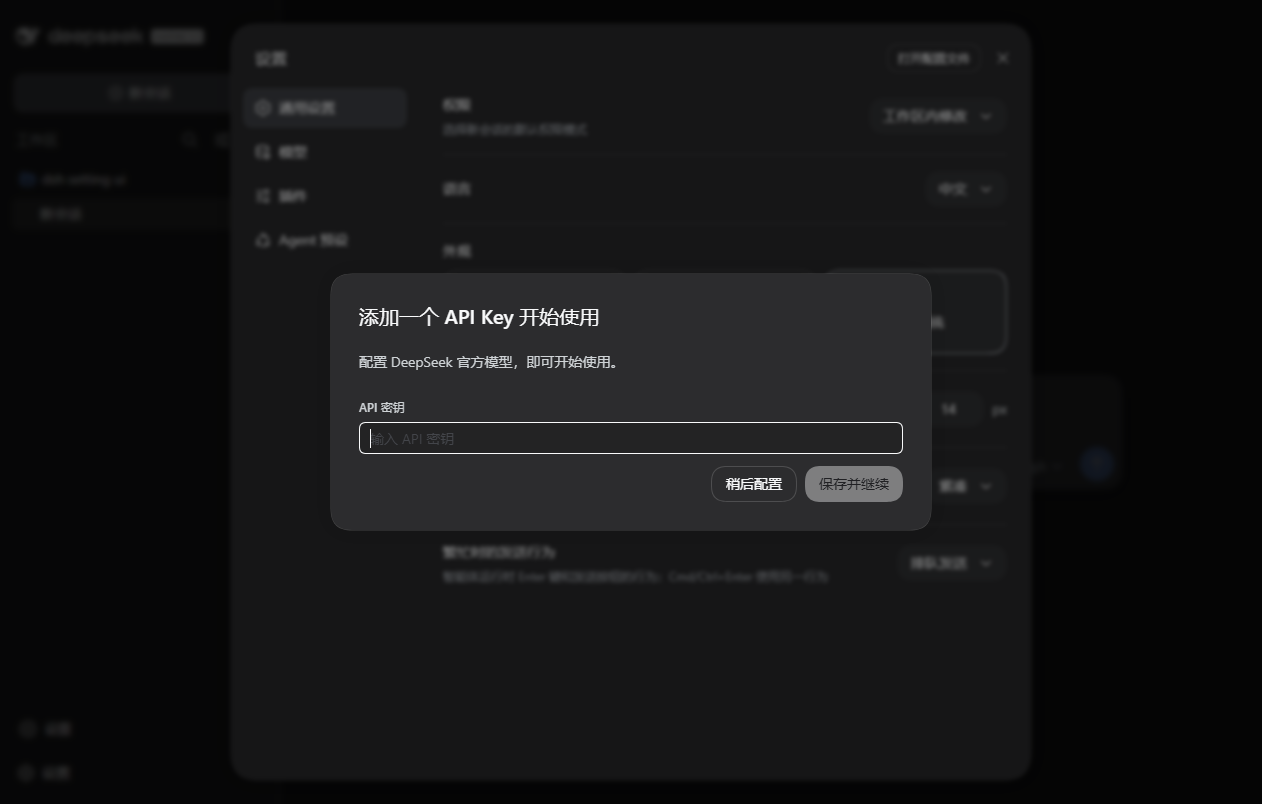
截图展示的是设置面板的「添加 API Key」引导态;侧栏内容已做模糊处理。
侧边栏折叠成图标栏(rail)时只显示齿轮:
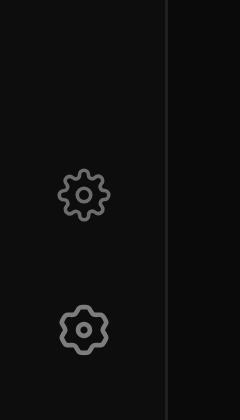
第一行是本插件渲染的图标按钮,第二行是原生入口。
sidebar-button.png 与 settings-panel.png 由仓库里的 CDP 探测脚本产出(见「开发」);折叠态截图是在
同一个临时 profile 里手工折叠侧边栏后截取的。
package.json 的 engines,构建与安装脚本都要求)。<DSH_HOME>/profiles/<profile> 目录(Windows 默认 %USERPROFILE%\.dsh)。dsh CLI + Chrome/Edge(--headless=new --remote-debugging-port=<port>)。先克隆,再把这个仓库装进 DSH profile(Windows 桌面端默认 profile 为 desktop):
git clone https://github.com/linguiyii/dsh-sidebar-settings
cd dsh-sidebar-settings

node scripts/install-desktop.mjs --dry-run   # 先看要改什么
node scripts/install-desktop.mjs             # 真正写入
脚本只做三件事,并把改动过的文件各备份一份为 <file>.dsh-sidebar-settings.bak:
<DSH_HOME>/profiles/<profile>/node_modules/dsh-sidebar-settings 建立指向本仓库的 junction
(非 Windows 平台用目录符号链接);package.json 的 dependencies 里记录 "dsh-sidebar-settings": "link:<本仓库路径>";dsh-sidebar-settings 追加到 dsh.profile.bundles(host 启动时按这个列表加载 profile 层)。为什么不用
dsh plugin add:dsh plugin --profile desktop ...会被拒绝 ——error: profile "desktop" is managed exclusively by the Electron application(desktopprofile 由桌面应用独占管理)。所以这里用脚本完成同样的三处改动。
安装后重启 DeepSeek Harness 桌面端(客户端 bundle 在启动时装配)。
卸载:node scripts/install-desktop.mjs --uninstall —— 删除链接、dependencies 条目与
dsh.profile.bundles 条目;已经不存在的那几项会跳过。
其他 profile / 其他 DSH_HOME:
$env:DSH_HOME = "C:\path\to\.dsh"; node scripts/install-desktop.mjs --profile webCtrl+,(Windows/macOS 桌面端)照常可用。插件只做两件事:注册一个座位、打开一个面板。
1. 按钮放在哪 —— sidebar.footer.action(list 槽,多插件可共存,按 order 排序)。
它在侧边栏 footer 的 footerActions 区,紧贴在最底部的 sidebar.settings 行(账号菜单行)之上;
侧边栏折叠时 wide: false,我们渲染成居中的图标按钮。样式以一个带 data-plugin 标记的
<style> 注入(客户端模块加载器会接管它,卸载/热更新时自动移除),配色走 --dsw-* 主题变量。
2. 怎么打开设置 —— 两条路径,先精确后兜底:
@deepseek-ai/dsh-client-ui-settings-general 注册 sidebar.settings
时把设置外壳的 store 挂在该槽的 entry 上(store.create() 返回同一份 shell 实例)。
我们通过 ctx.slots.entries("sidebar.settings") 取回它并调用 actions.open() —— 与原生齿轮按钮、
Ctrl+, 命令、账号菜单里的「设置」走的是同一个 action。[data-slot="..."] 与 aria-haspopup 语义选择器,不依赖哈希后的
CSS module 类名。不靠合成键盘事件:桌面端的 Ctrl+, 由宿主注册和处理,页面里派发 keydown 并不会打开设置。
所以本插件直接调用设置外壳的 action(store 路径),或者点真实控件(DOM 兜底)。
仓库零依赖,不需要打包器:src/client.js 直接以「客户端模块工厂函数体」的形式书写(CommonJS,
只 require 外壳提供的平台模块),构建脚本只做字符串包装 + 纯度和校验。
node scripts/build.mjs     # src/client.js -> lib/client.js(window.__ModuleLoader__.load 包装)
node scripts/verify.mjs    # 契约测试:VM 里加载 bundle,验证注册、渲染、四条打开/兜底路径
lib/client.js 是提交进仓库的构建产物,CI 会重跑构建并用 git diff --exit-code -- lib/client.js
确认它和 src/client.js 同步。
端到端验证(可选,需要一个已装插件的 Web 实例 + 带调试端口的 Chrome/Edge):
# 1) 起一个临时 profile 的 Web 实例(--from-default-profile 从内置模板初始化,避免影响正在用的桌面端)
$env:DSH_HOME = "$env:TEMP\dsh-verify"
dsh --profile verify --from-default-profile web --port 4779 --no-open
# 2) Chrome 打开 http://127.0.0.1:4779/?token=... 并带上 --headless=new --remote-debugging-port=9333
node scripts/probe-ui.mjs --cdp 9333 --shot lib/probe.png
probe-ui.mjs 会等到按钮出现、打印它的标签/位置、截侧栏底部特写(<shot>-sidebar.png),点击按钮后
确认设置面板打开并截整窗(<shot>),否则退出码 1。折叠态(rail)截图不在脚本里,需要手工折叠
侧边栏后另拍。
cordis.patch.yml        profile 层 patch:插入插件行
lib/index.js            host 侧加载行(本插件不占 host 服务,apply 为空)
lib/client.js           构建产物:浏览器端 bundle(已提交,安装时无需构建)
src/client.js           浏览器端源码(factory body 形式)
scripts/build.mjs       无依赖构建:包装 + require 纯度闸门
scripts/verify.mjs      Node 内契约测试
scripts/install-desktop.mjs  把本仓库装进/卸出 DSH profile
scripts/probe-ui.mjs    CDP 端到端探测(渲染 + 点击 + 截图)
.github/workflows/verify.yml  CI:build → 构建产物漂移检查 → 契约测试
docs/                   验证截图
LICENSE MIT@deepseek-ai/dsh-client-ui-settings-account
的内部组件渲染,没有公开的扩展点可以移除它;本插件只是在你更顺手的位置补一个直达入口。sidebar.footer.action 座位只给 wide,无法感知当前面板是否已打开,按钮不做开/关状态高亮。CLASSIFICATION EVIDENCE
系统优先读取 GitHub Topics,再与站内分类词典和词根规则比对。当前命中: deepseek-harness。
morluto
Reverse engineer anything with agents, from app behavior down to native binaries.

deepseek-ai
DeepSeek Harness: Everything is a Plugin.

nexu-io
The 1st Collaborative AI Design Agent Workspace. Local-first and open source. Create motion, prototypes, websites, apps, dashboards, presentations, images, and videos with your team and AI agents. Share work, exchange feedback, and iterate together in one workspace.