
模型与 MCP
待识别

rea
morluto
Reverse engineer anything with agents, from app behavior down to native binaries.
PROJECT TOPICS
INSTALL REFERENCE
dsh plugin --profile web add github:lingr7/dsh-reversed-chat
该命令指向仓库当前默认分支;尚无绑定当前 commit 的完整验证结果。
PROJECT README
DSH Web 客户端插件:输入框置顶 + 对话倒序阅读——最新回复紧贴输入框出现,时间线自下而上。
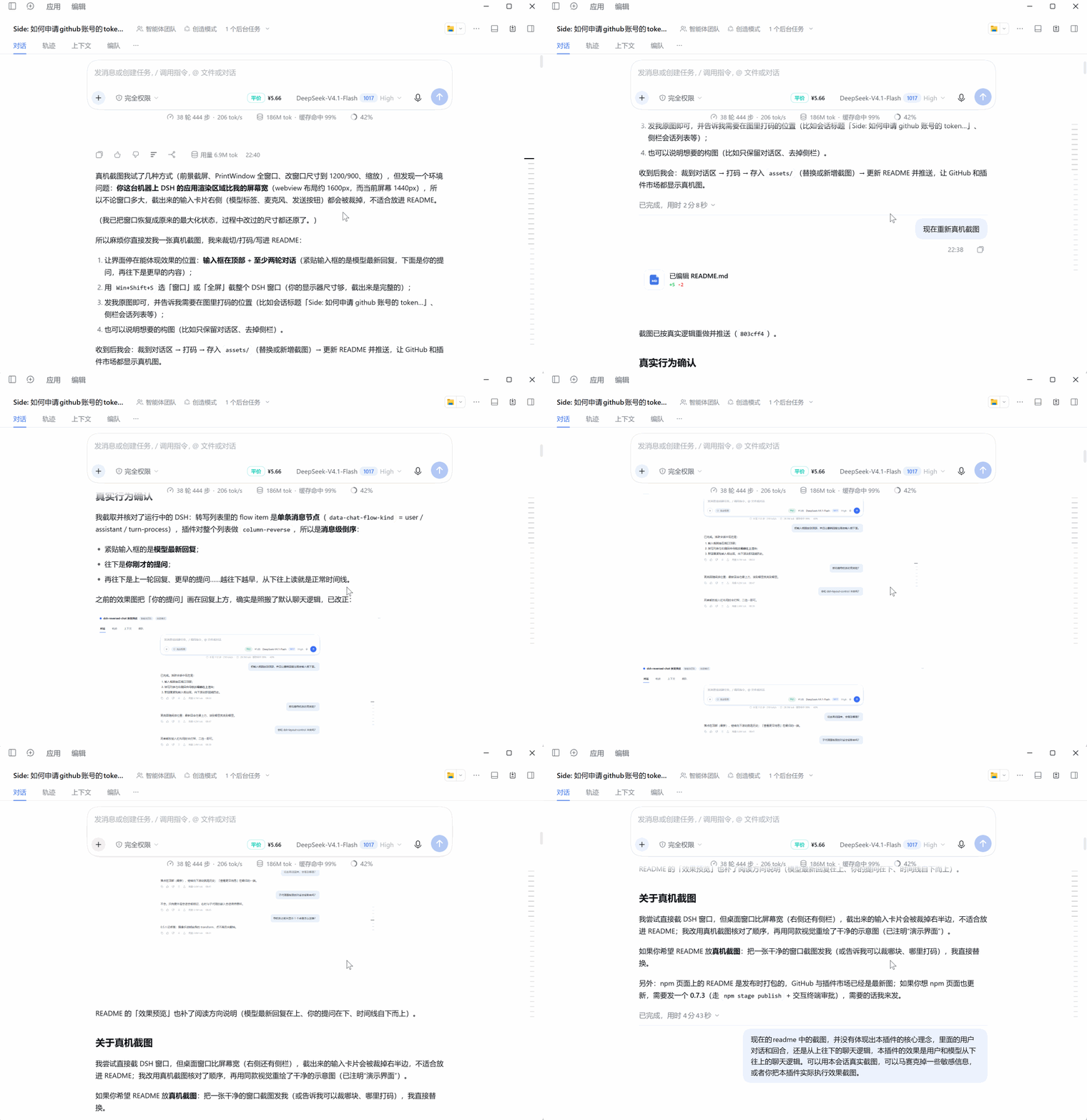
阅读方向是倒序的(时间线自下而上):输入框固定在顶部,紧贴它的是模型的最新回复;往下依次是你刚才的提问、上一轮回复、更早的提问……越往下越早,正好与默认「最新在底部」的聊天相反。
从 npm 安装(推荐)
dsh plugin --profile desktop add "dsh-reversed-chat"从 GitHub 安装
dsh plugin --profile desktop add "github:lingr7/dsh-reversed-chat"本地开发(link 安装) —— 先完全退出 DSH:
dsh plugin --profile desktop add "link:<plugin-dir>"安装后在「插件管理」里启用 dsh-reversed-chat,然后 Ctrl+F5。验收点:
CLASSIFICATION EVIDENCE
系统优先读取 GitHub Topics,再与站内分类词典和词根规则比对。当前命中: deepseek。
morluto
Reverse engineer anything with agents, from app behavior down to native binaries.

deepseek-ai
DeepSeek Harness: Everything is a Plugin.

nexu-io
The 1st Collaborative AI Design Agent Workspace. Local-first and open source. Create motion, prototypes, websites, apps, dashboards, presentations, images, and videos with your team and AI agents. Share work, exchange feedback, and iterate together in one workspace.