
其他
完整应用

deepseek-harness
deepseek-ai
DeepSeek Harness: Everything is a Plugin.
PROJECT TOPICS
INSTALL REFERENCE
dsh plugin --profile web add github:lcb522/DSH-Aqua-Theme
该命令指向仓库当前默认分支;尚无绑定当前 commit 的完整验证结果。
PROJECT README
English | 中文
Aqua is a highly customizable glassmorphism theme for the DeepSeek Harness web UI. The header, sidebar, composer, stats line, and trajectory view all become panes of frosted glass. Switch it off and the stock UI comes back exactly, with no source changes to DSH itself.
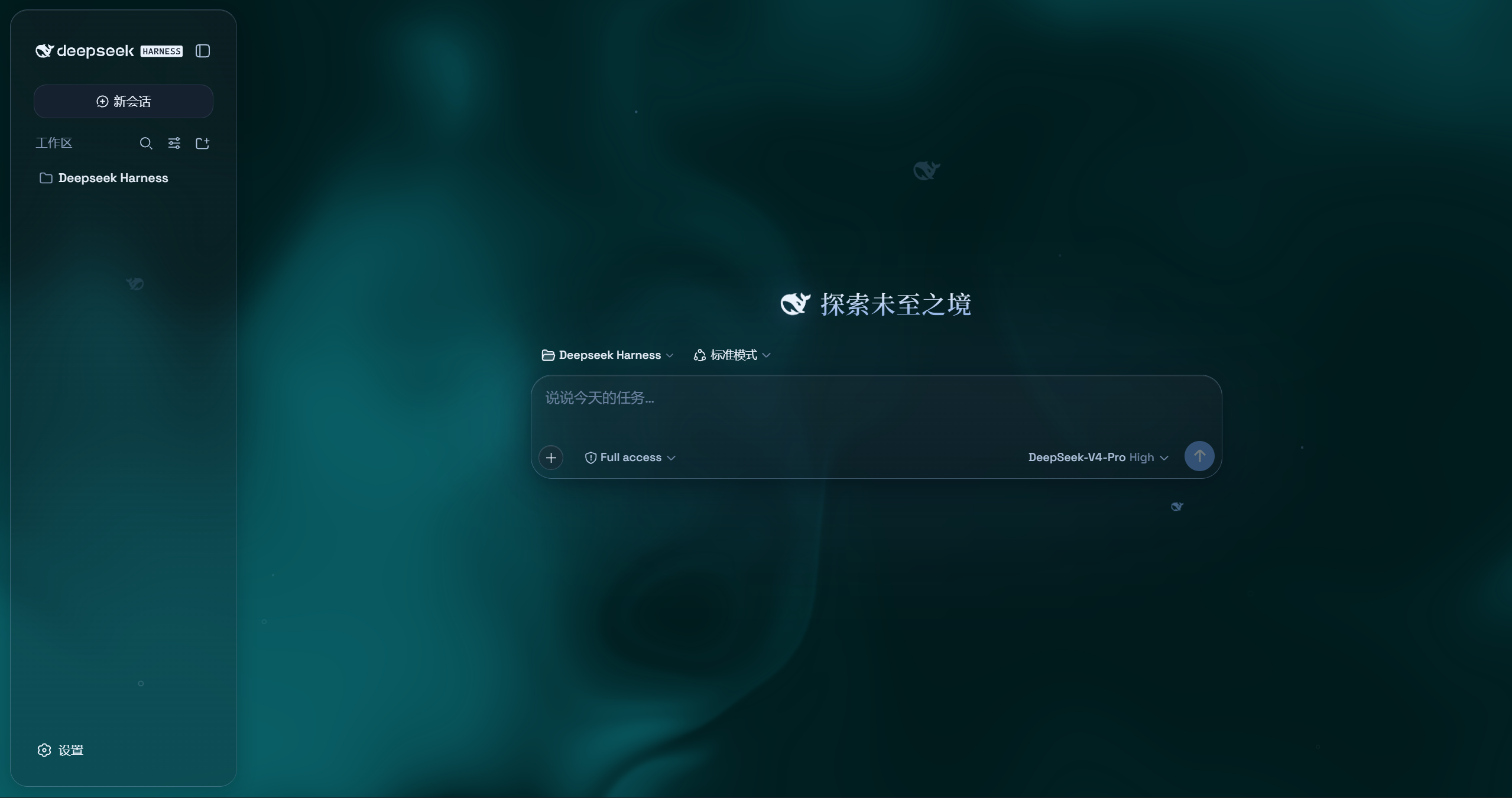
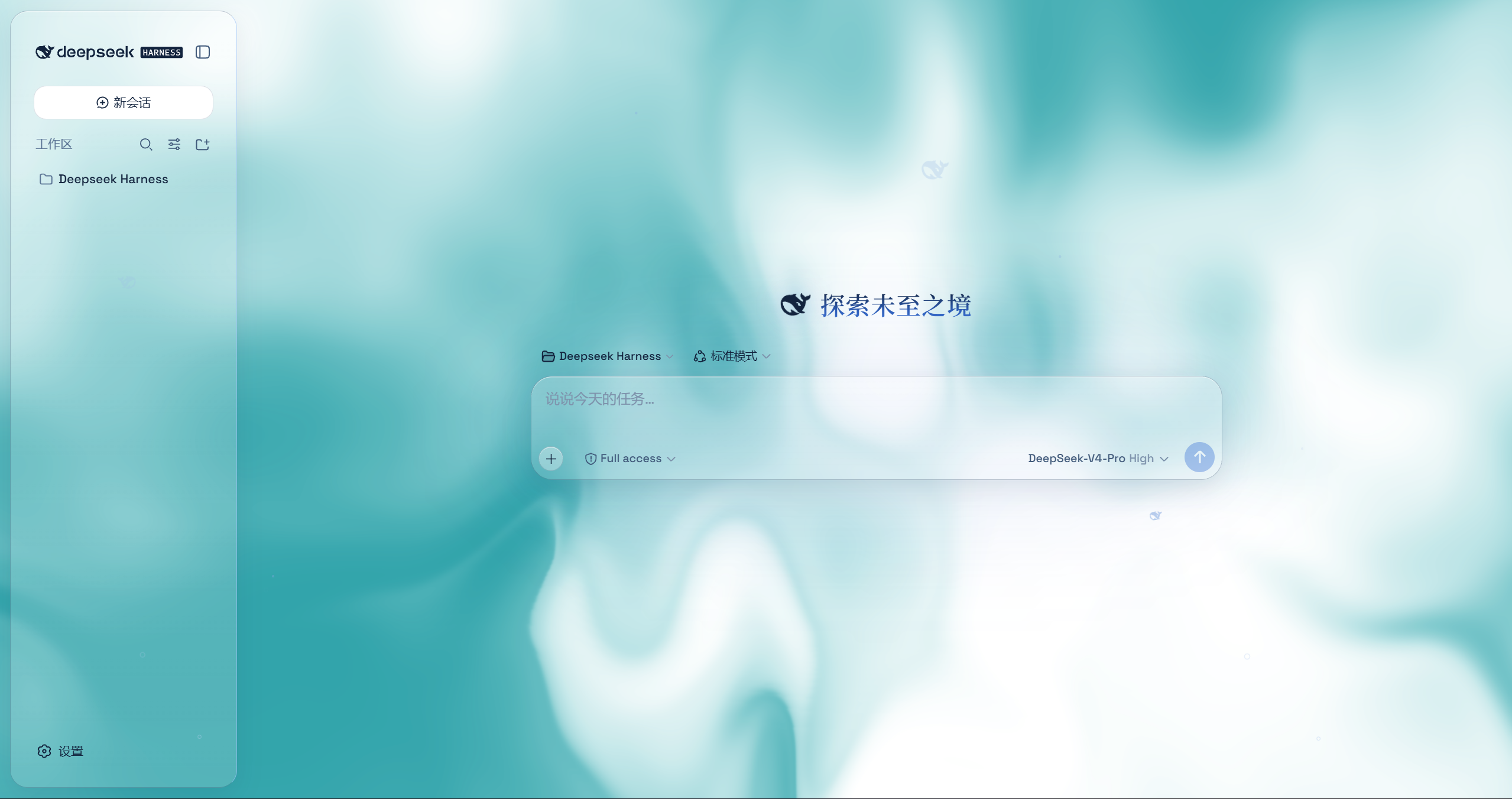
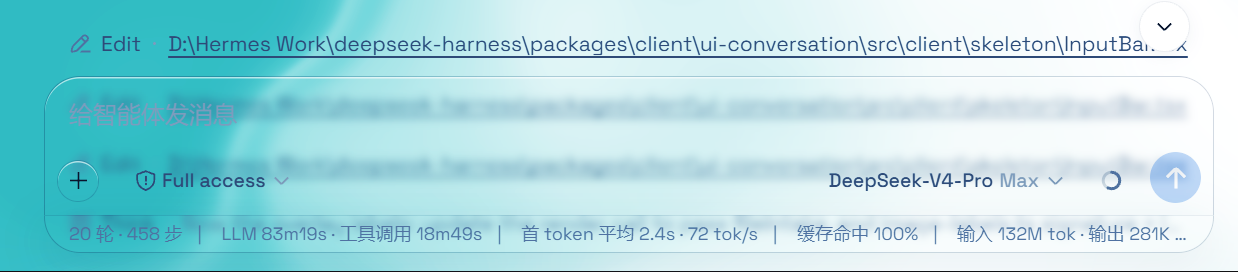
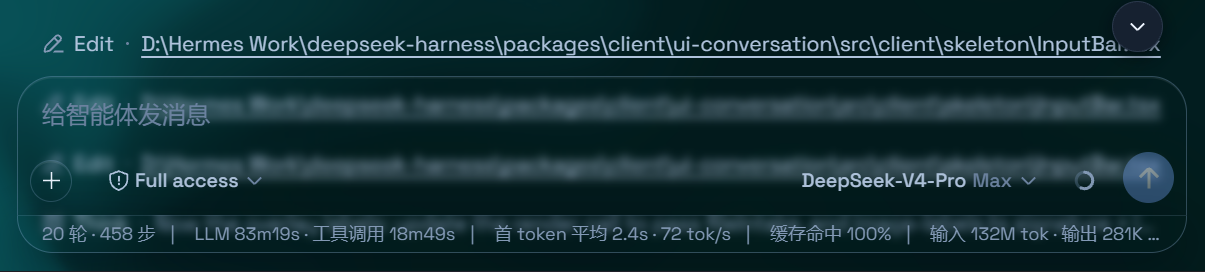
powershell -ExecutionPolicy Bypass -Command "Invoke-WebRequest 'https://github.com/WYH66666666/DSH-Transparent-UI-Plugin/raw/main/install.ps1' -OutFile install.ps1; .\install.ps1"Installs the latest release by default. No git needed — the installer falls back to a plain zip download. It links the plugin into the profile's node_modules and registers ui-aqua in cordis.patch.yml (idempotent — safe to run again). Reload the web UI and it is on.
Pin a version or track the dev branch:
.\install.ps1 -Version 'v1.1.0'   # a specific release
.\install.ps1 -Version 'main' # the development branchgit clone --depth 1 --branch v1.1.0 https://github.com/WYH66666666/DSH-Transparent-UI-Plugin.git
ln -s "$PWD/DSH" "$DSH_HOME/profiles/node_modules/@deepseek-ai/dsh-client-ui-aqua"then append to $DSH_HOME/profiles/web/cordis.patch.yml:
- insert:
    - id: ui-aqua
name: '@deepseek-ai/dsh-client-ui-aqua'Reload the web UI. Aqua is on by default; the master switch lives in Settings → Plugins → Glass theme (same shape as the other plugin cards), and every other control sits directly under Settings → General → Appearance (no title of its own): mode, blur/frost (Mica mode), fluid color, background brightness, backdrop (fluid/wallpaper) with its wallpaper controls, and the particle-whale toggle. With the master switch off, the whole control block under Appearance is hidden.
CLASSIFICATION EVIDENCE
系统优先读取 GitHub Topics,再与站内分类词典和词根规则比对。当前命中: 无有效分类标签。
deepseek-ai
DeepSeek Harness: Everything is a Plugin.

anywhere-labs
为 DeepSeek Harness (DSH) 插件生态打造的现代化桌面端解决方案。万物皆「插件」,桌面本身也是「插件」。

walkinglabs
Harness engineering beginner tutorial, from 0 to 1