

其他
完整应用

deepseek-harness
deepseek-ai
DeepSeek Harness: Everything is a Plugin.
PROJECT TOPICS
INSTALL REFERENCE
dsh plugin --profile web add github:kolawong/dsh-plugin-auth-webserver
该命令指向仓库当前默认分支;尚无绑定当前 commit 的完整验证结果。
PROJECT README
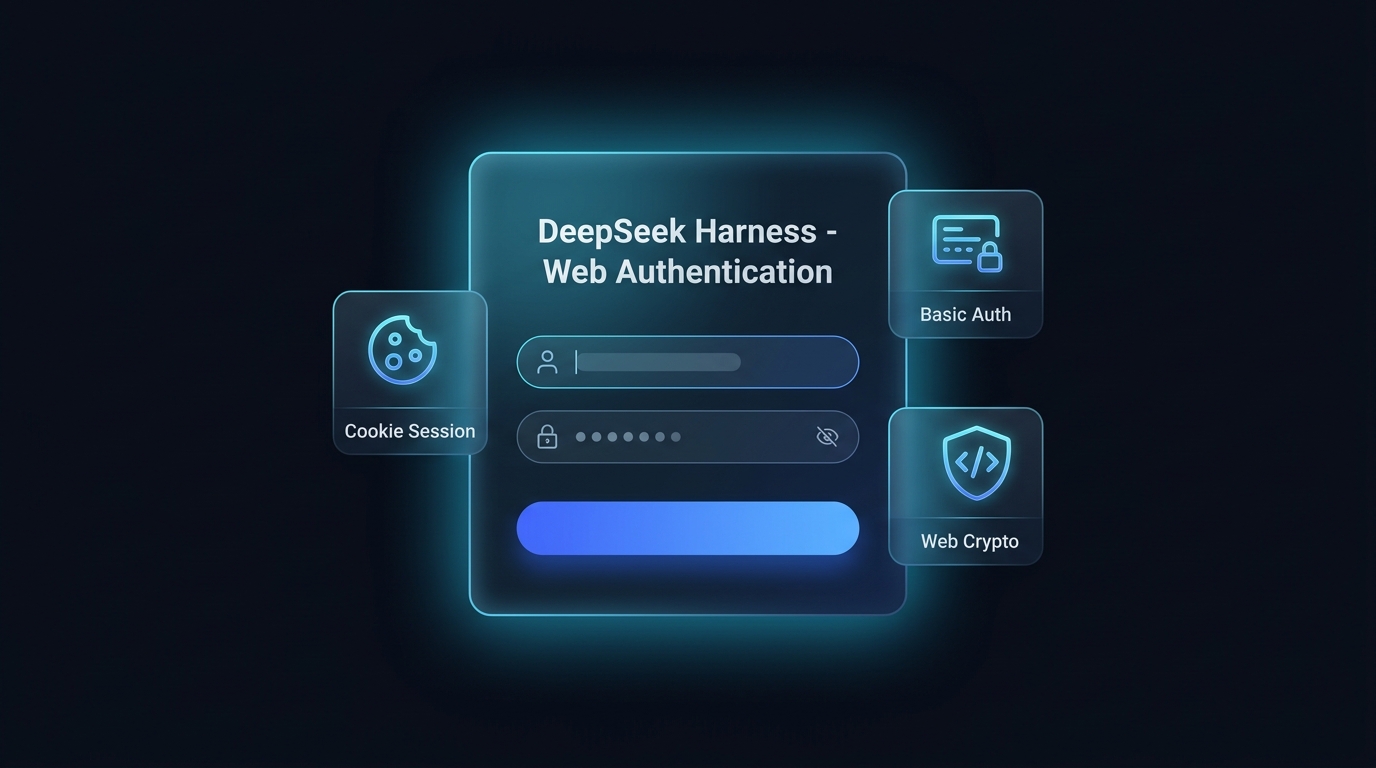


Native Web authentication bundle for DeepSeek Harness (DSH). Give your self-hosted deployment a DSH-styled web login page, cookie sessions, Basic Auth fallback, a Web UI settings card, and a Web Crypto polyfill — in English and Simplified Chinese.
简体中文 | English
/api/auth.logout endpoint and a Web UI logout button.$DSH_HOME/plugins/dsh-plugin-auth-webserver/, so they survive restarts without touching your config layers.HTTP Basic Auth for CLI tools, curl, and automated API clients.upgrade) channels.Host and Origin headers for authenticated sessions, eliminating HTTP 403 errors when accessing privileged RPC endpoints via a public IP.<head> for non-HTTPS and direct-IP environments, preventing client-side crashes.Install the bundle into a profile with dsh plugin:
# From a git host (pin a commit so later pushes cannot change what runs):
dsh plugin --profile web add github:kolawong/dsh-plugin-auth-webserver#<commit-sha>

# Or from a tarball / npm registry once published:
dsh plugin --profile web add ./dsh-plugin-auth-webserver-0.3.0.tgz
dsh plugin --profile web add dsh-plugin-auth-webserver
The package declares dsh.bundle, so dsh plugin appends it to the
profile's bundle list automatically; its patch disables the stock
webserver row and inserts the auth-gated server. Then boot:
dsh --profile webOpen http://your-server-ip:3080 to see the login page.
Every option has a default; override the webserver-auth row in your
profile's own patch ($DSH_HOME/profiles/web/cordis.patch.yml), which is
applied after every bundle layer:
- id: webserver-auth
  config:
    host: '0.0.0.0'
    port: 3080
    username: 'admin'
    password: 'your_secure_password'
Changes made in the Web UI settings card apply immediately and are stored
in $DSH_HOME/plugins/dsh-plugin-auth-webserver/state.json (mode 0600).
Environment variables DSH_AUTH_USER and DSH_AUTH_PASS override both the
config and the saved state.
| Option | Type | Default | Description |
|---|---|---|---|
host |
string |
'0.0.0.0' |
Listening interface (0.0.0.0 or 127.0.0.1). |
port |
number |
3080 |
HTTP/WebSocket listen port. |
username |
string |
'admin' |
Authentication username. |
password |
string |
'' |
Authentication password (leave empty to disable authentication). |
realm |
string |
'DeepSeek Harness Authentication' |
Realm string used for fallback Basic Auth. |
POST /api/auth.login — Authenticate and receive a session cookie ({ username, password }).POST /api/auth.logout — Invalidate the current session and clear the cookie.GET /api/auth.get — Retrieve the current username, password, and realm (requires authentication).POST /api/auth.update — Live-update credentials and persist them (requires authentication).MIT License © 2026 kola
CLASSIFICATION EVIDENCE
系统优先读取 GitHub Topics,再与站内分类词典和词根规则比对。当前命中: 无有效分类标签。
deepseek-ai
DeepSeek Harness: Everything is a Plugin.

anywhere-labs
为 DeepSeek Harness (DSH) 插件生态打造的现代化桌面端解决方案。万物皆「插件」,桌面本身也是「插件」。

walkinglabs
Harness engineering beginner tutorial, from 0 to 1