模型与 MCP
待识别

rea
morluto
Reverse engineer anything with agents, from app behavior down to native binaries.

khglobal/dsh-nocco
Describe a web system in chat and get a working one: admin panels, mobile apps, games. Live preview beside the conversation, click an element to change it, start from your Excel data, undo any step. A DeepSeek Harness plugin.
PROJECT TOPICS
INSTALL REFERENCE
dsh plugin --profile web add github:khglobal/dsh-nocco
该命令指向仓库当前默认分支;尚无绑定当前 commit 的完整验证结果。
PROJECT README
English | 中文

Nocco turns DeepSeek Harness into a workbench for building web applications. Describe the system you want; the agent builds it on your machine with the model you choose, and you watch it, steer it and undo it from one place. No account, no server, no extra cost beyond your own model.
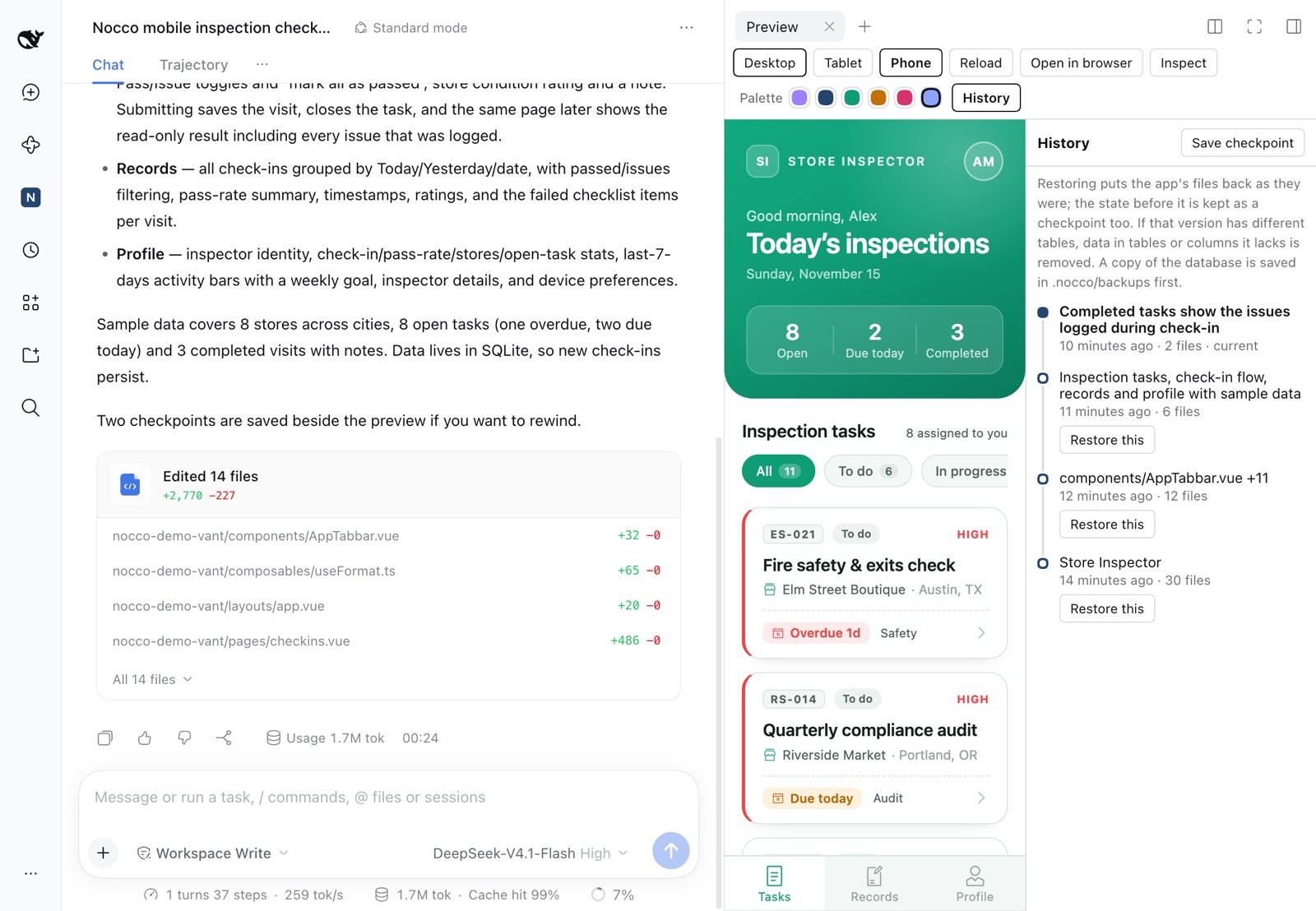
DSH can write a web app without any plugin. Nocco changes what that work is like:
| Plain DSH | With Nocco | |
|---|---|---|
| Starting point | An empty folder; the model picks a stack and sets it up each time | A tested app with sign-in, roles and a database already working |
| Seeing the result | You start a dev server and open it yourself | A live preview opens beside the conversation, at desktop, tablet or phone width |
| Look and feel | Whatever the model decides that day | Four design systems, a colour scheme, font and style chosen before you build; recolour afterwards in one click, without the model |
| Your existing data | The model reads the file and retypes what it sees | Excel and CSV rows are loaded into the app as they are; the model only sees the columns |
| Saying what to change | Describe the element in words | Click it in the preview |
| Going back | No way to restore files | A timeline of checkpoints with one-click restore |
| Checking the work | The agent tests by its own means, or you find the error | Errors from the page you are looking at go straight back to the agent |
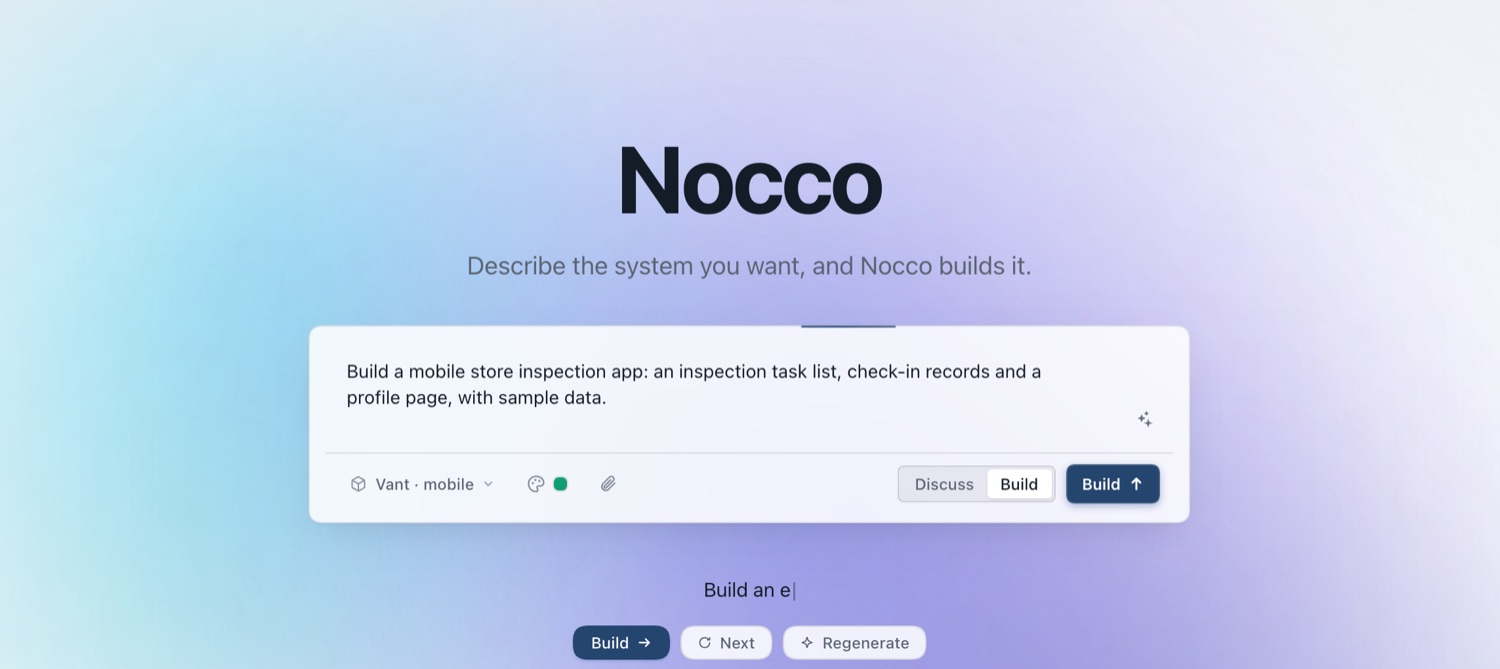
The line under the box suggests systems to build. Your model writes the suggestions from the names of your workspace files and recent sessions; sample ideas are shown until it has.
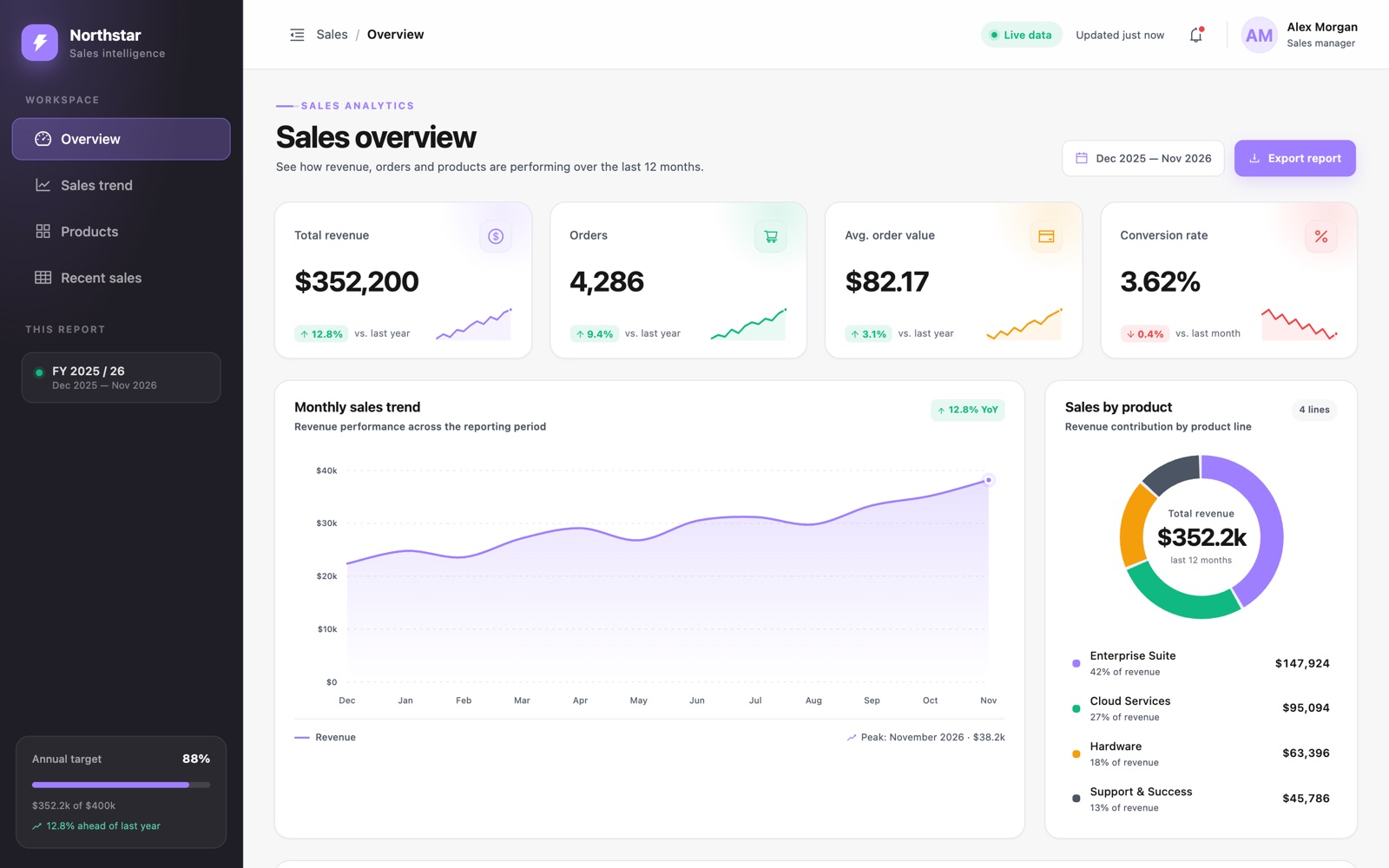
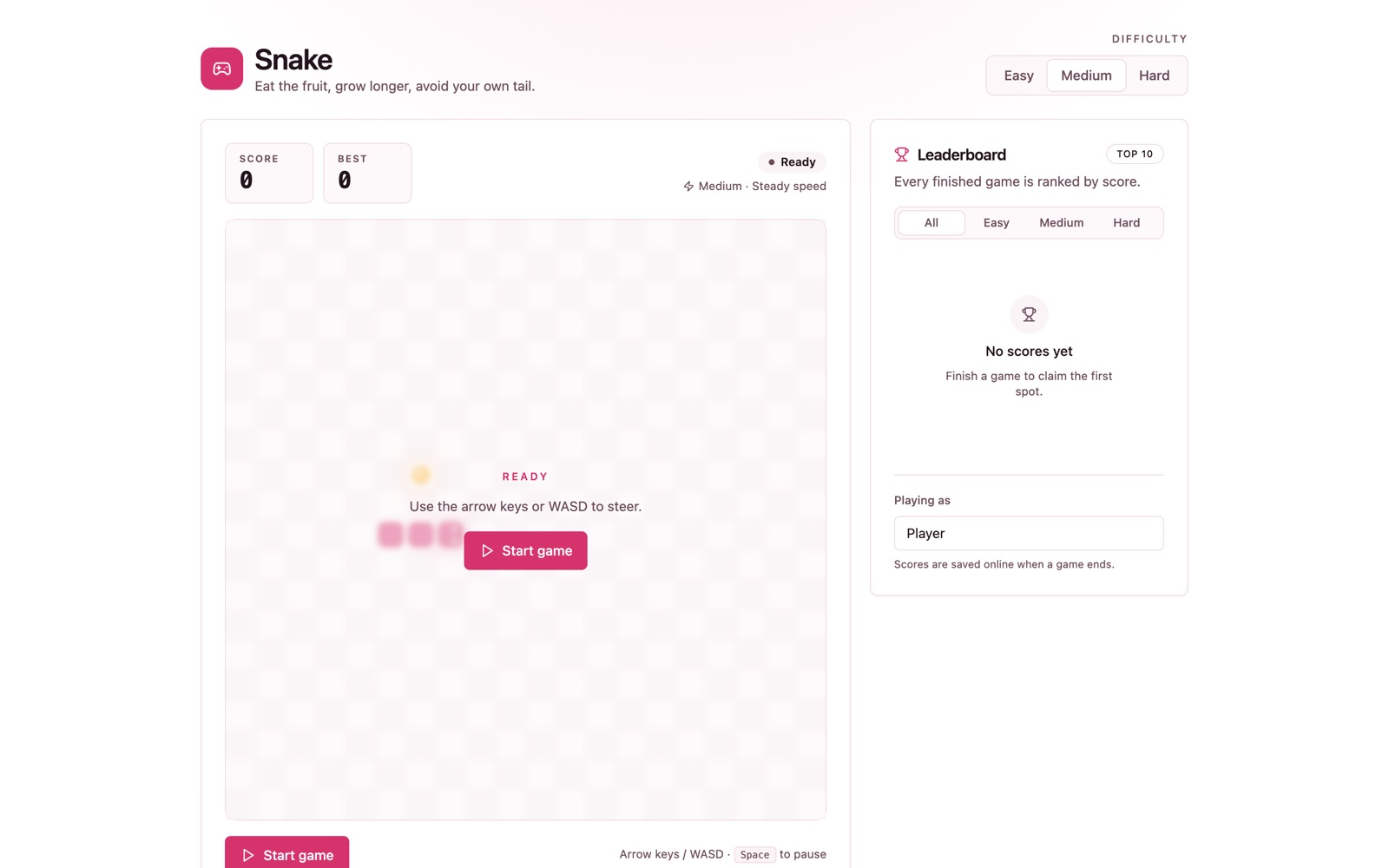
| Ant Design · desktop admin | shadcn · modern web |
|---|---|
 |
 |
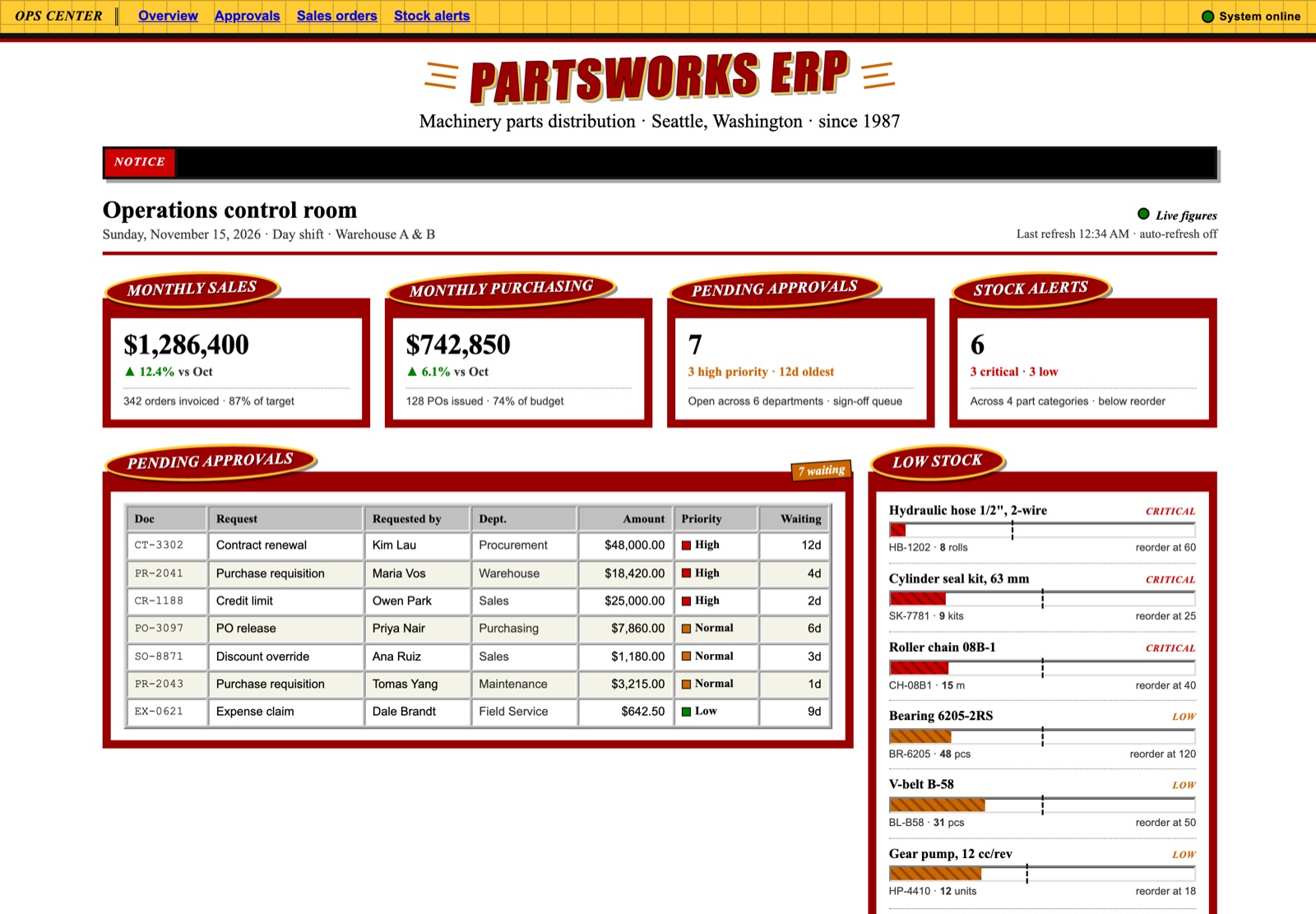
| Retro · 1990s web | Vant · mobile |
|---|---|
 |
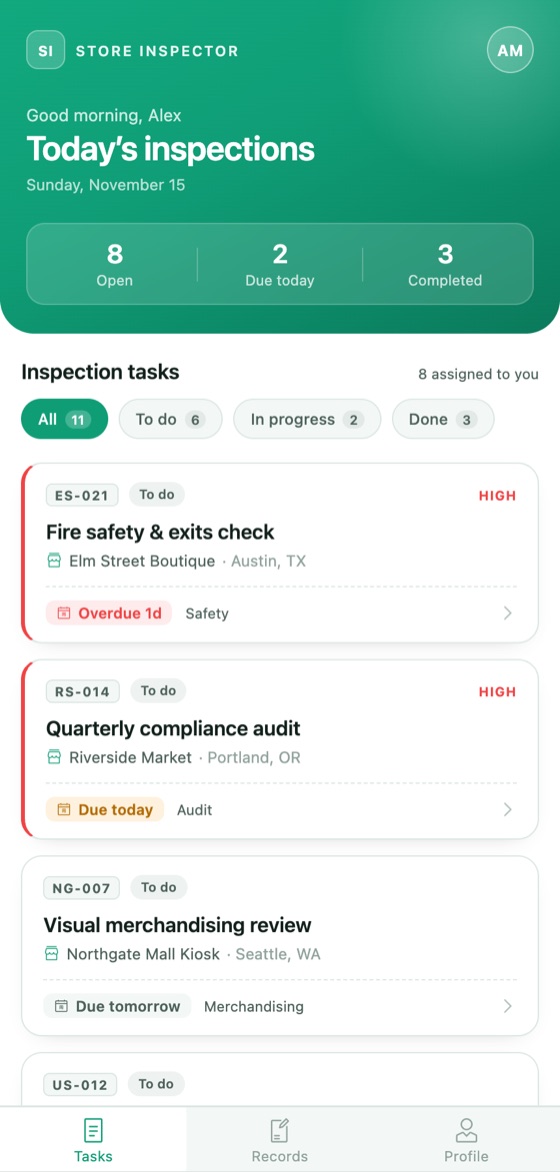 |
Every screenshot is an app the agent built from one request.
nocco (type /nocco in a session): how to build on the templates.nocco_scaffold: creates the app in an empty directory, installs its
dependencies and returns the first admin account.nocco_preview: starts, stops and checks the app's local dev server,
and applies the database schema whenever it changes.nocco_import: reads an Excel, CSV, TSV, Word, Markdown or text file
you want a system built from. For table files the model sees the columns
and a few rows, while every row is saved into the app as a data file, so
your data is loaded as it is rather than retyped by the model.nocco_checkpoint: saves, lists and restores checkpoints of an app.DSH Desktop 0.2.2-rc.1 or newer in the 0.2 line. On the machine: Node 20 or newer, pnpm or npm, and git for checkpoints.
The package name is @khglobal/dsh-nocco. In DSH Desktop there are three
ways to install it:
Ask DSH. In any session, type:
Install the plugin @khglobal/dsh-noccoThe agent asks for your approval a few times and installs it. This works in the Standard and Creator modes.
Plugins page. Open Plugins in the sidebar, click Add plugin,
enter @khglobal/dsh-nocco and click Install.
Plugin market. Once Nocco is listed in the community plugin index, open
Plugins, go to the Discover tab and search for Nocco.
Nocco appears in the sidebar as soon as the install finishes.
For DSH's web version, the same package installs from the command line:
dsh plugin --profile web add @khglobal/dsh-noccoOpen Plugins, then Nocco. When a newer version exists the page shows Update available; click Update.
Open Nocco in the sidebar, describe the system and press Build; the request
is sent to the agent straight away. Or type /nocco in any session. The agent asks for approval before it runs a tool.
The agent creates an app with sign-in required when it is a system for particular people, and with sign-in off when it is something anyone may open, such as a game or a public page. Ask it to change this at any time.
Each app keeps its data in a sqlite.db file in its own folder. The first
admin account gets a random password when the app is created; the agent tells
you what it is. Passwords are stored hashed, and the session secret lives in
the app's .env, which is not committed.
Open History in the preview tab to see the app's checkpoints as a timeline. One is saved when the app is created, whenever the agent finishes a piece of work, and when you press Save checkpoint. Restore any of them with one click; the state before the restore is kept as a checkpoint too, so a restore can be undone. You can also ask the agent to go back.
Checkpoints cover the app's files, not its stored data: the database, .env
and installed packages are not part of them. Code defines the tables,
though, so restoring a version with different tables removes data in the
tables or columns that version lacks. A copy of the database is saved under
.nocco/backups/ before every restore (the last ten are kept). They are kept in a private git
store under .nocco/ in the app folder, separate from any repository of your
own, and need git to be installed.
Nocco's tools work within the permissions of the session that calls them, the same ones DSH applies to its own file and shell tools.
Reading a file you ask to import follows DSH, which lets a session read files anywhere on the machine.
Suggestions are generated by sending the names of files and folders at the top of your workspaces, and the titles of recent sessions, to the model you have configured in DSH. File contents are not read for suggestions. Enhance prompt sends the request you typed to the same model. Voice input is transcribed by DSH's own speech service on your machine. A file you attach on the Nocco page is copied to a folder under your system's temporary directory so the agent can read it. A file you ask the agent to import is read on your machine; what the model sees of it is described above. Nothing is sent anywhere else.
Process confinement has been tested on macOS. On Windows and Linux it relies on DSH's sandbox for those systems and has not been tested with Nocco.
No deploy or export. The generated app is ordinary code running a local dev server bound to 127.0.0.1. Its writes are confined as described under Permissions; its network access is not restricted.
npm install
npm test        # builds, then runs the unit tests
npm run e2e # real scaffold, install, Nuxt dev server and sign-in, per design systemMIT. The app template in resources/templates/ is MIT-0, so apps you build
carry no attribution requirement.
CLASSIFICATION EVIDENCE
系统优先读取 GitHub Topics,再与站内分类词典和词根规则比对。当前命中: deepseek-harness。
morluto
Reverse engineer anything with agents, from app behavior down to native binaries.

deepseek-ai
DeepSeek Harness: Everything is a Plugin.

nexu-io
The 1st Collaborative AI Design Agent Workspace. Local-first and open source. Create motion, prototypes, websites, apps, dashboards, presentations, images, and videos with your team and AI agents. Share work, exchange feedback, and iterate together in one workspace.