
模型与 MCP
待识别

rea
morluto
Reverse engineer anything with agents, from app behavior down to native binaries.
PROJECT TOPICS
INSTALL REFERENCE
dsh plugin --profile web add github:hero-jianghaojie/dsh-lively
该命令指向仓库当前默认分支;尚无绑定当前 commit 的完整验证结果。
PROJECT README
Live wallpaper layer for the DeepSeek Harness Web GUI: an animated wallpaper behind the interface — procedural presets, images, GIF or video — with a small settings page to pick the look.
▶ Watch the 47-second intro video — narrated tour of the presets, custom wallpapers, playlist and controls (1080p30, Chinese narration).
$DSH_HOME/dsh-lively-media/ and are served by
the plugin's own route, so they survive a reload and a restart.$DSH_HOME/dsh-lively-media/ through /dsh-lively/library.body[data-ds-dark-theme]; the
bright/dark preset variants are keyed on html:has(> body[data-ds-dark-theme]).git clone https://github.com/hero-jianghaojie/dsh-lively.git
dsh plugin --profile desktop add ./dsh-livelyThen restart DSH (the sidebar's restart button, if installed) and open Settings → Live wallpaper.
z-index:-1 (#dsh-lively-layer)
with three children: the animated surface, the theme-coloured veil
(strength) and the dim overlay. The layer is appended to the root so it
sits under every column.background-position/background-size
animation on html advances the animation clock but does not repaint on
screen, so the presets looked static. An ordinary element repaints, and that
is what the layer uses.--dsw-alias-bg-base on the frame and on the centre
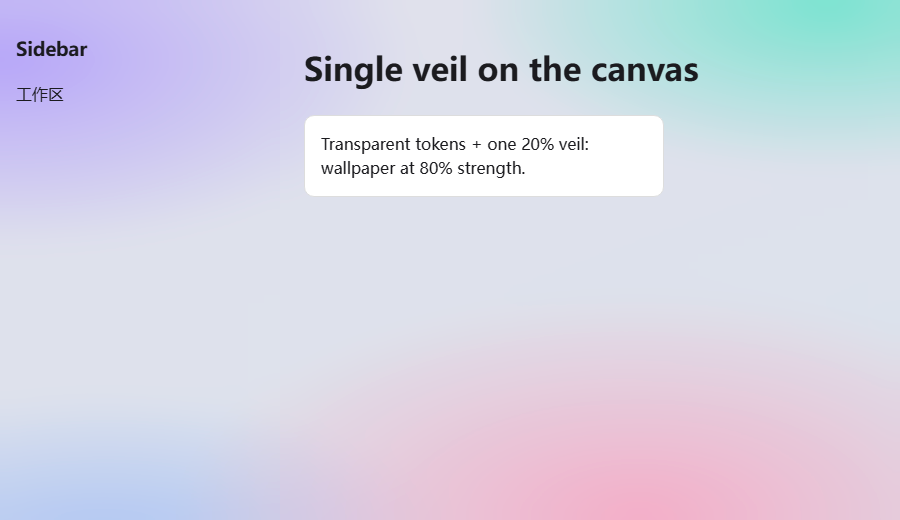
column, and alphas multiply. The token is therefore fully transparent, so
the layer shows through with the single veil painted once, above the surface.backdrop-filter on the shell columns: it would make them the containing
block for fixed-position descendants, and the sidebar's fold toggle is
position: fixed — frosting the column drags that button onto the brand mark.localStorage (instant) and
$DSH_HOME/dsh-lively-state.json via /dsh-lively/state, because the Desktop
app's loopback port changes on every launch.<video> element; CSS alone cannot play video.[class$='_frame'], which follows the
shell's CSS-module naming.MIT
CLASSIFICATION EVIDENCE
系统优先读取 GitHub Topics,再与站内分类词典和词根规则比对。当前命中: deepseek-harness。
morluto
Reverse engineer anything with agents, from app behavior down to native binaries.

deepseek-ai
DeepSeek Harness: Everything is a Plugin.

nexu-io
The 1st Collaborative AI Design Agent Workspace. Local-first and open source. Create motion, prototypes, websites, apps, dashboards, presentations, images, and videos with your team and AI agents. Share work, exchange feedback, and iterate together in one workspace.