

模型与 MCP
待识别

rea
morluto
Reverse engineer anything with agents, from app behavior down to native binaries.
PROJECT TOPICS
INSTALL REFERENCE
dsh plugin --profile web add github:golddream-y/ratel-dsh-lumina
该命令指向仓库当前默认分支;尚无绑定当前 commit 的完整验证结果。
PROJECT README
English · 中文

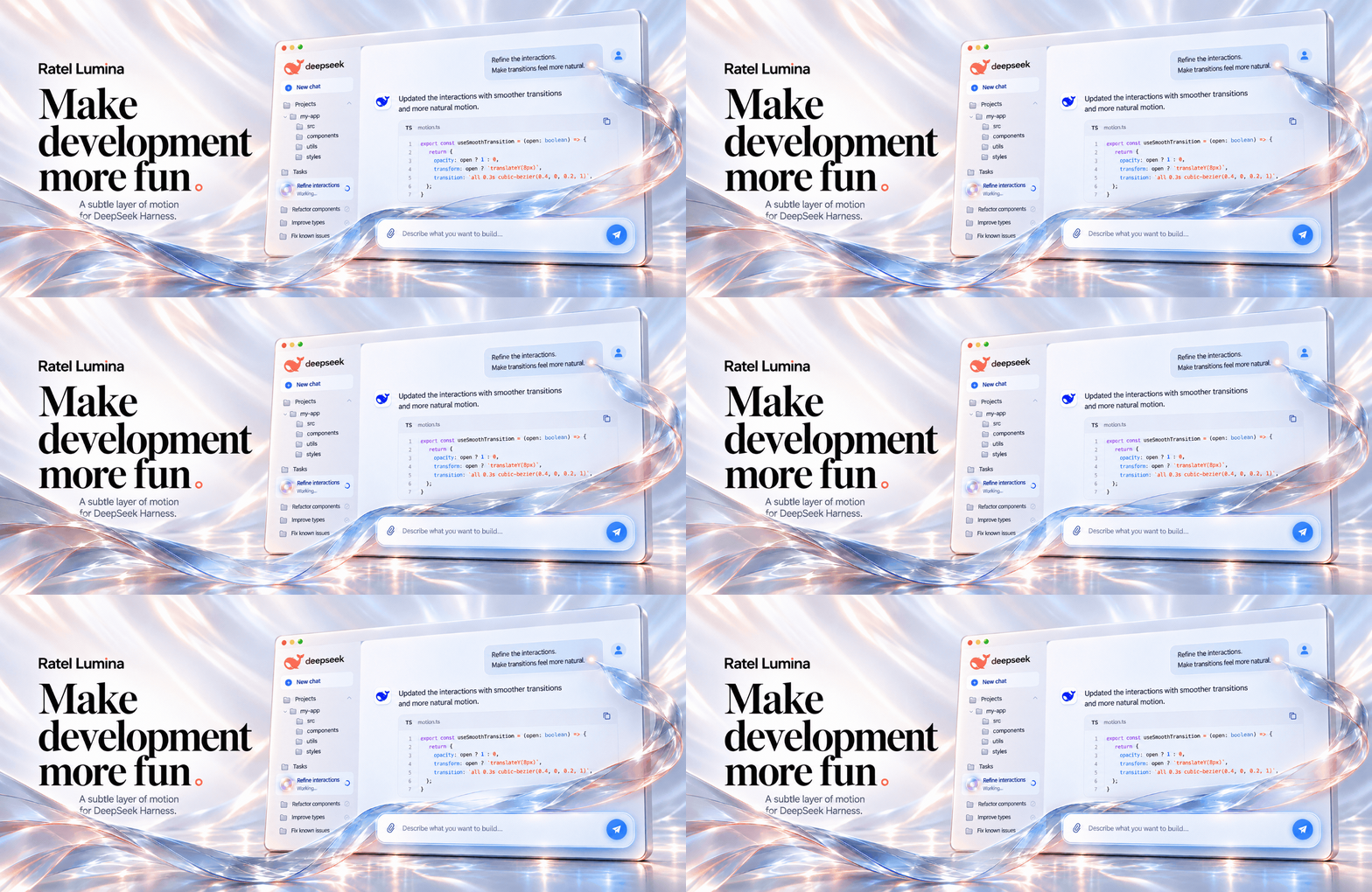
Make development more fun.
Ratel Lumina is a visual and motion enhancement plugin for DeepSeek Harness, available on desktop and Web / PWA clients. From navigation and running sessions to typing and sending, it adds a subtle layer of motion to everyday development.
Lumina does not change models, requests or message content, delay submission, or block typing, clicking and selection.
Install DeepSeek Harness first, then search for ratel-dsh-lumina (author golddream-y) in the plugin store.
You can also install from the command line:
dsh plugin --profile <profile> add @ratel-works/dsh-luminaReplace <profile> with the profile you use: typically desktop for the desktop client or web for Web / PWA.
After updating the plugin, fully quit and reopen the client to load the new code. To update from the command line, run the installation command again.
Open Lumina / 流光 in DSH settings. Saved changes apply immediately, without restarting.
This is a plugin I built for myself, released in the open. The whole point is to make tedious development a little more fun. If you find it useful too, you can buy me a coffee:
npm install
npm run typecheck
npm test
npm run build
npm run install:local -- webThe project uses the MIT license. See THIRD_PARTY_NOTICES.md for third-party sources and additional license terms.
DeepSeek marks belong to their respective rights holders. This project does not claim ownership of those marks or grant brand usage rights under its MIT license. See third-party notices.
CLASSIFICATION EVIDENCE
系统优先读取 GitHub Topics,再与站内分类词典和词根规则比对。当前命中: deepseek-harness。
morluto
Reverse engineer anything with agents, from app behavior down to native binaries.

deepseek-ai
DeepSeek Harness: Everything is a Plugin.

nexu-io
The 1st Collaborative AI Design Agent Workspace. Local-first and open source. Create motion, prototypes, websites, apps, dashboards, presentations, images, and videos with your team and AI agents. Share work, exchange feedback, and iterate together in one workspace.