
模型与 MCP
待识别

rea
morluto
Reverse engineer anything with agents, from app behavior down to native binaries.
PROJECT TOPICS
INSTALL REFERENCE
dsh plugin --profile web add github:efrem-labs/niro-releases
该命令指向仓库当前默认分支;尚无绑定当前 commit 的完整验证结果。
PROJECT README
Your Coding Agents, on Your Phone.
Niro is a free iPhone companion for the coding agents running on your Mac. Pick up a session, send the next instruction, check progress, and switch between supported providers without staying at your desk.
App Store · Website · Download Niro Bridge
Enjoying NIRO? Click ⭐ Star in the top-right of this repository to support its independent development and help more developers discover it. Thank you!
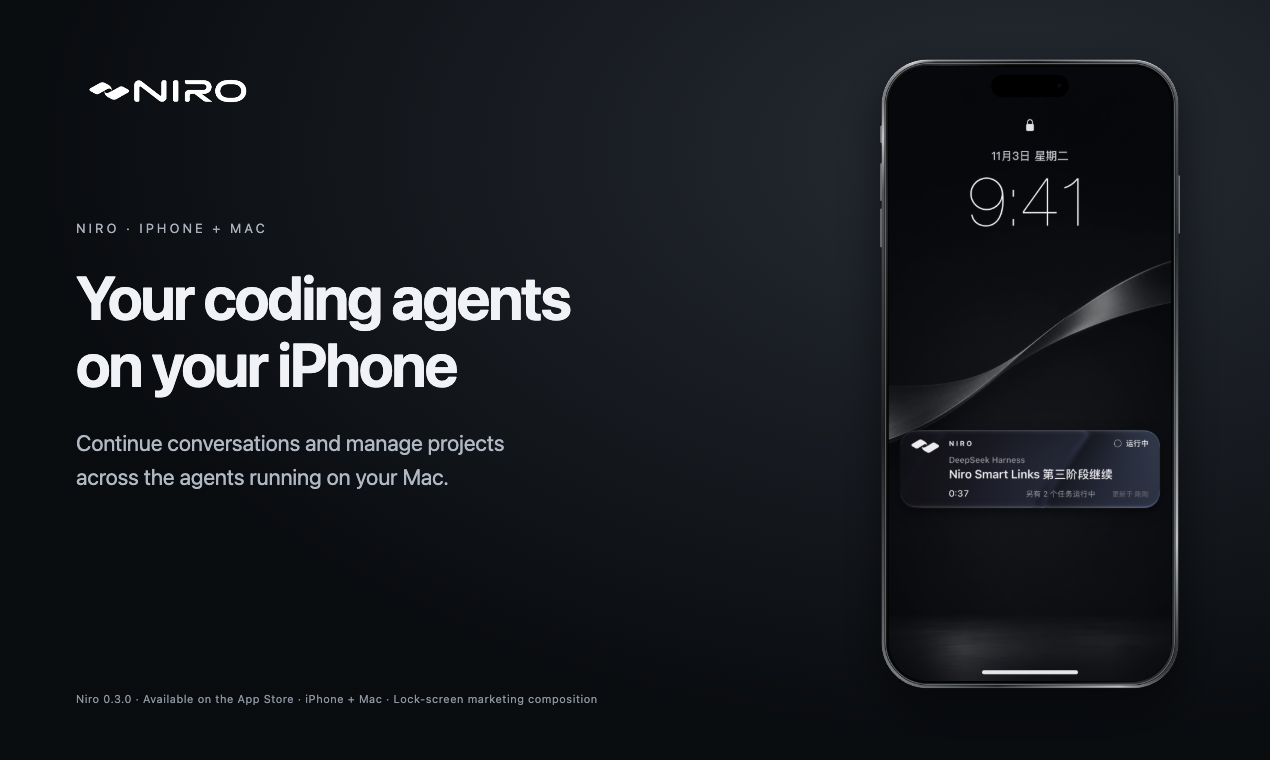
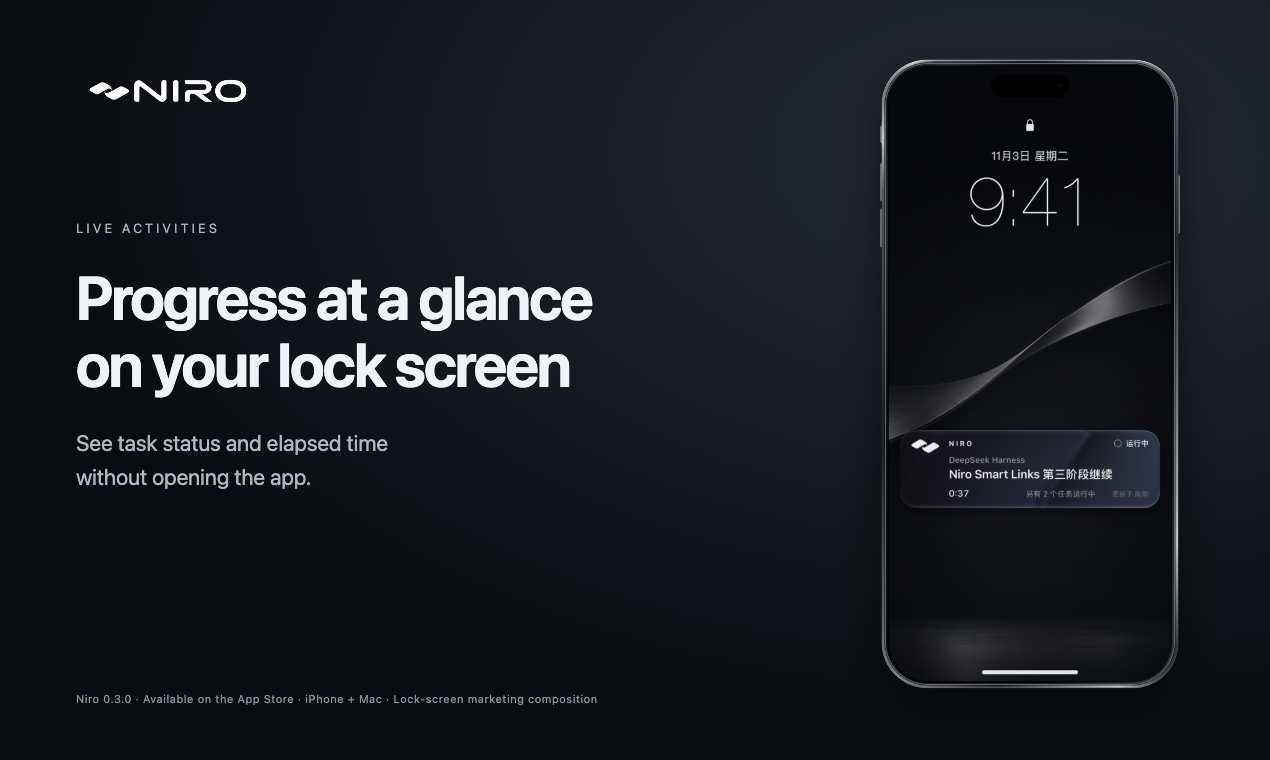
Released November 14, 2026. NIRO turns the AI coding agents running on your desktop into sessions you can genuinely continue from your iPhone. The app and its Mac Bridge are free; no NIRO account or in-app purchase is required.
Provider capabilities depend on the specific agent and installed desktop configuration. The current GitHub v0.4.0 release contains the Mac Bridge. Windows and Linux Bridge work is ongoing; no Windows/Linux installer is offered as part of this Mac release.
Niro Bridge macOS security: its bundled app is signed, Apple-notarized and has a stapled notarization ticket. The DMG's contents, checksum and Gatekeeper acceptance were checked; the outer DMG container was not separately notarized. See the release notes and SHA256SUMS file.
This public repository distributes installers and support documentation; it is not the private NIRO source-code repository.
NIRO 0.3.0 introduced the Black Titanium visual system, project-first workspace and earlier Bridge integrations. The current iPhone app is 0.4.0.
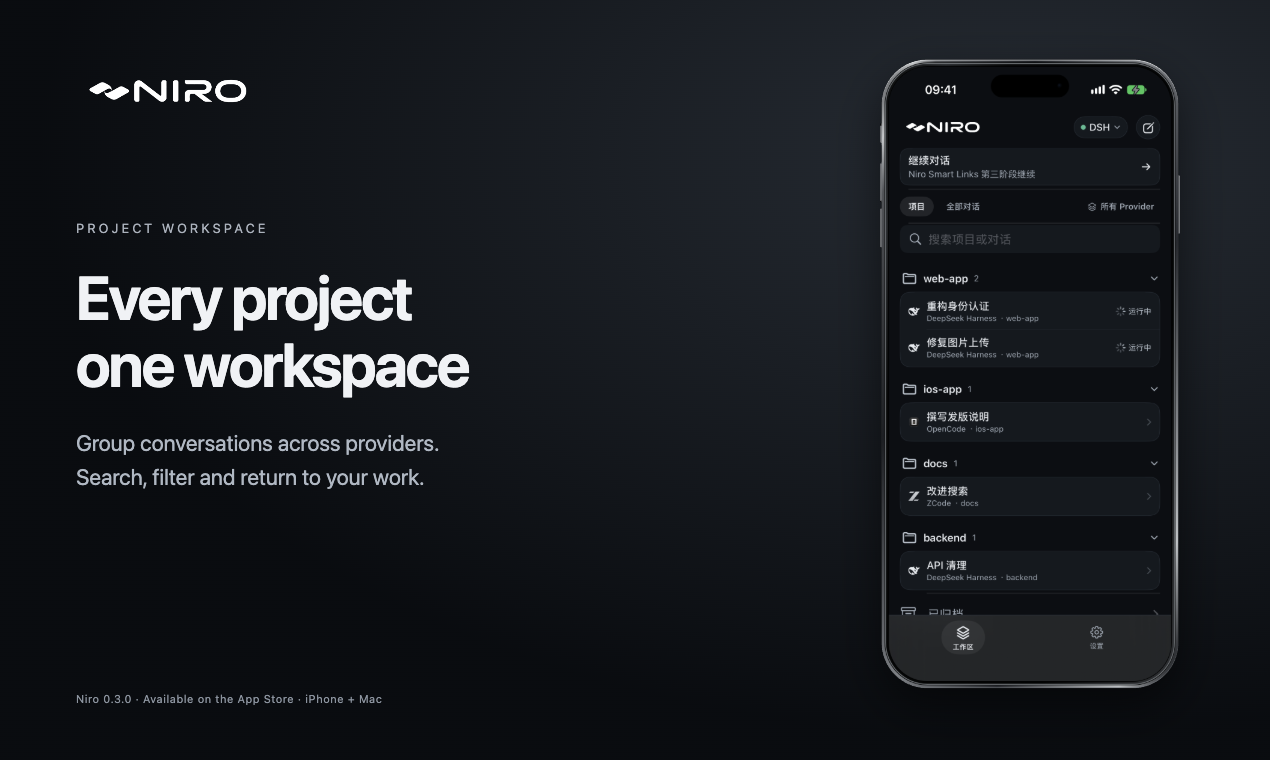
opencode serve sessionsNiro Bridge normalizes the different local interfaces used by these agents into one phone-friendly connection. Provider credentials and model settings stay on the Mac — the phone never holds an agent's API keys.
Capabilities vary by integration and configuration; Niro reports actual availability. The following table documents the established MiMo, OpenCode, ZCode and DSH behavior (it is not an exhaustive matrix of newer integrations).
| Capability | MiMo Desktop | OpenCode | ZCode | DSH |
|---|---|---|---|---|
| Existing sessions, chat, streaming replies, task progress | Yes | Yes | Yes | Yes |
| Stop a running task from Niro | On Mac | Yes | Yes | Yes |
| Answer permission requests from Niro | On Mac | Yes | Yes | Yes |
| Answer interactive questions from Niro | On Mac | Yes (Bridge 0.1.5+) | On Mac | Yes |
| Browse workspace folders and read files | Yes | Yes | Yes | Yes |
| Send file attachments | Yes | Yes | Unavailable | Yes |
| View change diffs | Yes | Yes | Unavailable | Unavailable |
| Delete sessions | Unavailable | Unavailable | Unavailable | Unavailable |
Workspace access is for browsing and reading, not a general file manager. Task-driven edits remain subject to the coding agent's permissions. Models come from each provider's own configuration; ZCode supports a per-session model choice. MiMo Desktop was previously verified; an uninstalled MiMo is shown as Not installed and is not a reason to reinstall it.
For DeepSeek Harness, Niro uses a small companion plugin in your Harness desktop profile. In the current release you install it yourself, by running the installer bundled inside Niro Bridge and then restarting DeepSeek Harness:
node "/Applications/Niro Bridge.app/Contents/Resources/harness-plugin/install.cjs"The installer only adds or updates Niro's own entry in that profile, keeps a backup, and is safe to re-run. The companion opens no TCP port — it talks to Niro Bridge over an owner-only Unix socket — and Harness's own approvals and sandbox keep applying. Other Harness profiles are not touched.
When an agent asks for permission — run this tool, write that file — you can allow or deny it from Niro for DeepSeek Harness, ZCode, and OpenCode, while Niro is connected and in the foreground. DSH approvals apply to one action, not a permanent exemption. If the phone has not been active for about 45 seconds, a new DSH request stays on the Mac; a forwarded request returns to the Mac if unanswered after 120 seconds. Other providers keep their own approval policies and timing. MiMo approvals stay on the Mac for now, so Niro shows them as "Approval required on Mac" instead of a button that couldn't act.
Background notifications are best-effort. There is no always-on remote push service; keep Niro connected and in the foreground for phone approvals.
Read the response, add a follow-up, and keep a task moving while you are away from the Mac.
Niro uses the providers and models already available through your Mac setup. Availability varies by provider and configuration.
Niro Bridge is the small macOS companion that connects Niro on iPhone to supported coding agents running on the Mac.
Download the latest build from Releases.
_niro._tcp). The phone always connects to the exact endpoint discovery hands it. There is no Niro server: session traffic never passes through anything operated by EFREM Labs.SHA256SUMS.txt next to the DMG.Niro is completely free. Optional in-app tips support EFREM Labs and do not unlock features.
Niro 是 Mac 上 Coding Agent 的独立 iPhone 客户端,通过 Niro Bridge 接入 MiMo Desktop、OpenCode、ZCode 和 DeepSeek Harness(DSH),与 Norna Loom 是不同产品。
For installation and connection help, start with the download page and FAQ and the setup steps above. Keep the Mac and the chosen coding agents running, use the same LAN for pairing, and approve the phone on the Mac. DSH also needs its companion enabled; invalid OpenCode credentials must be corrected on the Mac. For remote access, check your own Tailscale/network reachability. For bug reports and questions, open an issue in this repository or read SUPPORT.md. Do not publish pairing tokens or provider credentials in support requests.
安装与连接问题请先查看官网下载与常见问题及上方设置步骤。首次配对时保持同一局域网、Mac 与代理运行,并在 Mac 上允许连接;DSH 还需伴随组件。请勿公开配对令牌或代理凭据。
This public repository contains Niro Bridge release binaries and product documentation. The Niro iPhone app is distributed through the App Store. The application source code is not published here.
Made by EFREM Labs.
CLASSIFICATION EVIDENCE
系统优先读取 GitHub Topics,再与站内分类词典和词根规则比对。当前命中: deepseek、deepseek-harness。
morluto
Reverse engineer anything with agents, from app behavior down to native binaries.

deepseek-ai
DeepSeek Harness: Everything is a Plugin.

nexu-io
The 1st Collaborative AI Design Agent Workspace. Local-first and open source. Create motion, prototypes, websites, apps, dashboards, presentations, images, and videos with your team and AI agents. Share work, exchange feedback, and iterate together in one workspace.