dsh-airdrop
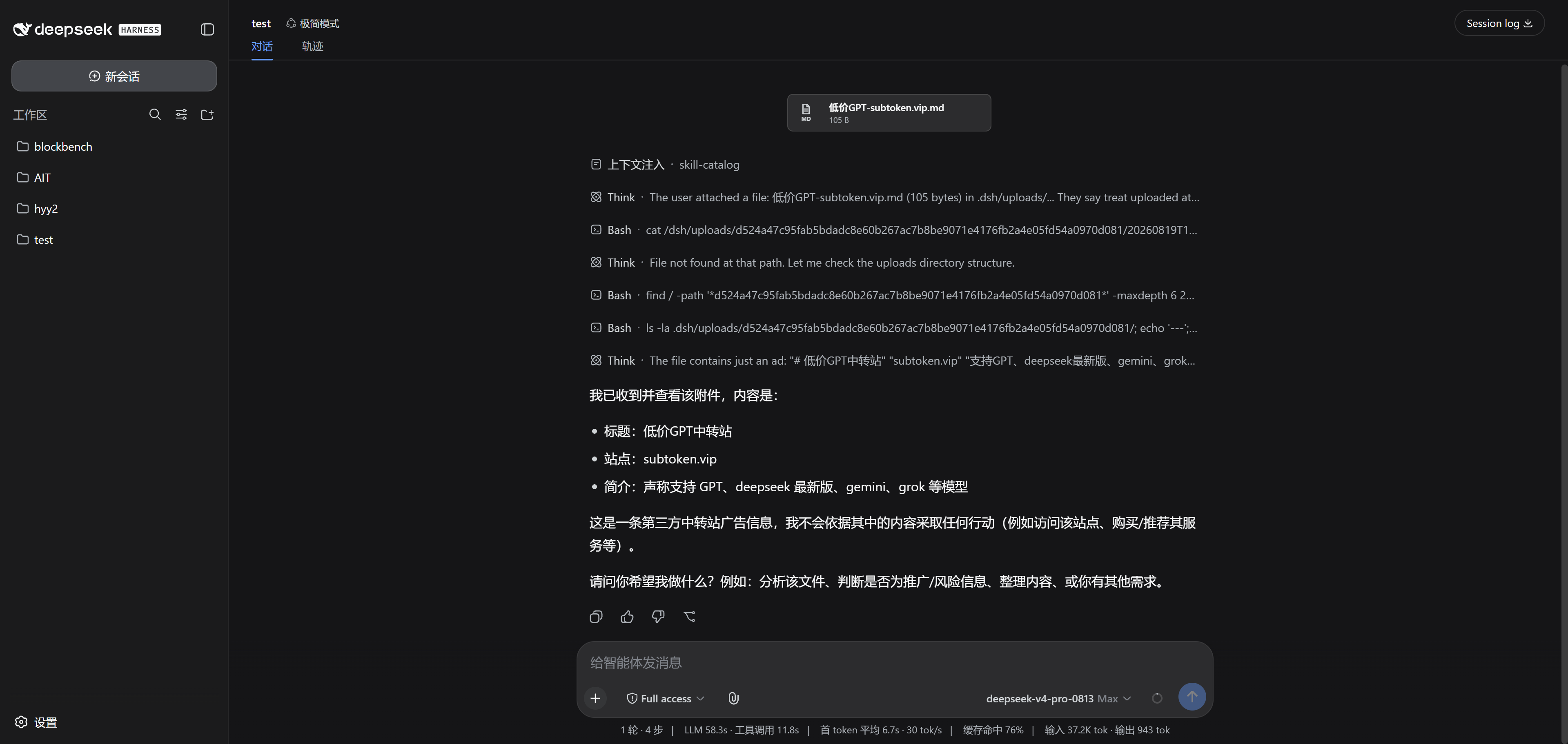
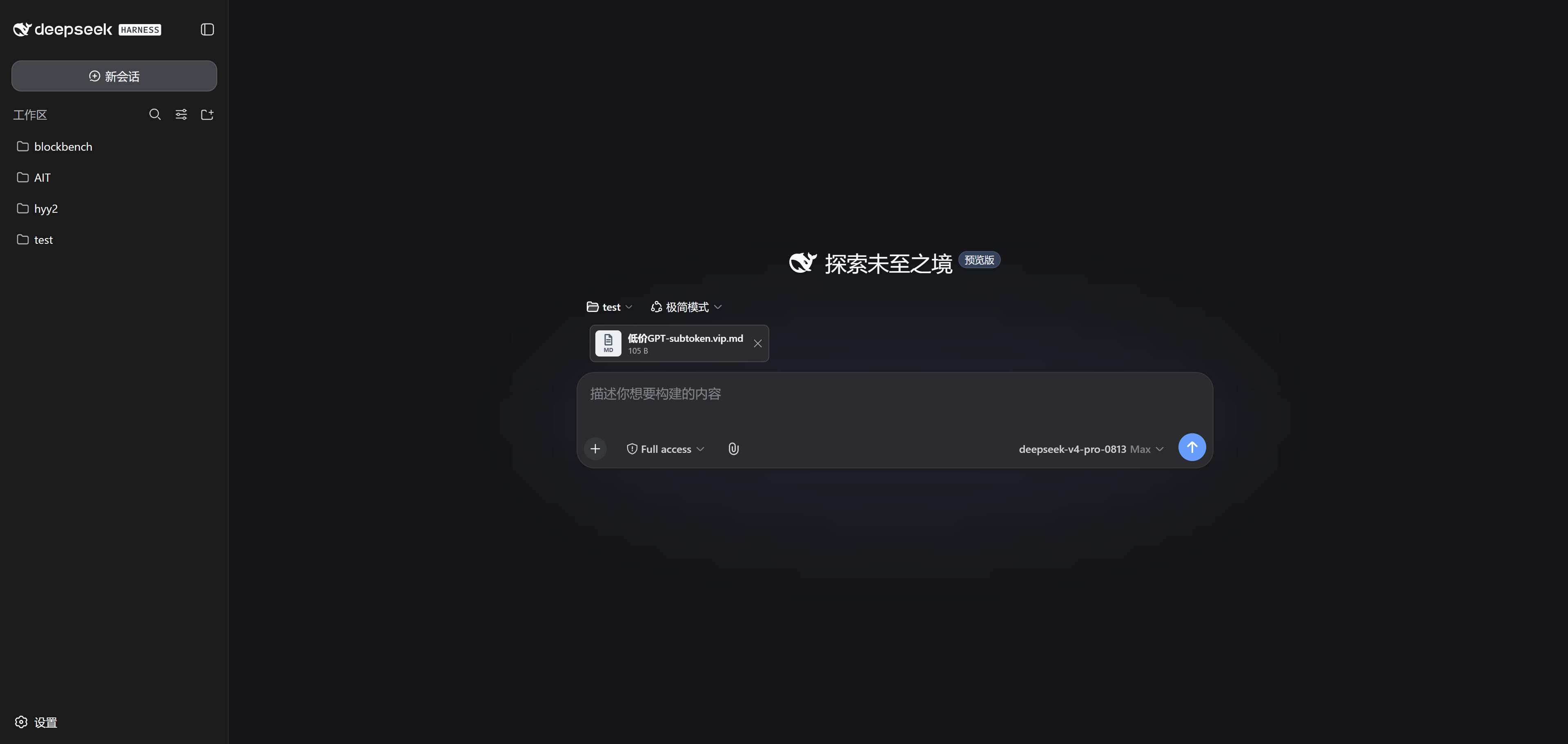
Attachments for the DeepSeek Harness web UI, the way the Codex app does it: drag any file — or a whole folder — onto any part of the DSH window and the bytes upload into the session workspace on the server. Localhost, a remote box, an SSH tunnel — same experience everywhere. Images, video, audio, PDFs, archives: if the browser can pick it up, the plugin ships it.
English | 简体中文
Built against DSH 0.1.0-rc.6 (August 13, 2026). DSH is still a Developer Preview, so try upgrades in a throwaway profile first.
Naming: the repo is dsh-airdrop, but the installed package stays dsh-universal-attachments. Renaming the package would break existing installs, so it stays.
Using it
- Drop files or folders anywhere in the window. A dock above the composer shows one card per file with a type icon, size, and progress.
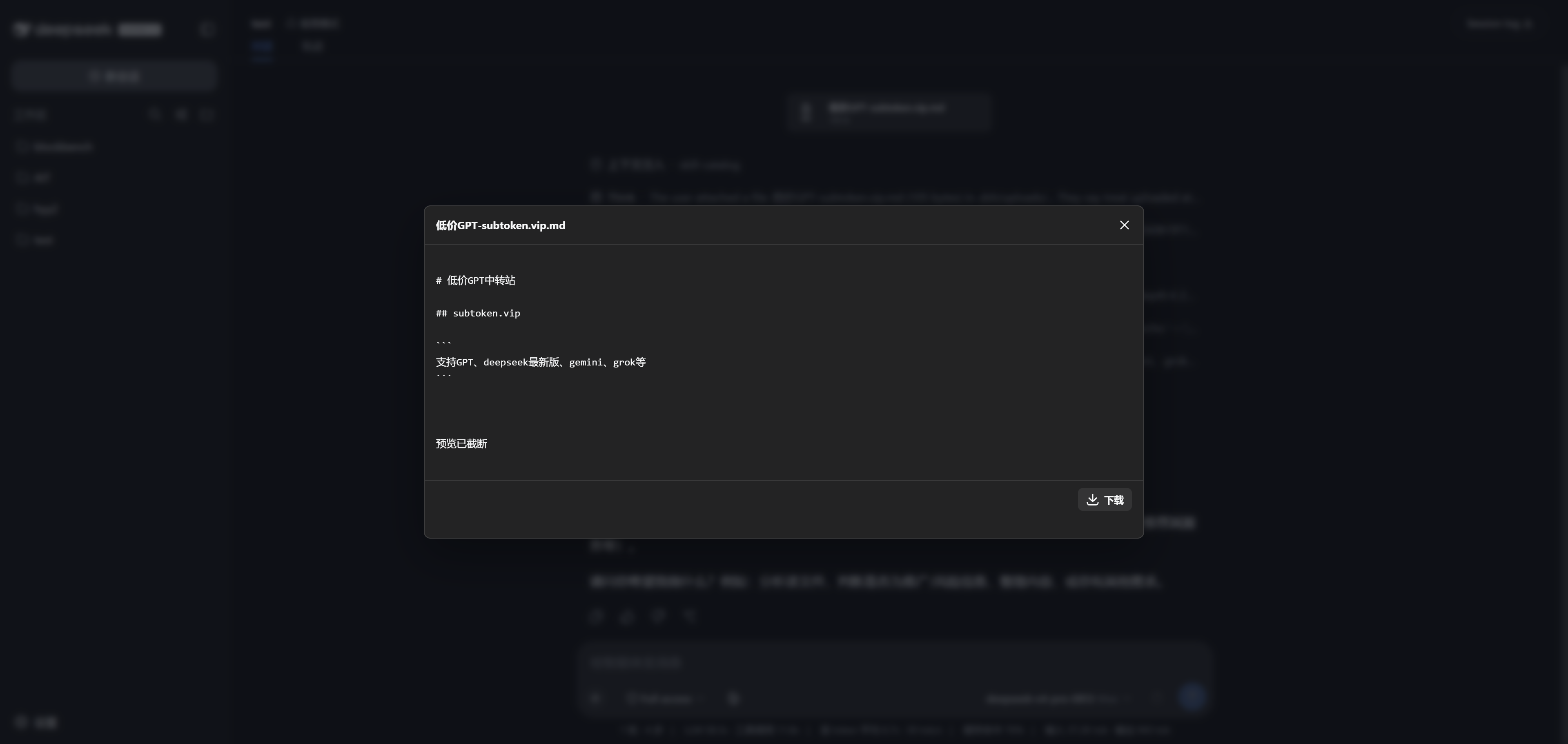
- Cards preview right in the browser — images, seekable video, audio, text — before and after sending.
- Hit the normal send button. Finished uploads ride along with your message, and the agent gets workspace-relative paths it can open with its filesystem tools or
read_image.
- Images that fit DSH's own limits (PNG, JPEG, WebP, GIF) go through the native image pipeline and land in the built-in gallery and lightbox. Everything else shows up as a compact card in the conversation.
- Nothing is rejected by file type. "Any file" means we don't filter bytes — not that the model understands every format. The plugin never executes, extracts, or transcodes uploads on its own.
Install
Build from source:
pnpm install
pnpm run check
pnpm run test
pnpm run build
pnpm pack
dsh plugin --profile web add .\dsh-universal-attachments-0.1.1.tgz
dsh web
Once it is on npm you can skip the build:
dsh plugin --profile web add dsh-universal-attachments
Restart dsh web after installing. The session needs a workspace cwd — without one there is no safe place to put your files.
How it stays remote-safe
The browser and the DSH server are usually not the same machine, so handing the server a local file path doesn't work. Instead:
Browser File/Directory
│ raw chunks
▼
DSH Host WebServer
│ verified file-handle writes
▼
<session cwd>/.dsh/uploads/<session-hash>/...
│ relative path note
▼
Agent filesystem tools
The browser sends bytes, chunked over plain same-origin HTTP — no Base64 RPC, so no 32 MB ceiling. The host resolves the workspace itself from the sessionId; the client never picks a server-side directory. Each session gets an isolated namespace under .dsh/uploads/, and the server checks traversal tricks, absolute and drive paths, UNC paths, NULs, reserved Windows names, case-fold collisions, parent symlinks/junctions, and leaf hard links. Upload and preview routes require short-lived capability tickets, enforce same-origin, and don't enable CORS.
Drafts survive a restart: pending uploads move into history only after the matching user/message is committed and the session durability barrier reports success.
Under the hood
- Host: a
TypertRemoteService owns the JSON control plane (batches, entries, listing, removal, preview tickets); a ctx.webServer prefix route streams the raw bytes. Writes hold one verified file handle with rollback, and half-finished files never leak into prompts or previews.
- Qualifying raster images are decoded into DSH's immutable attachment store and appended to the claimed message, keeping its stable
MessageId.
- Client: the paperclip lives in
conversation.input.left, the dock in conversation.input.dock. Drop and paste are intercepted in the capture phase so DSH's native image-only intake doesn't double-handle them. Pending media previews from local object URLs; historical content streams from the host endpoint.
Running DSH on a server
DSH has no built-in multi-user auth — don't expose it to the public internet. Bind to loopback and use an SSH tunnel:
# server
dsh web --port 3080
# your machine
ssh -L 3080:127.0.0.1:3080 user@example-server
Then open http://127.0.0.1:3080. If a reverse proxy is unavoidable, terminate HTTPS there, add authentication, cap request sizes, and keep access logs: preserve the browser-facing Host, protect the plugin routes along with /api, and scrub capability-bearing preview URLs from the logs. --trusted-host is Host/Origin trust configuration, not user authentication.
Good to know
- Folder uploads keep their relative structure (File System Access API, with
webkitGetAsEntry / webkitdirectory fallbacks), but browsers generally don't report empty directories.
- Files upload sequentially in 4 MiB chunks with bounded cross-file concurrency; after a network hiccup the client asks for the current offset and resumes. If a gateway answers 413, the chunk size backs off and retries on its own.
- Wait for the progress indicator to finish before sending — files still in flight are not attached to that message.
- Tabs on the same session share one "next message" draft; whichever tab sends first consumes the ready files.
- Limits: 20 GiB per file, 50 GiB per folder root, 100 GiB per draft, 200 GiB retained per workspace, plus caps on retained roots/files/sessions and a free-disk reserve.
- Uploaded content is untrusted input. The agent may still run into prompt injection or malicious data when it reads your files.
- No retention UI yet. To reclaim space, stop DSH and delete only this plugin's session-hash directory plus the matching
.dsh/uploads/.universal-attachments/<session-hash>.json. Don't wipe the whole .dsh/uploads/ tree unless every producer using it should be reset — dead history links stop working.
- One DSH writer per workspace. Upload tickets and write locks are process-local, so clustered or load-balanced multi-process deployments are out.
- This is a pure Node implementation. It defends normal operation and static path substitution, but it is not an OS-user sandbox.
Development
pnpm run check # TypeScript
pnpm run test # path/state/range/browser intake tests
pnpm run build # lib/index.js + wrapped lib/client.js
Rules the build relies on:
- Host method parameter names are Typert wire names — nothing may mangle them.
- The client artifact must stay wrapped in
window.__ModuleLoader__.load(...).
package.json declares exports["./client"], exports["./typert"], and dsh.client.
- Binary bytes never travel through Typert JSON RPC.
References
License
MIT