
模型与 MCP
待识别

rea
morluto
Reverse engineer anything with agents, from app behavior down to native binaries.
PROJECT TOPICS
INSTALL REFERENCE
dsh plugin --profile web add github:bmhty123/dsh-sketchpad
该命令指向仓库当前默认分支;尚无绑定当前 commit 的完整验证结果。
PROJECT README
English | 中文
A drawing board for DeepSeek Harness. Handwrite a formula, sketch a diagram or jot a note, then attach the picture to your message.
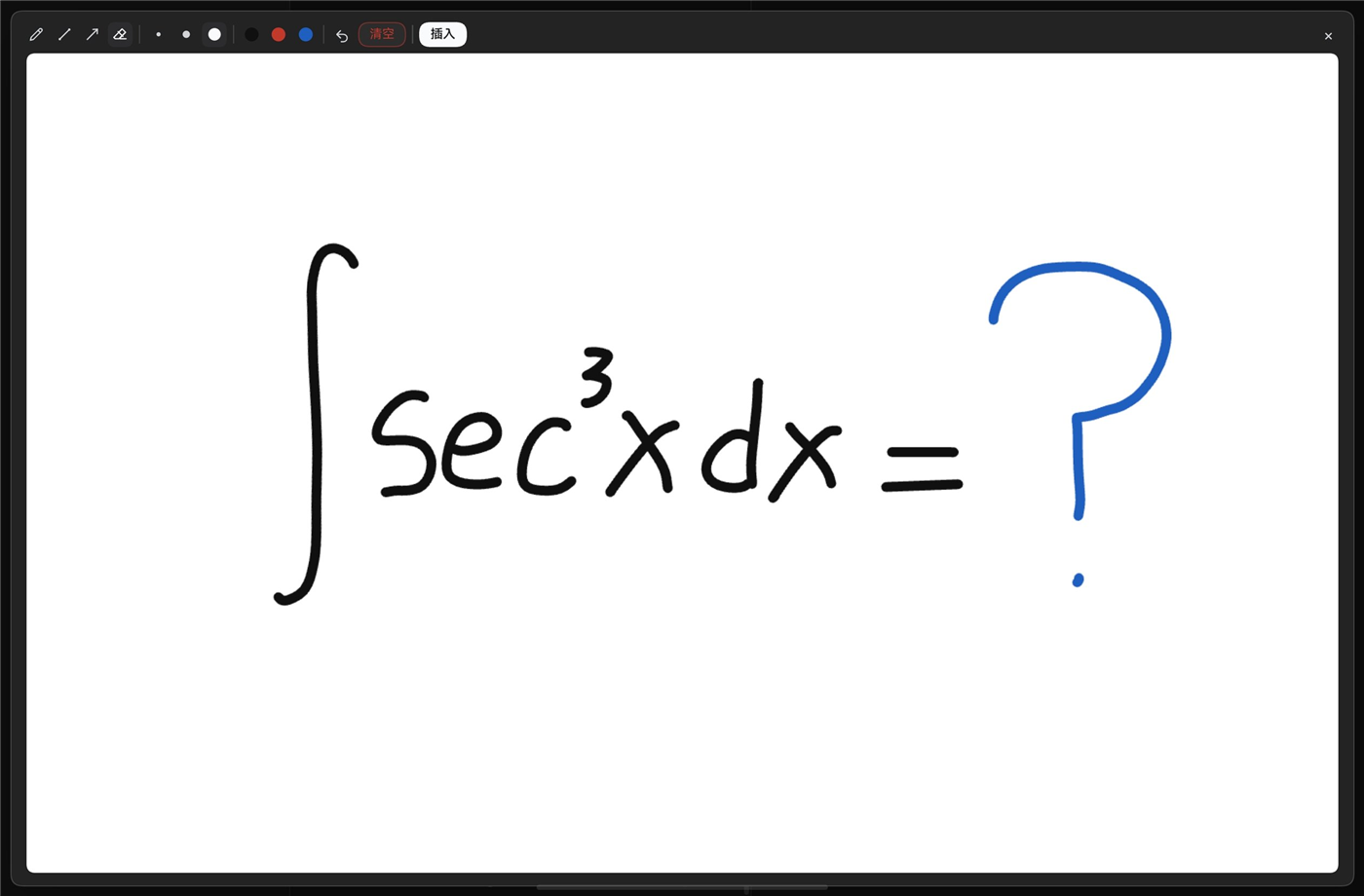
+ menu (Sketchpad, also /sketchpad), the pencil button right next to +, and the right-sidebar tab.Esc, the ×, a backdrop click or a double-click closes it; closing only closes, the drawing is attached when you press Done.F) expands the floating board to the whole window, and the sidebar board has the same button: it opens the floating board fullscreen, so you get the landscape board from anywhere. The choice is remembered for the next time.Shift snaps to 0°/45°/90°.Ctrl/Cmd+Z, Ctrl/Cmd+Shift+Z, the toolbar buttons, or tap the board with two fingers; clearing and deleting are undoable too.<html lang>).B L A E, 1 2 3, [ ], Ctrl/Cmd+Z, Ctrl/Cmd+Shift+Z, F, Enter, Esc.DSH 0.2.1-rc.2 or newer.
dsh plugin --profile web add dsh-sketchpadRestart dsh web (or refresh after a live install).
+ menu (or /sketchpad, or the 画板 sidebar tab).Floating Done freezes the drawing, clears the board and closes the window. The sidebar's Done keeps the tab open for the next one.
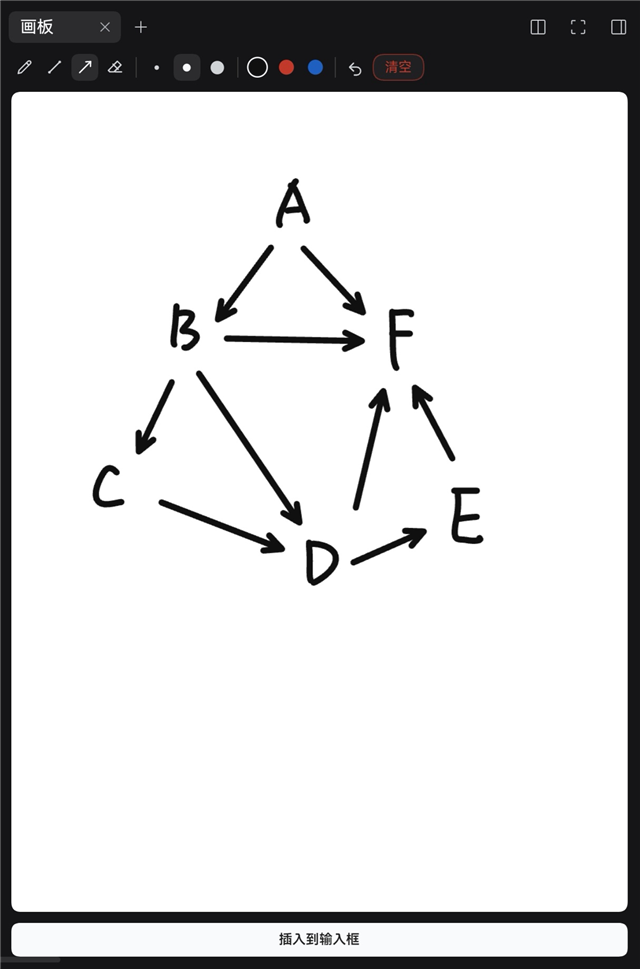
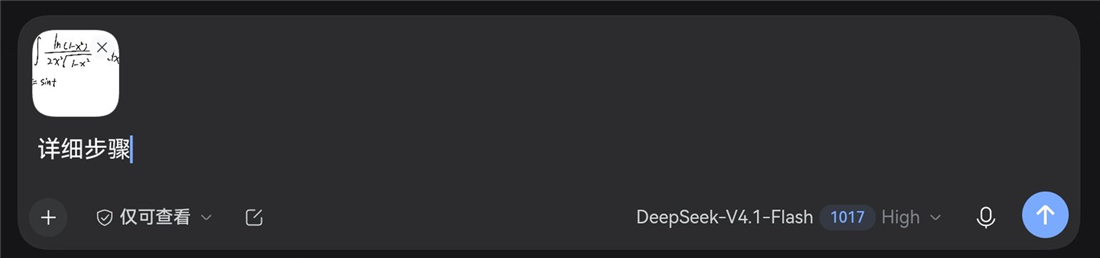
No network requests and no message access. The plugin uses the host's draft-attachment API, the session-scoped input state, the sidebar tab API, and localStorage for the pen colour and width only. Drawings stay in page memory; the PNG is created in the browser.
No pressure sensitivity, and palm rejection is heuristic — pen priority, a per-device finger-size baseline, and a drag threshold — so a palm that reports a finger-sized contact can still slip through. The two boards are independent, sizes are fixed, and a page refresh clears the boards.
See docs/DEVELOPMENT.md. License: MIT.
CLASSIFICATION EVIDENCE
系统优先读取 GitHub Topics,再与站内分类词典和词根规则比对。当前命中: deepseek。
morluto
Reverse engineer anything with agents, from app behavior down to native binaries.

deepseek-ai
DeepSeek Harness: Everything is a Plugin.

nexu-io
The 1st Collaborative AI Design Agent Workspace. Local-first and open source. Create motion, prototypes, websites, apps, dashboards, presentations, images, and videos with your team and AI agents. Share work, exchange feedback, and iterate together in one workspace.