
模型与 MCP
待识别

rea
morluto
Reverse engineer anything with agents, from app behavior down to native binaries.
PROJECT TOPICS
INSTALL REFERENCE
dsh plugin --profile web add github:beiryang/dsh-vscode-ide
该命令指向仓库当前默认分支;尚无绑定当前 commit 的完整验证结果。
PROJECT README
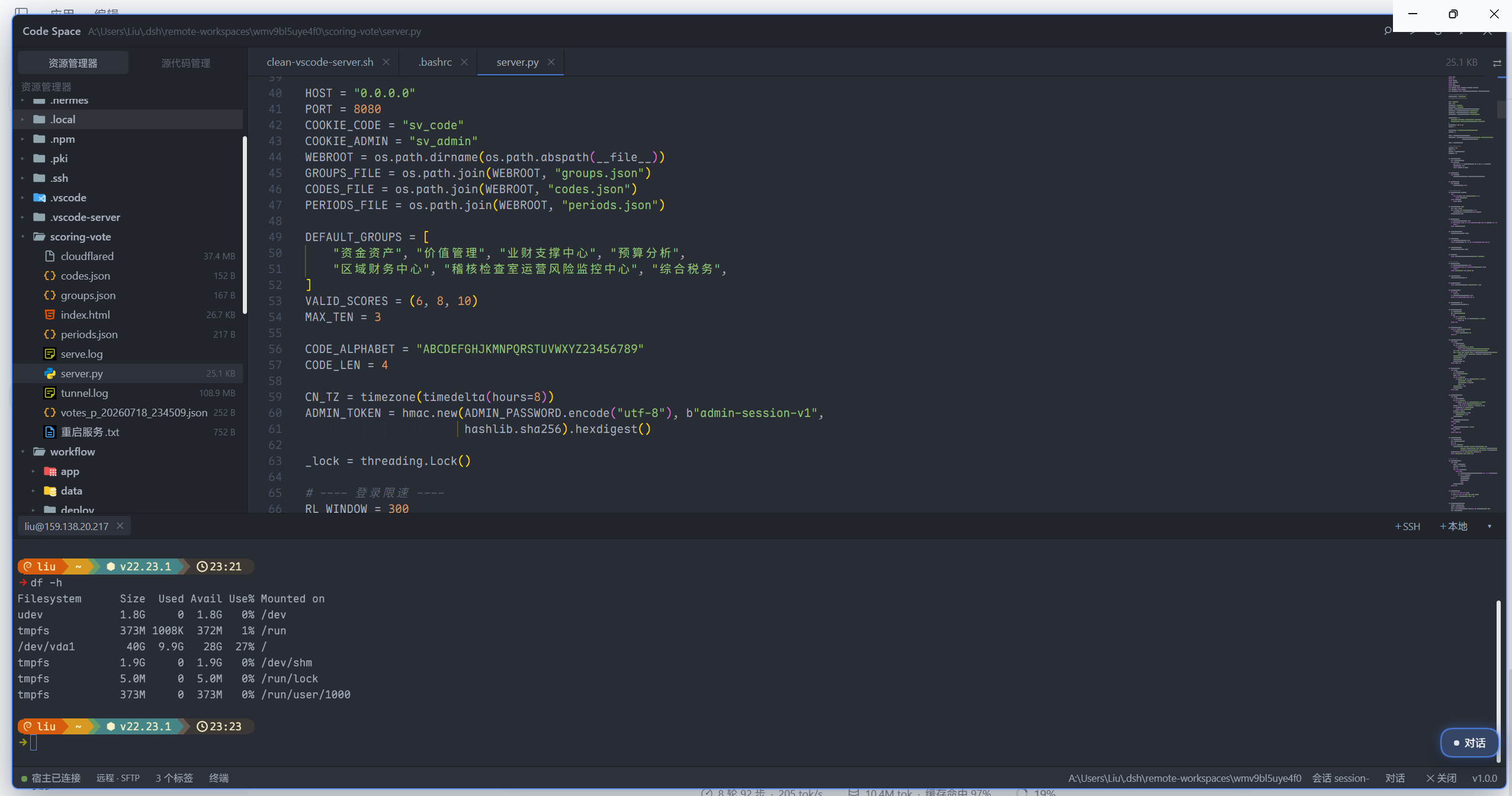
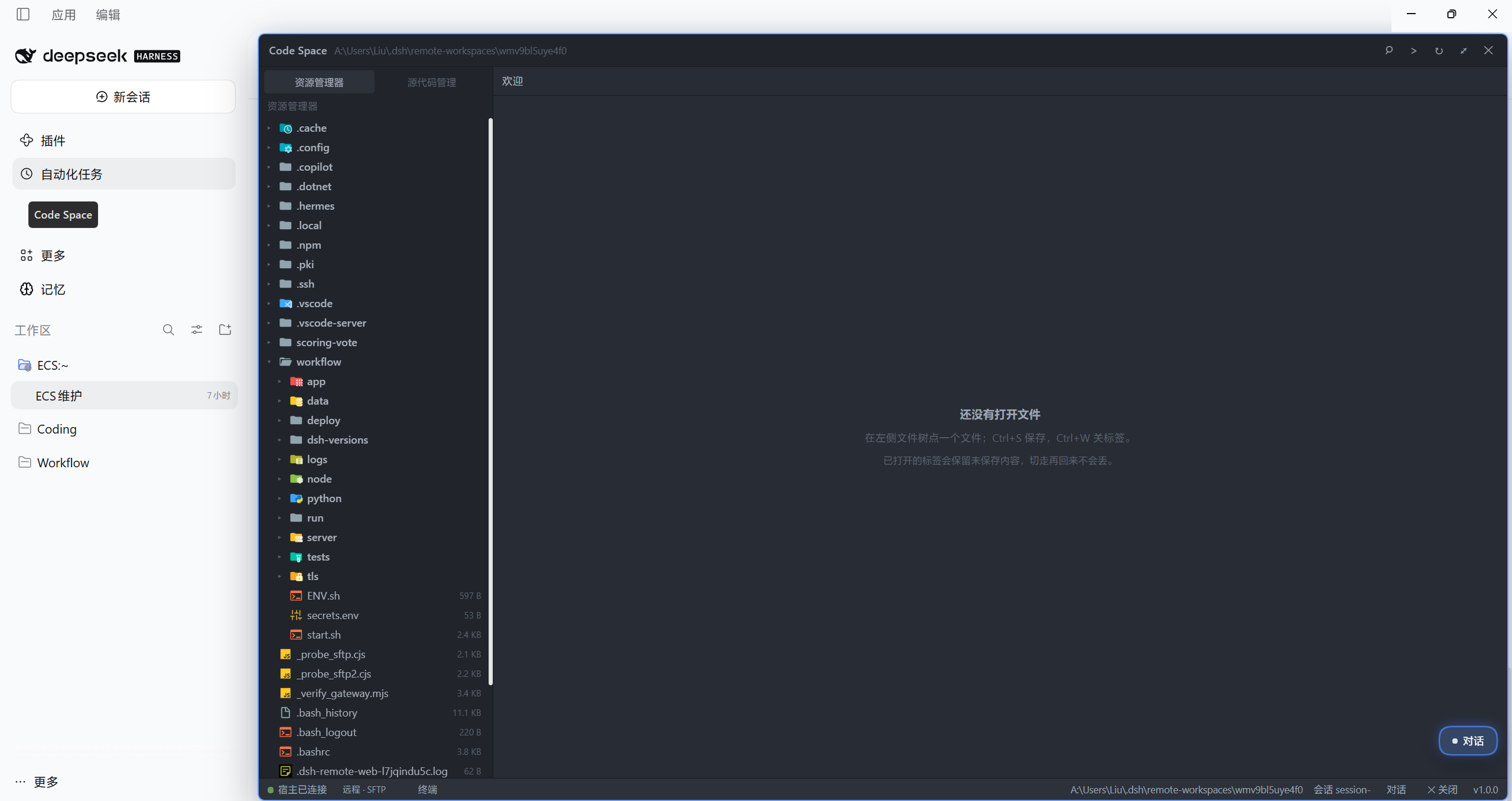
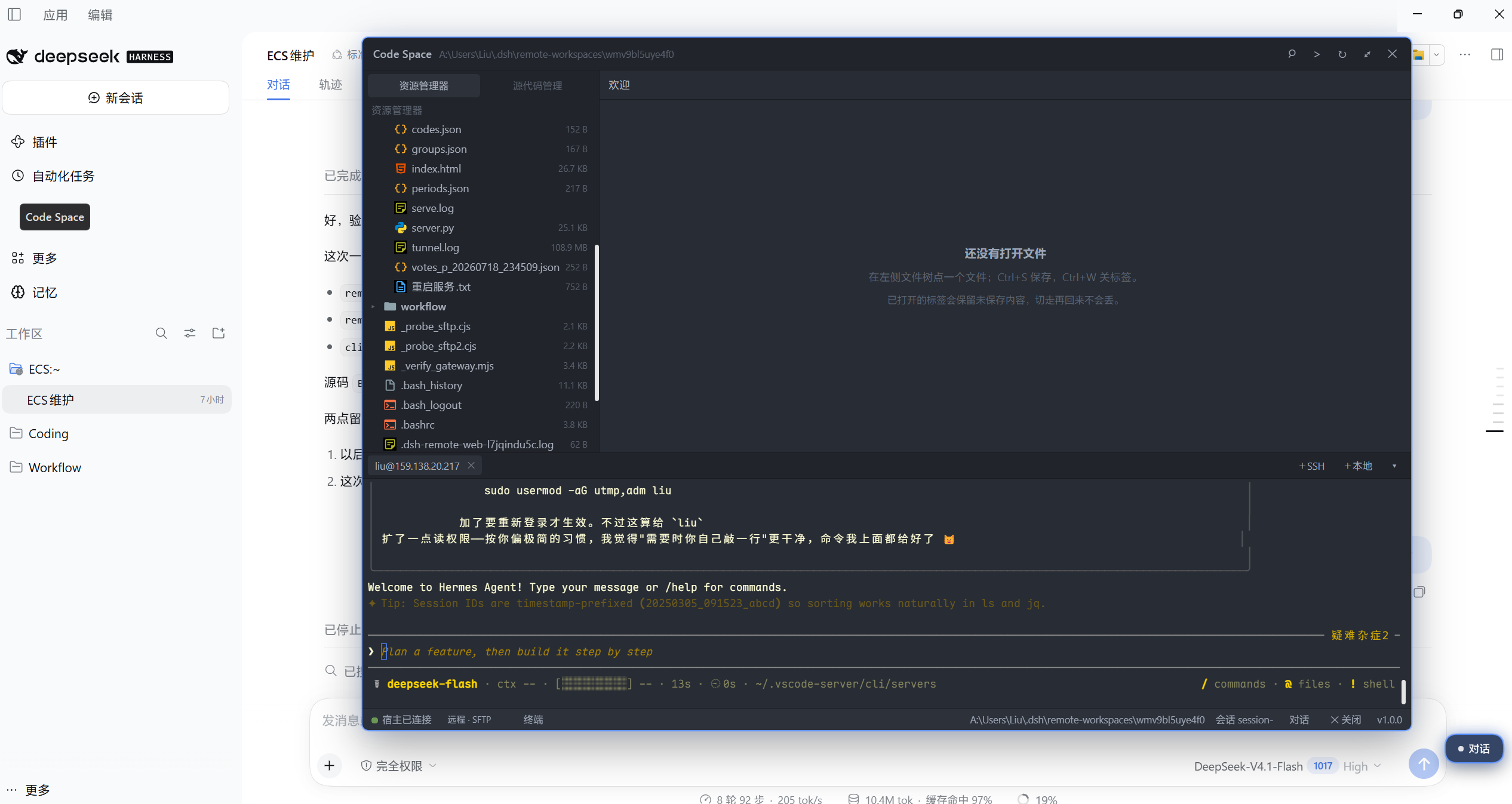
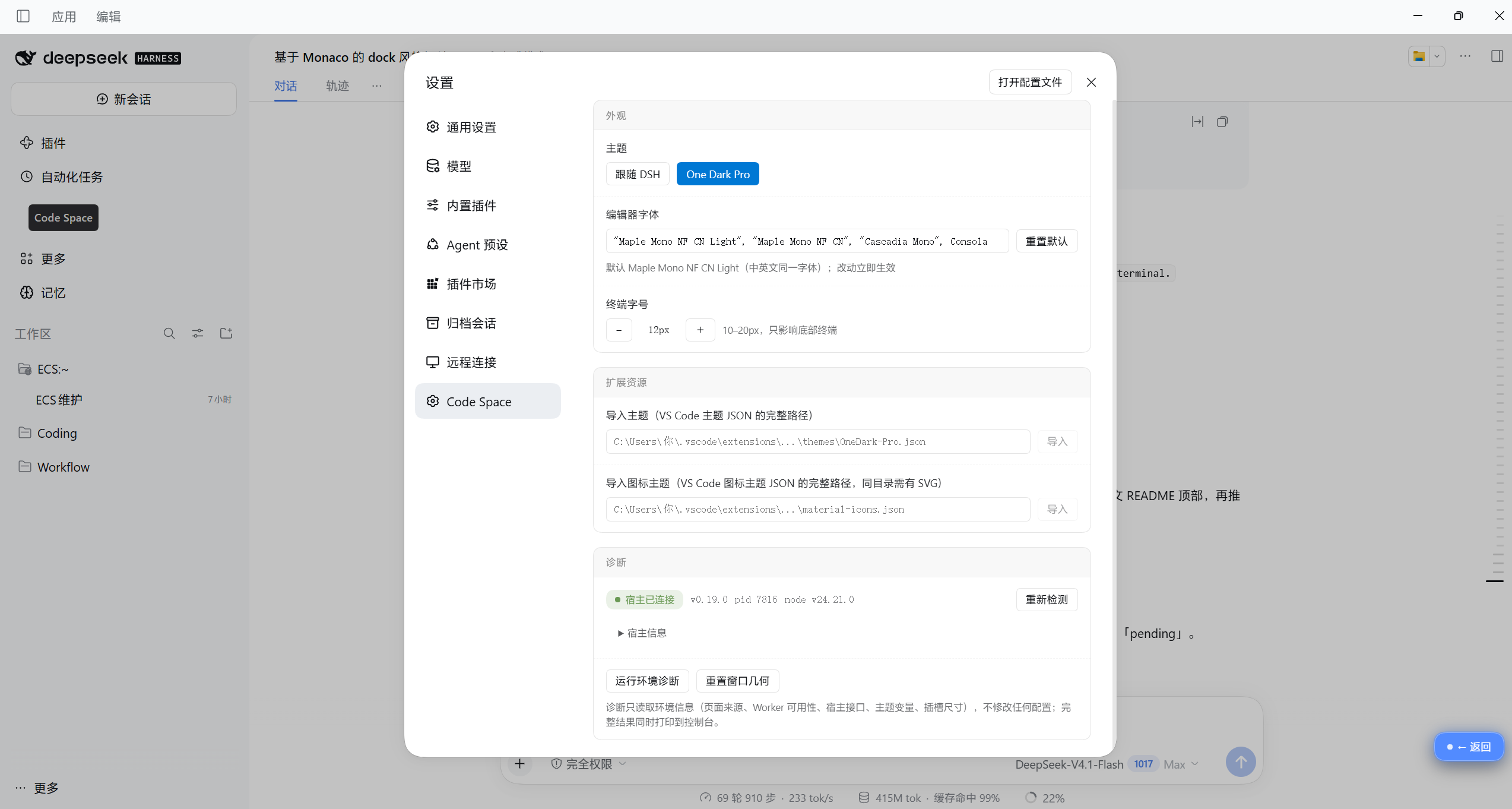
A VS Code-like workbench for DeepSeek Harness — Monaco editor core, an independent floating window, and opt-in feature modules.
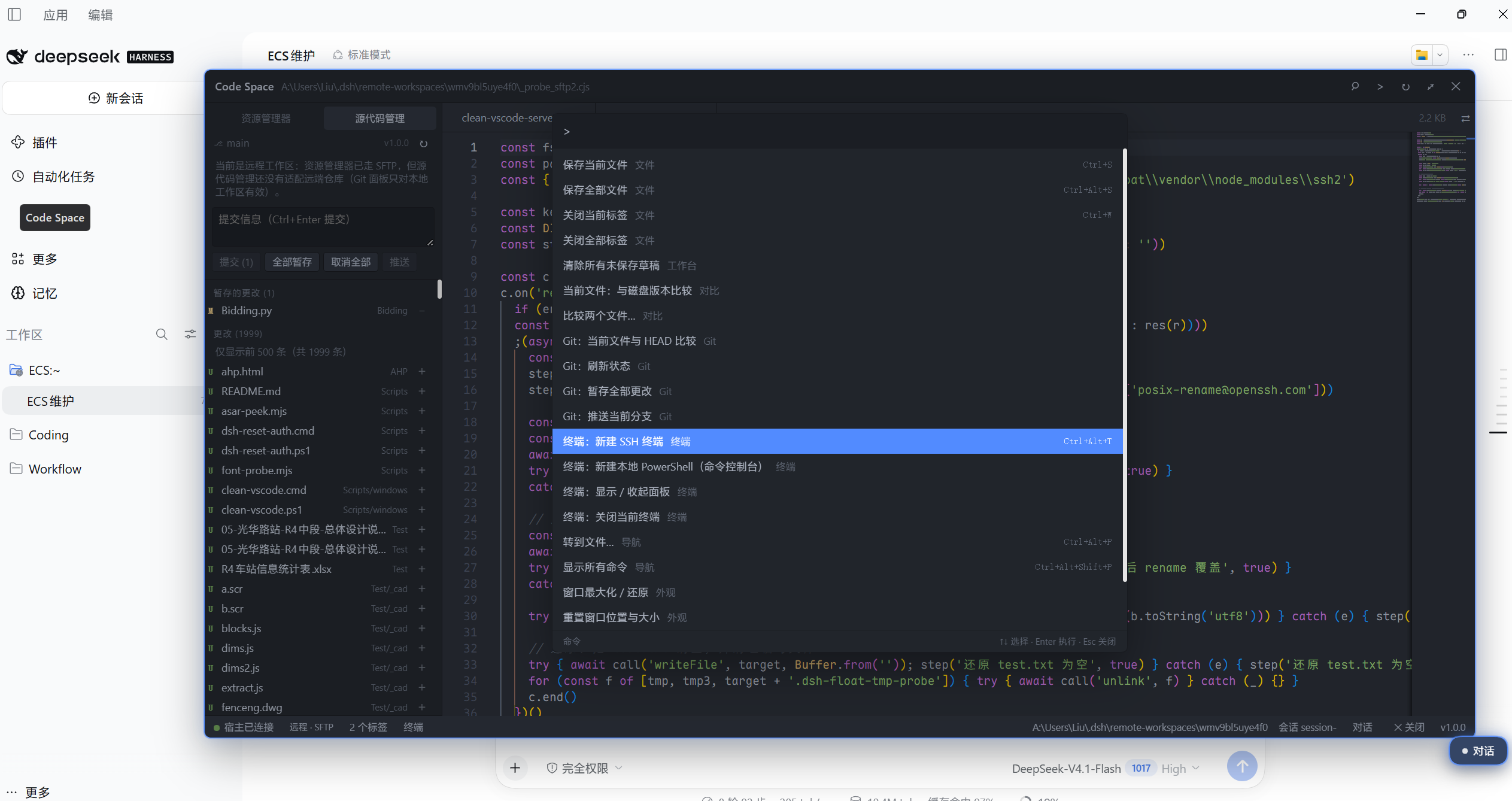
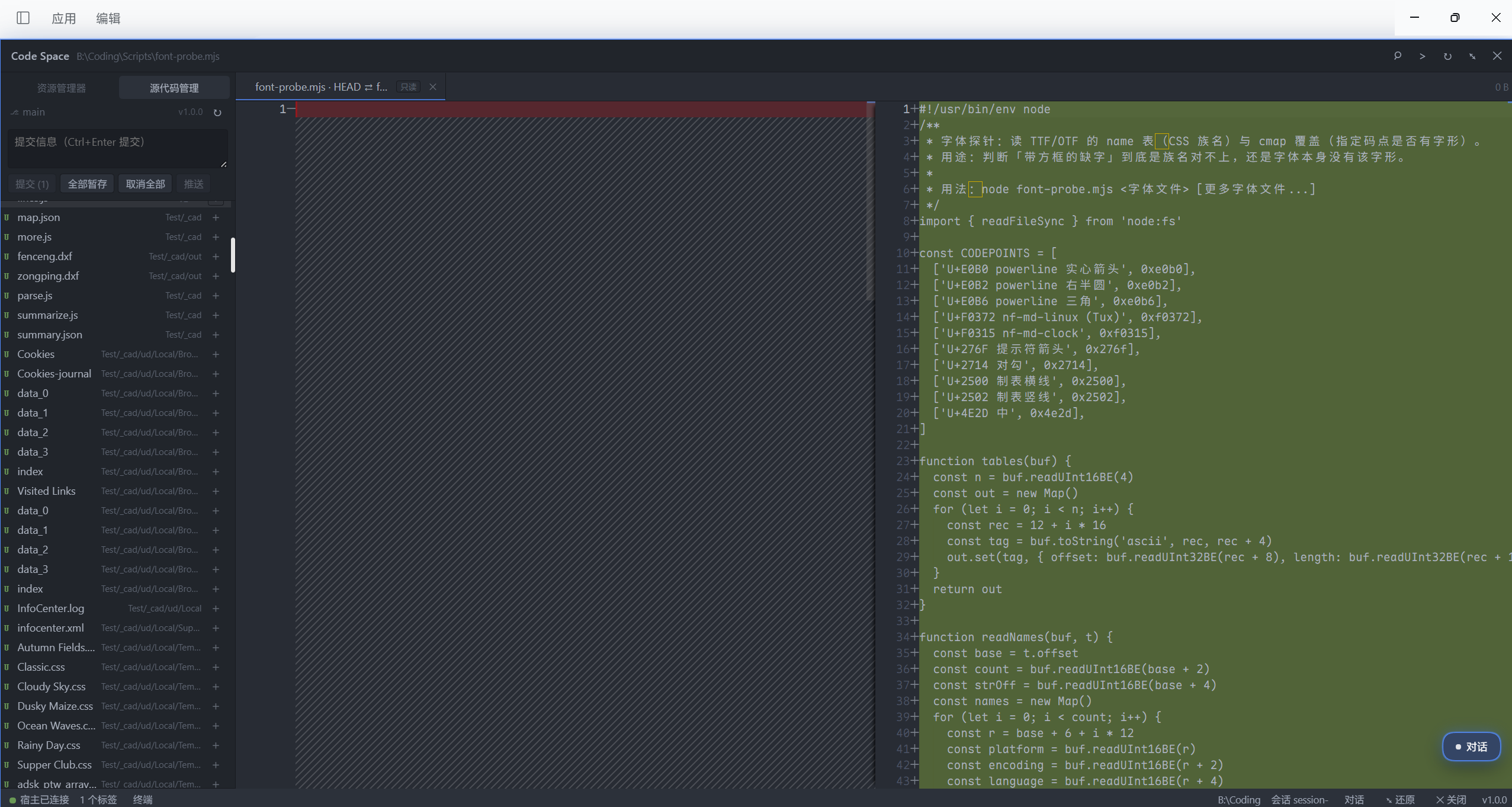
Not a VS Code port, and it does not load .vsix extensions. It brings the part of VS Code people use every day — multi-tab editing, find/replace, diff, quick open, command palette, themes — into DSH, keeps it in a window you can move anywhere, and adds features only when they earn their weight.
 |
 |
 |
 |
| Layout | Editor | Extensibility | Package size | |
|---|---|---|---|---|
| dsh-vscode-ide | Floating workbench, never squeezes the conversation | Monaco (same core as VS Code) | Built-in modules + public ctx.vscodeIde service |
~11 MB |
dsh-vscode-mode |
Docked in the right sidebar | Monaco | LSP + SVN + snippets + extension manager | ~27 MB |
dsh-ide / dsh-workbench |
Right sidebar | CodeMirror | File tree / Git review | 1–3 MB |
| dock family | Dock rail | CodeMirror | Six packages, install what you need | 0.1–1 MB each |
The trade-off: keep the editing feel (Monaco), drop the weight (extension host / LSP / SVN) — and never steal width from the conversation panel.
Ctrl+Alt+Q hides the workbench so you can read the conversation, press again to return with editor state, scroll position and cursor intact; a draggable floating button does the same with the mouse↑/↓/Enter/F2/Delete drive it from the keyboardITextModel per file, so switching tabs never loses unsaved workCtrl+Alt+Shift+M or the titlebar ⚠ badge lists Monaco diagnostics grouped by file;
the badge shows a live error/warning count and turns amber when there is something to fixCtrl+S (temp file + atomic rename), Ctrl+W, dirty markers, close confirmationCtrl+F)Ctrl+Alt+P and Ctrl+Alt+Shift+P (Ctrl+P belongs to DSH)Ctrl+Alt+Shift+F opens a floating search panel: search the whole workspace, results grouped per file, click to jump to the line, ⇄ reveals the replace box for a confirmed replace-all, ⋯ adds include/exclude glob filters;
git grep inside repositories, bounded filesystem walk elsewhere (local workspaces only for now)localStorage: dsv:drafts.v1 and restored (with dirty markers) after a restartHEAD, or between two files⫽ shows two sessions side by side, and the content area has a right-click menu (copy / paste /
select all / clear / rename / close). Connection details are reused from dsh-remote-ssh when available; otherwise
“+SSH” lets you type host / user / key (or password) directly — first use needs no pre-configured remote workspace.
With exactly one remembered host (or a remote workspace) “+SSH” connects immediately; the chooser only appears when
there are several or none. Passwords are never stored. SSH tabs are marked 远程, and connecting from a local
workspace shows a one-time reminder that commands run on the server while the workspace stays local@homebridge/node-pty-prebuilt-multiarch), so vim, top, colours
and Tab completion behave like a normal terminalawait __dsv.probe() (probe(true) writes the result to a file)Requires DSH 0.1.3 or newer; this release is tested against DSH 0.2.2-rc.1 (Cordis 4.1.0).
npm i dsh-vscode-ideOr add it to a DSH profile:
dsh plugin --profile web add dsh-vscode-idedsh-vscode-ide-<version>.tgz from Releasestar -xzf dsh-vscode-ide-<version>.tgz
cd package
node install.mjsinstall.mjs detects the profile that already contains this plugin and falls back to the default desktop profile;
pass --profile "<dir>" to target an explicit profile directory.
npm install
npm run build                     # required: vendor/ and lib/client.js are not committed
node install.mjsnode install.mjs --removeRemoving the plugin keeps its localStorage data (window geometry, theme, tabs).
Ctrl+Alt+I toggles the workbench; Ctrl+Alt+Q peeks at the conversation; Ctrl+Alt+Shift+F opens content searchCtrl+Alt+Q, draggable, position remembered⌕ quick open, > command palette, ↻ refresh workspace, – minimize to the conversation
(same as Ctrl+Alt+Q), ⤢ maximize, ✕ closeConsole helpers:
await __dsv.probe()       // environment probe
__dsv.open(); __dsv.close(); __dsv.toggle()
__dsv.layout.resetGeometry()Three layers with an enforced boundary — see docs/ARCHITECTURE.md:
kernel/    Workbench kernel: window shell, layout, palette, registry, themes
           (must not import any feature — checked by scripts/check-boundary.mjs)
features/  Feature modules: editor / explorer / git / terminal
           (each ships its own views, commands and styles)
dsh/       DSH slot adapters: sidebar entry, settings section
Third-party code can extend the workbench through the public service ctx.vscodeIde (contract v1):
ctx.vscodeIde.registerView({ apiVersion: 1, id, title, region: 'sidebar' | 'main' | 'panel', order, component })
ctx.vscodeIde.registerStatusItem({ apiVersion: 1, id, order, render })
ctx.vscodeIde.registerCommand({ id, title, run })
ctx.vscodeIde.openFile(path)
Contributions carrying an unknown apiVersion are ignored with a warning instead of breaking the workbench.
| Item | Value |
|---|---|
| HTTP prefix | /dsh-vscode-ide/* |
| Storage | localStorage: dsv:* |
| CSS | --dsv-* / .dsv-* |
| Service | ctx.vscodeIde |
The plugin can read and write files on your machine, therefore:
realpath-checked and must stay inside the session workspacenpm install # esbuild, typescript, monaco, xterm, icon assets
npm run build # boundary check → monaco → xterm → icons → client bundle
npm run smoke # loads the bundle in Node and asserts apply/inject
npm run typecheck # tsc --noEmit
node install.mjs # install into the desktop profilePublishing checklist: docs/PUBLISH.md. Third-party licenses: THIRD-PARTY.md.
MIT
CLASSIFICATION EVIDENCE
系统优先读取 GitHub Topics,再与站内分类词典和词根规则比对。当前命中: deepseek-harness。
morluto
Reverse engineer anything with agents, from app behavior down to native binaries.

deepseek-ai
DeepSeek Harness: Everything is a Plugin.

nexu-io
The 1st Collaborative AI Design Agent Workspace. Local-first and open source. Create motion, prototypes, websites, apps, dashboards, presentations, images, and videos with your team and AI agents. Share work, exchange feedback, and iterate together in one workspace.