DeepSeek-Harness-Skills
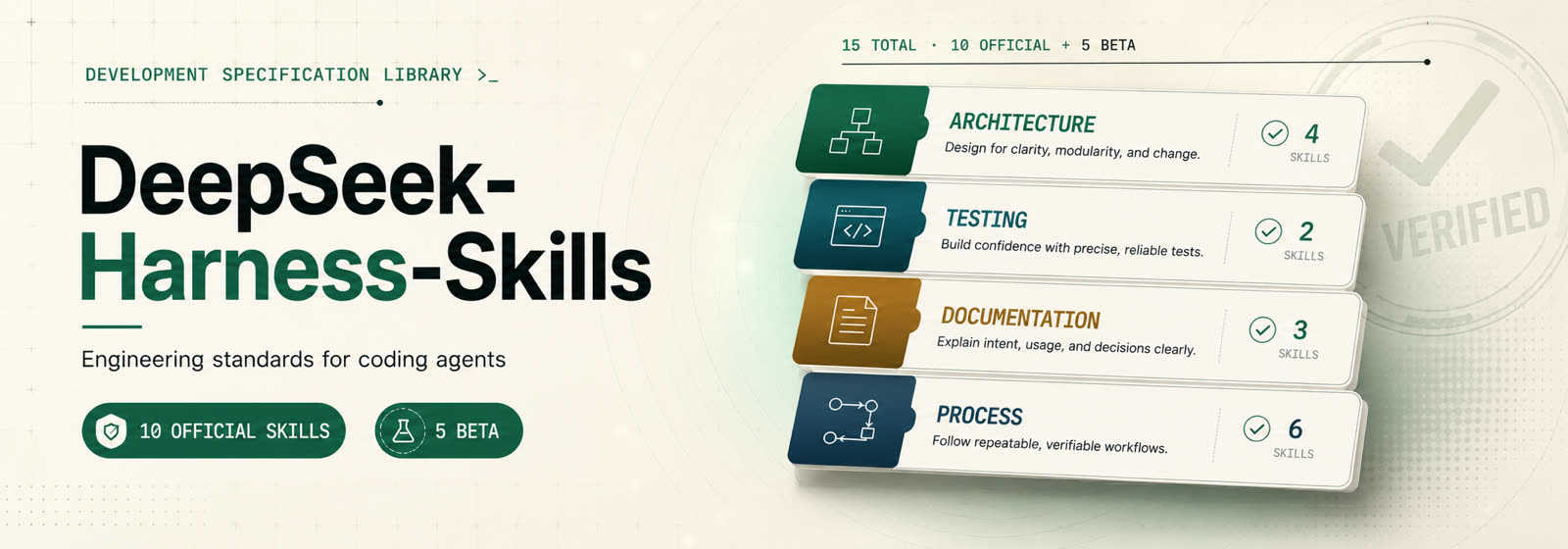
A set of coding-agent skills distilled from the engineering conventions of DeepSeek Harness — executable standards your coding agent applies while coding, reviewing, testing, or documenting.
English · 简体中文
Get started
Install the set with the skills.sh installer, then pick the skills and agents you want:
npx skills@latest add arch3rPro/dsh-skills
Or just read one — each SKILL.md is a self-contained executable standard. Pick the discipline that matches what you're doing: code-conventions, testing-tiers, prose-standard, or any in the set.
The set
Ten skills across four categories. Every one is model-invoked — the agent reaches for it automatically when a trigger fires.
| Skill |
Category |
What it does |
| defensive-patterns |
architecture |
bug-class rules for lifecycle, concurrency, teardown, untrusted I/O |
| code-conventions |
architecture |
reversible side effects, explicit-over-implicit, config-over-hardcoding, branded ids |
| extension-points-and-seams |
architecture |
build a seam only when a capability has multiple implementations or consumers |
| testing-tiers |
testing |
pick the right tier, test the real entry path, verify the world not the self-report |
| prose-standard |
documentation |
contract-first prose: preserve propositions, drop reasoning transcripts |
| documentation-placement |
documentation |
one home per fact; tutorials vs references; budgets as guardrails |
| decision-records |
process |
ADRs with classification, lifecycle, mandatory alternatives |
| minimal-evidence-checks |
process |
the smallest check set that covers the diff; fix or explain failures |
| code-review |
process |
two axes (standards + spec); substantiated blockers over nits |
| pr-history-hygiene |
process |
lease-protected rewrites, deliberate labels, native stack merges |
Beta (in development)
Five further disciplines are grounded in DeepSeek Harness and under development. They are npx skills-installable but not yet part of the official plugin bundle.
| Skill |
Category |
What it does |
| postmortem |
process |
backward-looking failure record: executive summary, root cause, guardrails |
| runtime-invariants |
testing |
assert only authoritative state, never service/method presence; fail loud |
| responding-to-review-on-a-stack |
process |
fix on the introducing PR, propagate up-stack, re-audit after rewrites |
| event-contract-matrix |
documentation |
who produces and who listens to each event, bypass sites included |
| module-layering |
architecture |
derive and enforce the module dependency graph |
Where they come from
Every skill is distilled from a real convention in DeepSeek Harness and adapted so it works in any codebase — not only inside the harness it came from.
How it's packaged
Each skill is one <category>/<name> directory carrying three files in a single change:
SKILL.md — the executable standard (Claude Code / any agent harness)agents/openai.yaml — Codex metadata and invocation policydocs/<category>/<name>.md — a human-facing docs page
skills/
  architecture/   how code is shaped and how failure is handled
  testing/        how behavior is verified
  documentation/  how prose and docs are written
  process/        the workflow around code — decisions, review, checks, git
Invocation design
Skills are either model-invoked (the agent reaches for them automatically when a trigger fires) or user-invoked (only a human typing the skill's name can fire them — zero context load, but the human is the index). All ten skills here are model-invoked.
Installation
The two routes below are alternatives, not add-ons — pick one.
npx skills — any agent (Claude Code, Codex, …)
Install one skill at a time (or the whole set from Get started):
npx skills@latest add arch3rPro/dsh-skills --skill=code-review
npx skills pulls from GitHub — publish the repo first, then run the command above.
Claude Code — the plugin
Add this repo as a Claude Code marketplace, then install the plugin:
claude plugins marketplace add arch3rPro/dsh-skills
claude plugins install dsh-skills@dsh-skills
The plugin manifest lives in .claude-plugin/ (marketplace.json + plugin.json).
Acknowledgments


