
其他
完整应用

deepseek-harness
deepseek-ai
DeepSeek Harness: Everything is a Plugin.
PROJECT TOPICS
INSTALL REFERENCE
dsh plugin --profile web add github:algerkong/dsh-image-preview
该命令指向仓库当前默认分支;尚无绑定当前 commit 的完整验证结果。
PROJECT README
Image preview for the dsh session interface. When the agent runs the read_image tool, the result is rendered as a small thumbnail by default instead of raw JSON — click the thumbnail to view the full-size original in a lightbox styled exactly like dsh's built-in ImageLightbox.
| 🖼️ Thumbnail by default | read_image results render as a rounded ~240px thumbnail that never blows up the conversation flow |
| 🔍 Click for full size | Click the thumbnail to open the original image in a lightbox — dismiss with Esc, clicking the backdrop, or the close button; focus is restored to the trigger on close |
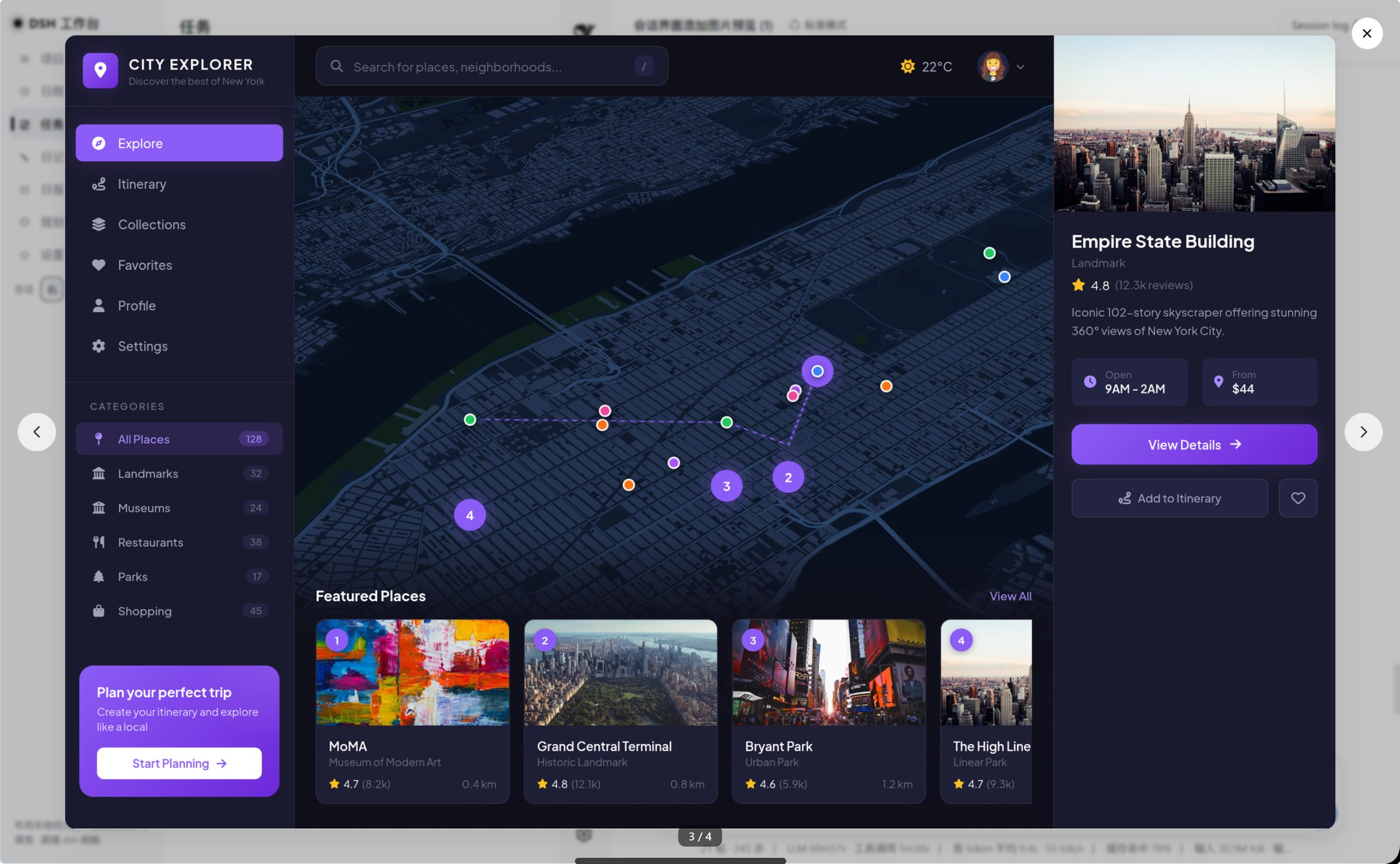
| ↔️ Cross-row navigation | Arrow buttons / ← → keys cycle through every image loaded in the session (counter shows 3 / 4) — dsh's built-in lightbox only ever shows a single image |
| 🔎 Zoom, rotate, pan | Toolbar with zoom out / zoom in / rotate left / rotate right / download. Scroll wheel zooms, drag pans while magnified, and + - 0 , . are keyboard shortcuts. Zoom is clamped to 25%–800% and resets when you switch images |
| ⬇️ Download | Saves the original bytes under the attachment's own filename through a same-origin <a download> (works with the blob: URLs the host loader returns) |
| 🔐 Uses the host's image pipeline | Image bytes are resolved through the session-authorized loadImage loader dsh injects into the slot owner — no hand-rolled attachment RPC |
| ⏱️ Complete states | Running (row.running), failed with retry (image.loadFailed), and loading (image.loading) states are all covered |
| 🌗 Theme aware | All colors reference dsh theme tokens (--dsw-*), so the preview follows the light/dark theme automatically |
| Action | Control | Shortcut |
|---|---|---|
| Zoom in / out | toolbar + / −, or scroll wheel |
+ / - |
| Reset view | click the zoom percentage | 0 |
| Rotate | toolbar ↺ / ↻ | , / . |
| Pan | drag (only while magnified) | — |
| Download | toolbar ⤓ | — |
| Previous / next image | side arrows | ← / → |
| Close | ✕, backdrop, or Esc |
Esc |
Built and verified against dsh 0.1.5-rc.2.
Why the low priority matters. dsh now ships its own
read_imagetoolview.tool.call.toolviewis a keyed slot, and its registry rejects a second registration for the same key at the same priority:keyed slot "tool.call.toolview" already has an entry for key "read_image" at priority 0 — register at a different priority to shadow it (lowest renders)So this plugin registers at
priority: -1to take over the shipped row. Without that,apply()throws during client boot and not a single row renders — which is exactly what happened before this fix.
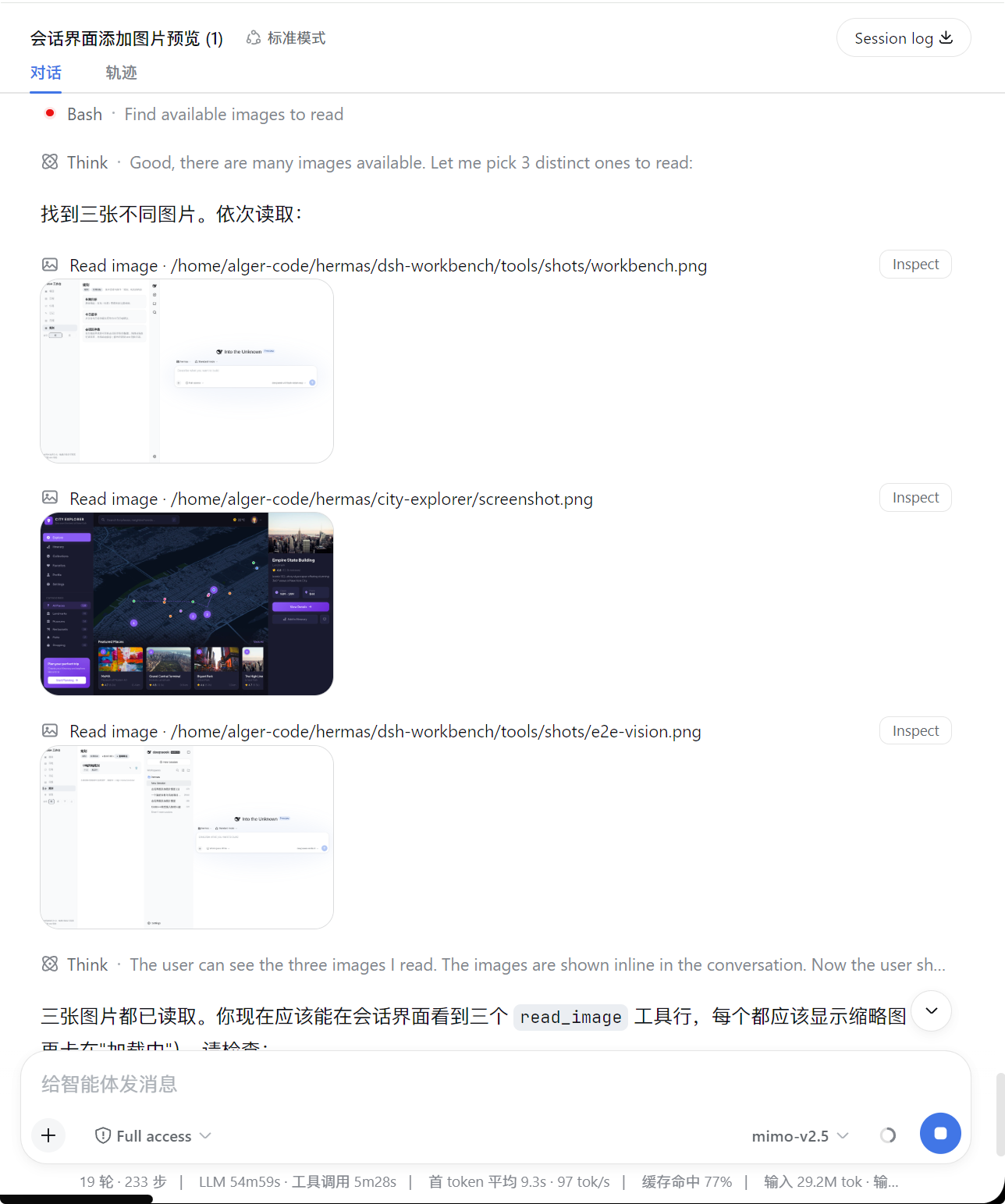
Thumbnails in the session — each read_image tool row renders a small thumbnail by default:
Full-size lightbox — click any thumbnail to open the original image. Supports ← → navigation across all images in the conversation (counter shows 3 / 4):
dsh-image-preview is a pure client-side plugin. It registers a keyed slot on tool.call.toolview with key read_image at priority: -1 and takes over rendering of the read_image tool row:
agent runs read_image
  └─ tool result content: [{ text envelope }, { type: "image", attachment }]
       └─ tool-call node → tool.call.toolview (key = read_image, priority -1 shadows the shipped row)
            └─ ReadImageRow: thumbnail + click to open the cross-row Lightbox
sessionId and t are injected by the session-scoped slot's standard kit (dsh-client-ui-session / the locale seat).loadImage is the session-authorized loader dsh passes in the slot owner props (MessageImageLoader, i.e. uiConversation.imageUrl(sessionId, attachment), cached per session). The plugin never touches /api/session.attachment directly.attachmentId, mediaType, width, height) comes straight from the tool result block.ImageLightbox (portal to body, backdrop mask, ESC/backdrop/close dismissal, focus restore) but adds cross-image navigation plus zoom / rotate / pan / download.transform on the <img> (no re-encoding); downloads hand the loader's blob: URL straight to <a download>, so no bytes are copied or re-fetched.sessionId, so two sessions open at once never cross-navigate into each other's images.Requires pnpm ≥ 9. Install into your web profile with the official plugin command:
dsh plugin --profile web add 'github:algerkong/dsh-image-preview'or manually in ~/.dsh/profiles/web/package.json:
{
  "dependencies": {
    "@alger-ai/dsh-image-preview": "github:algerkong/dsh-image-preview"
  },
  "dsh": {
    "profile": {
      "bundles": [ "@alger-ai/dsh-image-preview" ]
    }
  }
}
Then run pnpm install in the profile and restart dsh web. Refresh the page afterwards.
Link the package directly:
cd ~/.dsh/profiles/web
pnpm add link:/path/to/dsh-image-preview
Add "@alger-ai/dsh-image-preview" to dsh.profile.bundles, restart dsh web, and refresh.
read_image on an image file.node verify.mjs # self-check: bundle shape, slot-takeover contract, runtime renderverify.mjs checks three layers: the __ModuleLoader__.load registration shape, the keyed-slot takeover contract (it reproduces dsh's registry rule and fails if the plugin forgets priority: -1), and an actual render pass over the component (loadImage path, thumbnail, lightbox, Esc, multi-image grid and navigation, plus the zoom / rotate / download toolbar).
dsh-image-preview/
├── package.json        # bundle metadata (dsh.bundle.patch / dsh.client platform=web)
├── cordis.patch.yml    # registers the client entry (id: ui-image-preview)
├── lib/
│   ├── index.js        # host-side entry (empty — browser-only plugin)
│   └── client.js       # browser: read_image toolview + thumbnail + lightbox
└── verify.mjs # self-check scriptMIT
CLASSIFICATION EVIDENCE
系统优先读取 GitHub Topics,再与站内分类词典和词根规则比对。当前命中: 无有效分类标签。
deepseek-ai
DeepSeek Harness: Everything is a Plugin.

anywhere-labs
为 DeepSeek Harness (DSH) 插件生态打造的现代化桌面端解决方案。万物皆「插件」,桌面本身也是「插件」。

awesome-dsh-plugin
A curated list of plugins for DeepSeek Harness (dsh) · DeepSeek Harness 插件精选列表