

安全与治理
插件

dsh-redteam-model
SeaOf0
基于dsh web实现的多种模式,目的是服务于redteam进行授权的安全研究,覆盖渗透测试、红队评估、代码审计等范围领域,请勿用于非法行为。(允许二开,赋予模块各位自己的业务逻辑,方法论只有自己熟练的才好用,好的方法论=好的生态)
PROJECT TOPICS
INSTALL REFERENCE
dsh plugin --profile web add github:ada87/dsh-tag
该命令指向仓库当前默认分支;尚无绑定当前 commit 的完整验证结果。
PROJECT README
English | 中文 | 日本語 | Español | Français | Deutsch | Русский | Português


Color tags for DeepSeek Harness sessions and workspaces: one tag per row, the title takes its color, and the bar above the workspace list filters by tag.
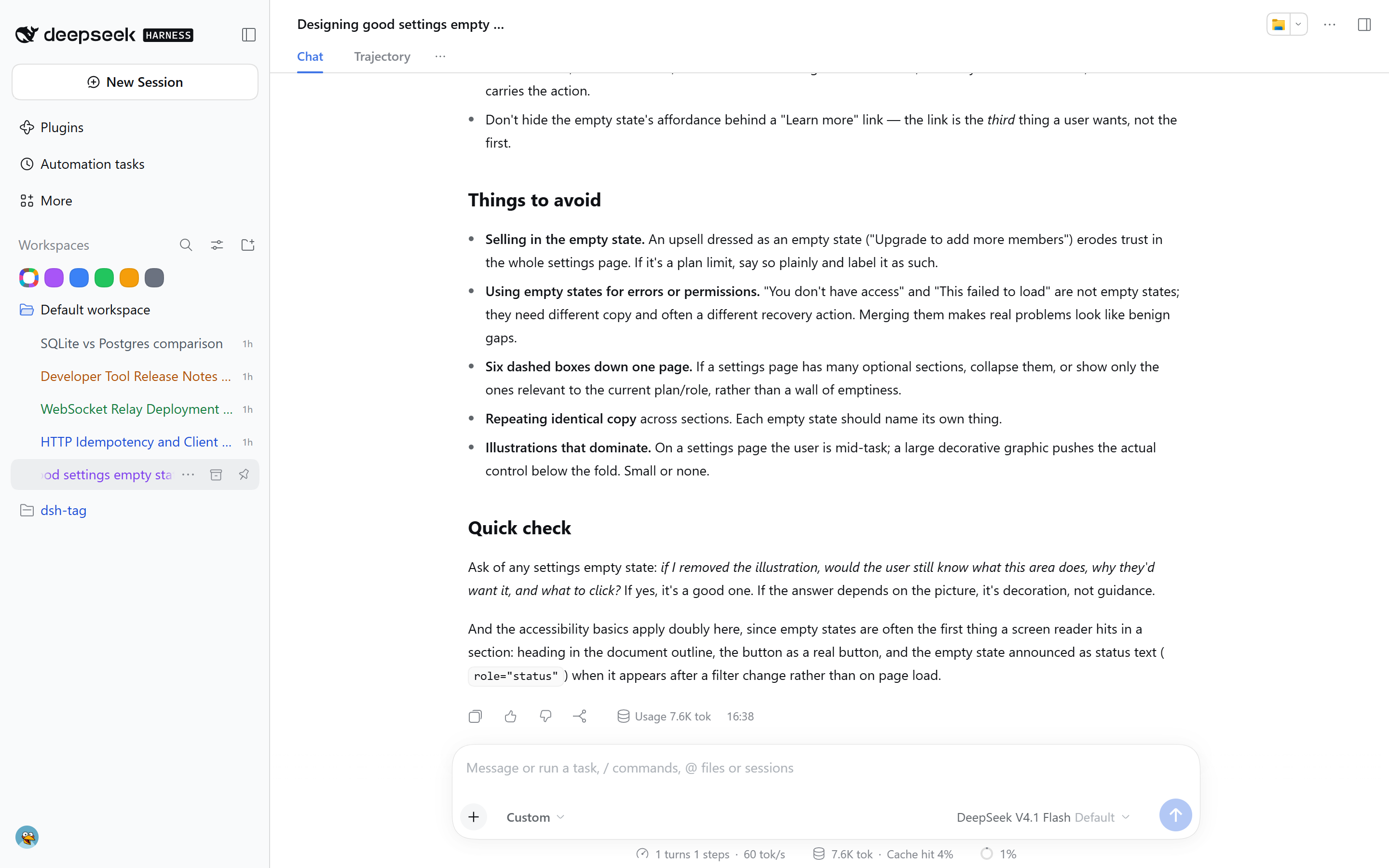
Add the plugin by name:
Plugins → Add plugin → dsh-tagOr from the CLI:
dsh plugin --profile web add dsh-tagRestart dsh web, then open Settings → DSH Tag.
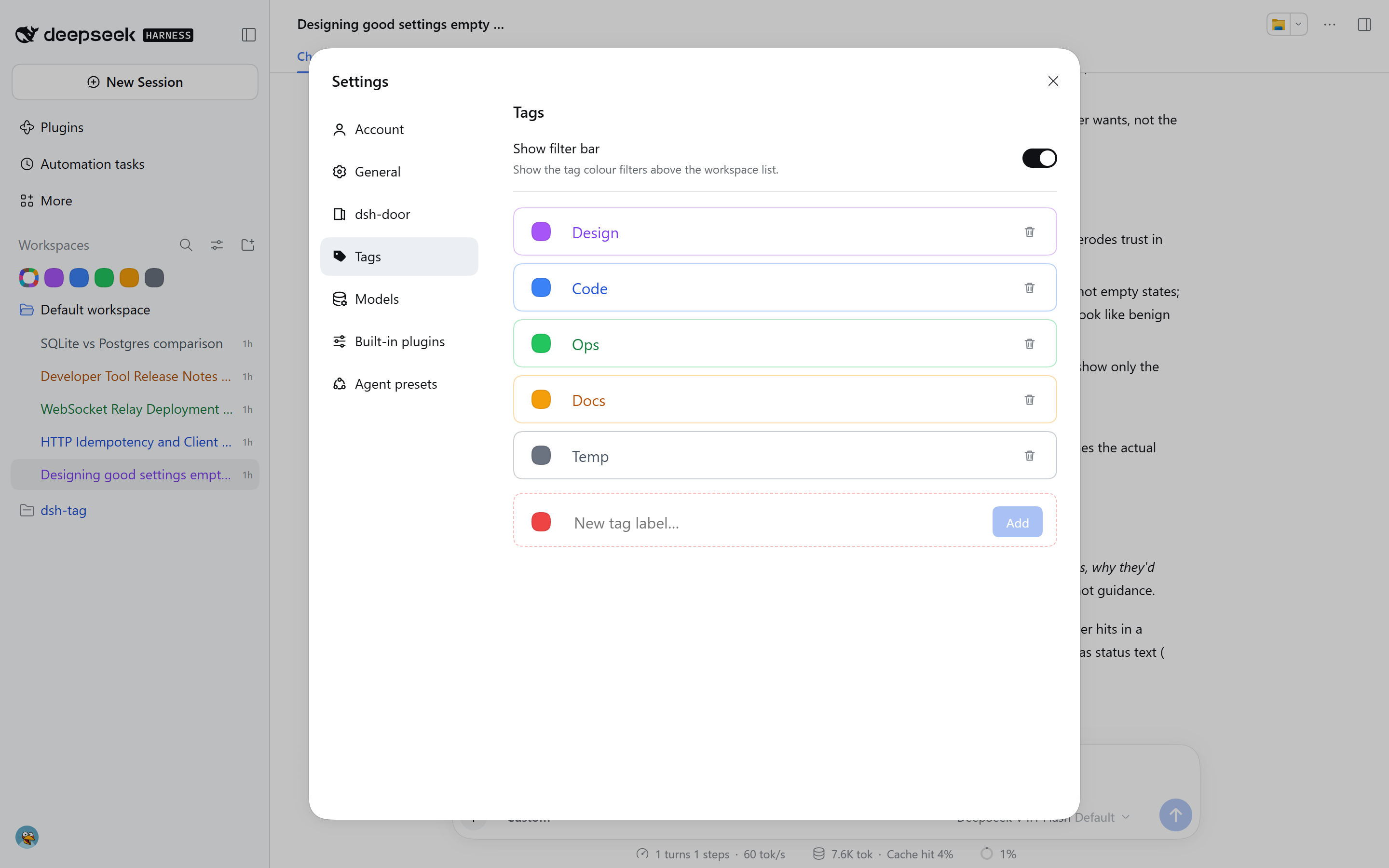
MIT
CLASSIFICATION EVIDENCE
系统优先读取 GitHub Topics,再与站内分类词典和词根规则比对。当前命中: filter。
SeaOf0
基于dsh web实现的多种模式,目的是服务于redteam进行授权的安全研究,覆盖渗透测试、红队评估、代码审计等范围领域,请勿用于非法行为。(允许二开,赋予模块各位自己的业务逻辑,方法论只有自己熟练的才好用,好的方法论=好的生态)

dhicoc
Complete reverse-skill (88 SKILL.md) as a DeepSeek Harness (dsh) Cordis plugin — reverse engineering, authorized pentesting and security research skill pack.

delta-box
Lightweight, agent-native sandboxing with diff, commit and abort