

模型与 MCP
待识别

rea
morluto
Reverse engineer anything with agents, from app behavior down to native binaries.
PROJECT TOPICS
INSTALL REFERENCE
dsh plugin --profile web add github:WilShi/dsh-plugin-inspiration-workbench
该命令指向仓库当前默认分支;尚无绑定当前 commit 的完整验证结果。
PROJECT README
Open many DeepSeek Harness sessions side by side, as draggable cards on a free canvas. 把多个 DSH 会话同时摊在一个画布上,像便利贴一样拖动、叠放、对比。


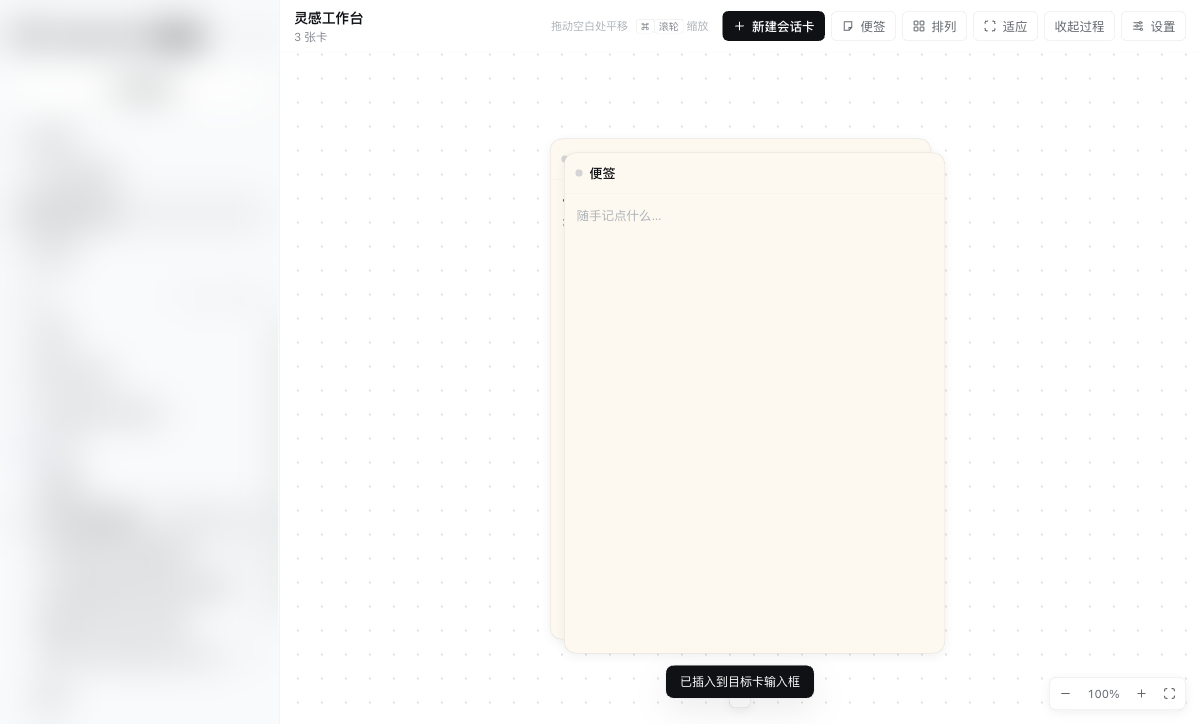
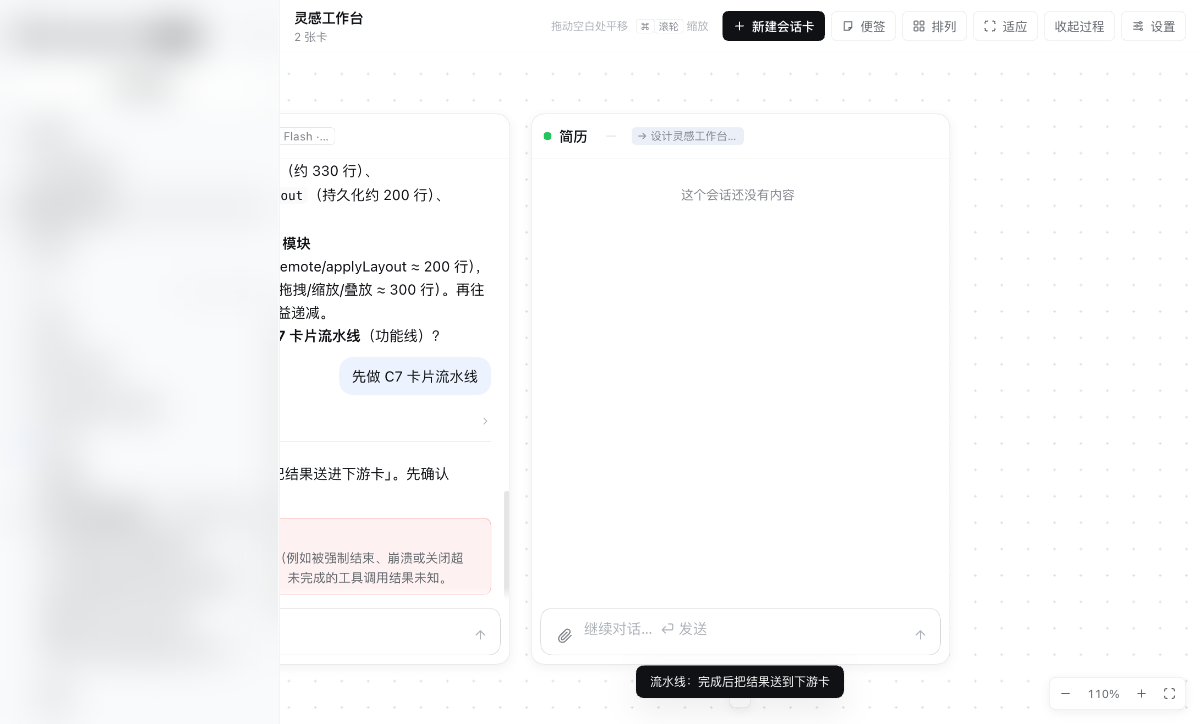
DSH 一次只能打开一个会话:想同时看三条线的进展,只能来回切标签、丢掉上下文。 这个插件把会话变成卡片:可以并排看、叠成一摞、按状态分栏、把一张卡的结论引用/流水线喂给另一张卡。
| 多卡 + 折叠轮次 | 分栏看板 |
|---|---|
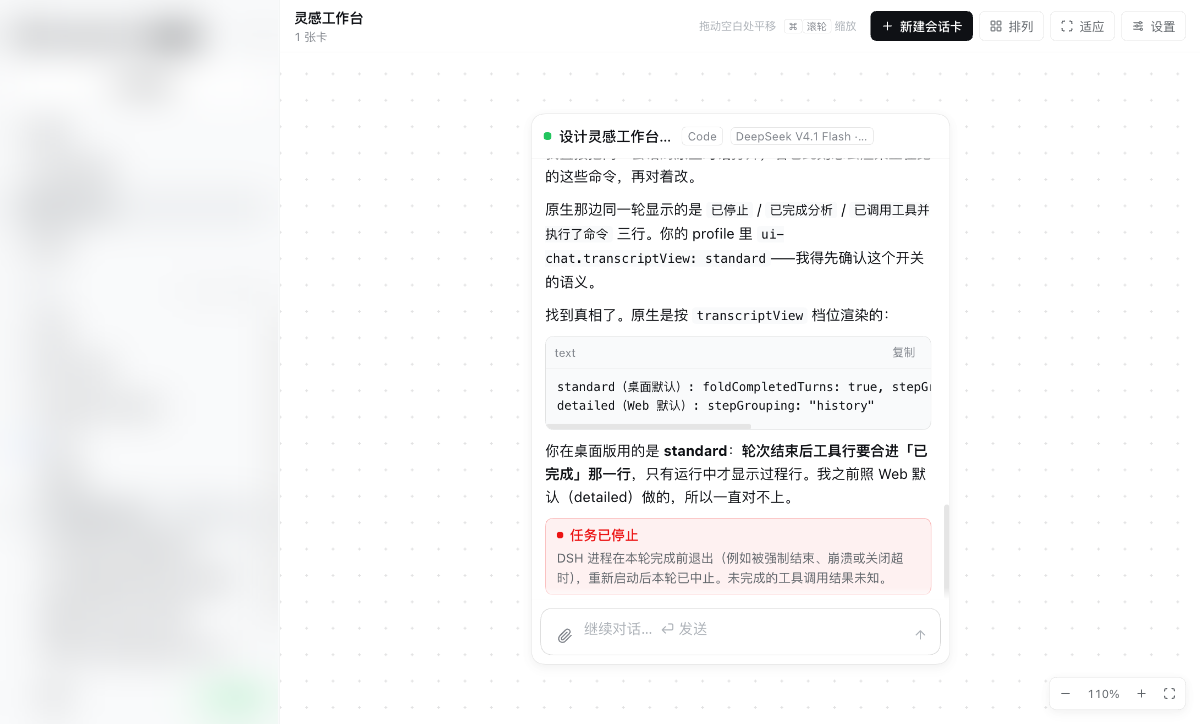 |
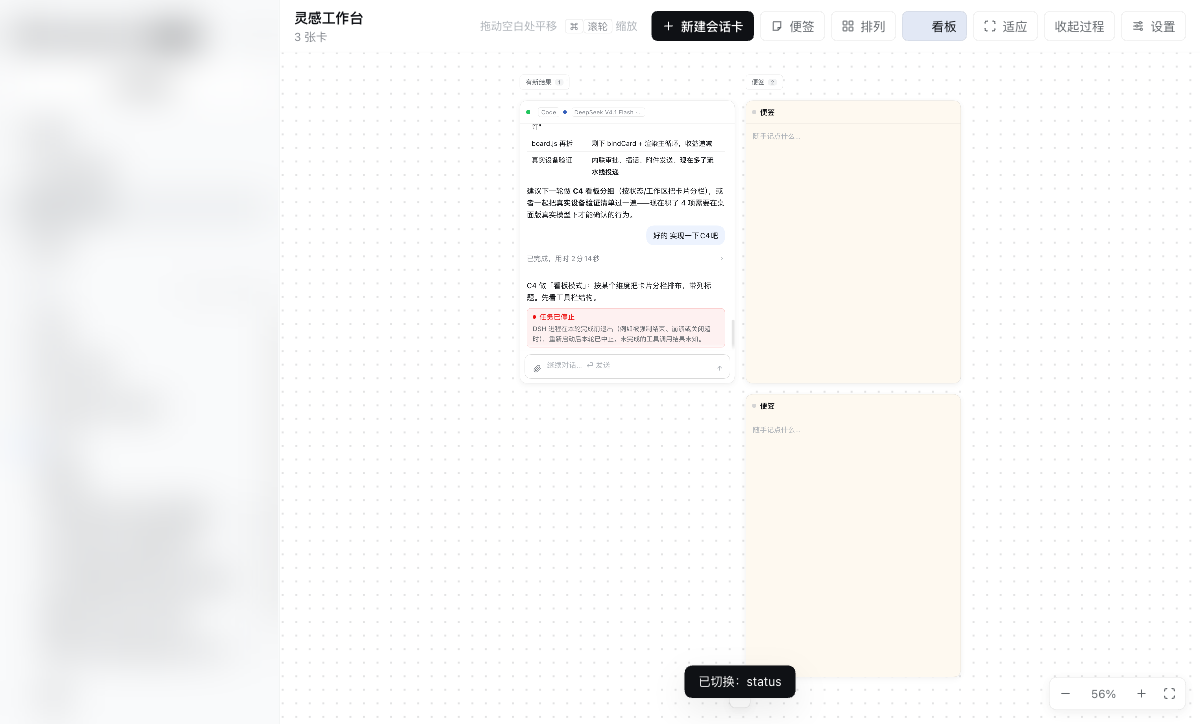 |
| 卡内搜索 | 批量操作 |
|---|---|
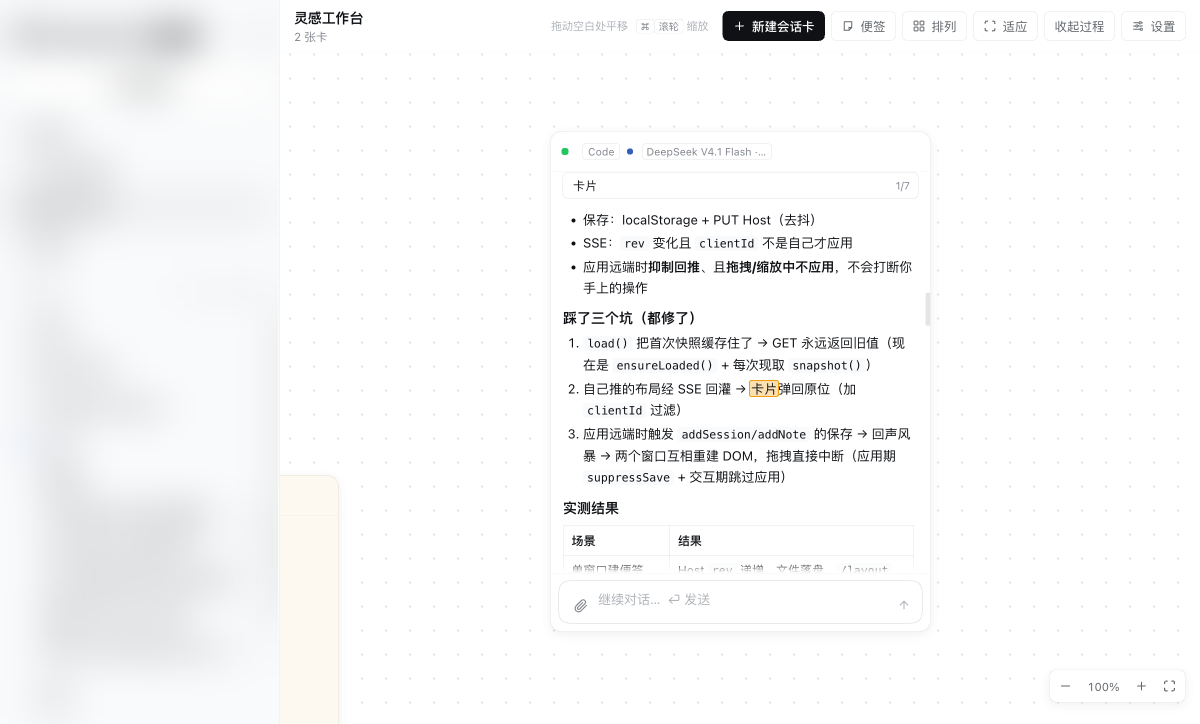 |
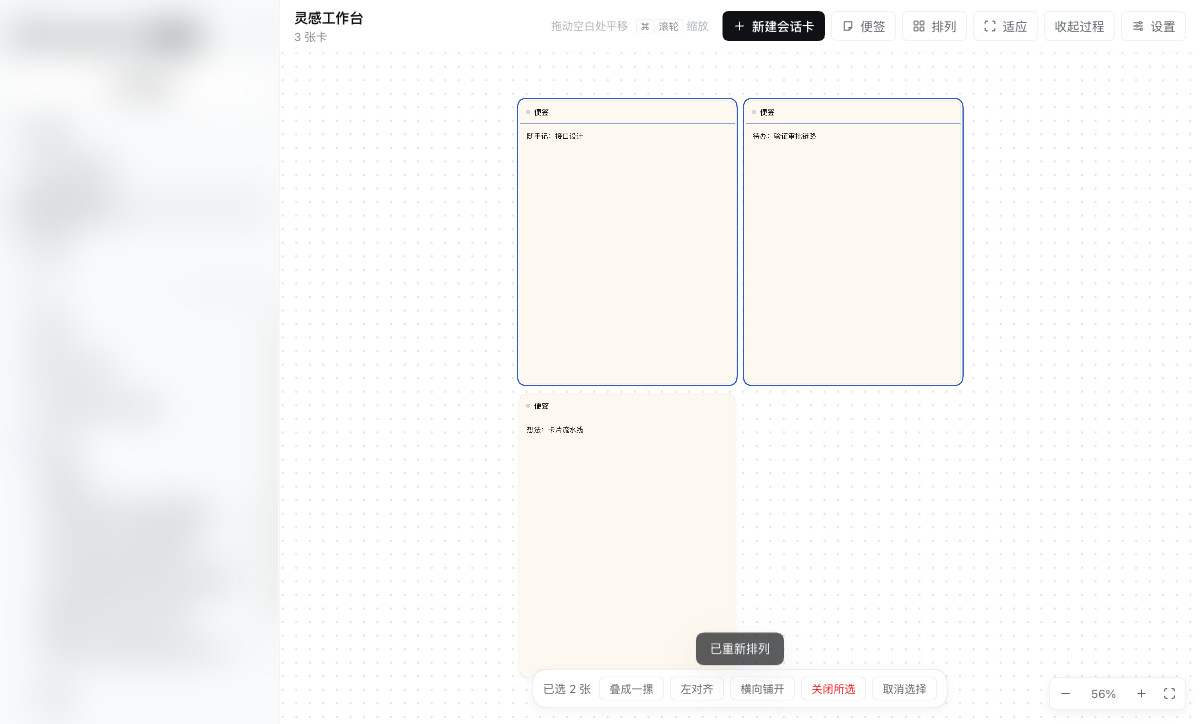 |
| 跨卡引用 | 卡片流水线 |
|---|---|
 |
 |
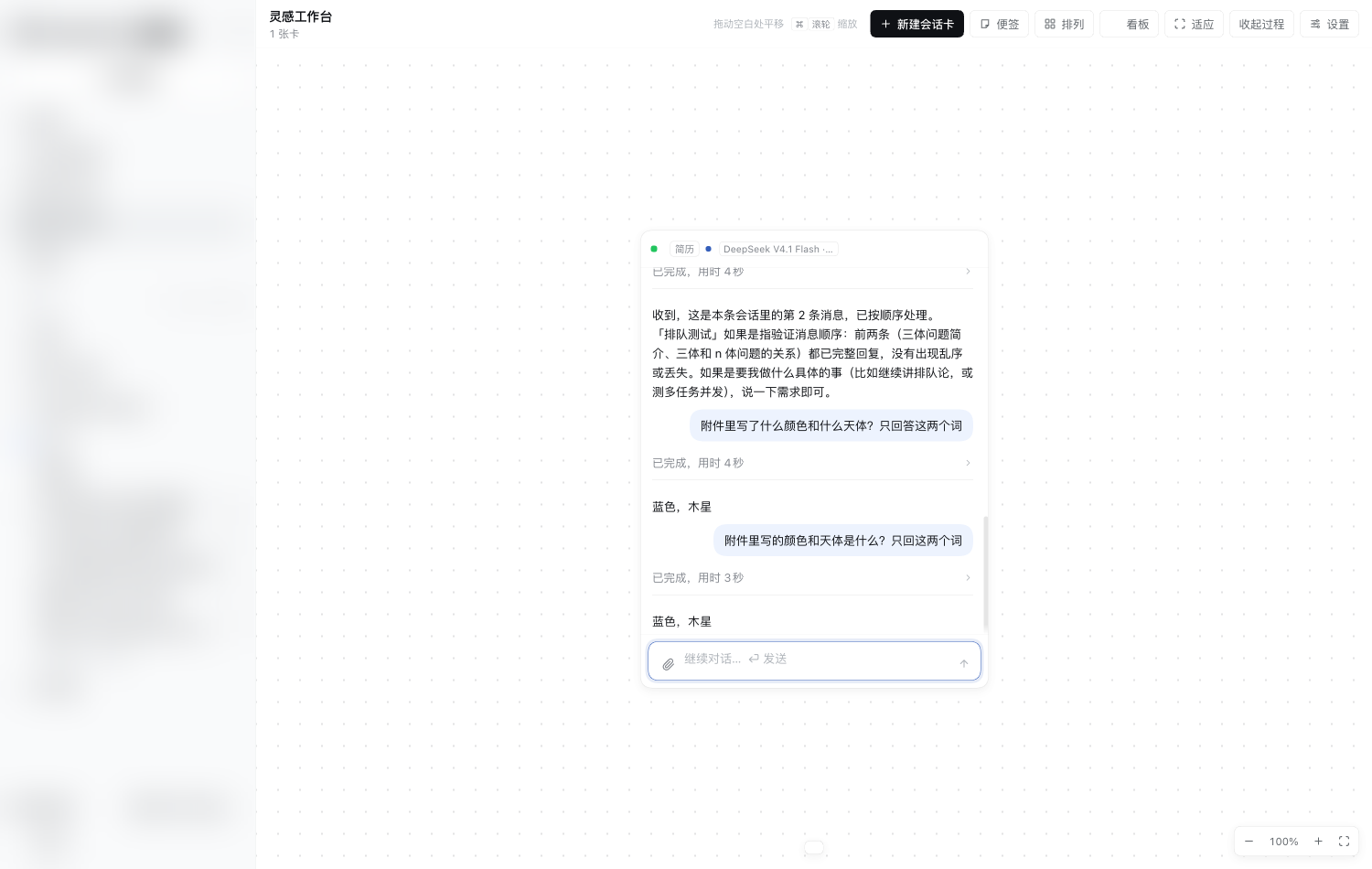
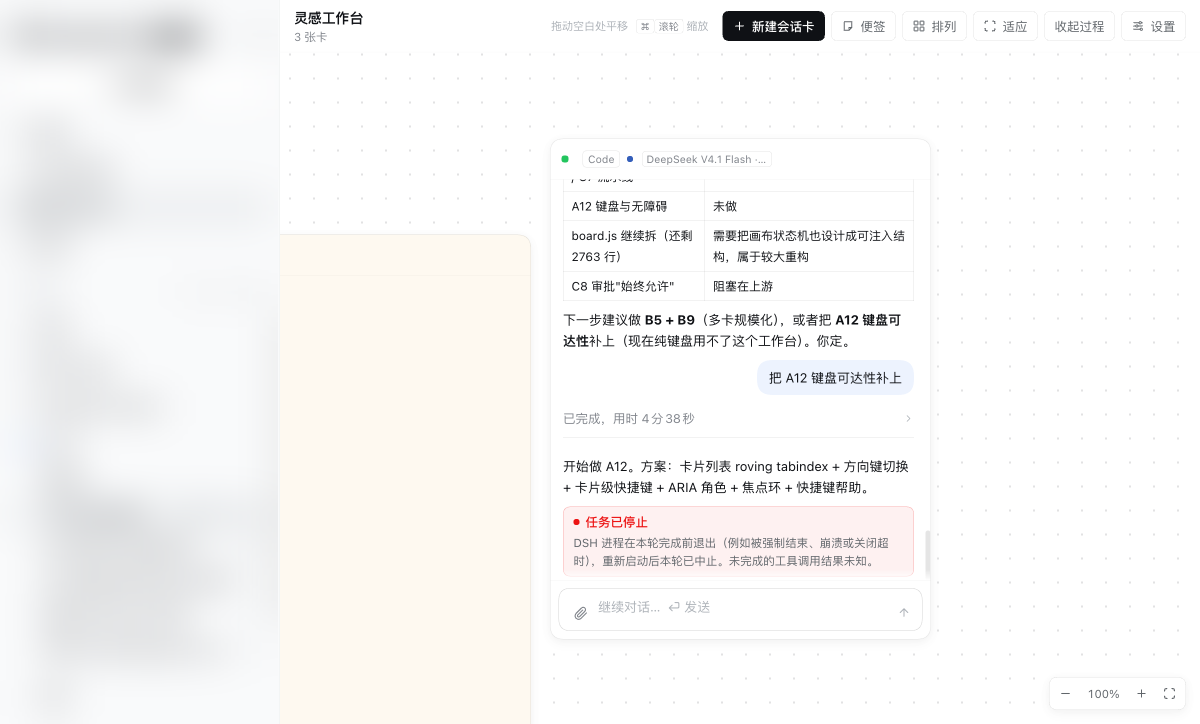
| 附件(模型真实读到文件) | 键盘可达 |
|---|---|
 |
 |
| 保存 / 切换画布 | 流水线:直接连线 |
|---|---|
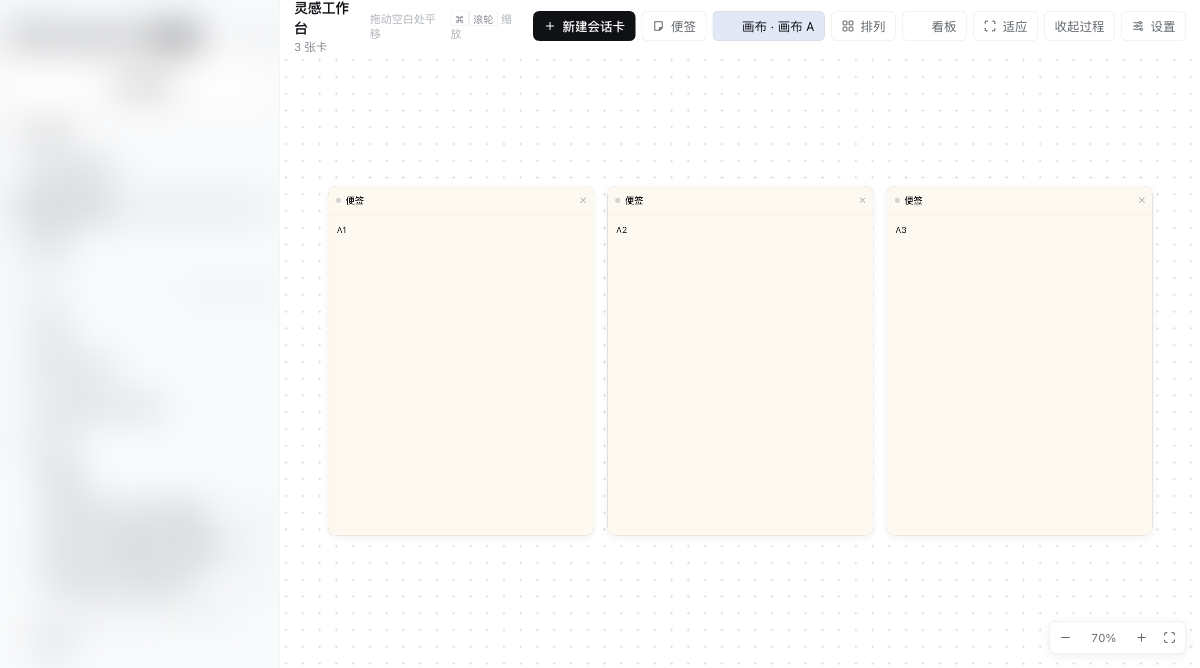 |
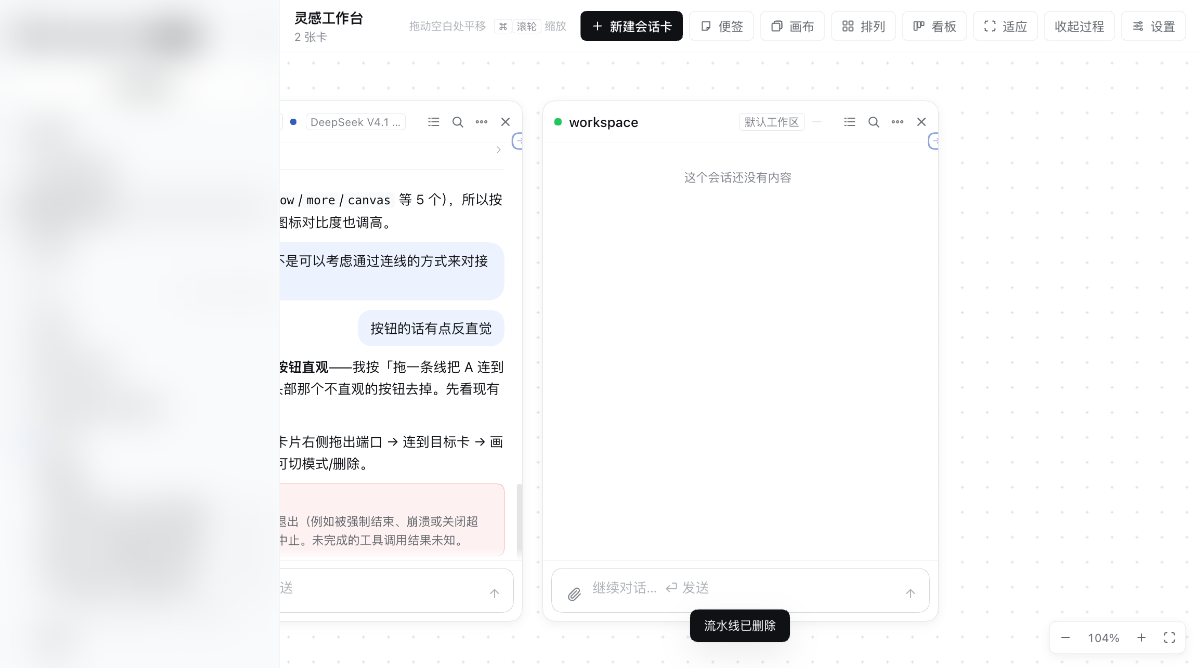 |
| 扇出到多个下游 | 下游可以是便签 |
|---|---|
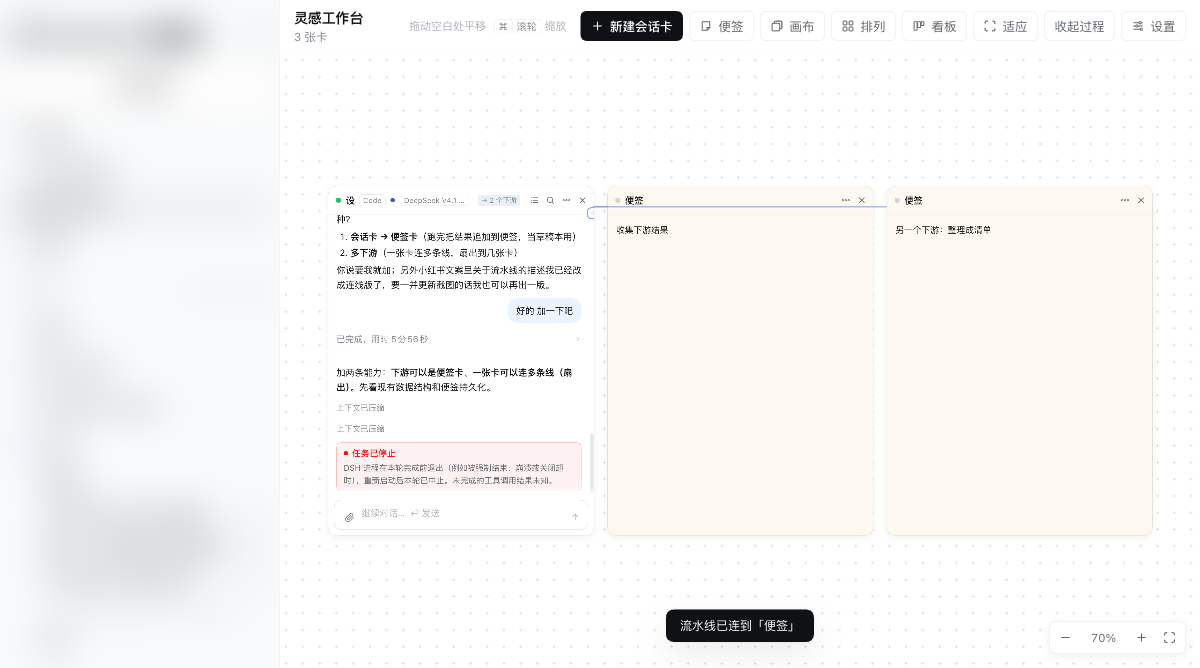 |
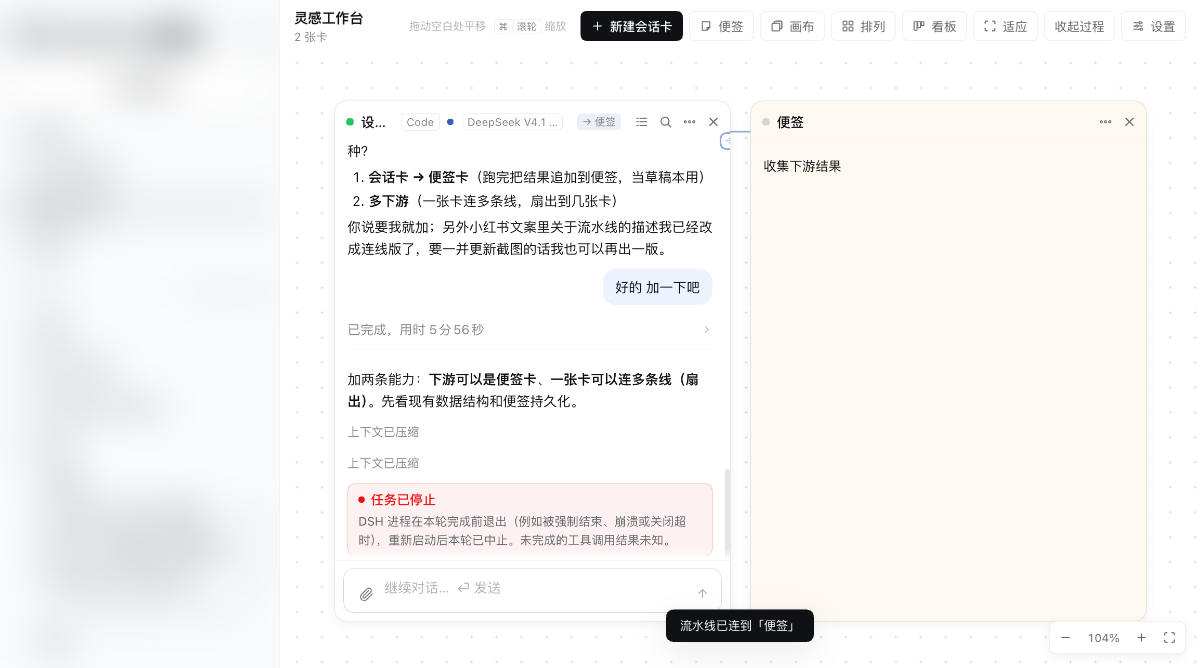 |
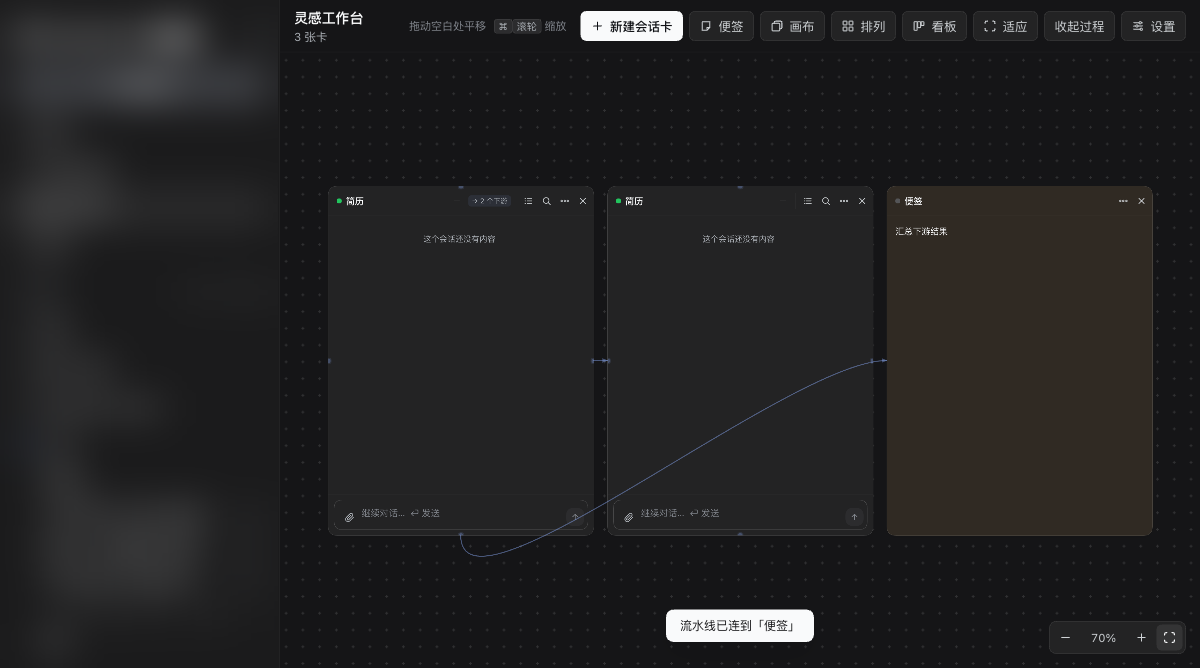
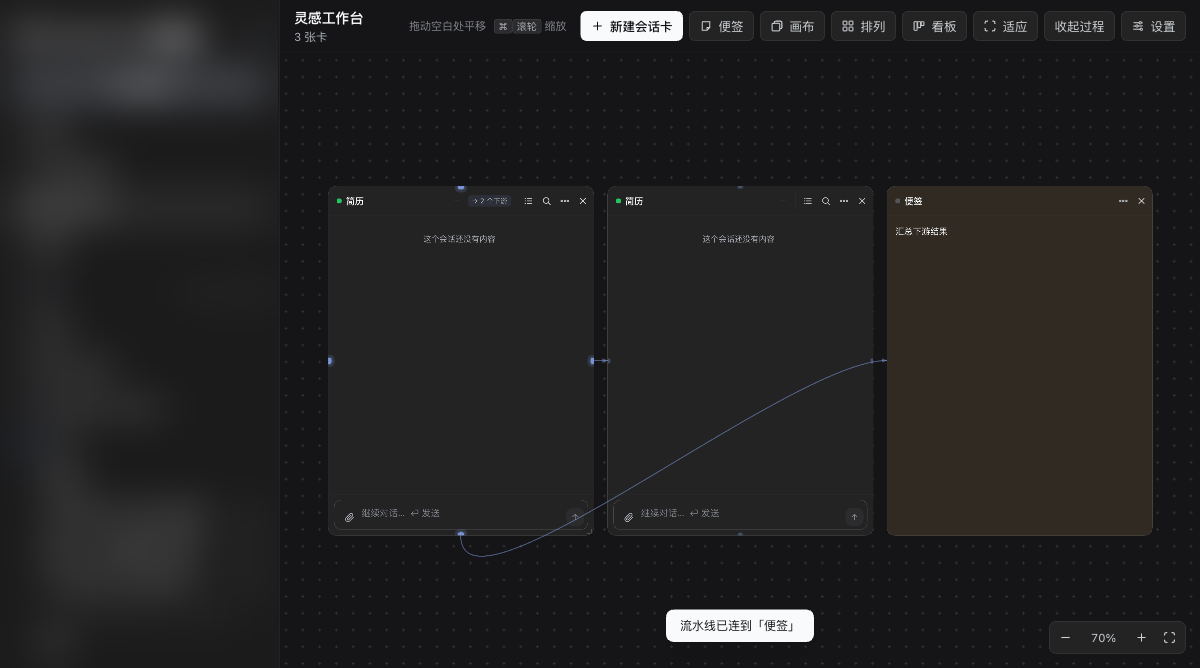
| 端口在四边中点,静止时是极淡的小点 | 悬停卡片后展开成带光环的把手 |
|---|---|
 |
 |
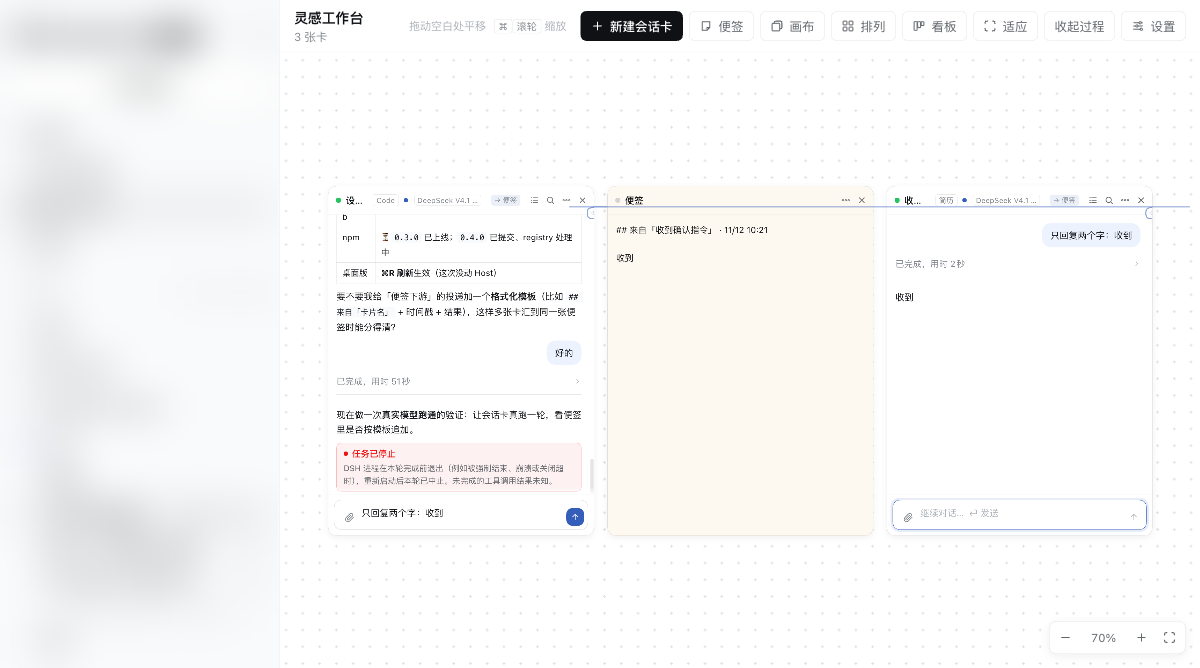
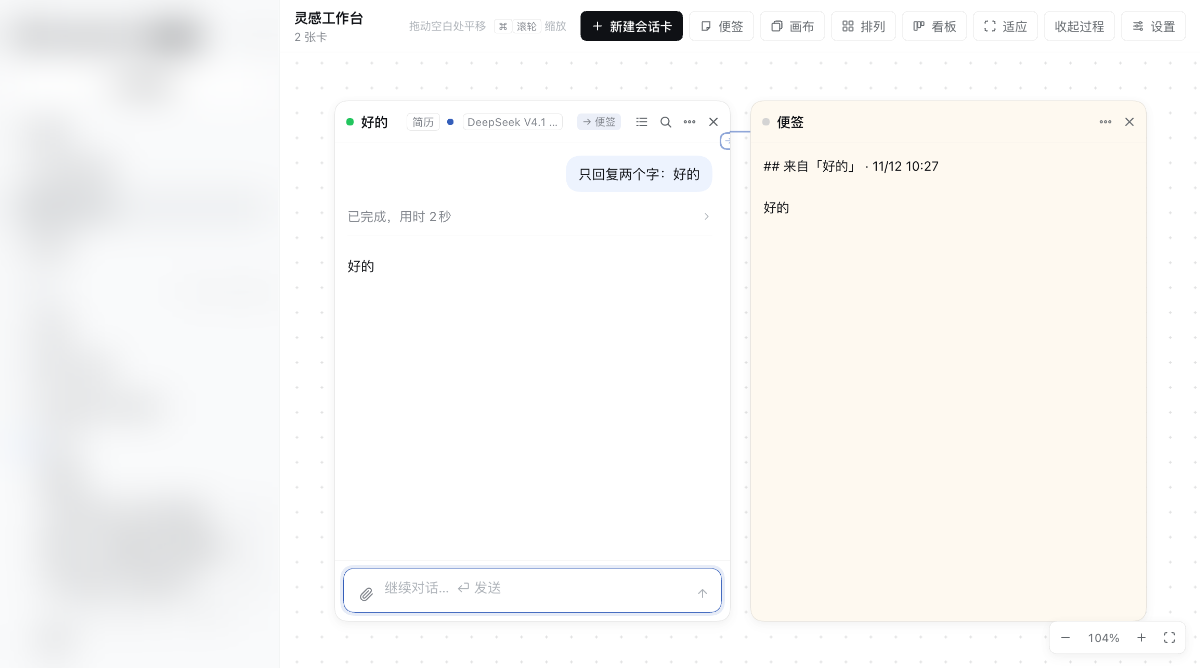
| 便签投递带标题和时间戳 | 便签可设为「只保留最新」 |
|---|---|
 |
 |
画布与卡片
+ 把会话加成卡片;侧栏点击行为不变## 来自「卡片名」 · 时间 分块写入;便签可选「追加」或「只保留最新一段」);点连线切换「自动发送 / 只填草稿」或删除与原生一致的会话渲染
standard 策略)、点开看步骤、步骤行活动图标 + 悬停变箭头多卡协作
1/N 跳转)、轮次大纲工程能力
/ t o p c [ ]npm run verify -- --url "<dsh url>"双模式任务工作流(v0.13.7)
dsh plugin add dsh-plugin-inspiration-workbench然后重启 DSH(或 ⌘R 刷新 Web UI),侧栏会出现「灵感工作台」。
直接从 GitHub 安装(不需要等 npm 版本):
dsh plugin --profile <profile> add github:WilShi/dsh-plugin-inspiration-workbenchv0.1.0 有问题:客户端 bundle 里写死了本地开发包名,安装后侧栏不出现入口。 请用 0.1.1+,或用上面的 GitHub 方式安装。
本地开发用链接安装:
git clone https://github.com/WilShi/dsh-plugin-inspiration-workbench.git
cd dsh-plugin-inspiration-workbench
npm install
npm run build          # 产出 lib/client.js
ln -s "$PWD" ~/.dsh/profiles/<profile>/node_modules/@local/dsh-inspiration-workbench+ → 变成卡片| DSH | 状态 |
|---|---|
0.2.2-rc.1 |
✅ 完整验证 |
0.2.1-rc.5 |
✅ 完整验证 |
只支持 web 平台(桌面版 / 浏览器版都包含 web UI)。远程模型、模型目录和提问接口缺失时会降级:核心画布、任务和本地拓扑可用,AI 规划与对应原生能力需要宿主提供接口。
approval/request 是宿主的客户端瀑布事件,这一版只派发给内置包;
插件从根作用域和会话作用域注册监听都收不到(实测注册成功、调用次数 0)。
卡片会显示"这一版插件拿不到审批请求",建议用「工作区内修改」访问模式让沙箱直接拒绝。~/.dsh/inspiration-workbench-layout.json,全机共享,未按 profile 隔离。npm install
npm run build # esbuild → lib/client.js(产物随包发布,安装时无需构建)
npm test # 任务模型、拓扑、AI 适配、Host 与 Store 单元/逻辑测试
npm run verify -- --url "http://127.0.0.1:<port>/?token=<token>"
npm run verify:task -- "http://127.0.0.1:<port>/?token=<token>" # 双模式真实交互验收
npm run verify:ai -- "http://127.0.0.1:<port>/?token=<token>" # 真实模型在线验收
npm run verify:pipeline -- "http://127.0.0.1:<port>/?token=<token>" # 会话间自动投递、补投递与状态自动验收
npm run verify:files -- "http://127.0.0.1:<port>/?token=<token>" # 便签、文件卡、预览与恢复验收
npm run verify:models -- "http://127.0.0.1:<port>/?token=<token>" # 模型选择、规划与节点进度验收源码结构:
| 文件 | 作用 |
|---|---|
src/client/index.jsx |
插件入口:locale、slot 注册、审批 hub |
src/client/board.js |
画布状态机 + 卡片装配 |
src/client/render.js |
会话内容渲染(轮次/步骤/工具/审批/附件) |
src/client/card-tools.js |
复制、卡内搜索、轮次大纲、跨卡引用 |
src/client/popovers.js |
模型菜单、排列、设置、工作区选择 |
src/client/sessions.js |
会话适配层(retain / prompt / 投影读取) |
src/client/markdown.js |
Markdown 渲染 |
src/host/index.js |
Host 半:布局读写 + SSE 广播 |
MIT © WilShi
CLASSIFICATION EVIDENCE
系统优先读取 GitHub Topics,再与站内分类词典和词根规则比对。当前命中: deepseek、deepseek-harness。
morluto
Reverse engineer anything with agents, from app behavior down to native binaries.

deepseek-ai
DeepSeek Harness: Everything is a Plugin.

nexu-io
The 1st Collaborative AI Design Agent Workspace. Local-first and open source. Create motion, prototypes, websites, apps, dashboards, presentations, images, and videos with your team and AI agents. Share work, exchange feedback, and iterate together in one workspace.