
模型与 MCP
待识别

rea
morluto
Reverse engineer anything with agents, from app behavior down to native binaries.
PROJECT TOPICS
INSTALL REFERENCE
dsh plugin --profile web add github:ViccRondo/dsh-frosted-glass
该命令指向仓库当前默认分支;尚无绑定当前 commit 的完整验证结果。
PROJECT README
English | 中文
Native macOS frosted glass for the DeepSeek Harness Desktop window — the UI's panes show the window's real vibrancy material instead of painting over it.
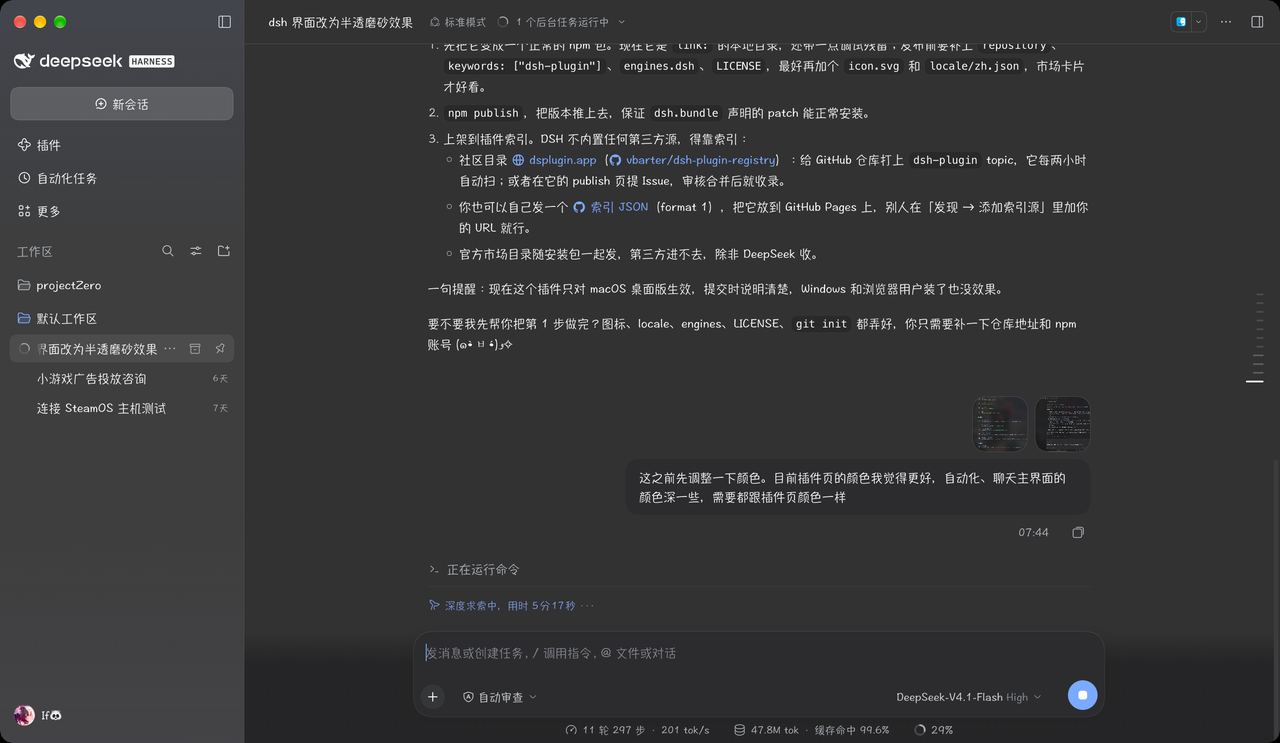
The Desktop shell already asks macOS for a native material and a transparent window
(vibrancy: "sidebar", backgroundColor: "#00000000"). The Web GUI then paints every pane opaque,
so the material never shows. This plugin re-tints those panes with an alpha color:
| Host | DSH Desktop on macOS (dsh >= 0.2.0-rc.1) |
| Not supported | the Web GUI in a browser tab — there is no window material to show through |
It also honours the system Reduce transparency setting and macOS full-screen mode by falling back to solid surfaces, the way native apps do.
From the plugin page (插件 → 添加插件), install it by spec:
dsh-frosted-glassfile:/absolute/path/to/dsh-frosted-glassThen toggle frosted-glass on. The page reloads the module; no app restart is needed.
To remove it, toggle the bundle off or remove it from the plugin page.
The plugin ships two knobs, both in the stylesheet at the top of lib/client.js — the percentage is
opacity, so a lower number is more transparent:
--dsh-frosted-glass-pane: color-mix(in srgb, #fdfdff 56%, transparent);  /* light theme */
--dsh-frosted-glass-pane: color-mix(in srgb, #151517 44%, transparent);  /* dark theme  */
The sidebar has its own alpha, since macOS already mixes the sidebar fill with 50% transparency:
--dsw-specific-sidebar-fill: color-mix(in srgb, #f9fafb 50%, transparent);Edit the file, then toggle the plugin off and on to reload it.
A bundle can ship both a host half and a browser half, so this one package is enough:
dsh.bundle points at cordis.patch.yml (which adds one Loader row) and dsh.client points at the
browser bundle. The browser half appends one <style> element when the module materializes.
Everything is selector-driven, never a patched app binary:
--dsw-alias-bg-base is the token every pane paints, so tinting that one variable makes the window glass;html[data-platform="darwin"] keeps it inert on other platforms;pageBar, pageBody, TabHost, the conversation's
column-width custom property), not hashed class names, so they survive rebuilds — but a major layout
refactor can still break them.CLASSIFICATION EVIDENCE
系统优先读取 GitHub Topics,再与站内分类词典和词根规则比对。当前命中: deepseek-harness。
morluto
Reverse engineer anything with agents, from app behavior down to native binaries.

deepseek-ai
DeepSeek Harness: Everything is a Plugin.

nexu-io
The 1st Collaborative AI Design Agent Workspace. Local-first and open source. Create motion, prototypes, websites, apps, dashboards, presentations, images, and videos with your team and AI agents. Share work, exchange feedback, and iterate together in one workspace.