
模型与 MCP
待识别

rea
morluto
Reverse engineer anything with agents, from app behavior down to native binaries.
PROJECT TOPICS
INSTALL REFERENCE
dsh plugin --profile web add github:VFVrPQ/dsh-preview-image
该命令指向仓库当前默认分支;尚无绑定当前 commit 的完整验证结果。
PROJECT README
Image preview for DeepSeek Harness with real zoom, pan, rotation and full screen — in the right-Sidebar document preview and in the conversation lightbox.
English (this file) · 中文
DeepSeek Harness already renders image files, but the two previews it ships are deliberately minimal:
This plugin replaces both surfaces with one viewer: an always-visible toolbar with zoom, fit modes, 100%, rotation and full screen, plus wheel/drag/keyboard gestures. The built-in renderer stays available from the preview's Open with menu, and SVG keeps its plain-text option.
dsh plugin --profile <profile> add dsh-preview-imageRestart the desktop app (a profile patch change is read at boot). No configuration is required.
The desktop profile is managed by the Electron app, so dsh plugin --profile desktop add … is rejected there; install through the app's plugin manager for desktop. The command above applies to custom profiles.
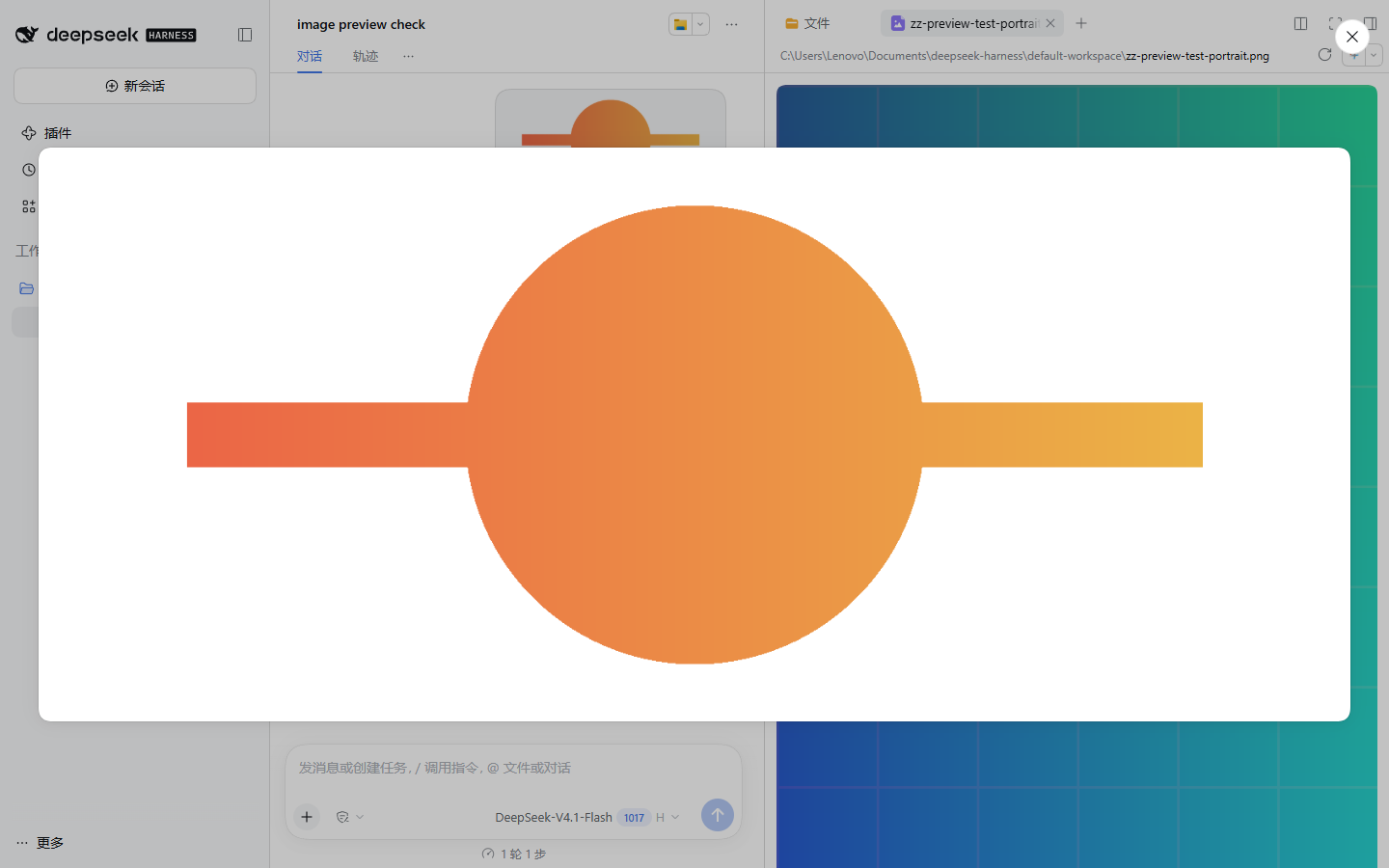
To check it loaded, open any image from the Files tab: the pane shows the toolbar instead of the bare built-in image view. Clicking an image in the conversation (or on a composer attachment) opens the zoomable lightbox instead of the built-in one.
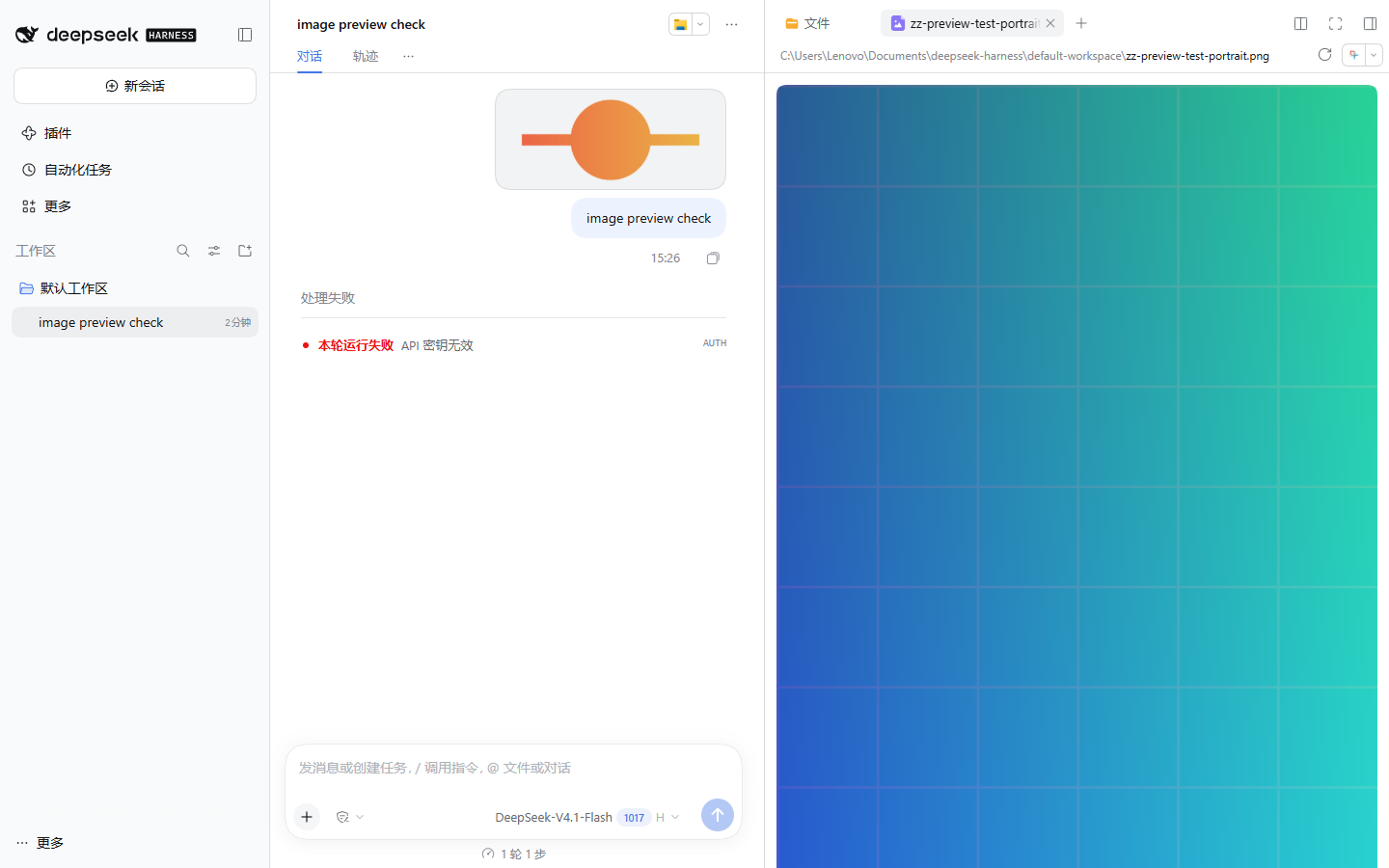
Same session, same workspace, same 1440×900 light-theme viewport. The “before” profile is @deepseek-ai/dsh-base + @deepseek-ai/dsh-web-app; the “after” profile adds this plugin.
| Before — built-in image renderer | After — dsh-preview-image |
|---|---|
 |
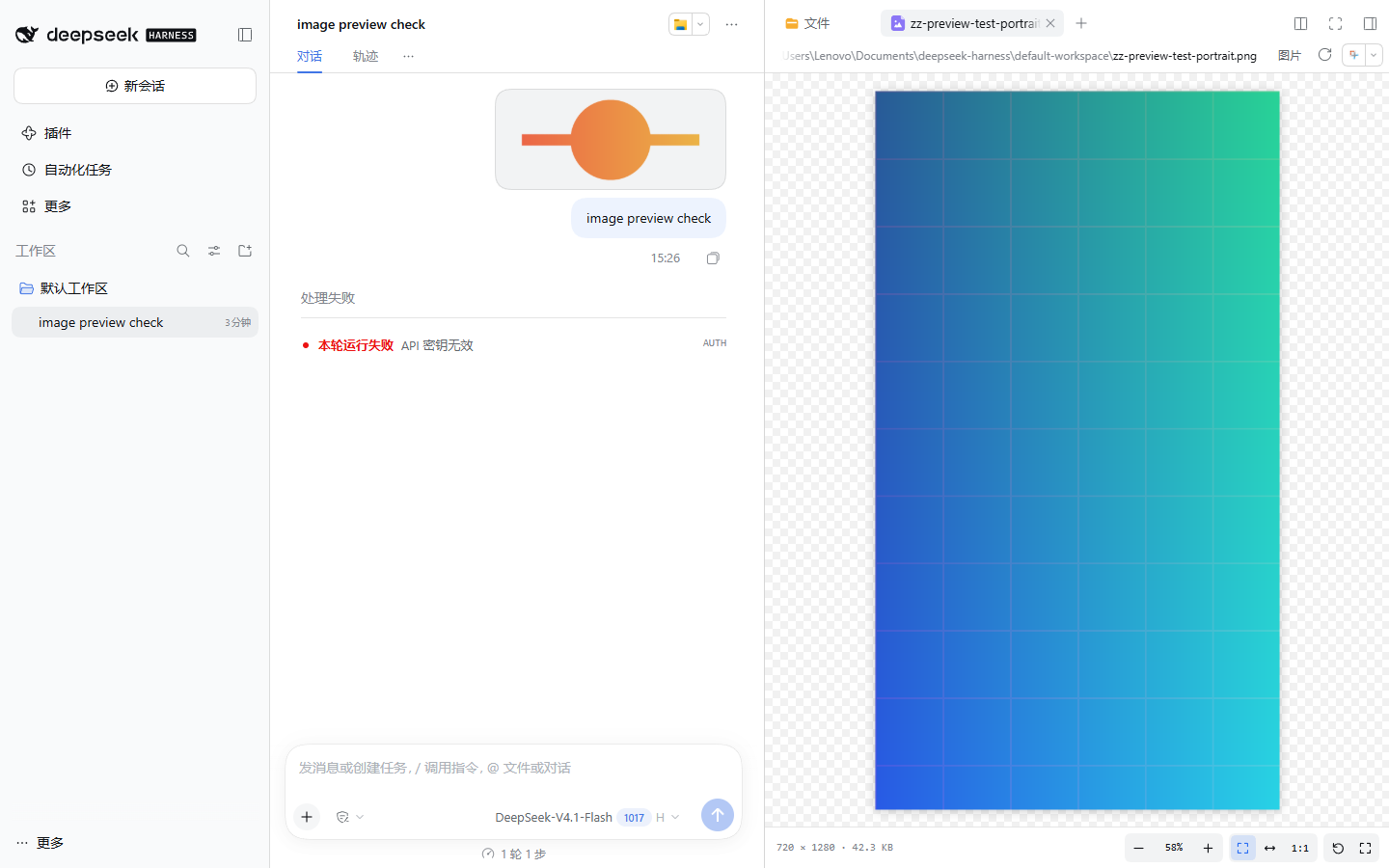 |
The built-in view fills the pane with the image and hides zoom controls; the plugin adds a persistent toolbar, metadata (720 × 1280 · 42.3 KB), a checkerboard behind transparency, and explicit controls.
| Before — built-in lightbox, fit only | After — zoomable lightbox |
|---|---|
 |
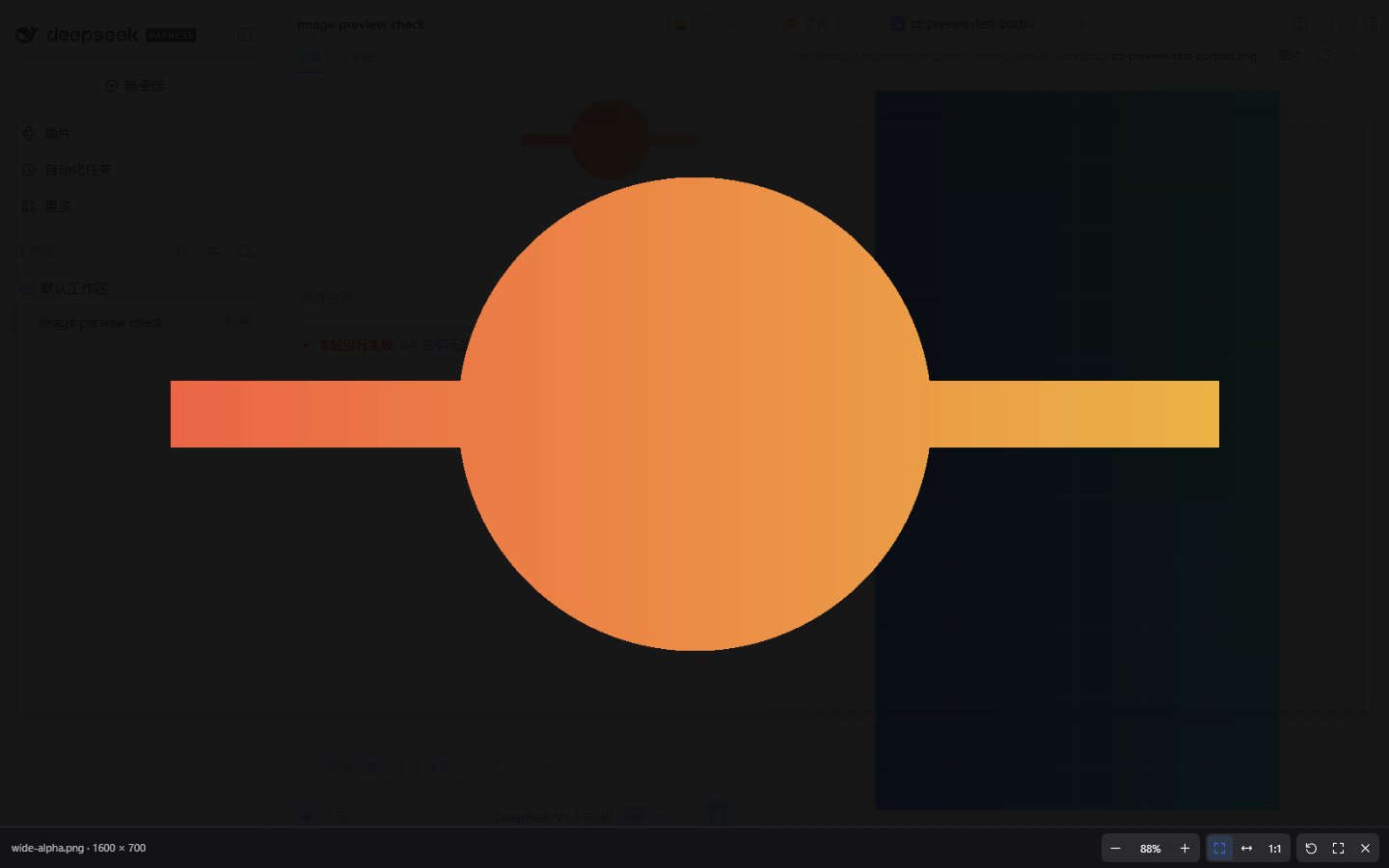 |
| Full screen (maximize control) | Transparent image over the checkerboard |
|---|---|
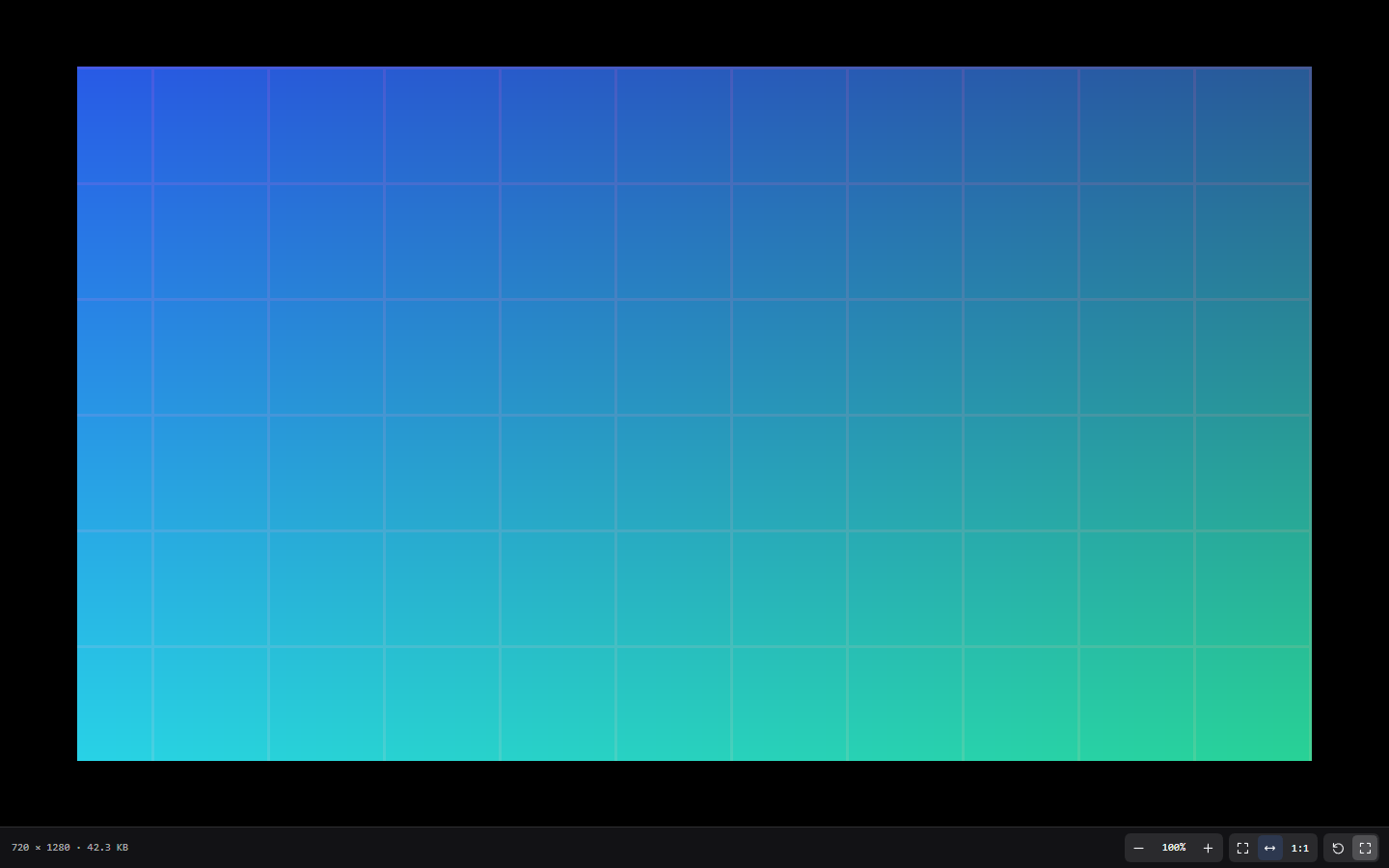 |
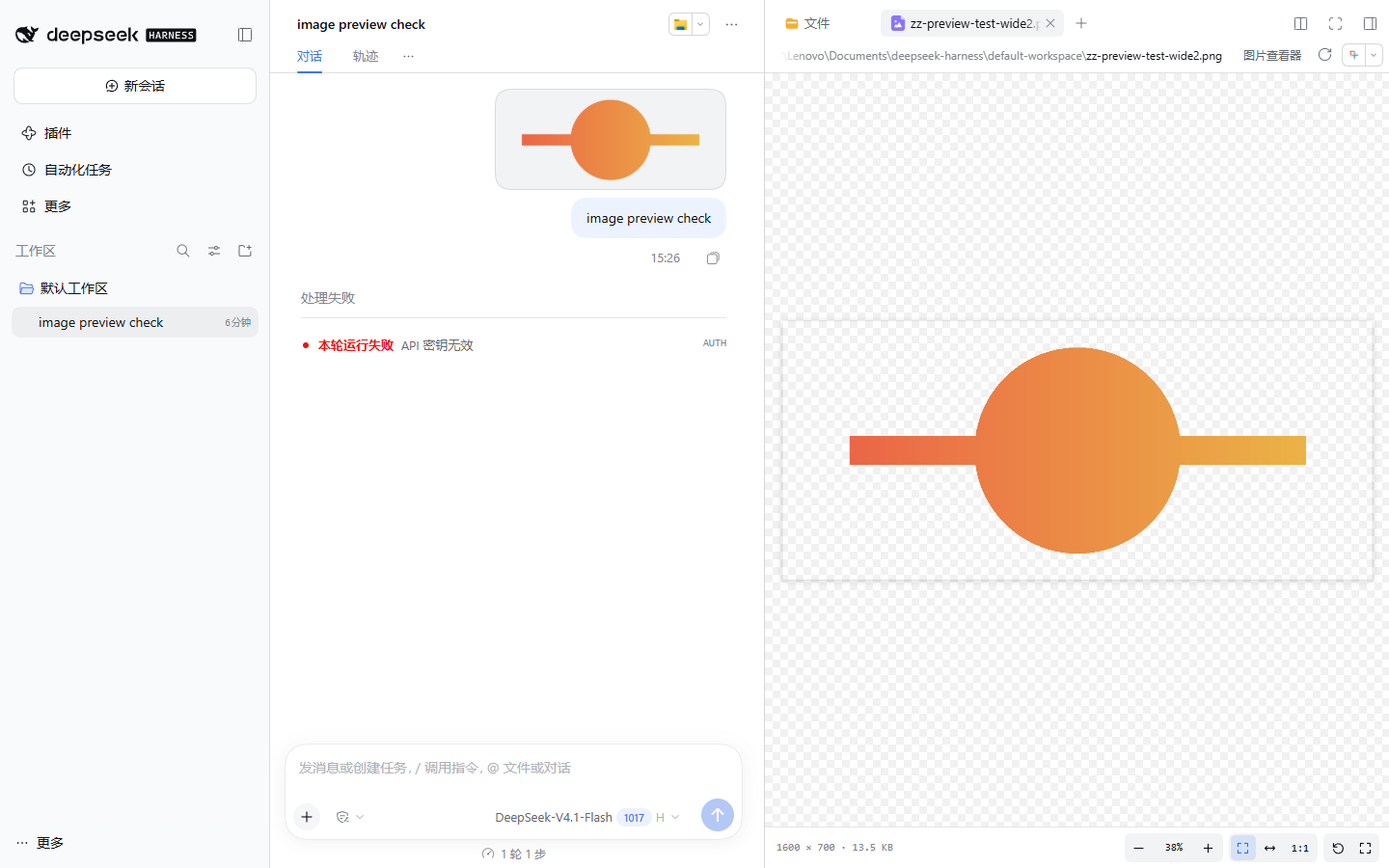 |
dsh-preview-image/viewer for png, jpg, jpeg, jfif, gif, webp, avif, bmp, ico, and svg at priority: "extension" with loading: "bytes-complete". Bitmaps are declared binary so the plain-text fallback is not offered; SVG stays text-readable and keeps that option.conversation.chat.user.images, conversation.chat.message.images, conversation.trajectory.images, tool.call.images, and conversation.input.attachments opens the plugin's viewer instead of the built-in lightbox. The overlay closes on Escape, a background click, or the close button, and restores focus to the image button that opened it.+/- zoom, 0 fit, 1 100%, R rotate, F full screen, arrow keys pan, Esc leaves full screen or closes the lightbox. The document viewer takes keys while it has focus; the lightbox listens at the window.Esc also calls exitFullscreen() itself so the shortcut works even where the browser's default handling is suppressed.| Action | Button | Pointer | Keyboard |
|---|---|---|---|
| Zoom in / out | − / + | Ctrl/⌘+wheel | + / - |
| Pan | — | drag, wheel, Shift+wheel | arrows |
| Fit to window | fit icon | double-click | 0 |
| Fit width | ⇔ icon | — | — |
| Actual size (100%) | percentage chip / 1:1 |
double-click | 1 |
| Rotate 90° | ↻ icon | — | R |
| Full screen | ⤢ icon | — | F |
| Close lightbox | × | background click | Esc |
None. The suffix list, zoom range (2%–1600%), and step (1.25×) are constants in lib/client.js.
lib/index.js    Host entry: name / inject / apply (client-only, no routes)
lib/client.js   Hand-written module-loader bundle: renderer, body, lightbox, styles
test/           node --test: bundle wiring, pure zoom/pan math, package shape
scripts/        Headless browser end-to-end driver used for verification
docs/           Before/after screenshots
The browser half is a classic window.__ModuleLoader__.load({ id, factory }) bundle that requires only react (plus react-dom for the body portal), so it needs no build step and cannot drift from the host's React copy.
node --test test/*.test.jsThe end-to-end driver needs a running host whose profile has this plugin, one session with an image message, and image files in that session's workspace:
node scripts/e2e-browser.mjs --base "http://127.0.0.1:<port>/?token=<token>" \
  --session "<session title>" --file <image file name> --out <screenshot dir>
It prints PASS/FAIL for each interaction and exits non-zero on a failure.
maxFileBytes cap applies to images as it did before.MIT
CLASSIFICATION EVIDENCE
系统优先读取 GitHub Topics,再与站内分类词典和词根规则比对。当前命中: deepseek-harness。
morluto
Reverse engineer anything with agents, from app behavior down to native binaries.

deepseek-ai
DeepSeek Harness: Everything is a Plugin.

nexu-io
The 1st Collaborative AI Design Agent Workspace. Local-first and open source. Create motion, prototypes, websites, apps, dashboards, presentations, images, and videos with your team and AI agents. Share work, exchange feedback, and iterate together in one workspace.