
其他
完整应用

deepseek-harness
deepseek-ai
DeepSeek Harness: Everything is a Plugin.
PROJECT TOPICS
INSTALL REFERENCE
dsh plugin --profile web add github:U1s1-king/dsh-gbc-ui
该命令指向仓库当前默认分支;尚无绑定当前 commit 的完整验证结果。
PROJECT README
DeepSeek Harness Web GUI 的自研皮肤插件:深海宫殿背景、旋转角色舞台 (14 名成员立绘轮播 + 群像底幕)与黑粉蕾丝装饰界面。
工程脚手架与 DOM 兼容层仿照 dsh-deep-whale/maid-atelier 皮肤实现,素材为 maid-atelier 原图的黑粉 GBC 重绘版本(由用户提供), 按 CC BY-NC-SA 4.0 署名链分发,见
NOTICE。
| 亮色模式 | 暗色模式 |
|---|---|
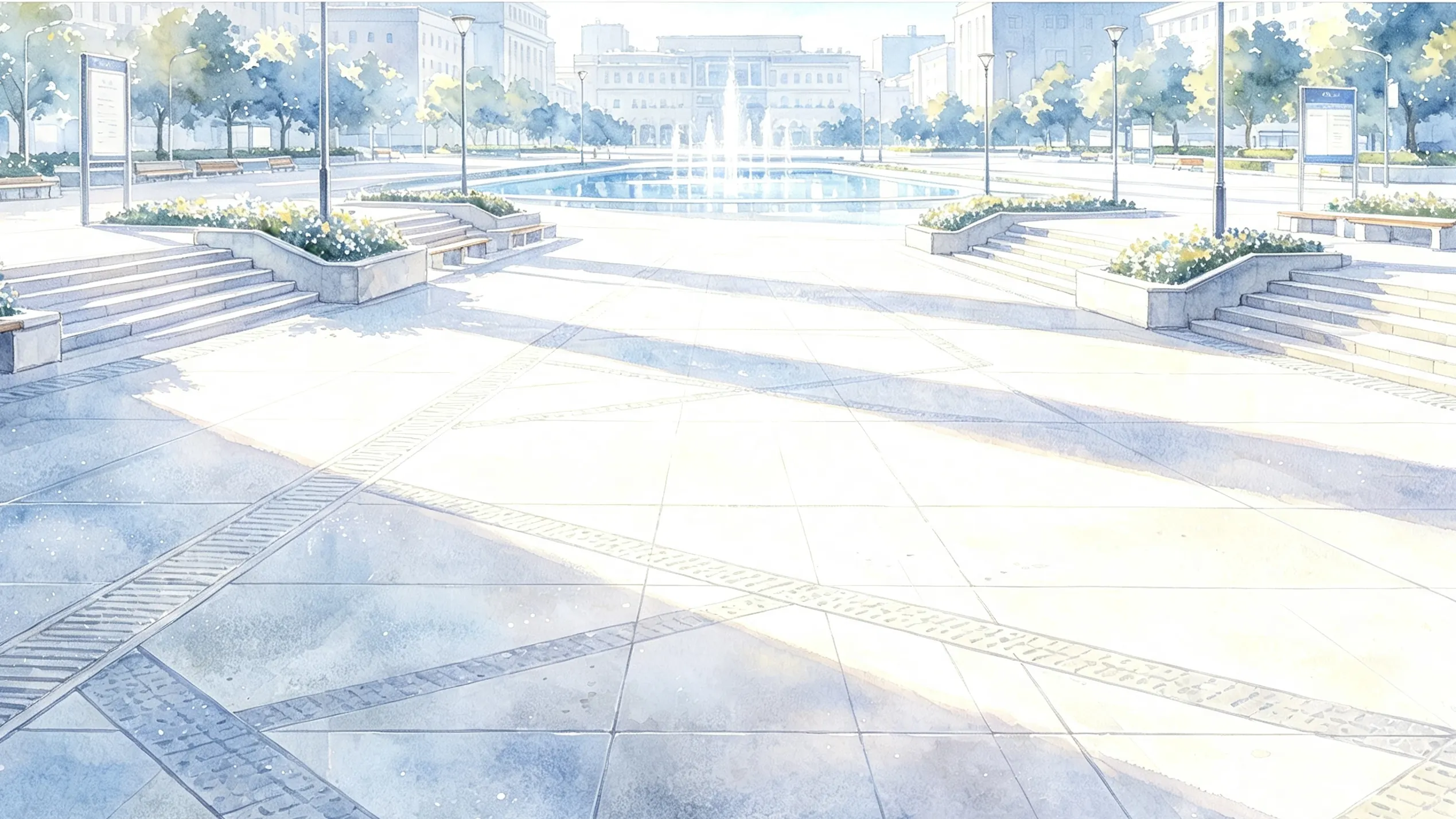 |
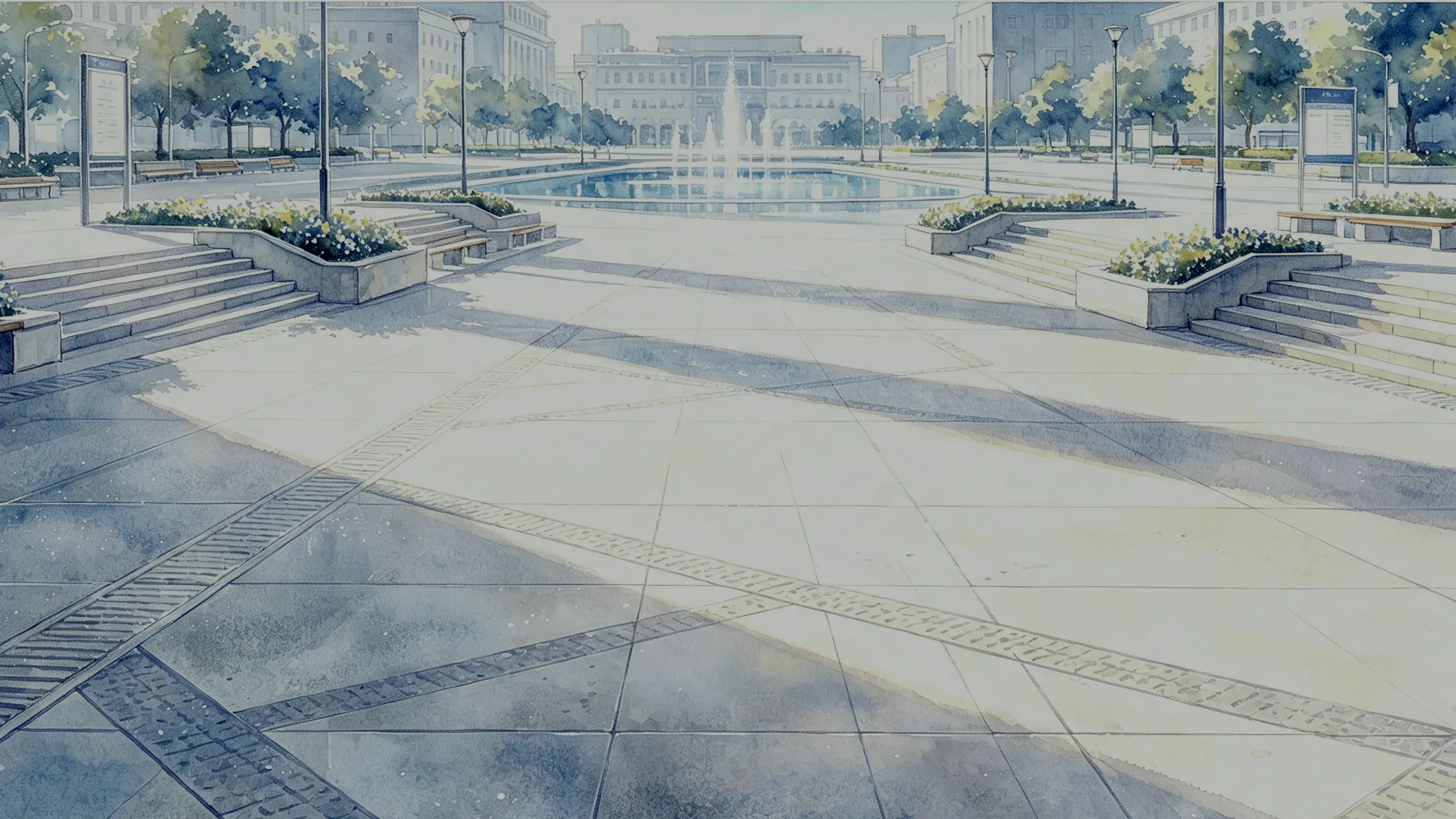 |
gbc-ui-settings):enabled、rotateInterval(秒)、
dim(背景压暗 0~1)、blur(背景模糊 px)、accent(主色 #e84855)、
customPortrait / customBackdrop / customLeftPortrait(上传的图片)。dsh plugin --profile web add github:U1s1-king/dsh-gbc-ui#semver:v0.0.1如果不会安装,直接告诉你的 agent: “嘿,bro 帮我安装这个插件 https://github.com/U1s1-king/dsh-gbc-ui”
安装后重启 dsh web 并硬刷新页面(Ctrl+Shift+R)。若与其它皮肤并存,
在 profile 的 cordis.patch.yml 中把要停用的皮肤条目置为 disabled: true。
pnpm install        # devDeps:tsdown / lightningcss / vitest / jsdom / cordis
pnpm build          # tsdown 双产物 -> lib/index.js(host)+ lib/client.js(浏览器 bundle)
pnpm test           # vitest jsdom 冒烟测试
素材管线(源图在 D:\dsh-GBC-GUI):
powershell -ExecutionPolicy Bypass -File scripts/gen-assets.ps1   # PNG -> assets/*.webp
node scripts/gen-art.mjs                                          # webp -> src/client/*-art.generated.ts
powershell -ExecutionPolicy Bypass -File scripts/retheme-css.ps1 # 重跑调色(需先恢复 gbc-atelier.module.css 基线)CC BY-NC-SA 4.0(署名-非商业性使用-相同方式共享)。完整署名链见 NOTICE;
角色立绘素材为使用者提供,版权归原作者,公开发布前请自行确认授权。
CLASSIFICATION EVIDENCE
系统优先读取 GitHub Topics,再与站内分类词典和词根规则比对。当前命中: 无有效分类标签。
deepseek-ai
DeepSeek Harness: Everything is a Plugin.

anywhere-labs
为 DeepSeek Harness (DSH) 插件生态打造的现代化桌面端解决方案。万物皆「插件」,桌面本身也是「插件」。

walkinglabs
Harness engineering beginner tutorial, from 0 to 1