
模型与 MCP
待识别

rea
morluto
Reverse engineer anything with agents, from app behavior down to native binaries.
PROJECT TOPICS
INSTALL REFERENCE
dsh plugin --profile web add github:Tieboyh/dsh-notes-markdown
该命令指向仓库当前默认分支;尚无绑定当前 commit 的完整验证结果。
PROJECT README
Fast, file-backed Markdown notes in the DeepSeek Harness sidebar.
Unlike a read-only docs panel, this plugin lets you create, live-edit, inspect the Markdown source, rename, search, copy, and delete documents without leaving DSH. Notes are regular .md files stored in ~/.dsh/docs by default.
DSH conversations are where ideas, decisions, implementation details, and follow-up tasks emerge. dsh-notes-markdown gives those results a lightweight place to persist beside the conversation instead of leaving them buried in chat history or forcing you to switch to another editor.
Conversations generate ideas. Notes preserve the outcome.
This plugin is intentionally a focused Markdown workspace, not a complex knowledge base:
.md file that remains available to editors, Git, scripts, and agents.Typical uses include technical designs, API notes, implementation checklists, meeting conclusions, reusable prompts, code snippets, and Mermaid source blocks.
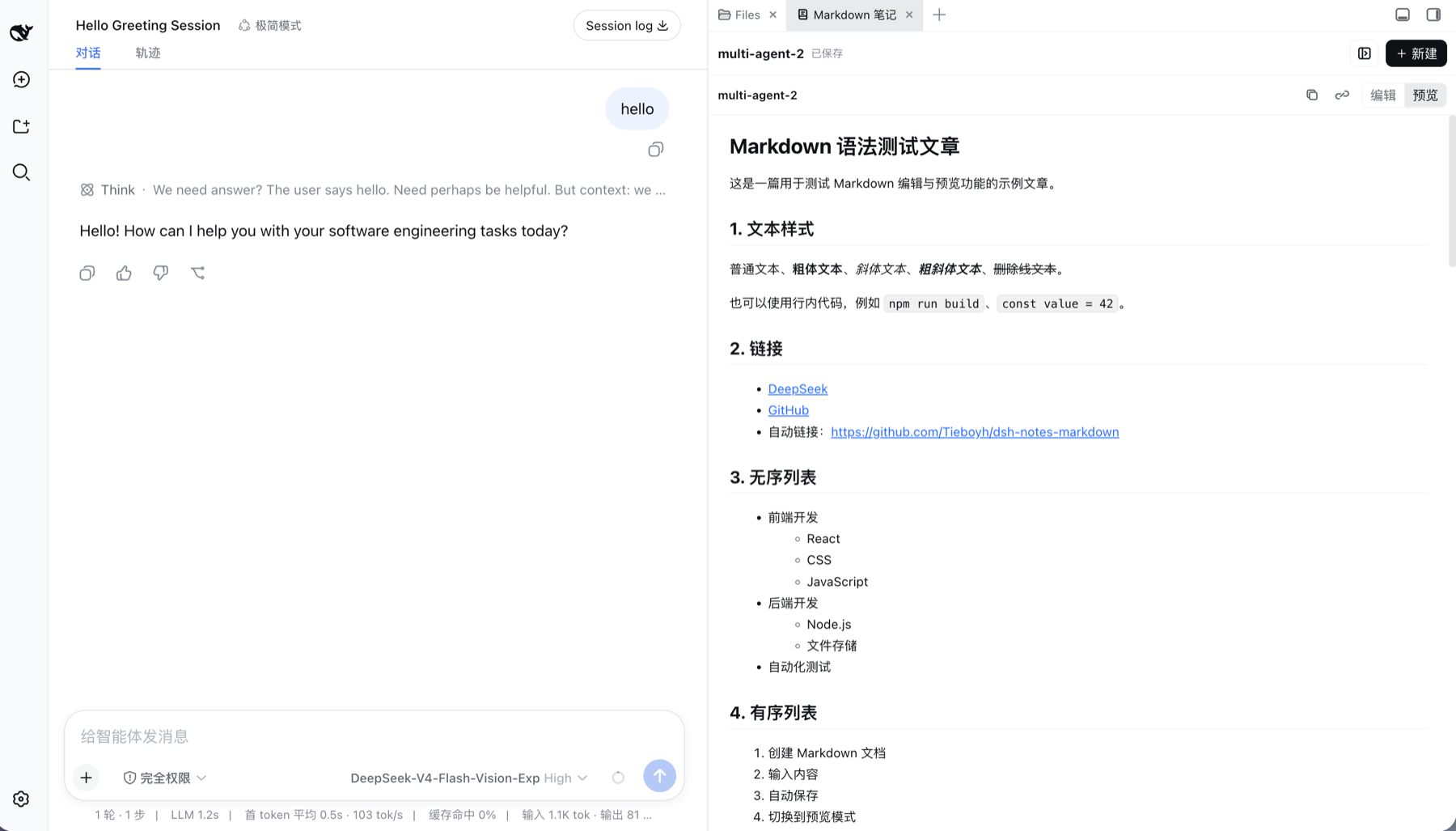
Keep the conversation visible while writing and previewing a full Markdown document.
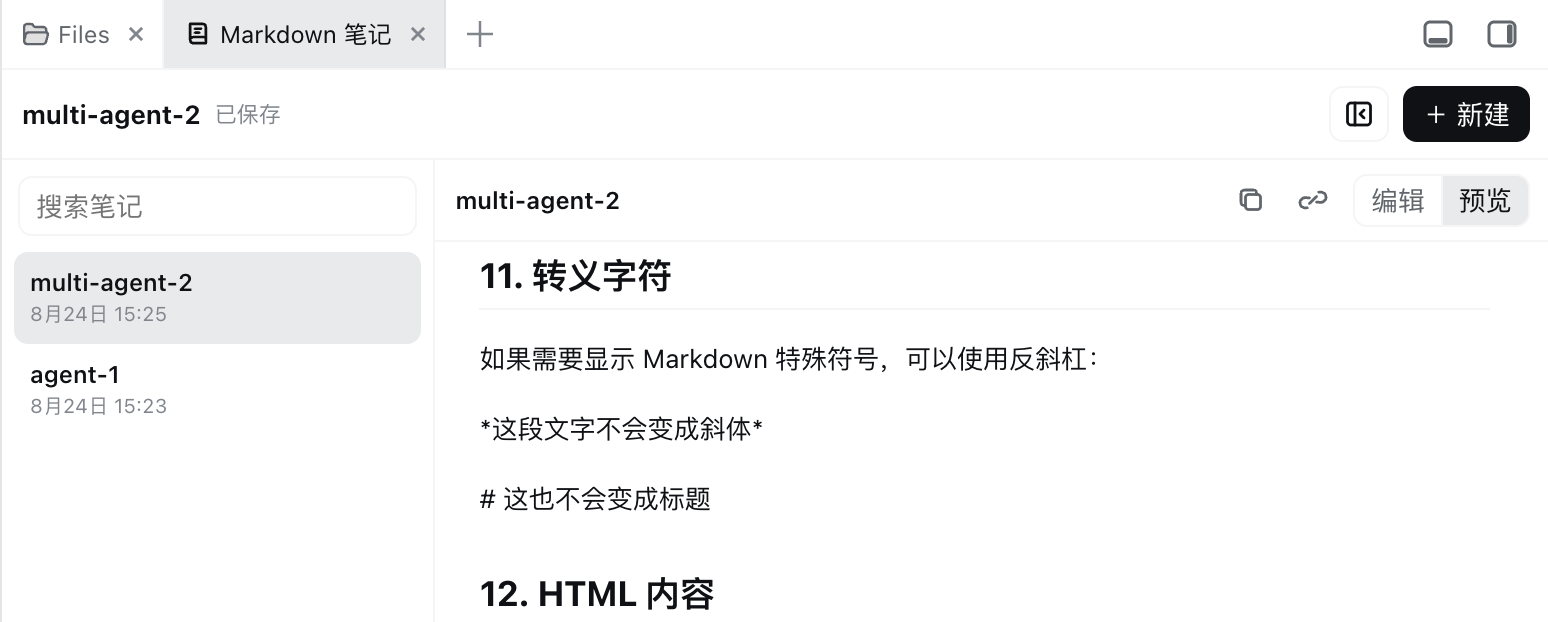
Search, switch notes, collapse the list, and keep the editor focused. |
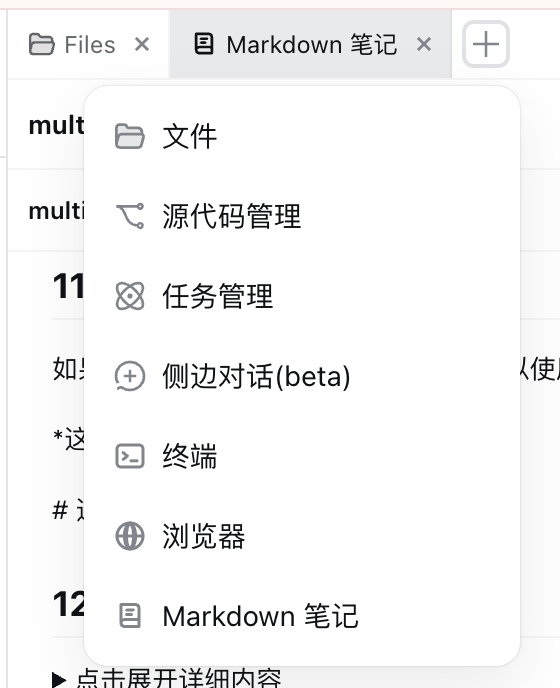
Open Markdown Notes at any time from Better Sidebar. |
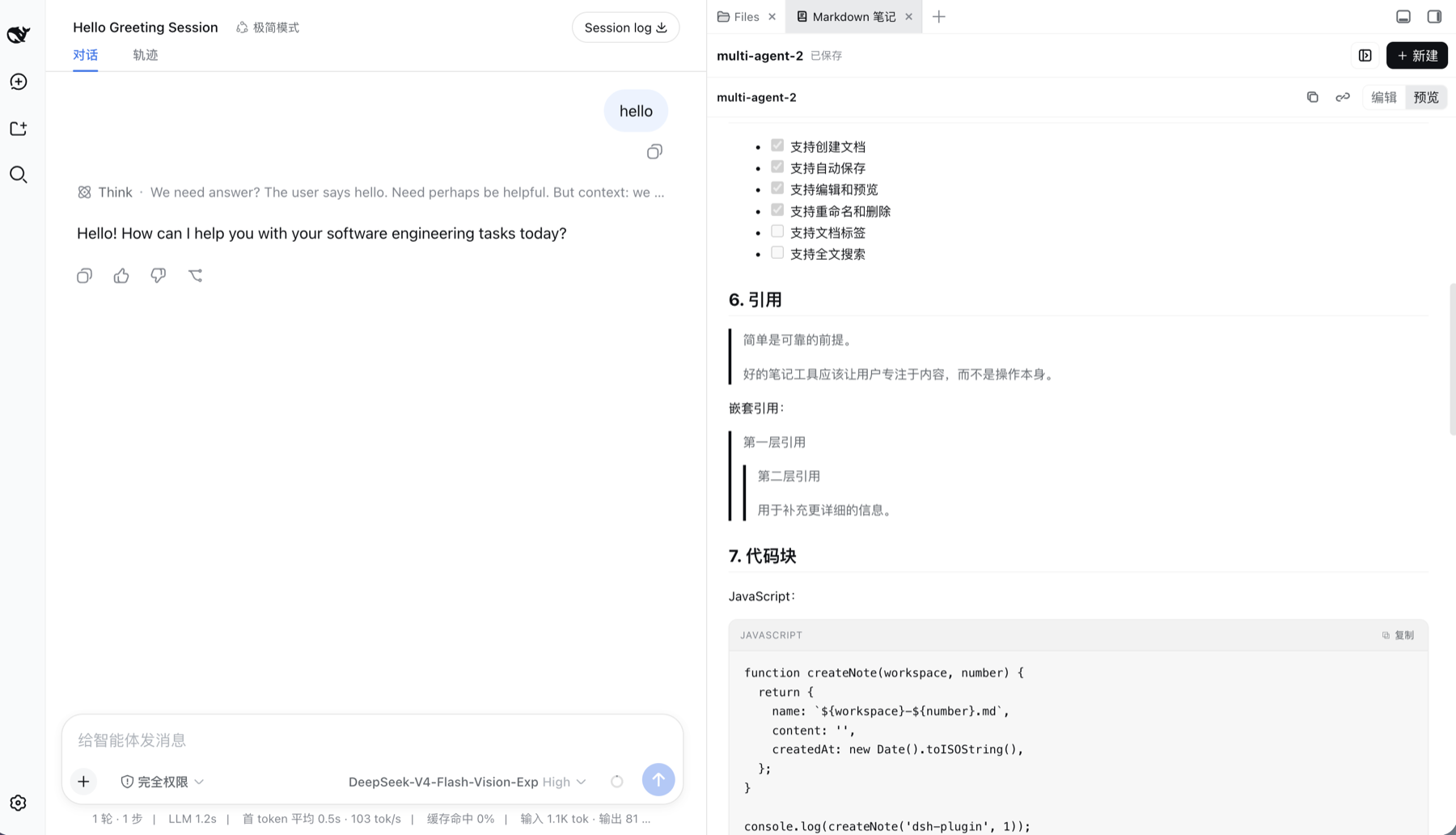
GFM rendering, nested quotes, task lists, language-labelled code cards, and per-block copy controls.
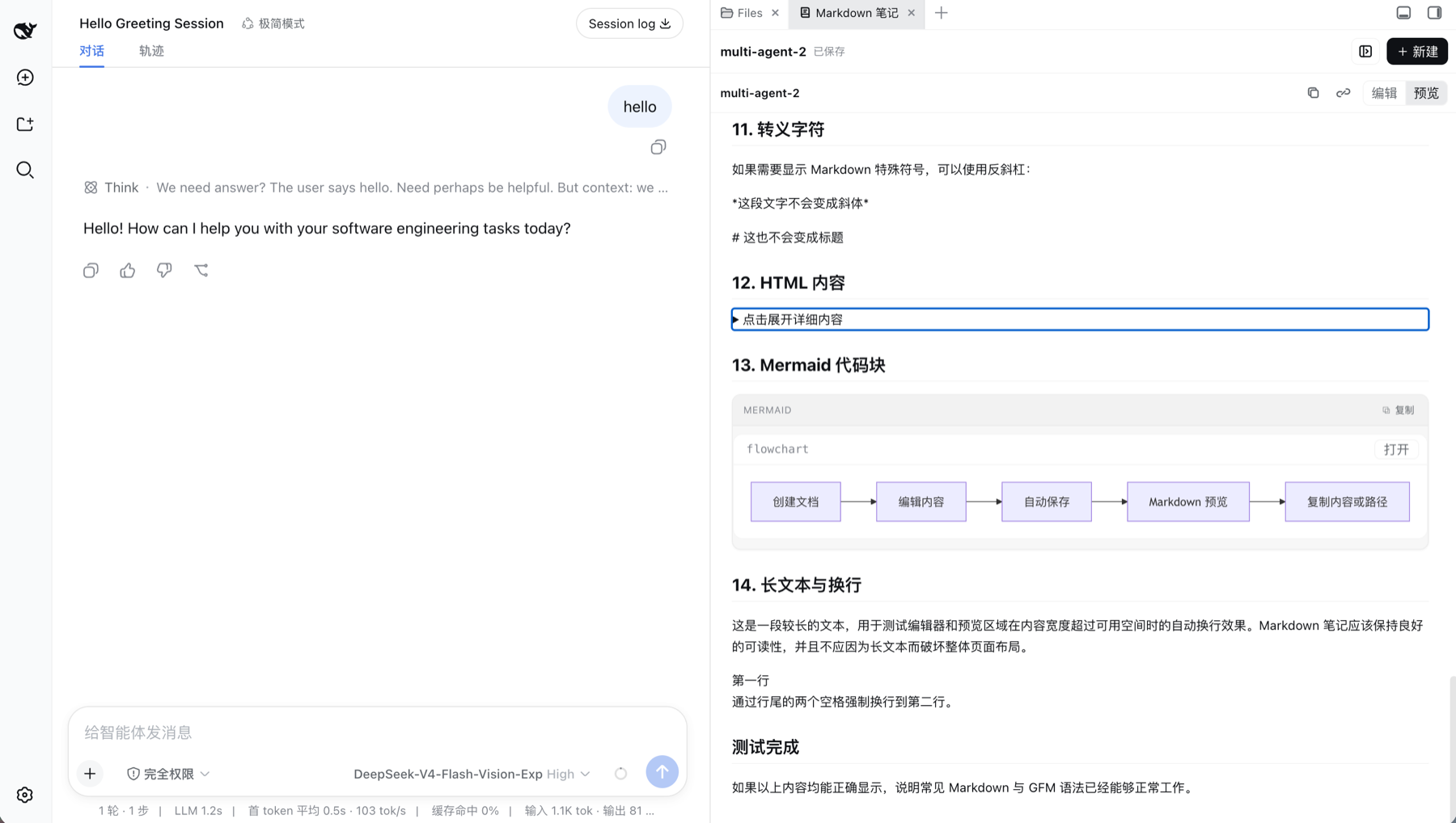
Mermaid fenced blocks remain enhancement-friendly and can be visualized when a compatible DSH Mermaid renderer is installed.
Install Better Sidebar first if it is not already installed:
dsh plugin --profile web add dsh-better-sidebarThen install this plugin:
dsh plugin --profile web add github:Tieboyh/dsh-notes-markdownThe repository includes a prebuilt plugin bundle, so GitHub installation does not require pnpm build approval.
Restart DSH Web after installing, upgrading, or removing a plugin. Open Markdown Notes from Better Sidebar's + menu.
Notes are plain Markdown files under:
~/.dsh/docsThe directory is created automatically. To use a different directory, set DSH_NOTES_MARKDOWN_DIR before starting DSH Web.
The first release intentionally keeps notes in one flat directory. Document names cannot contain /, \\, hidden-file prefixes, or path traversal segments.
Edits are saved about 700 ms after typing stops. Before switching or renaming a document, pending edits are flushed first. Every write includes the revision that was originally read; if another window changed the file, the plugin reports a conflict instead of overwriting newer content.
npm install
npm run check
npm run build
dsh plugin --profile web add "$PWD"
Restart DSH Web after mounting the local checkout.
MIT
CLASSIFICATION EVIDENCE
系统优先读取 GitHub Topics,再与站内分类词典和词根规则比对。当前命中: deepseek。
morluto
Reverse engineer anything with agents, from app behavior down to native binaries.

deepseek-ai
DeepSeek Harness: Everything is a Plugin.

nexu-io
The 1st Collaborative AI Design Agent Workspace. Local-first and open source. Create motion, prototypes, websites, apps, dashboards, presentations, images, and videos with your team and AI agents. Share work, exchange feedback, and iterate together in one workspace.