dsh-launcher
⚠️ 已停更(2026-09-29):官方 DeepSeek Harness 桌面端已发布 → https://www.deepseek.com/download/ ,
请改装官方版。本项目自此停止更新:v0.5.3 是最后一个版本(纯公告,不含安装包),issue 与 PR 不再回复。
源码、文档、测试与历史发布记录保持公开可读。
DeepSeek Harness 的 Windows 轻量启动器:双击即用,不用敲命令。
| 浅色模式 |
深色模式 |
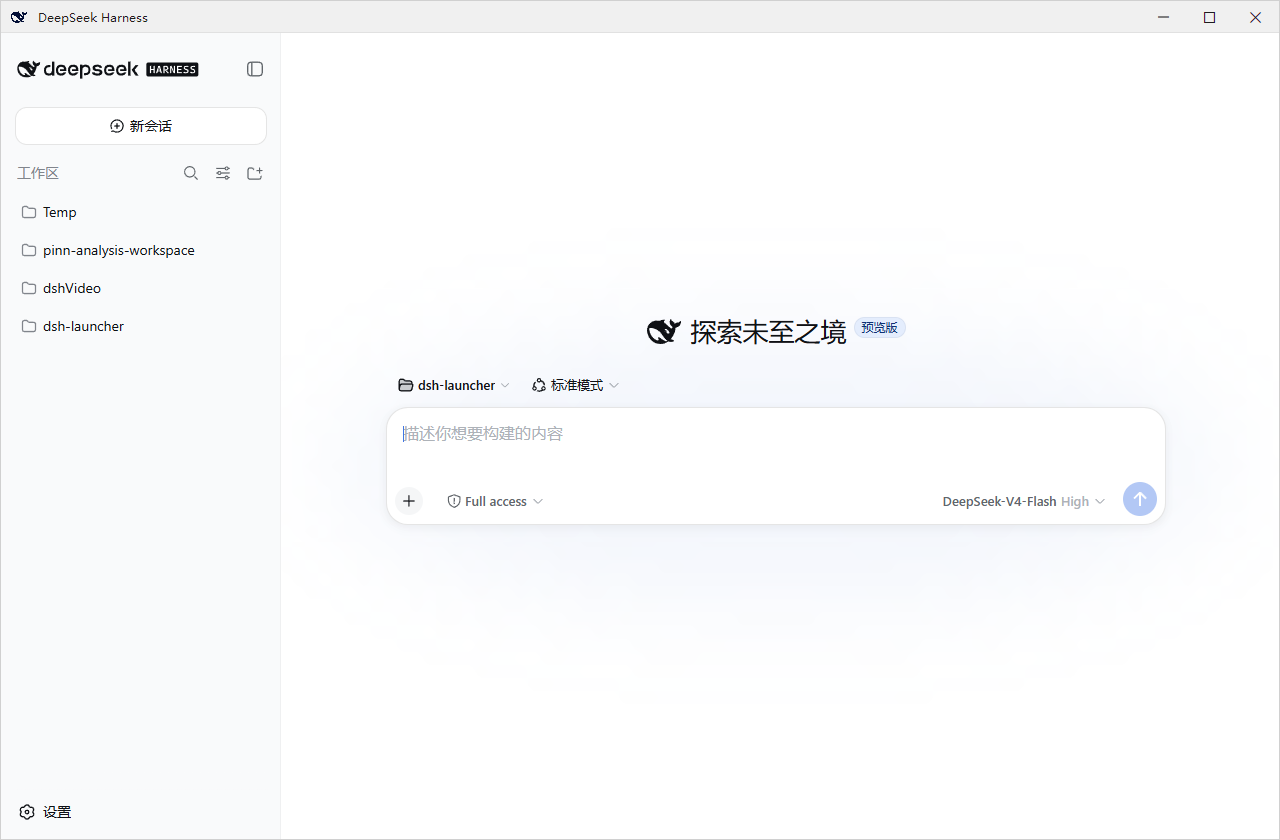 |
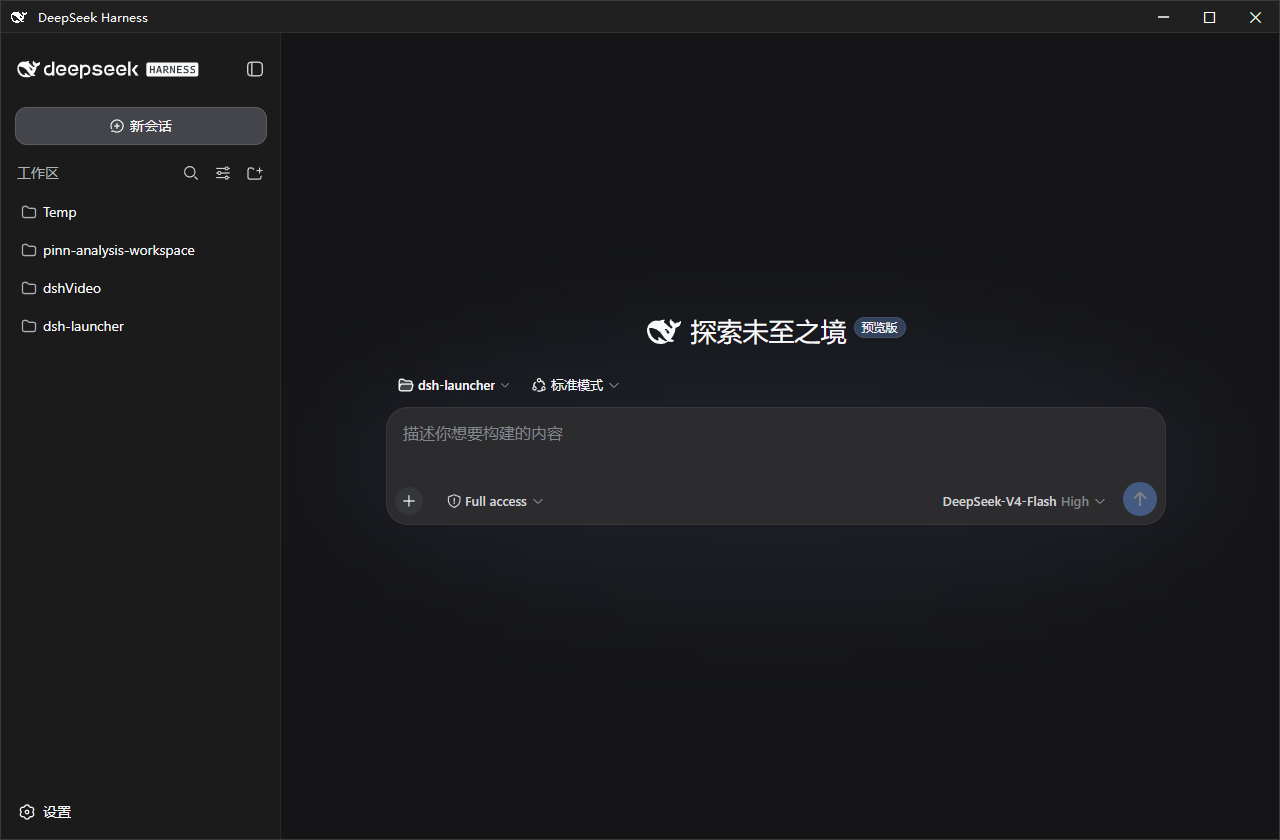 |
这是什么
一个 Windows 原生壳:双击启动 DeepSeek Harness(dsh)、可设置开机自启,高度重视服务生命周期与出错诊断。安装包大小仅为 ~1.4MB,不内置 dsh;缺失的依赖(Node.js 等)按需补齐,不改动系统环境。
克制:本项目意在打造一个舒适的 dsh 原版体验,不添加文件面板、内置终端等额外功能,一切交给dsh的插件,由用户自行决定。仅在推出安全性更新和dsh版本更新时发出提醒(屏幕右下角通知卡片 + 标题栏标记;系统 Toast 因 issue #25 已整体移除)。
安装
MSI(推荐新手):从 Releases 下载 dsh-launcher-<版本>.msi,双击安装(向导里可勾选开机自启)。卸载:设置 → 应用 → dsh-launcher。
便携版 ZIP:下载 dsh-launcher-windows-<版本>.zip,解压后双击 DshWeb.exe;删文件夹即卸载。
双击没反应?先运行解压目录里的 check-prereq.cmd,它会检测 .NET / WebView2 / Node 并给出缺失项的安装命令。
特性
- 开机自启 · 独立小窗口(WebView2)· 自动拉起服务并等待就绪
- 出错弹窗带错误码,统一日志
~/.dsh\dsh-launcher\dsh.log
DshWeb.exe --diagnose 一键导出信息脱敏诊断包- 服务生命周期:跟随窗口 / 常驻 / 托盘驻留(见下"插件")
- 主题跟随 · 窗口位置记忆 · dsh 延迟更新(不打断会话)
配套插件
安装 dsh-launcher-lifetime 后,拥有三种node.js的驻留模式(随窗口驻留、常驻、随托盘驻留),可在 dsh 设置页“Node服务驻留”中切换:
dsh plugin --profile web add dsh-launcher-lifetime
常见问题
- MSI 和 ZIP 有区别吗? 内容相同;MSI 有标准安装/卸载流程。
- 卸载会删 dsh 数据和插件吗? 不会——只清启动器自有数据,
profiles/、settings.yaml 等原样保留。
- 服务占内存? dsh 是完整服务,必须常驻node.js。
- 端口 3080 被占用? 设置
DSH_WEB_PORT=3090 后重启。
- 收不到更新提醒? 系统 Toast 通知因 Windows 通知平台(
wpnapps.dll)的原生崩溃已整体移除(issue #25,Win10/Win11 均有崩溃报告)。现在所有提醒统一为屏幕右下角的自绘通知卡片:不依赖托盘图标、不抢你的焦点、到时自动收起、需要时可直接点击(如"点击下载更新""退出安全模式")。同时标题栏会保留 (有更新) 标记,错过卡片也看得出没处理的更新。插件自己的网页通知不受影响(权限照常放行,仍由 WebView2 原生渲染)。
- 遇到问题? 运行
check-prereq.cmd;仍不行用 DshWeb.exe --diagnose 导出诊断包,提交至 Issue(模板)。日志在 ~/.dsh\dsh-launcher\dsh.log。
更多
技术实现 / 安全 / 构建:docs/DETAILS.md · 更新日志:CHANGELOG.md
面向开发者 / AI Agent(必读):修改代码前,请先阅读架构与工程维护铁律(Hard Constraints)→ docs/00-ARCHITECTURE-GUARDRAILS-MANDATORY.md,并遵守 AGENTS.md 中的合规清单。违反铁律的提交会被 Code Review 驳回或 CI 拦截。
免责声明
独立的第三方工具,与 DeepSeek / DeepSeek AI 官方无关。窗口图标使用 DeepSeek 品牌标识,版权归 DeepSeek 所有。
许可证
MIT © dsh-launcher contributors
友情链接





