
其他
完整应用

deepseek-harness
deepseek-ai
DeepSeek Harness: Everything is a Plugin.
PROJECT TOPICS
INSTALL REFERENCE
dsh plugin --profile web add github:QuantumKuba/dsh-graphify-plugin
该命令指向仓库当前默认分支;尚无绑定当前 commit 的完整验证结果。
PROJECT README
Give DeepSeek Harness a current, local map of your codebase.
dsh-graphify connects Graphify's code knowledge graph to DeepSeek Harness (DSH). It helps an agent move from a question to the relevant symbols, dependencies, architectural communities, and change impact without treating a repository as an unstructured pile of files.
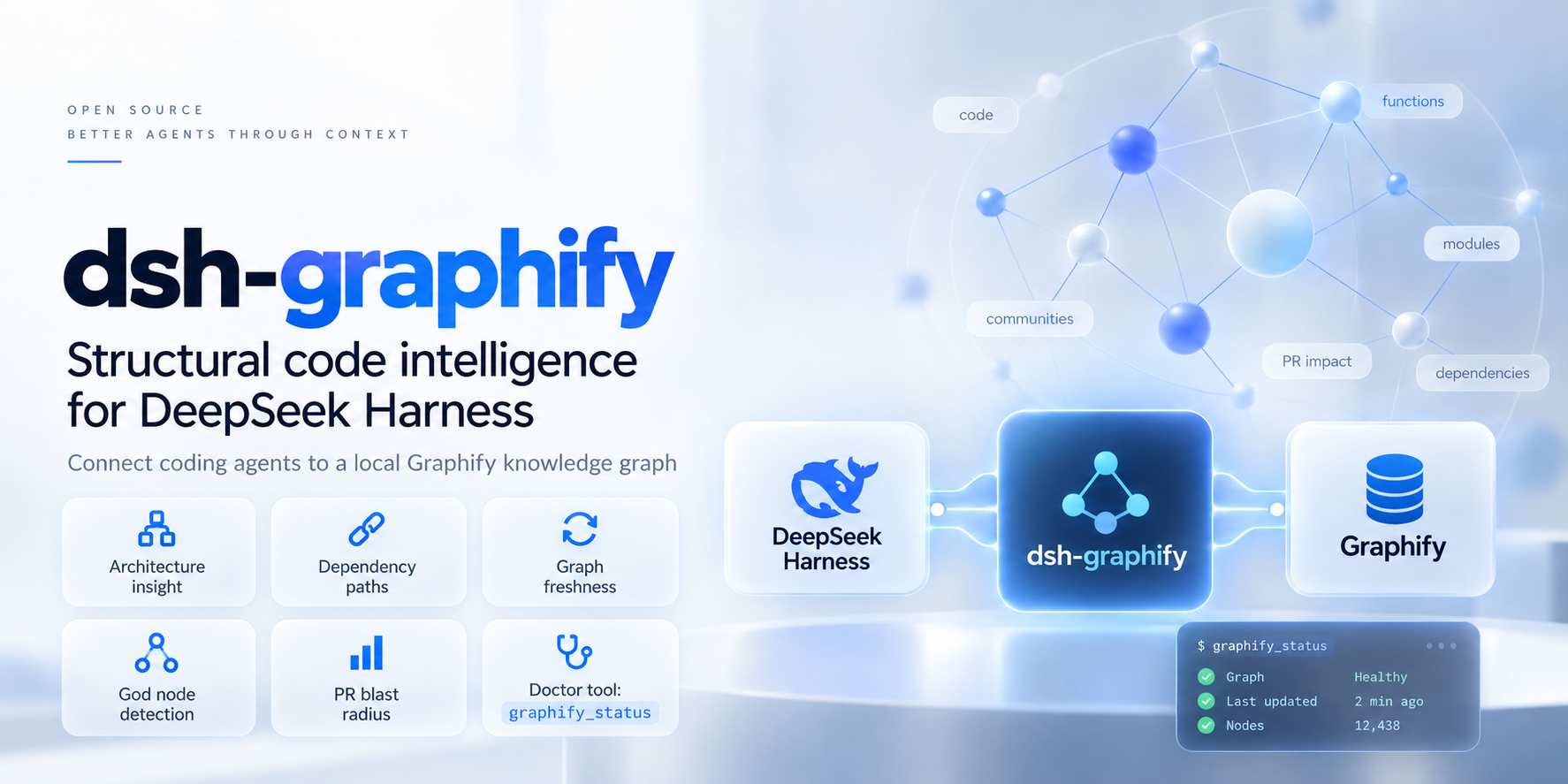
Graphify is the local graph engine; dsh-graphify is the DSH-native layer that makes it practical in an agent session.
| With a raw code search workflow | With dsh-graphify |
|---|---|
| The agent repeatedly guesses paths, greps, and reads broad files. | The agent can start from symbols, dependency paths, communities, and graph-backed project context. |
| A graph can silently describe an older checkout. | Freshness checks identify stale graphs and can warn or safely run an incremental code update. |
| Every graph capability is exposed, even when a smaller model needs only navigation. | Compact mode provides six focused tools for local 20B–30B models; full mode exposes the complete set. |
| MCP setup and failures are separate from the DSH session. | The plugin resolves the active session project, manages the Graphify process, and provides graphify_status for diagnosis. |
This is not a claim that a graph replaces source reading or tests. It gives the agent a reliable starting map, so it can spend its context budget on the code that matters.
You need a working DSH profile, Node.js 22.18 or later, Python 3.10 or later, and uv. The plugin is tested on macOS and Ubuntu Linux; Windows is not yet verified.
dsh plugin --profile <profile> add dsh-graphifyFor example, replace <profile> with the profile you normally use to run DSH. The bundle activates itself; you do not need to hand-edit a Cordis configuration for the default setup.
uv tool install 'graphifyy[mcp]==0.9.57'If Graphify is unavailable, DSH can still start. Ask for graphify_status after installing it; the plugin discovers the runtime on the next check or tool call, without a DSH restart.
Start DSH from the repository you want to explore:
cd /path/to/your/repository
dsh --profile <profile>
Then, in the DSH conversation, run:
/graphifyThe command performs a full build and writes graphify-out/graph.json in that repository. Check the result with:
graphify_statusTry requests that benefit from relationships instead of filename matching:
What are this repository's entry points and the most connected modules?Before I change this interface, show the dependency path to its callers and summarize the likely blast radius.Which community owns authentication, and where does it connect to the API layer?The default full mode exposes the complete Graphify capability set, including communities, god nodes, and pull-request impact. Use it when your model has ample tool-selection capacity or you need those specialist queries.
For local 20B–30B models, use compact. It registers six high-frequency tools: status, graph query, node inspection, neighbours, shortest path, and the session-scoped graph resource. Fewer choices help smaller models use the graph consistently.
Add an override only when you need one:
- insert:
    - id: dsh-graphify
      name: dsh-graphify
      config:
        toolMode: compact
        freshness:
          mode: warn
freshness.mode is warn by default. Choose auto when you want the plugin to coalesce safe incremental updates before a query; choose off only when you deliberately accept a static graph. A full /graphify build is required after documentation or other non-code changes, because incremental Graphify updates cover code extraction only.
graphify_status reports the resolved project, graph path, runtime availability, connection state, and whether the graph matches the indexed source state./graphify builds or updates the receiving session's project and shows its durable result in DSH Web.| Goal | In DSH |
|---|---|
| Build or fully refresh the graph | /graphify or /graphify build |
| Update changed code files | /graphify update |
| Diagnose installation, project selection, or stale data | graphify_status |
| Find a symbol and related architecture | Ask the agent to query the graph, then inspect the returned nodes and paths. |
| Analyse a risky change | Ask for dependents, shortest paths, communities, or PR impact before editing. |
/graphify update is intentionally conservative. Run /graphify after changes to Markdown, package metadata, configuration, or any other non-code source that should be represented in the graph.
The defaults work for most single-repository sessions. These are the settings users commonly change:
| Setting | Default | Use it when |
|---|---|---|
toolMode |
full |
Set compact for focused navigation with smaller local models. |
freshness.mode |
warn |
Set auto for safe pre-query code updates, or off for an intentionally static graph. |
graphifyVersion |
unset | Pin the Graphify version used by automatic uv fallback. |
graphPath |
auto-detected | Point to a non-standard graph.json location. |
cwd |
active session project | Supply a fallback project directory when a session has no workspace. |
allowExternalProjects |
false |
Allow model tools to access projects beyond the session workspace. |
toolPrefix |
empty | Avoid tool-name collisions in a larger DSH profile. |
See src/config.ts for the complete, typed configuration schema and defaults.
| Symptom | What to do |
|---|---|
graphify_status says the runtime is unavailable |
Run the uv tool install command above, then run graphify_status again. |
| No graph is found | Start DSH in the repository and run /graphify. |
| The graph is stale after docs or configuration edits | Run /graphify for a full build. |
| The wrong project is selected | Start DSH from the intended repository, or configure cwd or graphPath. |
| A model needs another checkout | Keep the default isolation where possible; otherwise set allowExternalProjects: true deliberately. |
The package supports @deepseek-ai/cordis >=4.0.0 <5 and is tested with Graphify 0.9.57. It ships a prebuilt DSH bundle and can be developed locally with:
pnpm run typecheck
pnpm run build
pnpm test
pnpm run test:drift
Use GRAPHIFY_E2E=1 pnpm run test:e2e to exercise a live local Graphify installation. Contribution guidance is in CONTRIBUTING.md.
BENCHMARK.md defines the planned, reproducible evaluation of Graphify-assisted agents against the baseline. It is an experimental protocol, not performance results. For Graphify's graph engine, supported languages, and upstream CLI documentation, visit Graphify.
CLASSIFICATION EVIDENCE
系统优先读取 GitHub Topics,再与站内分类词典和词根规则比对。当前命中: 无有效分类标签。
deepseek-ai
DeepSeek Harness: Everything is a Plugin.

anywhere-labs
为 DeepSeek Harness (DSH) 插件生态打造的现代化桌面端解决方案。万物皆「插件」,桌面本身也是「插件」。

awesome-dsh-plugin
A curated list of plugins for DeepSeek Harness (dsh) · DeepSeek Harness 插件精选列表