
模型与 MCP
待识别

rea
morluto
Reverse engineer anything with agents, from app behavior down to native binaries.
PROJECT TOPICS
INSTALL REFERENCE
dsh plugin --profile web add github:O-OII/dsh-selection-comments
该命令指向仓库当前默认分支;尚无绑定当前 commit 的完整验证结果。
PROJECT README
Comment on conversation passages in DeepSeek Harness Web/Desktop, without filling your draft with copied text.
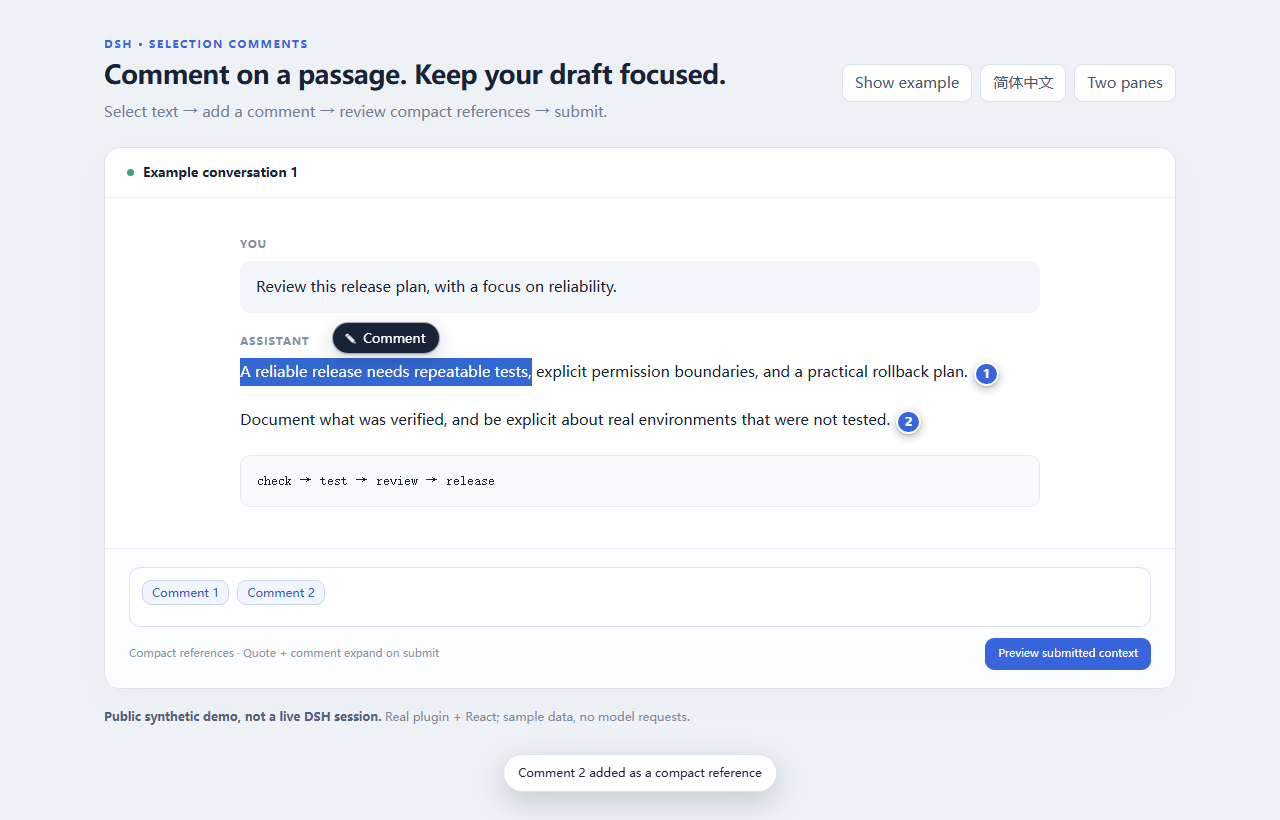
Public synthetic demo: real plugin + React with sample transcript/input adapters, not a live DSH session.
For DSH Web or Windows Desktop; see the compatibility matrix for the API baseline and tested scope.
git clone https://github.com/O-OII/dsh-selection-comments.git
cd dsh-selection-comments
dsh plugin --profile desktop add --ignore-scripts .
Use the official DSH CLI supplied with your target installation; replace desktop with your intended profile. The client bundle is included—no build required.
Ctrl/⌘+Enter.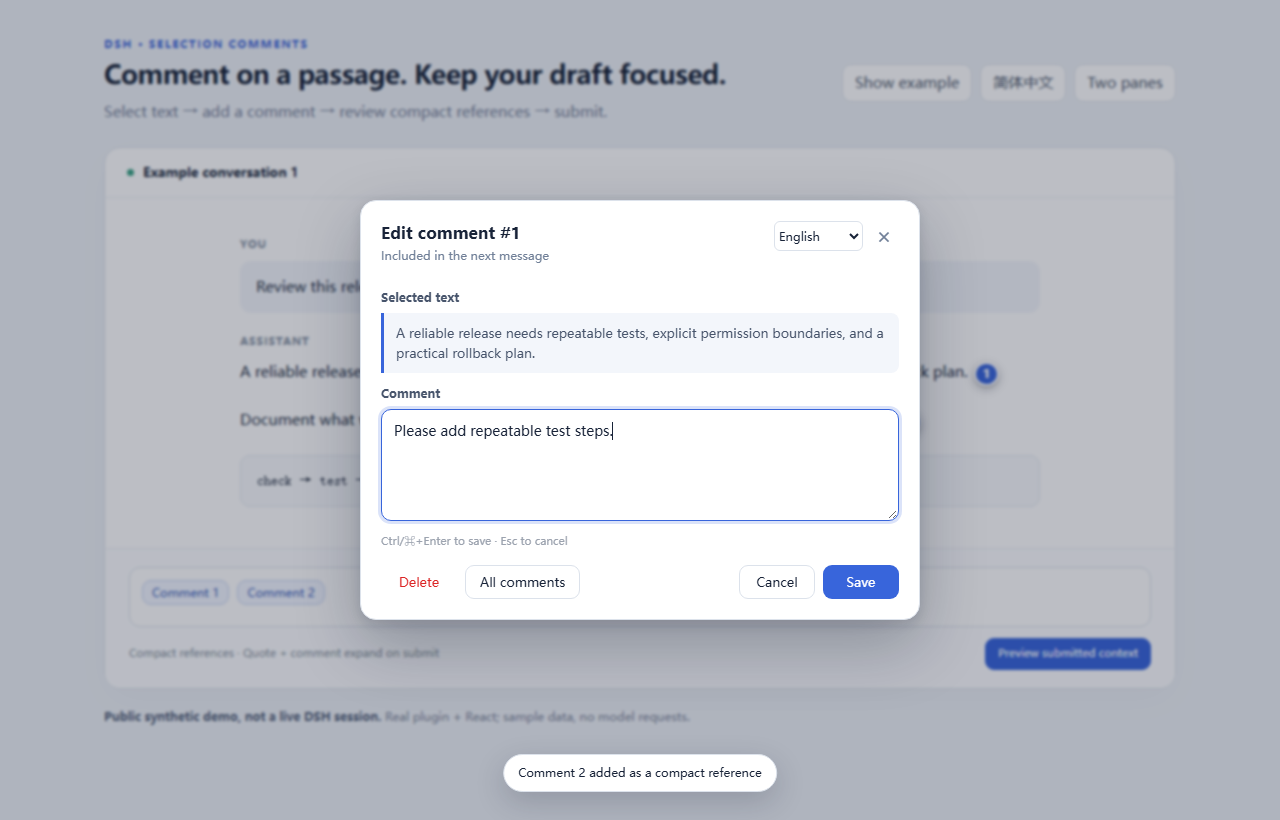
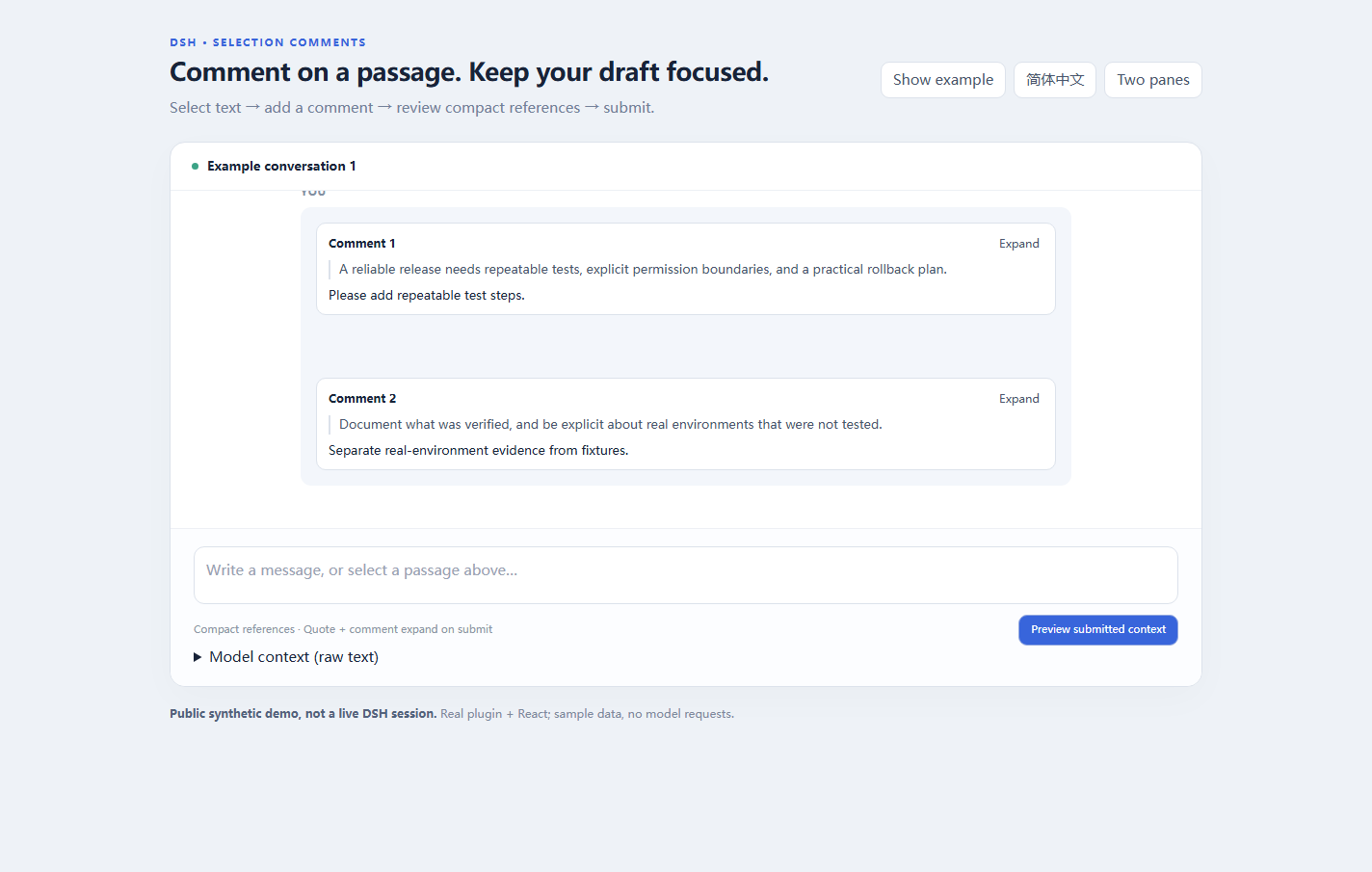
Browser capture of production plugin components with public sample data, not a private session or model-delivery test.
On compatible hosts, sent messages and compatible history show numbered quotation/comment cards. Expand reads the full content; queue previews stay compact. Cards are snapshots of the sent text—editing/deleting an unsent annotation does not change them. Model context and message Copy/Edit retain the full original text. Hosts without the official user-text extension seam show the original XML instead; see details and limits.
Both filled comment actions use the skin's matched primary fill/foreground/hover tokens, including skins with transparent base surfaces.
Simplified Chinese is the default, even with an English browser or DSH. Choose English or Follow DSH in the comment dialog's language selector; Esc closes the dialog.
All comments shows quotes, notes, and draft status. Delete all comments removes this session's comments, draft references, and plugin tab cache.
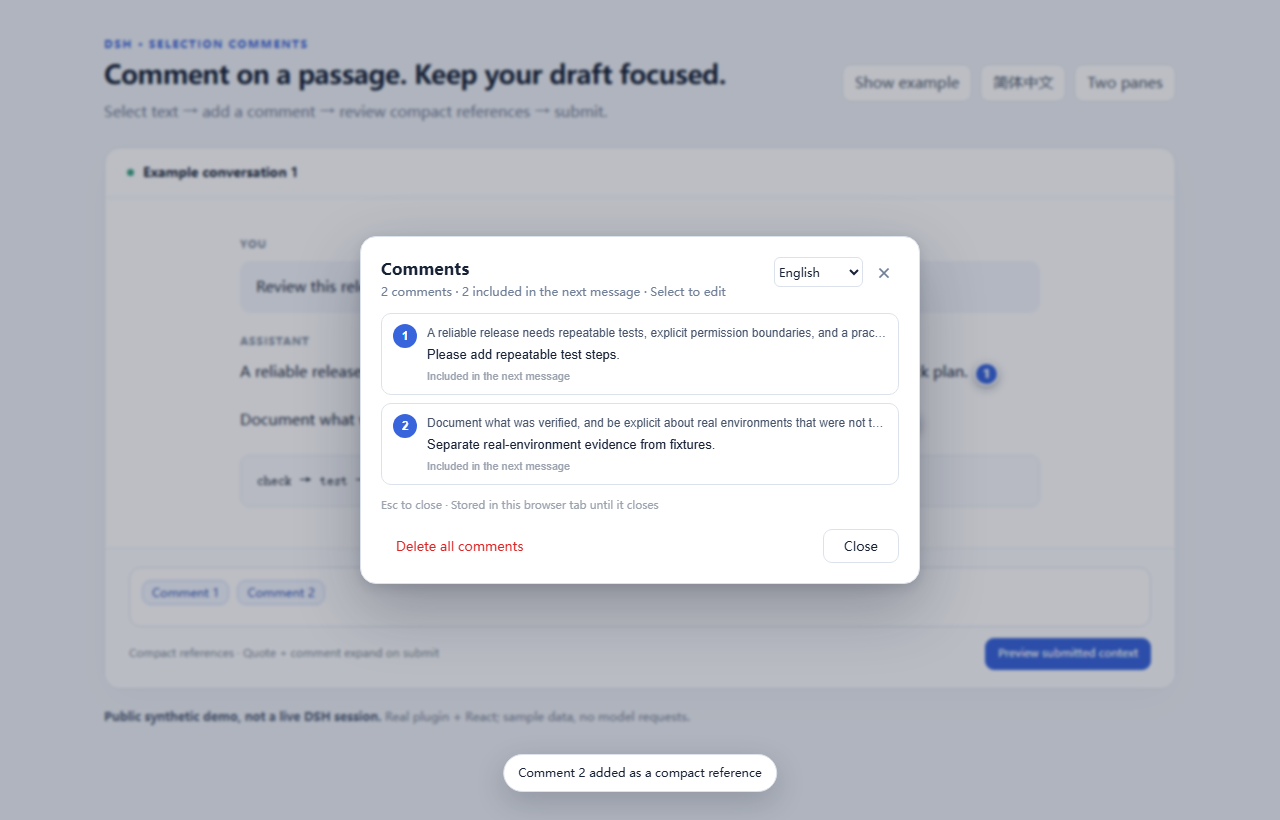
Comments can recover after refresh in the same browser tab via sessionStorage; this is not cross-tab/cloud sync or secure erasure—see privacy and limits.
MIT — © 2026 O-OII contributors. See LICENSE.
CLASSIFICATION EVIDENCE
系统优先读取 GitHub Topics,再与站内分类词典和词根规则比对。当前命中: deepseek-harness。
morluto
Reverse engineer anything with agents, from app behavior down to native binaries.

deepseek-ai
DeepSeek Harness: Everything is a Plugin.

nexu-io
The 1st Collaborative AI Design Agent Workspace. Local-first and open source. Create motion, prototypes, websites, apps, dashboards, presentations, images, and videos with your team and AI agents. Share work, exchange feedback, and iterate together in one workspace.