
其他
完整应用

deepseek-harness
deepseek-ai
DeepSeek Harness: Everything is a Plugin.
PROJECT TOPICS
INSTALL REFERENCE
dsh plugin --profile web add github:NigelYao/dsh-view-modes
该命令指向仓库当前默认分支;尚无绑定当前 commit 的完整验证结果。
PROJECT README
English · 简体中文
Three output modes for DeepSeek Harness (DSH) Web: Verbose, Normal, and Summary. Keep the full trace when debugging, reduce process noise during daily work, or focus on the result.
This is an official-style DSH bundle plugin (dsh.bundle + dsh.client). It changes only browser-side presentation and does not patch DSH core files.
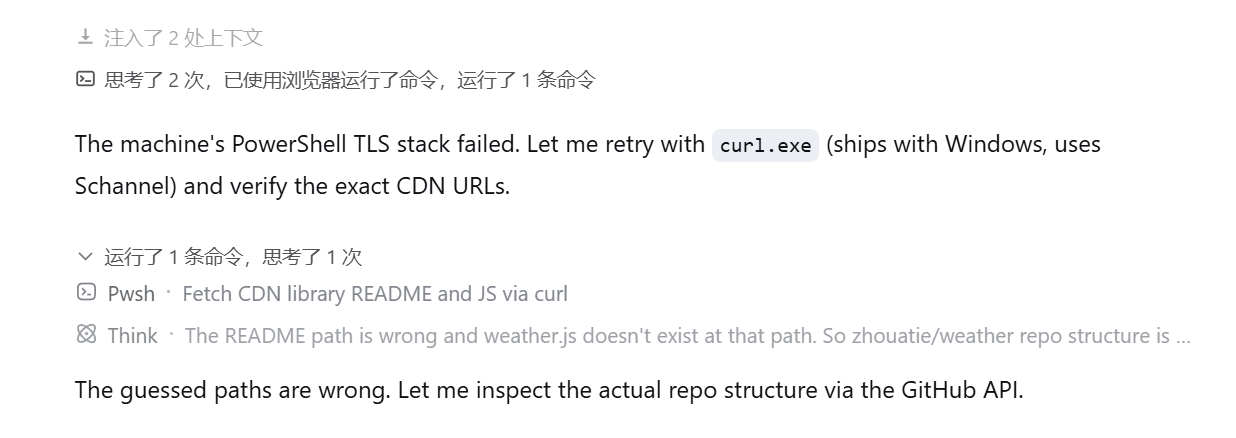
The interface follows the language selected in Harness Settings. This is Normal mode with Harness set to English:
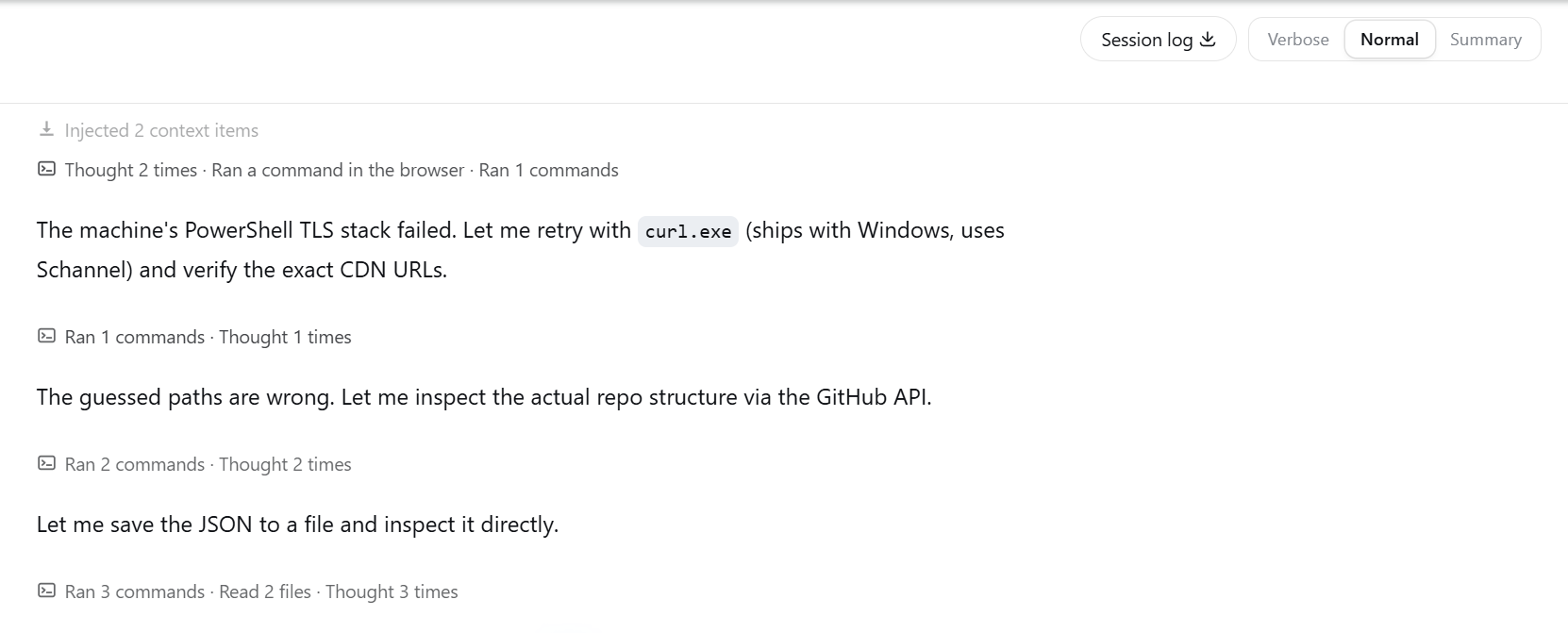
Normal mode groups related tool calls and thinking while keeping assistant text as a clear boundary. Click a process title to inspect its original steps.
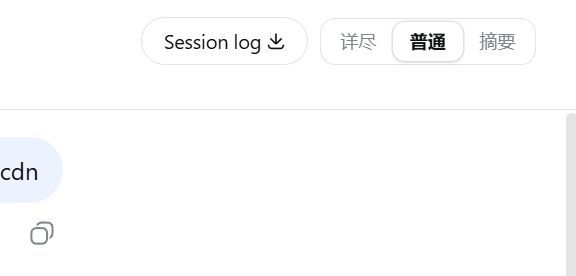
Switch modes from the session header.
| Mode | Best for | Behavior |
|---|---|---|
| Verbose | Debugging | Preserves everything DSH renders, including thinking, tool calls, retries, context, and statistics |
| Normal | Daily work | Groups process steps by semantic phase; thinking joins the neighboring process group; assistant text remains visible and starts a new grouping interval |
| Summary | Results | Hides process noise while running, shows a live shimmer status, and folds the completed process into a compact summary |
Normal mode does not split a group after an arbitrary number of calls. Repeated reads, commands, edits, searches, or coordination steps can stay together while they belong to the same phase. A visible assistant message is always a hard boundary.
Requirements:
web profile availablepnpm on PATH (required by dsh plugin; use corepack enable if needed)No npm account is required:
dsh plugin --profile web add git+https://github.com/NigelYao/dsh-view-modes.gitFor source iteration, clone the repository onto the same drive as the DSH home directory. This avoids broken cross-drive package links.
$pluginRoot = Join-Path $env:USERPROFILE ".dsh\local-plugins\dsh-view-modes"
git clone https://github.com/NigelYao/dsh-view-modes.git $pluginRoot
Set-Location $pluginRoot
dsh plugin --profile web add link:$pluginRoot
If you already keep the repository on another drive, create a junction on the DSH home drive and install from the junction:
$source = "D:\Projects\dsh\plugins\dsh-output-mode"
$pluginRoot = Join-Path $env:USERPROFILE ".dsh\local-plugins\dsh-view-modes"
New-Item -ItemType Junction -Path $pluginRoot -Target $source
Set-Location $pluginRoot
dsh plugin --profile web add link:$pluginRoot
Do not insert dsh-view-modes again in the profile or home cordis.patch.yml; the plugin's own patch already registers its bundle id.
Restart DSH Web after installing or updating the plugin. The client bundle revision is composed when the process starts.
npx @deepseek-ai/dsh webOpen http://127.0.0.1:3080/.
Alt+1, Alt+2, or Alt+3 to switch modes from the keyboard.localStorage and survives refresh. The default is Normal.Summary mode shows a compact live activity line while the agent runs. When the turn completes, the process becomes an expandable recap above the answer.
Set-Location $pluginRoot
git pull --ff-only
npm run check
# Restart DSH Web after the pull.dsh --profile web --dump-config | Select-String "dsh-view-modes"
npm run checkThe configuration should mention dsh-view-modes once, and http://127.0.0.1:3080/plugins/dsh-view-modes/client.js should return HTTP 200 while DSH Web is running.
MIT
CLASSIFICATION EVIDENCE
系统优先读取 GitHub Topics,再与站内分类词典和词根规则比对。当前命中: 无有效分类标签。
deepseek-ai
DeepSeek Harness: Everything is a Plugin.

anywhere-labs
为 DeepSeek Harness (DSH) 插件生态打造的现代化桌面端解决方案。万物皆「插件」,桌面本身也是「插件」。

walkinglabs
Harness engineering beginner tutorial, from 0 to 1