
其他
完整应用

deepseek-harness
deepseek-ai
DeepSeek Harness: Everything is a Plugin.
PROJECT TOPICS
INSTALL REFERENCE
dsh plugin --profile web add github:Modellix/dsh-modellix
该命令指向仓库当前默认分支;尚无绑定当前 commit 的完整验证结果。
PROJECT README
dsh-modellix brings Modellix media generation, LLM models, and Web research into DeepSeek Harness. One Modellix API Key enables a chat-first workflow: ask naturally, keep the context in the conversation, and inspect completed work without leaving the session.
Harness and this plugin currently use prerelease interfaces. Check the peer dependencies and CHANGELOG before upgrading Harness.
modellix_web_search and modellix_web_fetch. Harness-native Web tools and providers remain available, so turning Modellix Web off falls back to the active profile's defaults.0.1.2-alpha.4, while retaining 0.1.1-rc.2 compatibility.| Area | User experience | Registered capability |
|---|---|---|
| Media | Ask the Agent to create, edit, animate, or narrate media | modellix_media_list, modellix_media_schema, modellix_media_prepare, modellix_media_upload_file, modellix_media_generate, modellix_media_get_result |
| Results | Review media in chat or in the right-side session panel | Live status reconciliation, Preview/JSON for successful jobs, image/video/audio presentation, URL insertion, download |
| LLM | Select live Modellix models from the Harness model selector | Modellix OpenAI-compatible provider with a live catalog and provider retries set to 0 |
| Web | Ask a current, external, URL, or source-verification question normally | modellix_web_search and modellix_web_fetch, selected automatically by Agent routing instructions |
0.1.2-alpha.4 (latest supported); 0.1.1-rc.2 remains supported^22.19.0 || >=24.0.024.18.1, pnpm 11.24.0The plugin contains its own Harness integration. It does not install or invoke modellix-cli at runtime.
Install the package in the target Web profile, inspect the merged configuration, and start or restart that profile:
dsh plugin --profile web add dsh-modellix
dsh --profile web --dump-config
dsh --profile web
--dump-config should contain the dsh-modellix Bundle layer and a plugin row with id modellix. Replace web if you use another profile.
To install a trusted local build:
pnpm install --frozen-lockfile
pnpm run verify:release:static
pnpm pack
dsh plugin --profile web add ./dsh-modellix-0.2.1.tgz
See local usage for the complete Windows-first workflow.
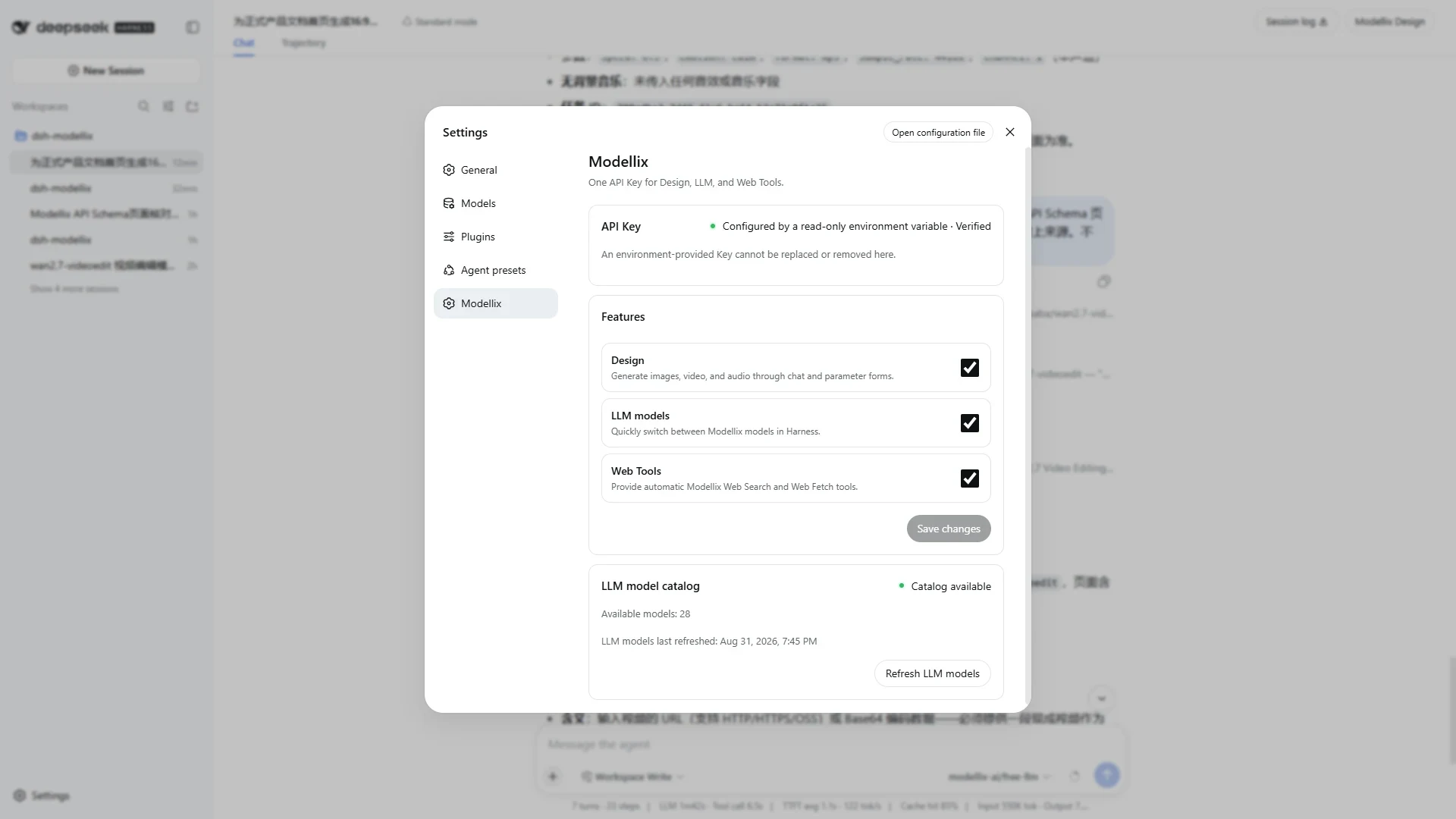
On first use, enter the Key in Connect Modellix, keep the required services enabled, and select Save and enable. The saved Credential is write-only: the Client receives only configuration status and source, never the stored Key.
Alternatively, provide MODELLIX_API_KEY to the Harness launch environment. Environment Credentials are read-only in the UI and require a Harness restart after replacement.
Do not put a real Key in a repository, command argument, URL, browser storage, log, screenshot, HAR, recording, or test snapshot.
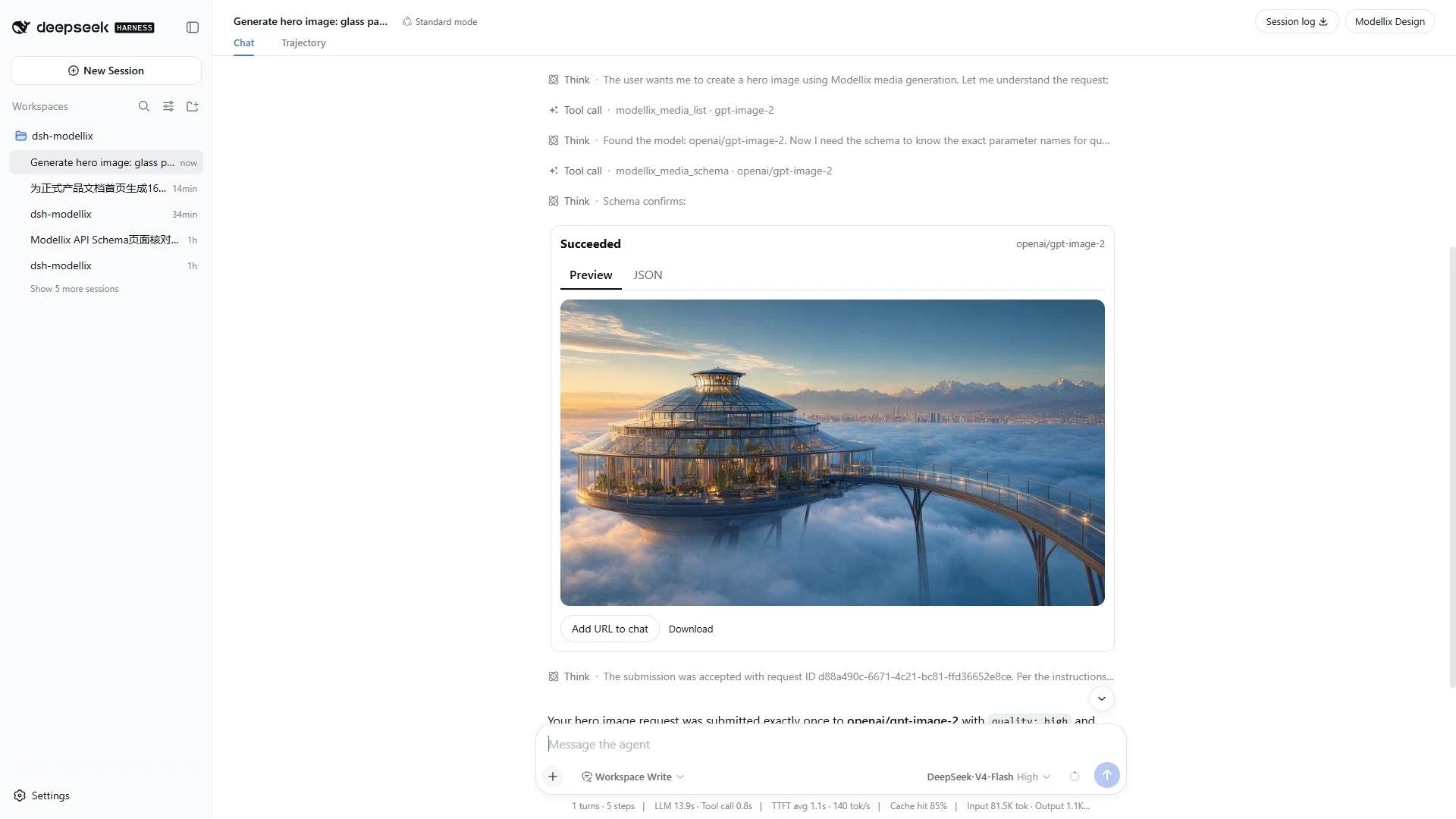
Describe the outcome, not the tool sequence. For example:
Create a polished 16:9 architectural hero image of a glass botanical research pavilion floating above a dawn cloud sea, with restrained lapis-blue and warm-gold tones, realistic premium materials, no people, no text, and no watermark.
The Agent can then:
While a task is nonterminal, immutable assistant prose only confirms acceptance and points to the live result card and Modellix Design. It does not leave behind a stale “running” sentence.
generate card takes ownership of its task; the corresponding get_result call does not render a second copy.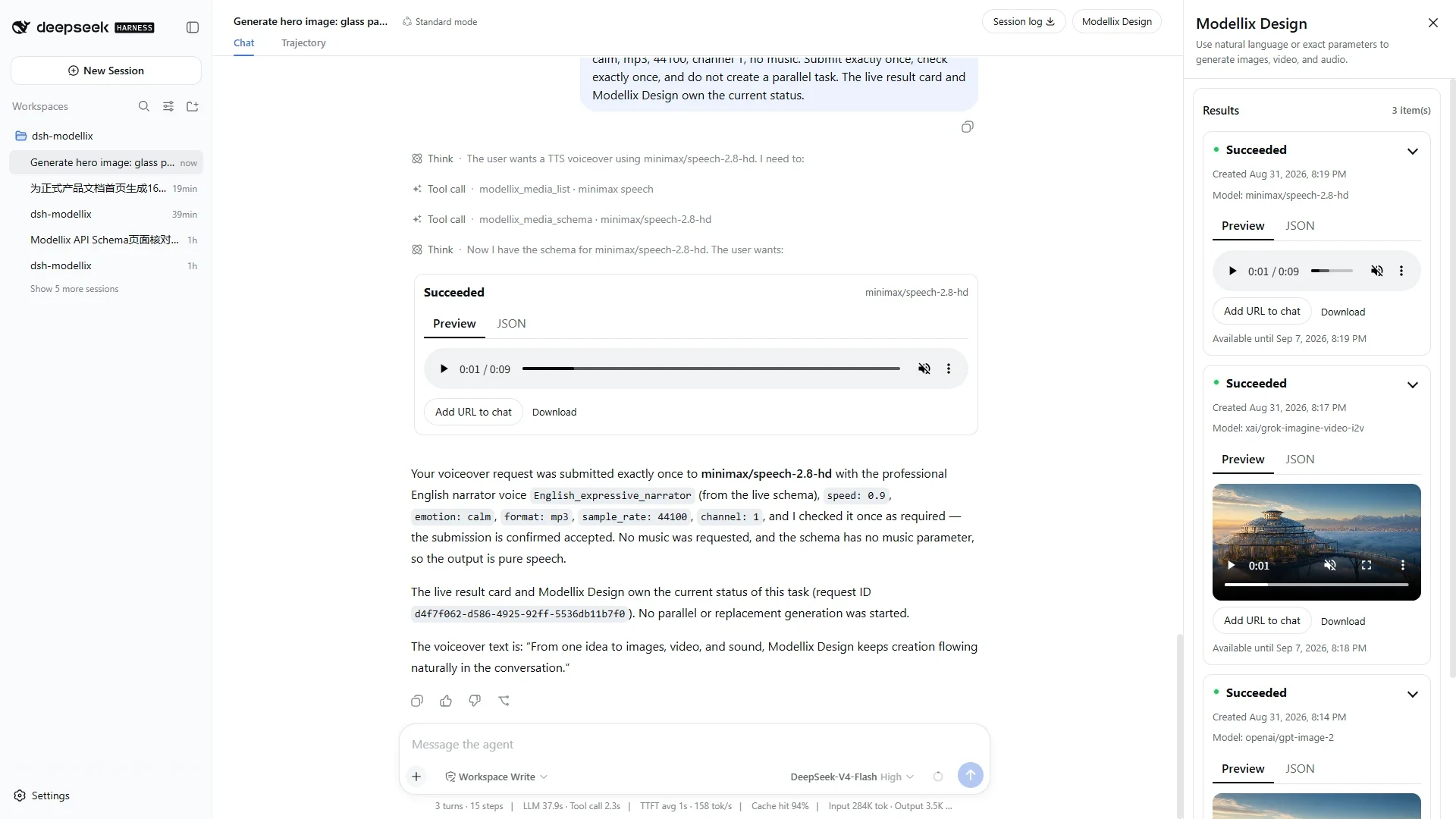
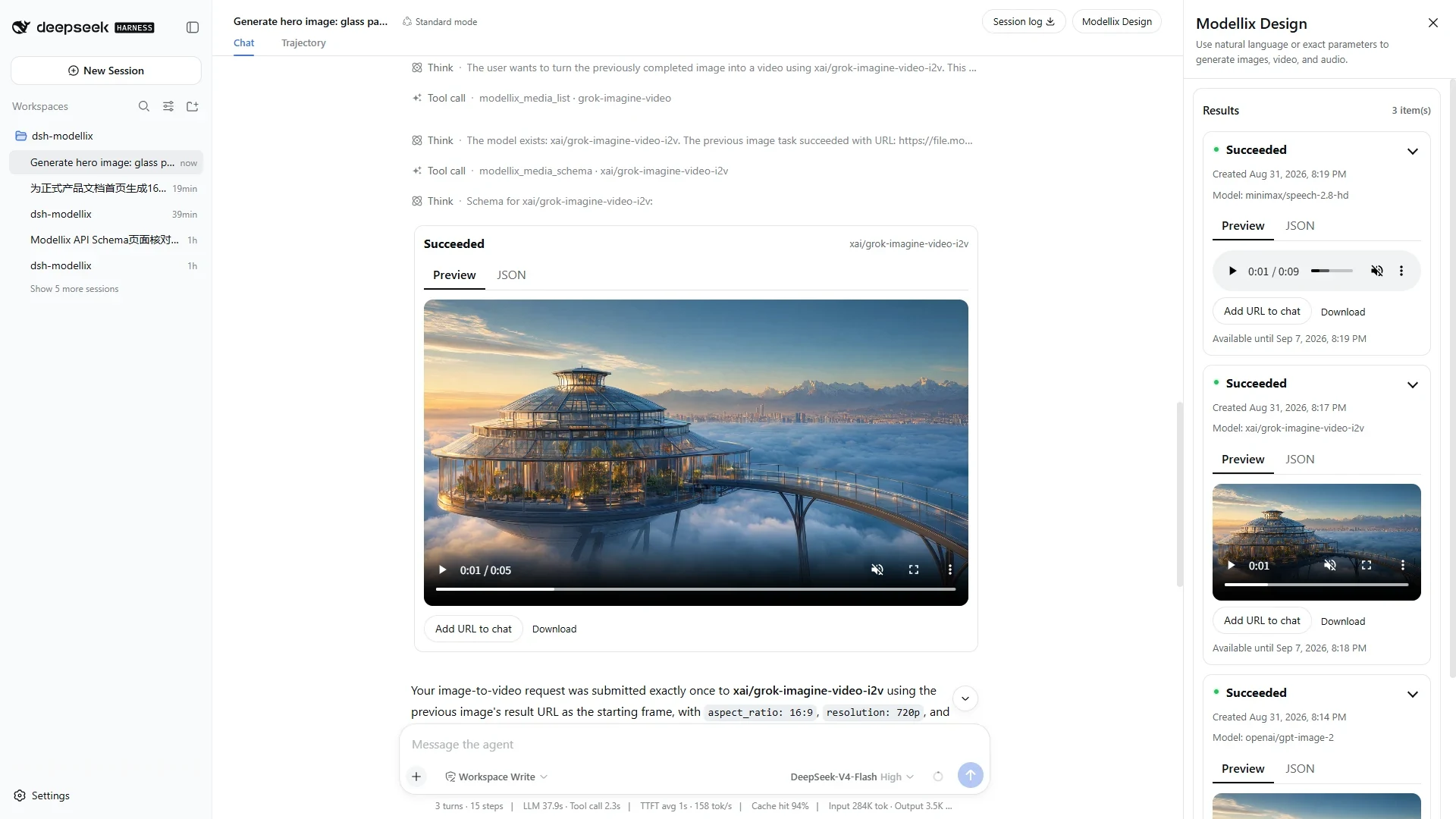
The Modellix Design button sits at the far right of the conversation header, beside Session log. It opens a split-panel experience on large screens and a full-width overlay on narrow screens.
0.2.1; ordinary users work through chat.When LLM is enabled, the plugin reads the live Modellix catalog and adds those models to the Harness model selector. It does not fabricate fallback entries when the catalog is unavailable. Refresh status and model count are available in Modellix settings.
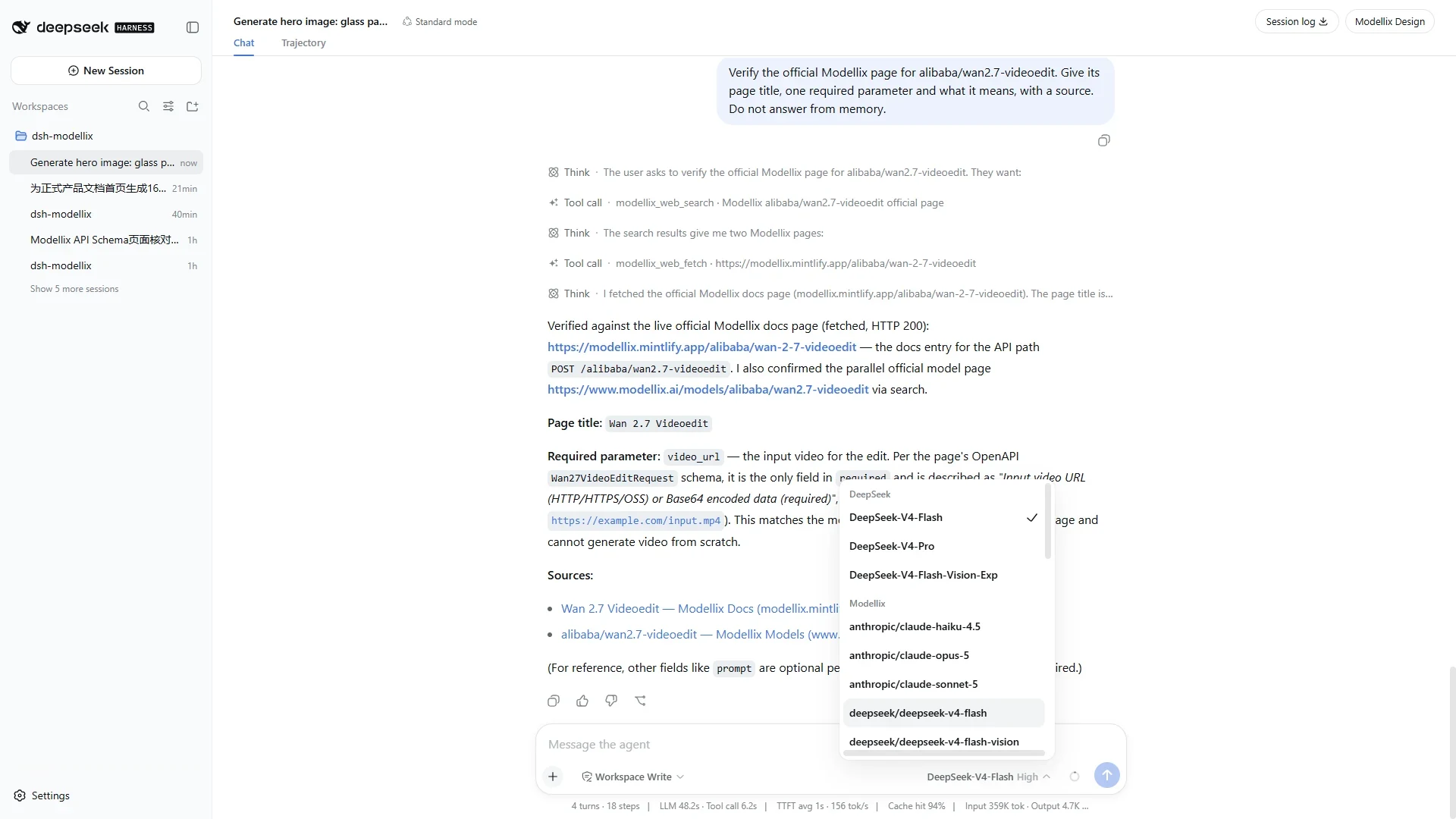
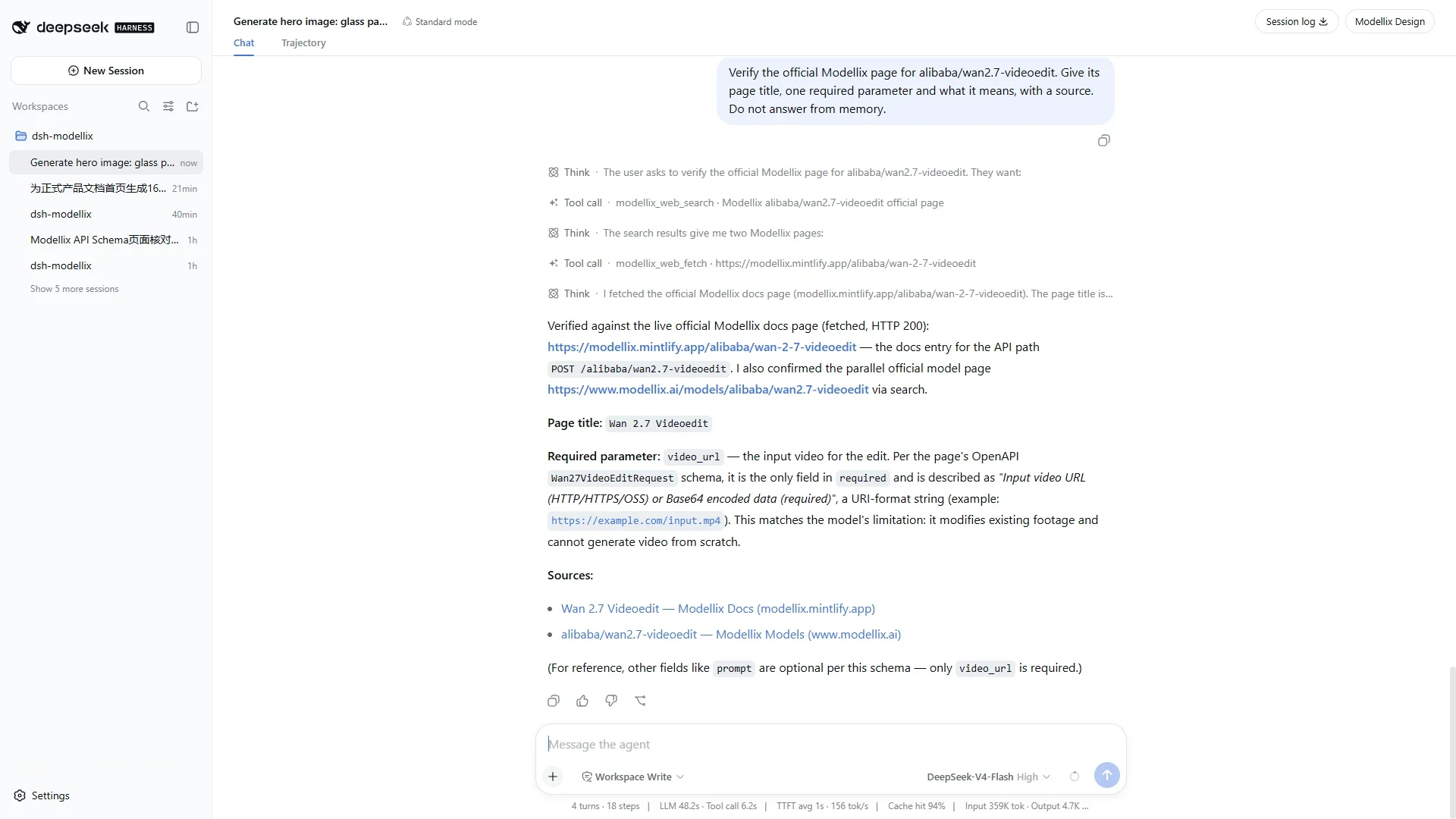
Users do not need to name a tool. For current, changing, external, or source-verification questions, the Agent is instructed to use modellix_web_search. When the user provides a public URL or a search result needs full-page reading, it uses modellix_web_fetch.
While Web is enabled, the plugin registers only the two explicit Modellix tools and asks the Agent to prefer them for matching work. Disabling Web unregisters those tools and removes the Modellix Web routing context; Harness-native web_search / web_fetch tools and their configured providers remain untouched and can be selected automatically. Failed or unknown Modellix Web requests are not repeated automatically.
The Modellix settings section shows:
Only HTTP 401 marks a Credential invalid. HTTP 402, 429, network failures, and 5xx retain their own recovery states. Concurrent 401 responses are coalesced into one Credential dialog.
The repository contains six English and six Chinese 1920×1080 screenshots captured from separate real-language sessions. They cover settings, chat image generation, the result drawer, media players, live LLM models, and automatic Search/Fetch. No capture contains a Key, request header, Network/HAR data, Credential file, or browser storage.
pnpm install --frozen-lockfile
pnpm run check
pnpm run verify:pack
pnpm run verify:fresh-install
pnpm run verify:node22-install
pnpm run verify:release:static
pnpm run verify:release additionally requires fresh Secret-free browser and real API/Agent evidence bound to the exact package version and 40-character Git commit. The complete procedure is documented in RELEASE_CHECKLIST.md.
Remove a locally stored Credential from Modellix settings first, or revoke an environment Credential in its external secret manager. Then remove the plugin and restart the profile:
dsh plugin --profile web remove dsh-modellix
dsh --profile web --dump-config
dsh --profile web
Uninstallation does not remove upstream Modellix tasks, external environment variables, or all Harness profile data.
See LICENSE.
CLASSIFICATION EVIDENCE
系统优先读取 GitHub Topics,再与站内分类词典和词根规则比对。当前命中: 无有效分类标签。
deepseek-ai
DeepSeek Harness: Everything is a Plugin.

anywhere-labs
为 DeepSeek Harness (DSH) 插件生态打造的现代化桌面端解决方案。万物皆「插件」,桌面本身也是「插件」。

awesome-dsh-plugin
A curated list of plugins for DeepSeek Harness (dsh) · DeepSeek Harness 插件精选列表