
其他
完整应用

deepseek-harness
deepseek-ai
DeepSeek Harness: Everything is a Plugin.
PROJECT TOPICS
PROJECT README

A native desktop launcher for DeepSeek Harness on Windows, macOS, and Linux.
English · 简体中文






DeepSeek Harness Desktop is a community-maintained distribution project. It is not an official DeepSeek AI product.
DeepSeek Harness Desktop packages the DeepSeek Harness web experience as a native desktop application. It bundles the required Node.js runtime, starts DSH locally, and opens the interface in a dedicated desktop window.
Download supported packages from GitHub Releases.
| Platform | Package | Release status |
|---|---|---|
| Windows x64 | .exe installer | Available · Download |
| Windows x64 | .zip archive | Available · Download |
| macOS Apple Silicon | .dmg installer | Available · Download |
| macOS Intel | .dmg installer | Available · Download |
| Linux x64 | .AppImage | Available · Download |
| Debian / Ubuntu x64 | .deb package | Available · Download |
All current and historical packages are available from GitHub Releases.
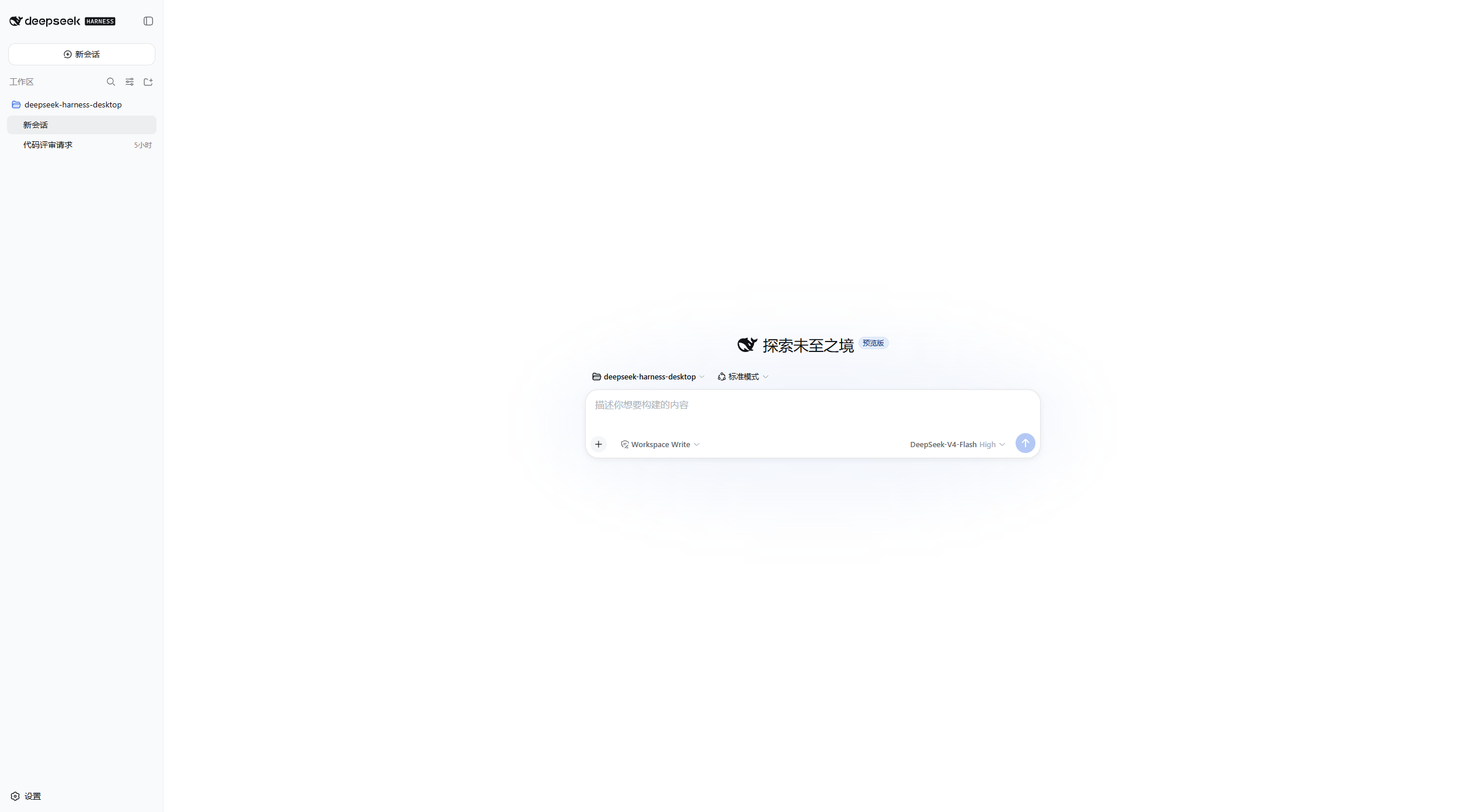
Start a new workspace conversation with model and permission controls.
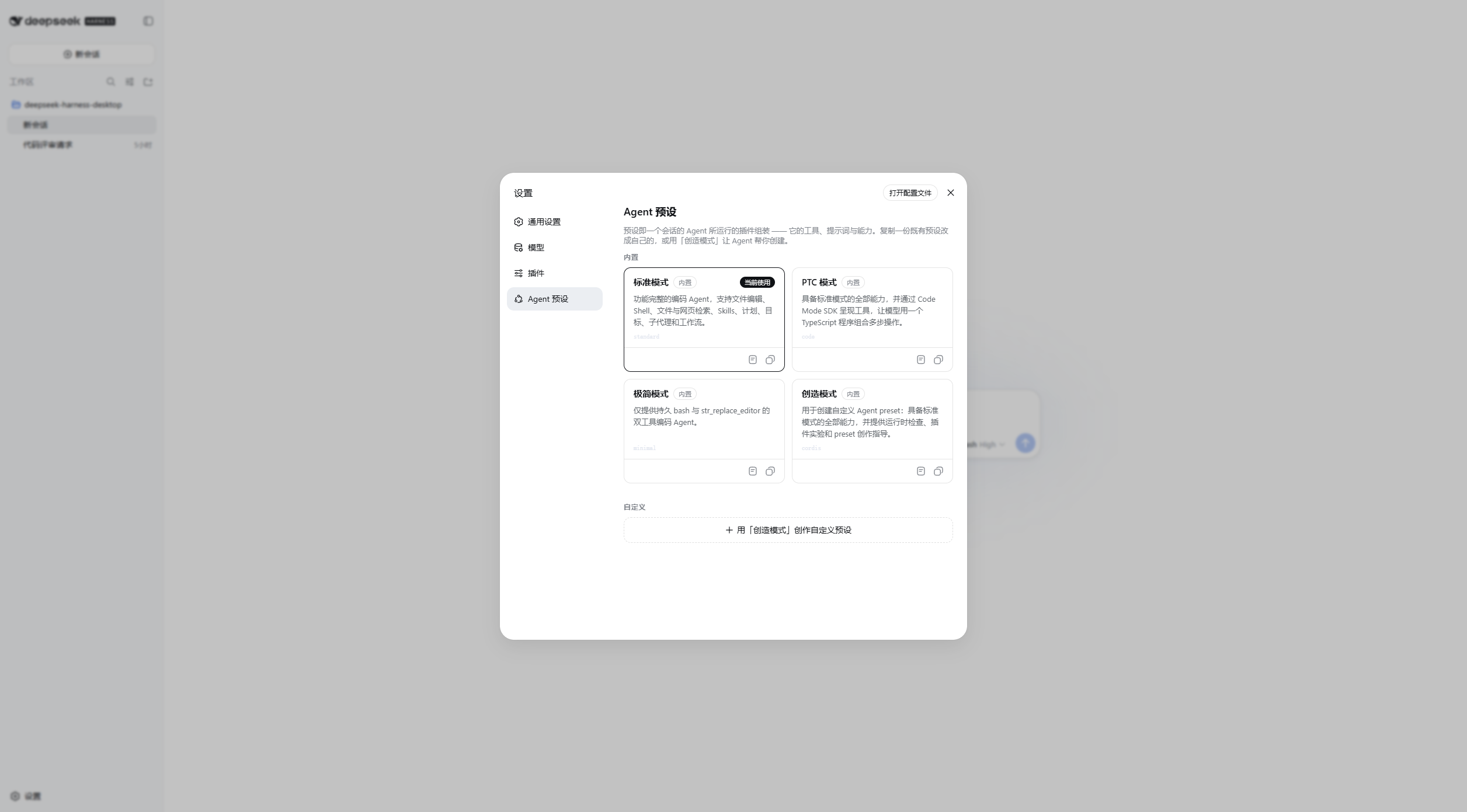
Choose a built-in Agent preset or create a custom preset.
| Item | Requirement |
|---|---|
| Operating system | Windows 10/11, macOS, or Linux |
| Architecture | Windows x64, macOS Apple Silicon (arm64), macOS Intel (x64), or Linux x64 |
| Network | Required only for the model providers and tools you configure |
| Node.js | Not required for end users; bundled with the application |
The installer bundles a complete runtime. Installation and first startup can take several minutes on some machines; allow the process to finish before cancelling.
Your configured model providers and DSH tools may make their own network requests. Review their respective settings and policies before use.
| Situation | What to do |
|---|---|
| Installation appears to pause | Wait several minutes. The installer is extracting the bundled runtime. |
| macOS says the app cannot be opened | Move the application to Applications, then open it again and follow the system prompt. |
| Startup fails | Reopen the app and check the diagnostic path shown in the error window. |
| Existing DSH data is not visible | Confirm you are using the same account and inspect ~/.dsh (on Windows: %USERPROFILE%.dsh). |
Development requires Windows, Node.js 24.19.0, pnpm 11.20.0, and a built checkout of DeepSeek Harness.
[Console]::OutputEncoding = [System.Text.Encoding]::UTF8
$OutputEncoding = [System.Text.Encoding]::UTF8
pnpm install --frozen-lockfile
pnpm test
$env:DSH_RUNTIME_ROOT = 'D:\Repository\deepseek-harness'
pnpm run dist
Build output is written locally to release\ and is not committed. Pushing a vX.Y.Z tag builds Windows x64, macOS Apple Silicon/Intel, and Linux x64 AppImage/DEB packages.
Project status, active work, architecture constraints, and iteration records are available from the documentation entry point.
This project is licensed under the Apache License 2.0.
CLASSIFICATION EVIDENCE
系统优先读取 GitHub Topics,再与站内分类词典和词根规则比对。当前命中: 无有效分类标签。
deepseek-ai
DeepSeek Harness: Everything is a Plugin.

walkinglabs
Harness engineering beginner tutorial, from 0 to 1

anywhere-labs
为 DeepSeek Harness (DSH) 插件生态打造的现代化桌面端解决方案。万物皆「插件」,桌面本身也是「插件」。