dsh-theme-leshan
Three photograph skins for the DeepSeek Harness Web GUI — River Night, Lingyun Dusk, Emei Mist. One token engine, light and dark, switched from inside the app.
中文说明 · Theme document · Palette reference · Image sizes
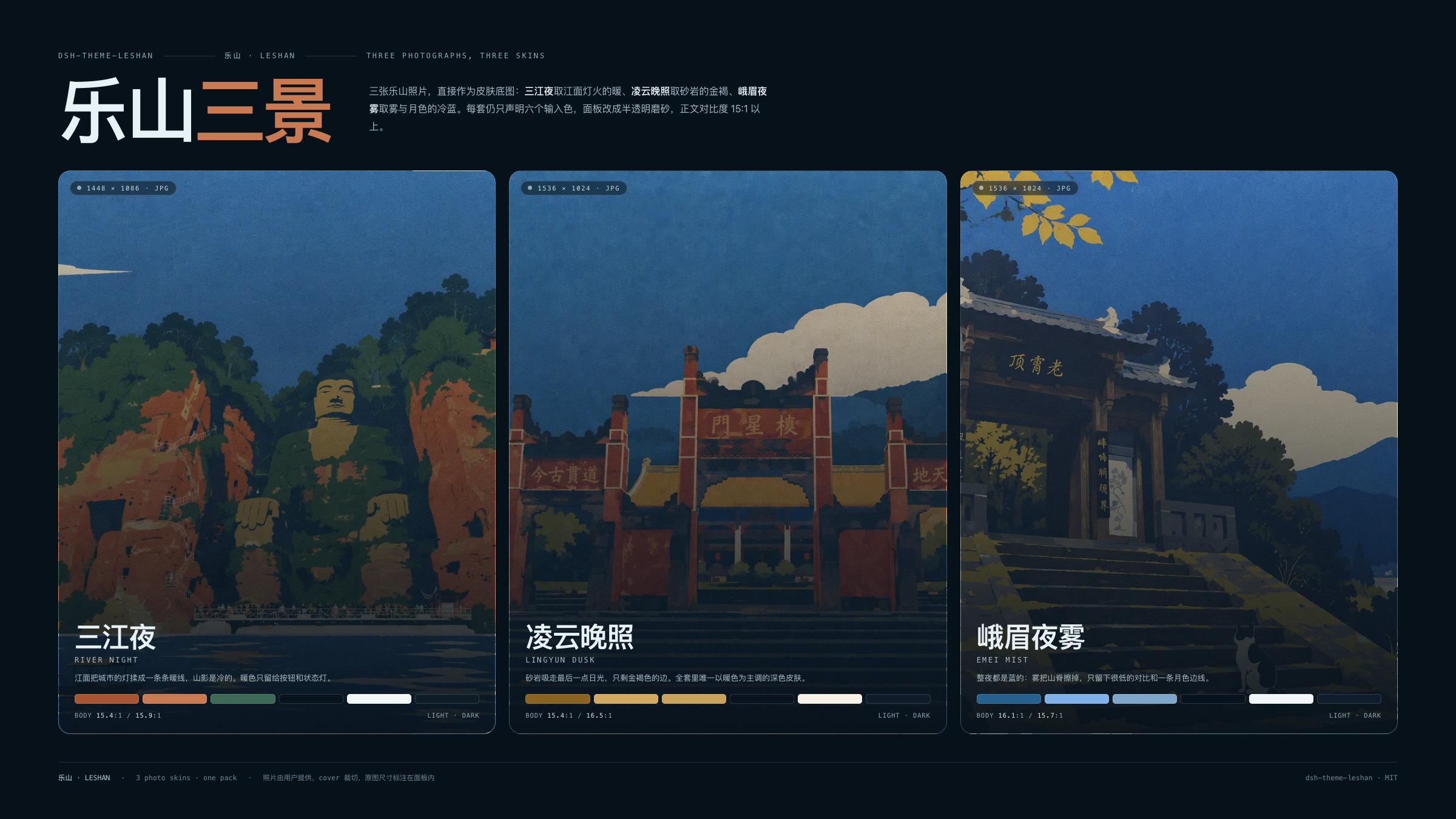
Leshan is a small pack built around three photographs of 乐山: the rivers at blue hour, the Lingyun cliff at dusk, and Emei in night mist. Each photograph is the page; each skin declares six input colours per appearance; the engine derives the 119 --dsw-* alias tokens the Web shell reads from them, then measures the result. Three skins × two appearances = six palettes that all share the same semantic rules, so a state that reads in light mode reads in dark.
The three skins
| Skin |
Photograph |
Accent light / dark |
Body contrast |
Preview |
| 三江夜 River Night |
岷江 · 青衣江 · 大渡河 / three rivers at blue hour |
#A9552F / #C97A50 |
15.4:1 / 15.9:1 |
light · dark |
| 凌云晚照 Lingyun Dusk |
崖壁 · 晚钟 / cliff face at the evening bell |
#8A6320 / #D3A961 |
15.4:1 / 16.5:1 |
light · dark |
| 峨眉夜雾 Emei Mist |
冷雾 · 月色 / cold mist and moonlight |
#25618F / #7FB2E8 |
16.1:1 / 15.7:1 |
light · dark |
Full palettes, token tables and measured contrast live in docs/palettes.md.
乐山 · Leshan
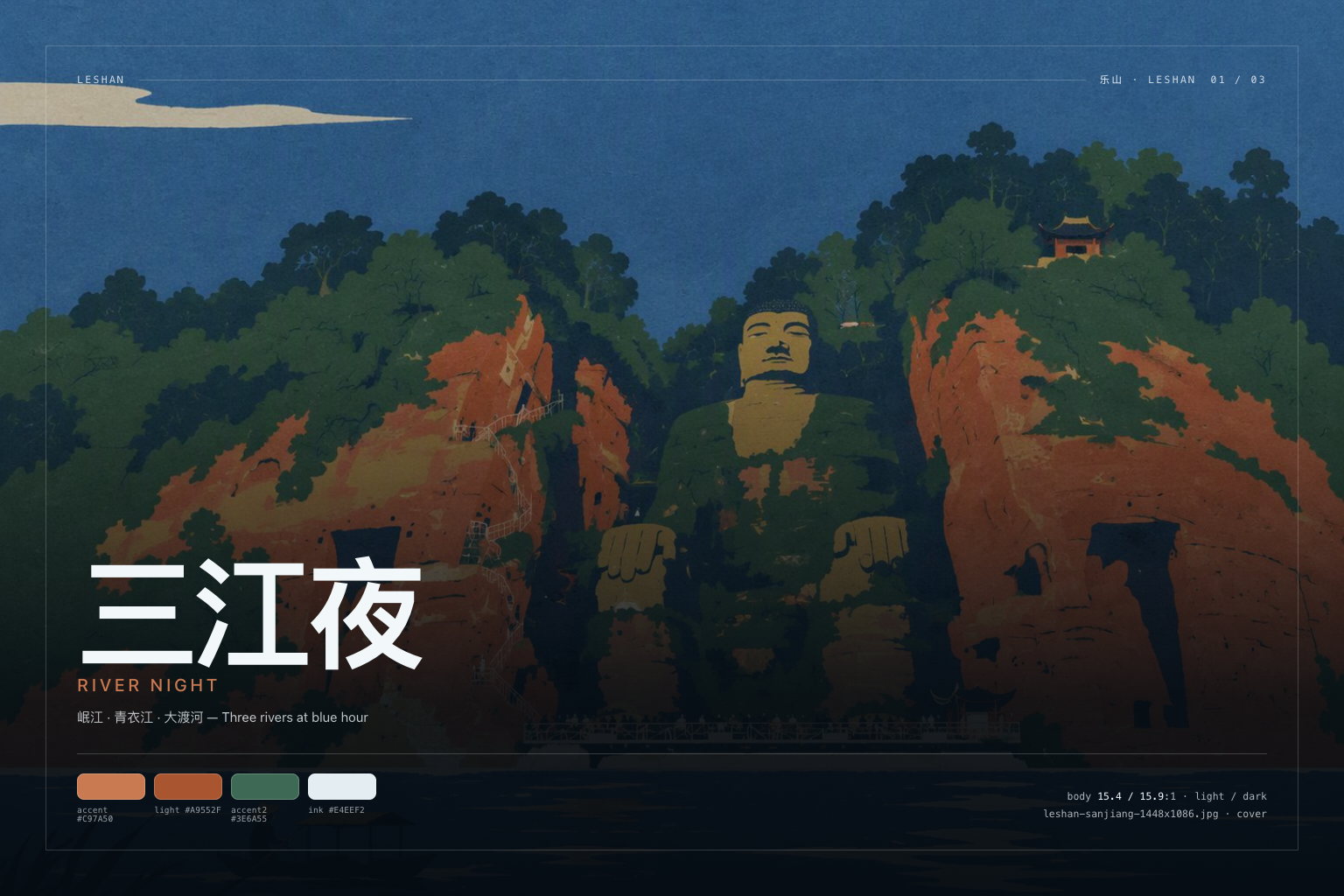
The three photographs are used at their native resolution and cover-cropped by the shell. The host half serves them from /dsh-theme-leshan/wallpapers/<file> through an exact-file whitelist (immutable caching, HEAD, 304); without a webServer service the skin falls back to a wash and stays fully usable.
Install
# prebuilt tarball, no build step (recommended)
dsh plugin --profile desktop add https://github.com/John-20260101/dsh-theme-leshan/releases/latest/download/dsh-theme-leshan.tgz

# or straight from the GitHub source
dsh plugin --profile desktop add github:John-20260101/dsh-theme-leshan

# local development: this folder is already a loadable bundle
dsh plugin --profile desktop add /path/to/dsh-theme-leshan
Desktop app: 插件 → 添加插件, paste the address or folder above, enable it, then reload the window if the shell asks.
The plugin is a normal bundle: package.json declares dsh.bundle + a cordis.patch.yml, so dsh plugin add can load it. There is no build step to approve — client.js ships prebuilt.
Switch skins
- Click the Leshan pill at the bottom-right of the window, or press Alt+K to cycle.
- The choice is browser-local (
localStorage: dsh.theme.leshan.skin), so different browsers can run different skins.
- “隐藏此钮” hides the pill (
dsh.theme.leshan.rail); Alt+K keeps working, and clearing that key brings the pill back.
- Light/dark still belongs to the shell’s own Appearance setting — Leshan has both palettes and never overrides your preference.
What it actually does
- Token layer. On load it calls
ctx.theme.overrideTokens('dsh-theme-leshan', layer), where layer maps every --dsw-* alias token to a { light, dark } pair. Switching a skin replaces that layer; unloading the plugin removes it. On a shell without the theme service it falls back to a scoped stylesheet with the same values.
- Wallpaper sheet. One small plugin-owned stylesheet paints the active photograph on
<body> and on the conversation column ([data-conversation-region="chat"], the shell's reading surface, which otherwise sits on an opaque page-colour plate) under the same appearance-keyed scrim (0.86 → 0.90 light, 0.74 → 0.82 dark), keyed by html[data-dsh-leshan] / html[data-dsh-leshan-wallpaper]. Both seats share the focus, the fixed attachment and the scrim, so the photograph runs unbroken from the sidebar into the chat column; the derived surface tokens carry alpha so the panels read as frosted plates. No layout is touched.
- Skin rail. A shadow-DOM panel so no shell rule can reach it, keyboard reachable, removed with the plugin.
Nothing else is written: no host settings document, no files, no network calls.
Images in this repo
Sizes, display guidance and regeneration commands are specified in docs/images.md; screenshots.json points the storefront at all seven UI shots.
The three supplied PNG originals (gpt-image-*.png) stay in the package root as the wallpaper masters; npm run compress re-derives assets/wallpapers/*.jpg from them at quality 80.
Compatibility
- DeepSeek Harness Web 0.2.0-rc.1 … 0.2.x (
dsh.bundle + dsh.client).
- Works in the official Desktop app and in
dsh web; needs a browser with color-mix() (Chromium 111+, Safari 16.2+).
- If the theme service is absent, the fallback layer still applies both palettes.
Develop
npm install
npm run verify   # build + token completeness + WCAG gates
npm run shots    # re-render every image at the documented size
Source layout: src/color.mjs (colour maths), src/tokens.mjs (the 119-name contract), src/skins.mjs (three skins, six inputs per appearance plus one photograph), src/derive.mjs (role derivation, plus the translucent-plate mode for photo skins), src/runtime.mjs (tokens, wallpaper, rail), index.js (the wallpaper route). client.js is generated — edit src/ and run npm run build.
Adding a skin is one row in src/skins.mjs plus one JPEG in assets/wallpapers/ and one entry in index.js's whitelist; run npm run verify and the contrast gate tells you whether the two new palettes hold up.
License
MIT. Palette names and copy are original to this package; the --dsw-* token names belong to DeepSeek Harness.


