Everforest for the Harness web interface
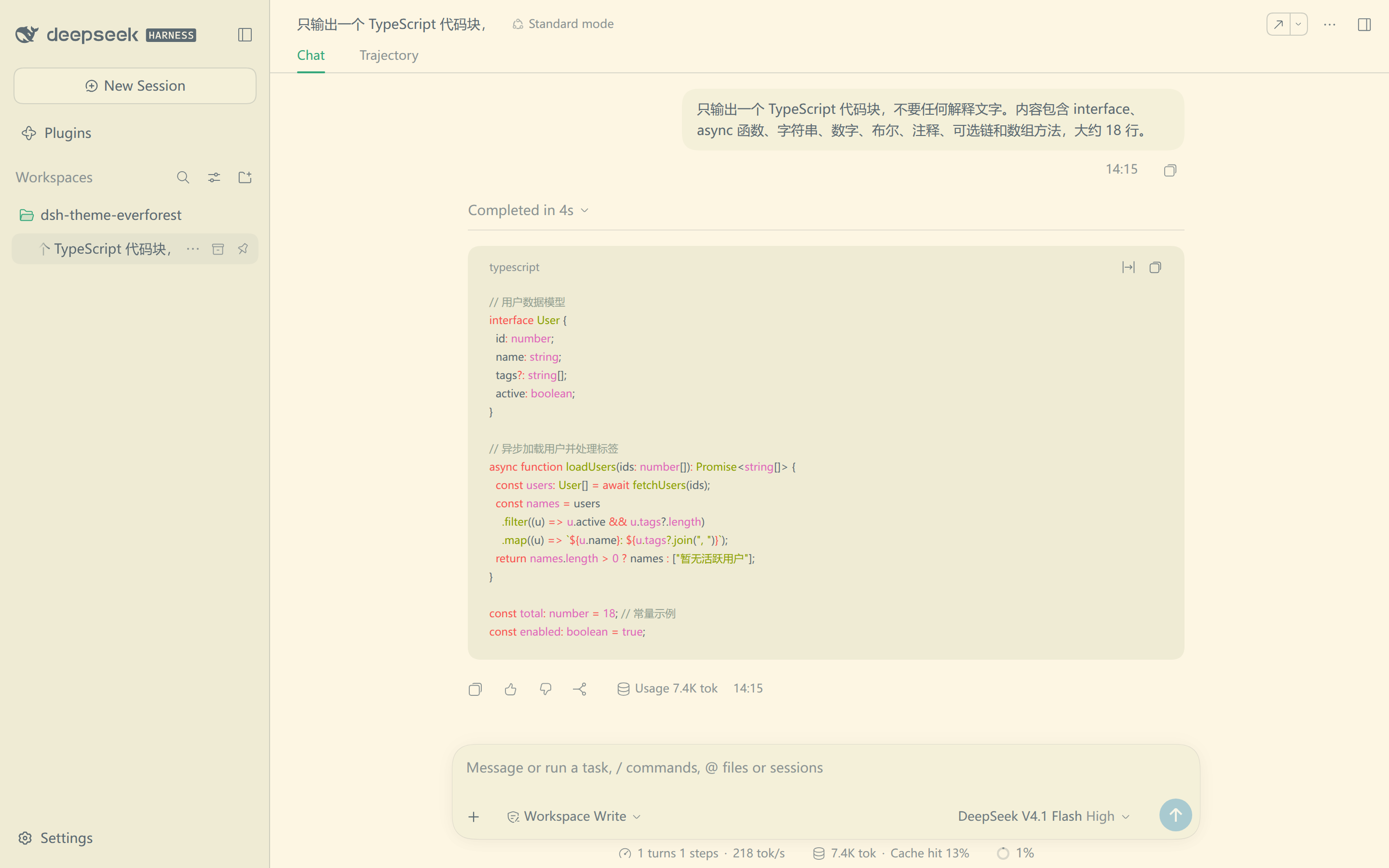
The pack ships six Everforest palettes for the Harness web interface. Each palette pairs a depth with a light or dark plane.
Features
- 🌿 Upstream colors: every color comes from Everforest.
- 🌓 Six palettes: hard, medium and soft, each in light and dark.
- 🎨 All surfaces: all 154 base tokens get Everforest colors.
- ⌨️ Syntax included: code blocks use Everforest highlight groups.
- 🧩 No setup: the pack has no dependencies, install scripts or host configuration.
Palettes
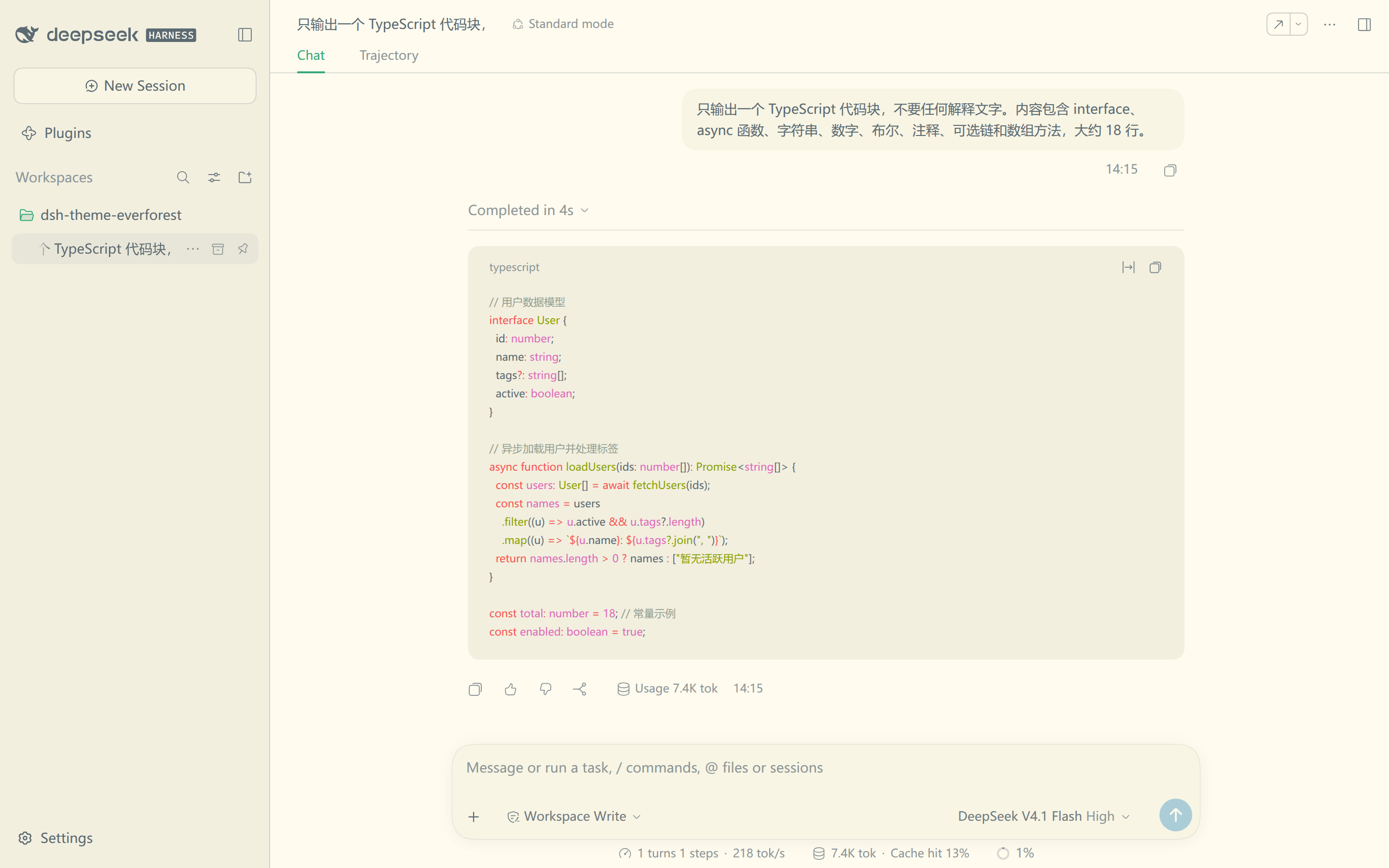
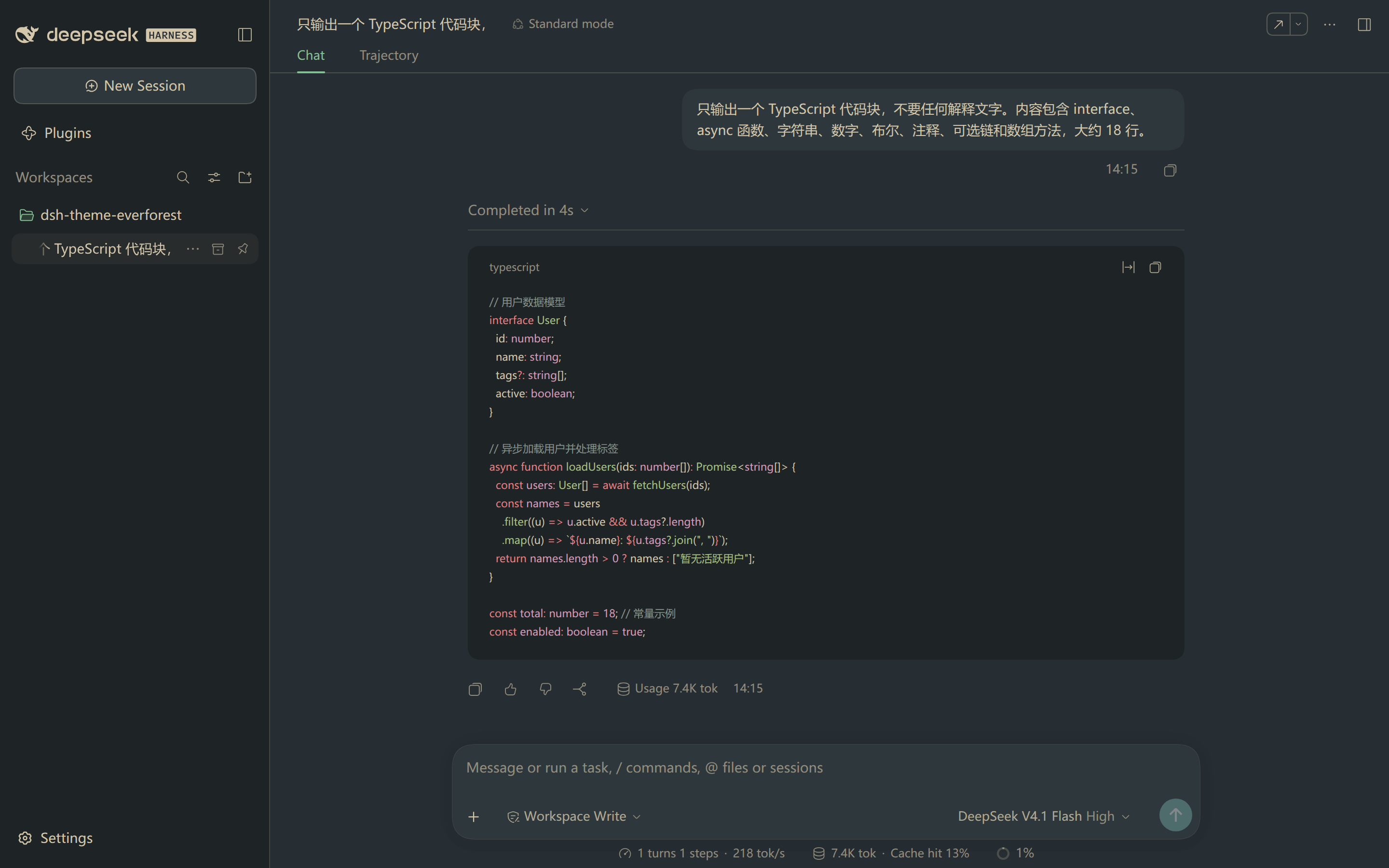
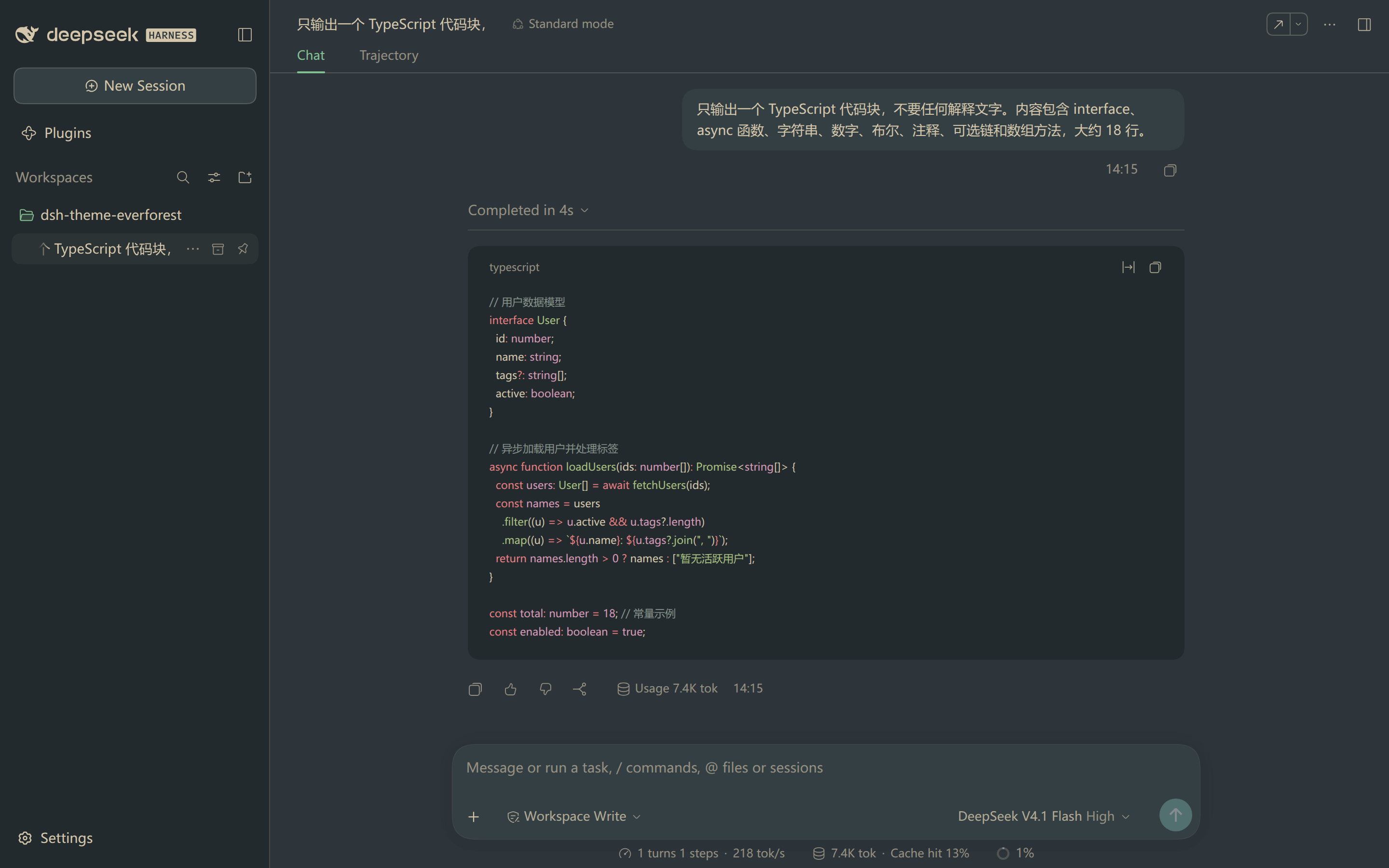
The depth sets contrast against the canvas. The plane selects the light or dark half.
| Depth |
Light |
Dark |
| Hard |
 |
 |
| Medium |
|
 |
| Soft |
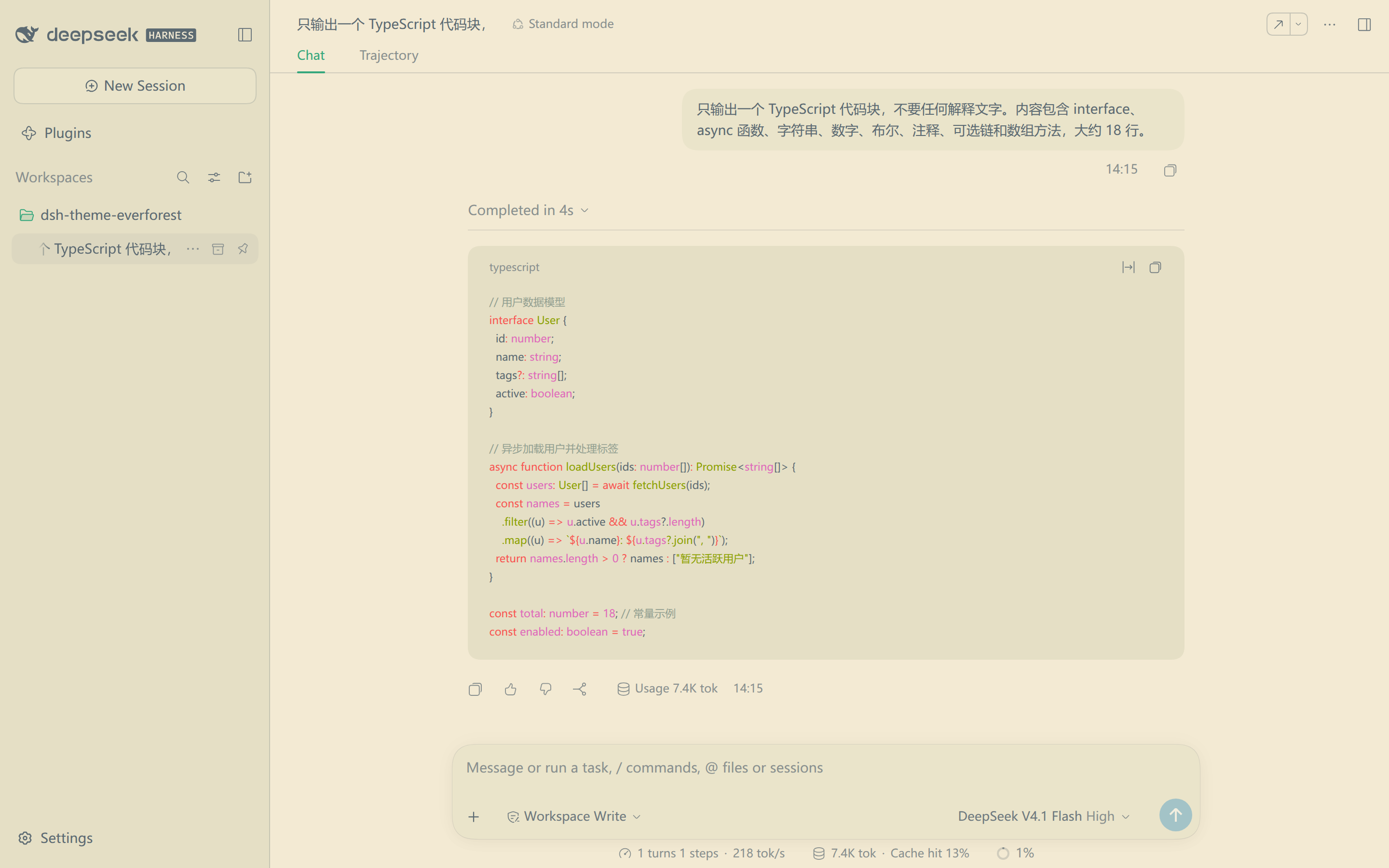 |
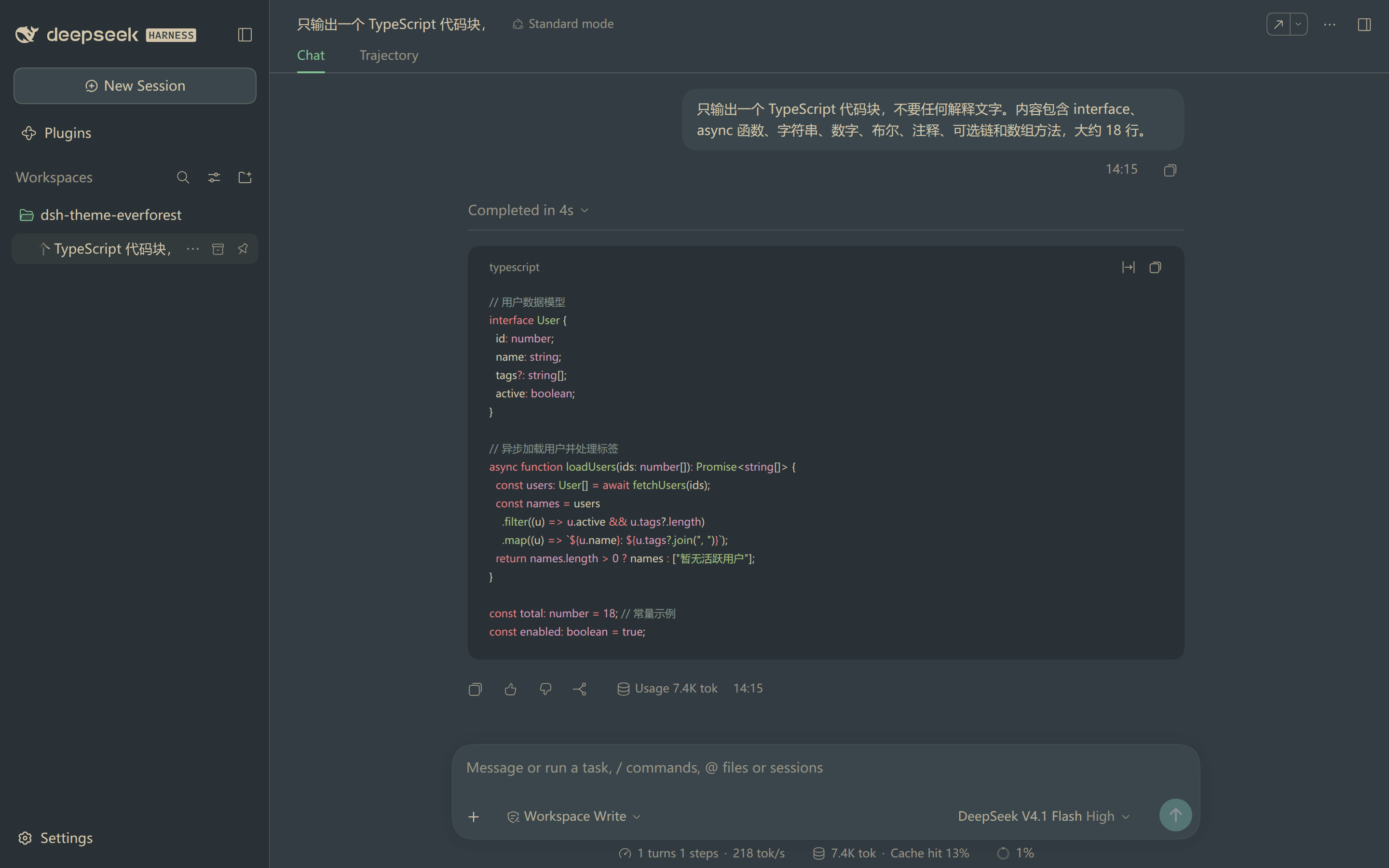 |
Medium is the default. Hard has the highest text contrast. Soft has the lowest.
Install
Install the bundle from a Harness session with the plugin manager:
plugin_manager install_bundle
  target: /path/to/dsh-theme-everforest
The target is the absolute path of a clone of this repository. You can also install from the Plugin Manager page. Point that page at the same directory.
Reload the page after the first install. Open Settings → General → Everforest and select a depth.
Choose a palette
The Settings row offers seven choices. Each choice sets the depth and the host theme preference.
| Choice |
Effect |
| Default |
Removes the Everforest layer and restores the built-in palette. |
| Dark Hard, Dark Medium, Dark Soft |
Applies a dark plane and sets Appearance to Dark. |
| Light Hard, Light Medium, Light Soft |
Applies a light plane and sets Appearance to Light. |
The depth stays in this browser and defaults to medium.
The three Appearance choices keep working on their own. Select System with a depth. The page then follows the system light or dark setting.
Known limits
Four limits are worth knowing before you install the pack:
- First paint: the Harness boot stylesheet paints the default background before Everforest loads. This flash is cosmetic and unavoidable for a per-browser choice.
- Defaults, not overrides: components with deeper selectors keep their color. One example is the Plugin Manager destructive button.
- Untouched properties:
--dsw-focus-ring-color, shadows, radii and fonts stay unchanged. Two static neutral tokens stay white for translucent highlights.
- Per-browser depth: the depth lives in this browser origin. It does not sync through the profile.


